

 FS2004 Civil Jet Aircraft
Azerbaijan Airlines Yak-40
Azerbaijan Airlines livery for SCDS Yakovlev Yak-40 v1.3 classic passenger ve…
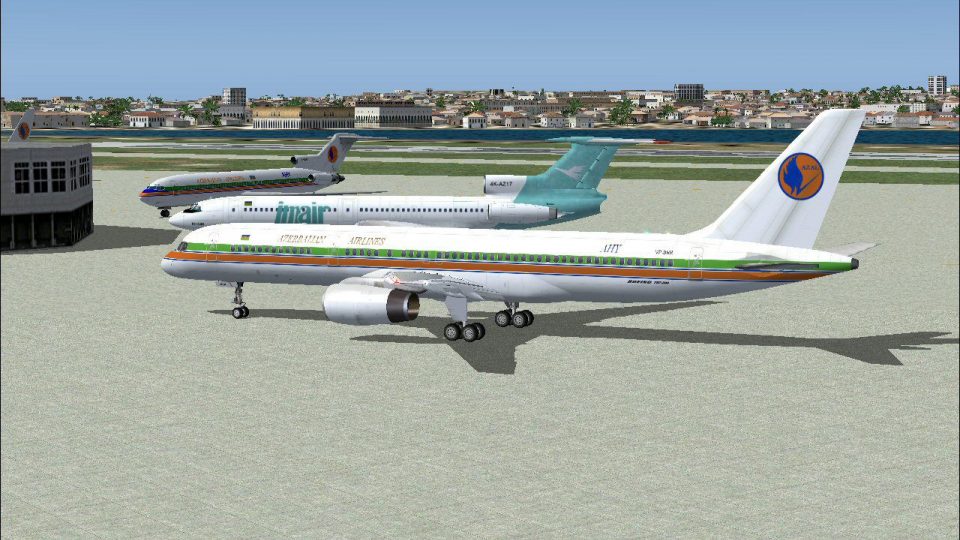
Azal Azerbaijan Airlines’ Boeing 757-22L in registration VP-BBS arrives as a complete Project Open Sky freeware package for Microsoft Flight Simulator 2004, pairing robust flight dynamics with full control-surface animations, wing flex, rolling wheels, landing gear, and passenger doors. High-resolution 32-bit reflective textures and accurate airline markings deliver an immersive exterior and virtual cockpit experience.
 Rate
Rate
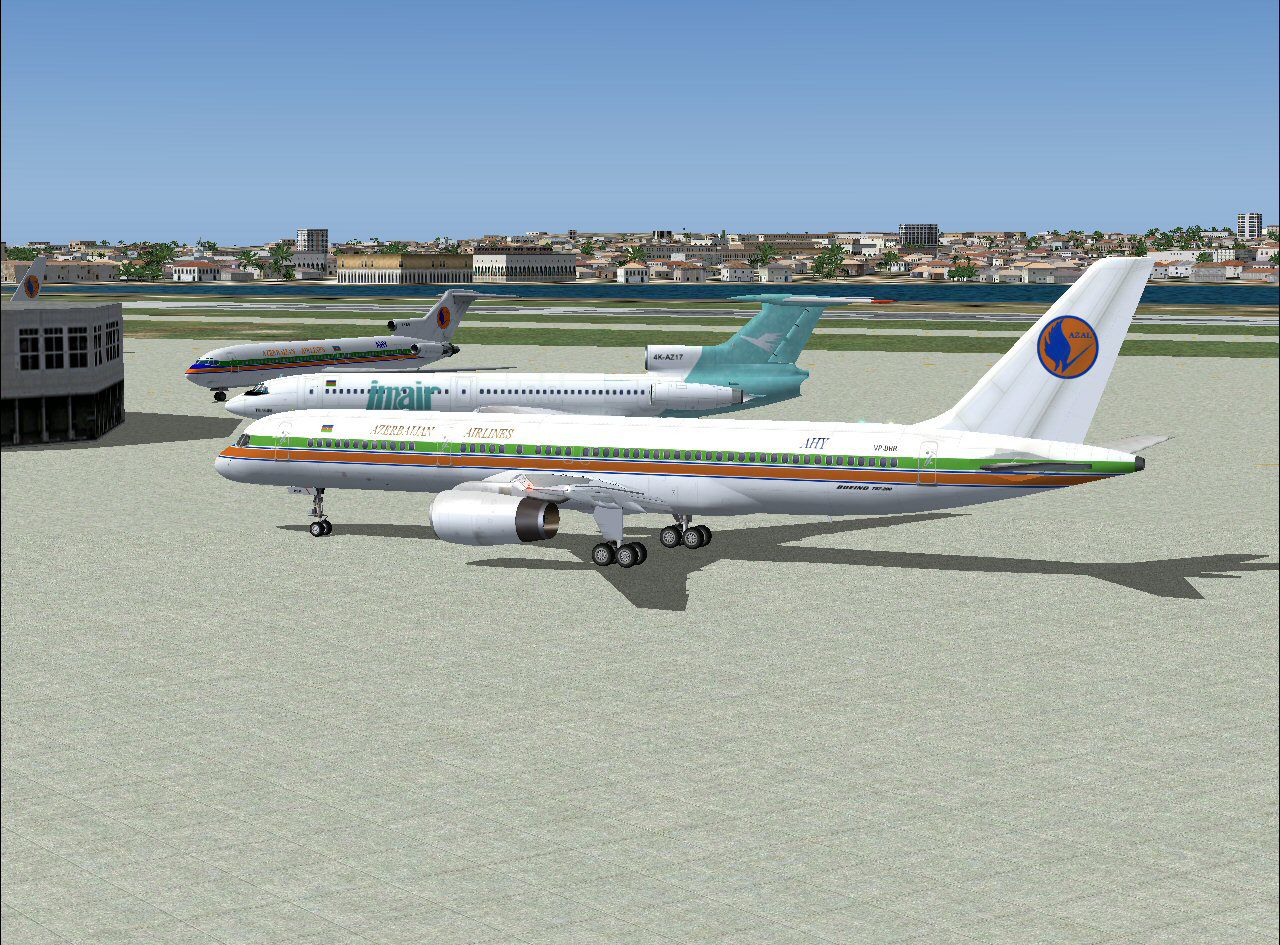
This comprehensive freeware package integrates a detailed model of the Azal Azerbaijan Airlines 757-22L into Microsoft Flight Simulator 2004. The meticulous exterior repaint showcases registration VP-BBS, and it includes reflective, high-resolution textures that capture intricate airline branding. Created by Project Open Sky and finished by Mike Pearson, this add-on combines authentic visuals with thorough functionality for an immersive flight simulation experience.
This Boeing 757 variant features twin-engine design and a capacity ideally suited for short to medium routes. It leverages robust flight dynamics from the well-regarded Project Open Sky base model, incorporating full control surface animation (deflection of ailerons, elevators, and rudder), wing flex simulation, and rolling wheels. Among the highlights is the inclusion of maximum possible animations, such as accurate deployment of landing gear and functionality of all passenger doors.
Repainted by Mike Pearson, the livery adopts 32-bit non-mipped reflective textures. This approach emphasizes the vibrant coloring and subtle shading, while retaining performance efficiency within the sim environment. The reflective surfaces capture surrounding light conditions, creating a realistic sheen across the fuselage and tail fin. Moreover, the detailed airline insignias replicate Azal Azerbaijan Airlines branding, offering correct placement of logos and registration lettering.
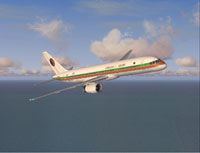
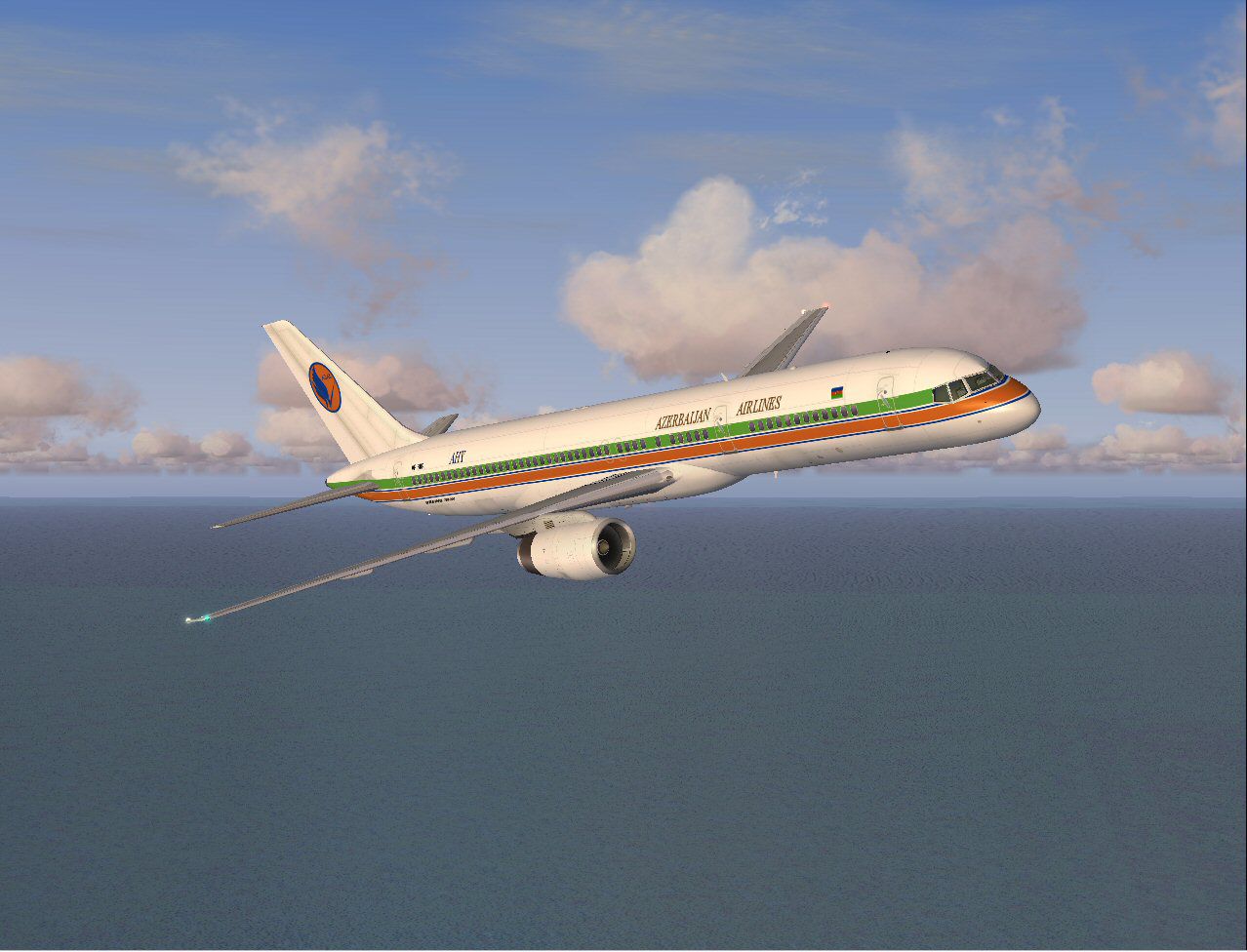
Screenshot of Azal Azerbaijan Airlines 757-22L in flight.
Azal Azerbaijan Airlines, also known as AZAL, operates both domestic and international routes, supporting travel across Europe and surrounding regions. By selecting the Boeing 757 series, the airline bridges intermediate distances efficiently, balancing passenger capacity and operational range. This mod replicates that essence by combining aerodynamic fidelity with a faithful interpretation of the carrier’s paintwork.
All of these elements come together in a comprehensive freeware aircraft enhancement, giving virtual pilots an authentic taste of the Boeing 757 under Azal Azerbaijan Airlines colors. Enjoy navigating extensive flights with this fully realized simulation companion, courtesy of Project Open Sky and Mike Pearson.
Free for all simmers · 5.63 MB · Scanned clean Oct 2026
Download speed: Free tier is capped at 0.5 Mbps (this file takes approximately 2 mins at the cap). PRO members download at full line speed.
FS9\Aircraft\, FS9\Addon Scenery\, FS9\Gauges\, or FS9\Effects\.readme.txt or README file. It tells you exactly where files go, what dependencies are needed, and any quirks specific to this add-on.The archive po75azal.zip has 34 files and directories contained within it.
This list displays the first 500 files in the package. If the package has more, you will need to download it to view them.
| Filename/Directory | File Date | File Size |
|---|---|---|
| Aircraft.cfg | 05.29.04 | 15.19 kB |
| B757-200-RR-RB211-535E4.air | 12.21.03 | 9.31 kB |
| model.rr | 05.29.04 | 0 B |
| normal | 05.29.04 | 0 B |
| model.cfg | 12.21.03 | 66 B |
| posky752RRe4-1.mdl | 12.21.03 | 1.30 MB |
| posky b752 azal 2.jpg | 05.26.04 | 305.02 kB |
| posky b752 azal readme.txt | 05.29.04 | 495 B |
| posky b752 azal small.gif | 05.26.04 | 8.64 kB |
| posky b752 azal.jpg | 05.26.04 | 145.19 kB |
| sound.rr | 05.29.04 | 0 B |
| Sound.cfg | 12.21.03 | 37 B |
| texture.azal | 05.29.04 | 0 B |
| posky757fuse1_l.bmp | 10.22.03 | 4.00 MB |
| posky757fuse1_t.bmp | 05.29.04 | 4.00 MB |
| posky757fuse2_l.bmp | 10.22.03 | 4.00 MB |
| posky757fuse2_t.bmp | 05.29.04 | 4.00 MB |
| posky757gauge_l.bmp | 09.17.03 | 257.05 kB |
| posky757gear_l.bmp | 10.22.03 | 256.07 kB |
| posky757gear_t.bmp | 05.29.04 | 4.00 MB |
| posky757lwing_l.bmp | 10.22.03 | 4.00 MB |
| posky757lwing_t.bmp | 09.13.03 | 4.00 MB |
| posky757misc1_l.bmp | 10.22.03 | 4.00 MB |
| posky757misc1_t.bmp | 05.14.04 | 4.00 MB |
| posky757misc2_l.bmp | 10.24.03 | 4.00 MB |
| posky757misc2_t.bmp | 10.15.03 | 4.00 MB |
| posky757rr_l.bmp | 01.01.04 | 256.07 kB |
| posky757rr_t.bmp | 05.26.04 | 4.00 MB |
| posky757rwing_l.bmp | 10.22.03 | 4.00 MB |
| posky757rwing_t.bmp | 09.13.03 | 4.00 MB |
| Thumbs.db | 05.29.04 | 96.00 kB |
| Thumbs.db | 05.29.04 | 8.50 kB |
| flyawaysimulation.txt | 10.29.13 | 959 B |
| Go to Fly Away Simulation.url | 01.22.16 | 52 B |
Only PRO members can place votes.
More FS2004 add-ons hand-picked based on this download.
FS2004 Civil Jet Aircraft
Azerbaijan Airlines livery for SCDS Yakovlev Yak-40 v1.3 classic passenger ve…
 FS2004 Civil Jet Aircraft
Fly one of the most pervasive jets in history with this file for Microsoft Fl…
 FS2004 Civil Jet Aircraft
gMax Boeing 757-200. Modelling : Robert V. Kristiaan D. Alexander S. Air File…
 FS2004 Civil Jet Aircraft
Immerse yourself in a meticulously crafted portrayal of a Delta Airlines Boei…
 FS2004 Civil Jet Aircraft
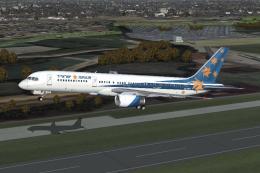
Professional Package. Includes all the Boeing 757-200's that the Israeli airl…
 FS2004 Civil Jet Aircraft
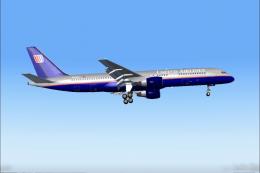
United Airlines Boeing 757-222 registration N588UA, repainted in 32-bit chrom…
 FS2004 Civil Jet Aircraft
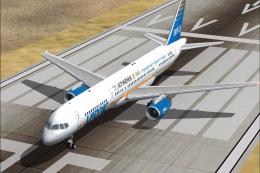
Professional Package update. This package is an update to the 'Israel Airline…
 FS2004 Civil Jet Aircraft
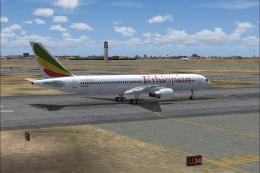
Registration ET-AKC. Utilizing Project Opensky's wonderful 757-200 aircraft; …
Be the first to leave a comment on this download.
Be the first to share your thoughts on this download.