

 FS2004 Civil Jet Aircraft
Malaysian Airlines Airbus A330-200 9M-MKV
Malaysian Airlines Airbus A330-200 PW, registration 9M-MKV. Textures only. Mo…
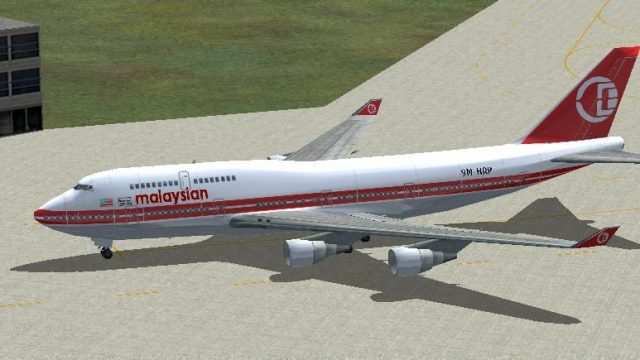
Malaysian Airlines’ classic “old colors” livery for the Boeing 747-400, registered 9M-HRP, brings reflective textures and crisp night lighting to ramp and cruise views. Designed for the default 747-400 in FS2004, this texture set requires the stock aircraft and updates both exterior visuals and ATC identity for a more authentic fleet lineup.
 Rate
Rate
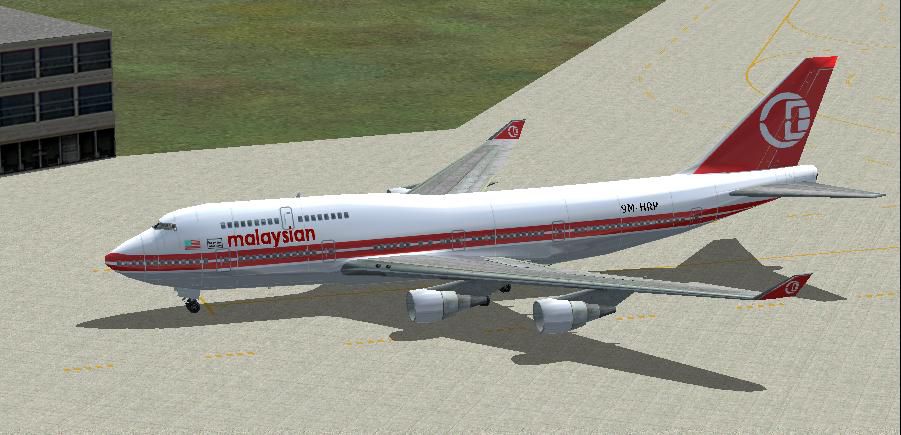
(Old colors), registration 9M-HRP. Features night lighting and reflective textures. Textures only for the default B747. By Robby Pauletto.
Screenshot of Malaysian Boeing 747-400 on the ground.
This is a Repainting for the existing Aircraft-Type b747_400 in the FS2004.
This ZIP-Packet contains:
How to install:
Copy following text in the FS9\Aircraft\b747_400/Aircraft. Replace the x in [fltsim.x] through the next-higher number according to the gone ahead entry.
[fltsim.x]

	title=Boeing 747-400 Malaysian Old

	sim=Boeing747-400

	model=

	panel=

	sound=

	texture=mas_old

	kb_checklists=Boeing747-400_check

	kb_reference=Boeing747-400_ref

	atc_id=9M-HRP

	atc_airline=Malaysian

	atc_flight_number=351

	atc_heavy=1

	ui_manufacturer=Boeing

	ui_type="747-400"

	ui_variation="Malaysian Old"

	visual_damage=1

	description="Texture by Robby Pauletto, Zurich, Switzerland."
Copy the folder texture.mas_old into the folder FS9\Aircraft\b747_400.
That's it!
Start FS2004, select Boeing 747-400, Malaysian Old.
Good flight!
Free for all simmers · 940.96 KB · Scanned clean Oct 2026
Download speed: Free tier is capped at 0.5 Mbps. PRO members download at full line speed.
FS9\Aircraft\, FS9\Addon Scenery\, FS9\Gauges\, or FS9\Effects\.readme.txt or README file. It tells you exactly where files go, what dependencies are needed, and any quirks specific to this add-on.The archive mas74old.zip has 17 files and directories contained within it.
This list displays the first 500 files in the package. If the package has more, you will need to download it to view them.
| Filename/Directory | File Date | File Size |
|---|---|---|
| INFO.diz | 08.08.04 | 351 B |
| Install_de.txt | 08.08.04 | 1.64 kB |
| Install_en.txt | 08.08.04 | 1.55 kB |
| mas_old.GIF | 08.08.04 | 7.71 kB |
| mas_old.JPG | 08.08.04 | 67.40 kB |
| texture.mas_old | 08.08.04 | 0 B |
| 747_decal_label_1.bmp | 04.02.03 | 170.74 kB |
| 747_decal_label_2.bmp | 04.02.03 | 42.74 kB |
| b747_400_c.bmp | 10.31.02 | 682.74 kB |
| b747_400_l.bmp | 04.08.02 | 85.40 kB |
| b747_400_t.bmp | 08.08.04 | 1.33 MB |
| decal_b747_400.bmp | 08.08.04 | 21.46 kB |
| Thumbs.db | 08.08.04 | 11.50 kB |
| Thumbs.db | 01.14.04 | 7.00 kB |
| fs9mas744old | 08.08.04 | 0 B |
| flyawaysimulation.txt | 10.29.13 | 959 B |
| Go to Fly Away Simulation.url | 01.22.16 | 52 B |
Only PRO members can place votes.
More FS2004 add-ons hand-picked based on this download.
FS2004 Civil Jet Aircraft
Malaysian Airlines Airbus A330-200 PW, registration 9M-MKV. Textures only. Mo…
 FS2004 Civil Jet Aircraft
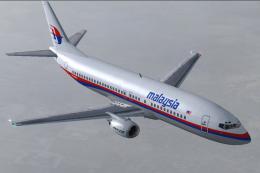
A repaint of the FFX/SGA model B737-400 in 32-bit high res livery of Malaysia…
 FS2004 Civil Jet Aircraft
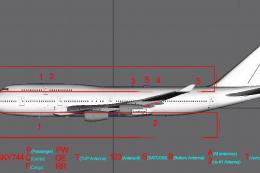
This fully realized rendition of the Malaysia Airlines Boeing 747-400C (regis…
 FS2004 Civil Jet Aircraft
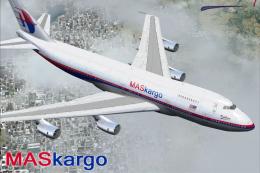
This Boeing 747-236B Special Freighter is named after the Malaysian city of K…
 FS2004 Civil Jet Aircraft
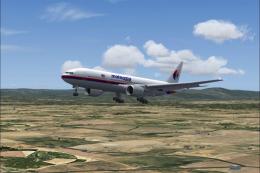
Boeing 777-200 of Malaysian Airlines; painted in 32-bit textures. Great for A…
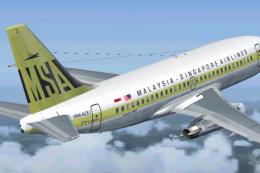 FS2004 Civil Jet Aircraft
This is a repaint of Erick Cantu's new Boeing 737-200 in the colors of Malays…
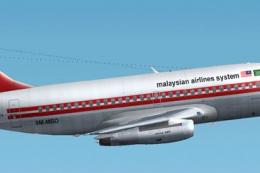 FS2004 Civil Jet Aircraft
A repaint of Erick Cantu's B737-200 in the colors of Malaysian (old scheme). …
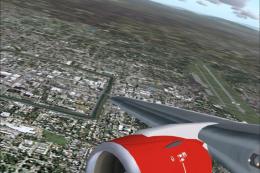 FS2004 Civil Jet Aircraft
"Carabao". Air Asia is a low-cost no frills Malaysian airline which operates …
Be the first to leave a comment on this download.
Be the first to share your thoughts on this download.