

 FSX Military Aircraft
USMC VMFAT-101 F/A-18D
USMC VMFAT-101 F/A-18D. This is a set of VMFAT-101 "SharpShooters" textures f…
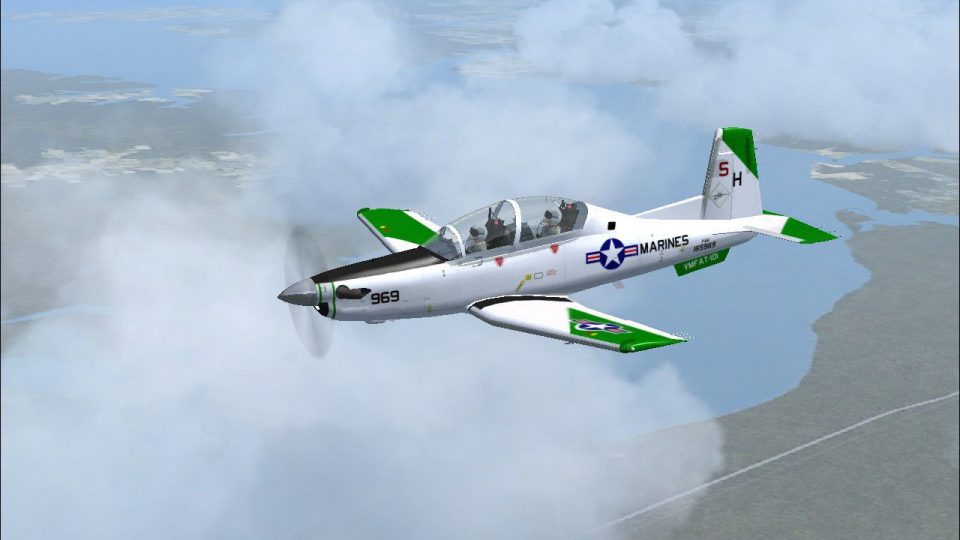
USMC VMFAT-101 “what-if” livery for the IRIS Raytheon/Beechcraft T-6A Texan II brings Naval Aviation centennial-inspired markings with a finish based on the unit’s historic T-34C scheme. Designed for FSX SP2, it requires the IRIS T-6 package and adds a distinctive training squadron identity in the virtual cockpit and external model.
 Rate
Rate

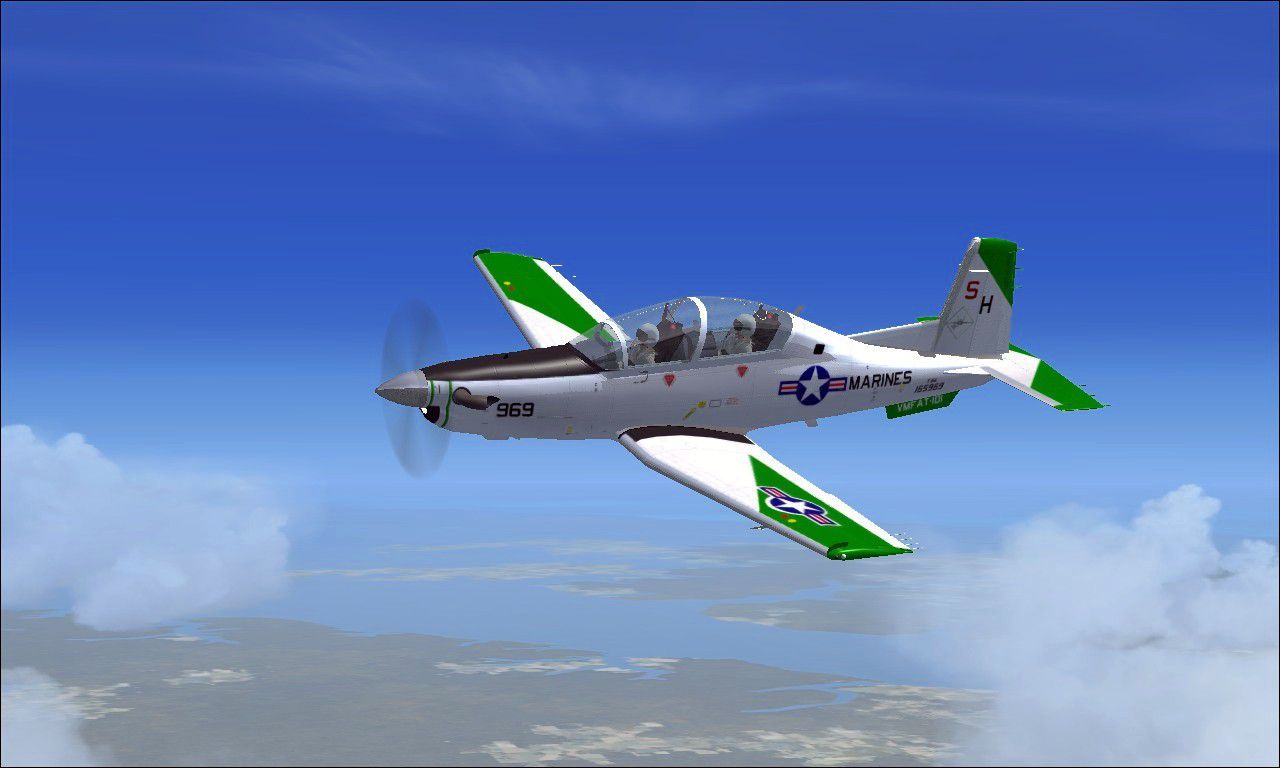
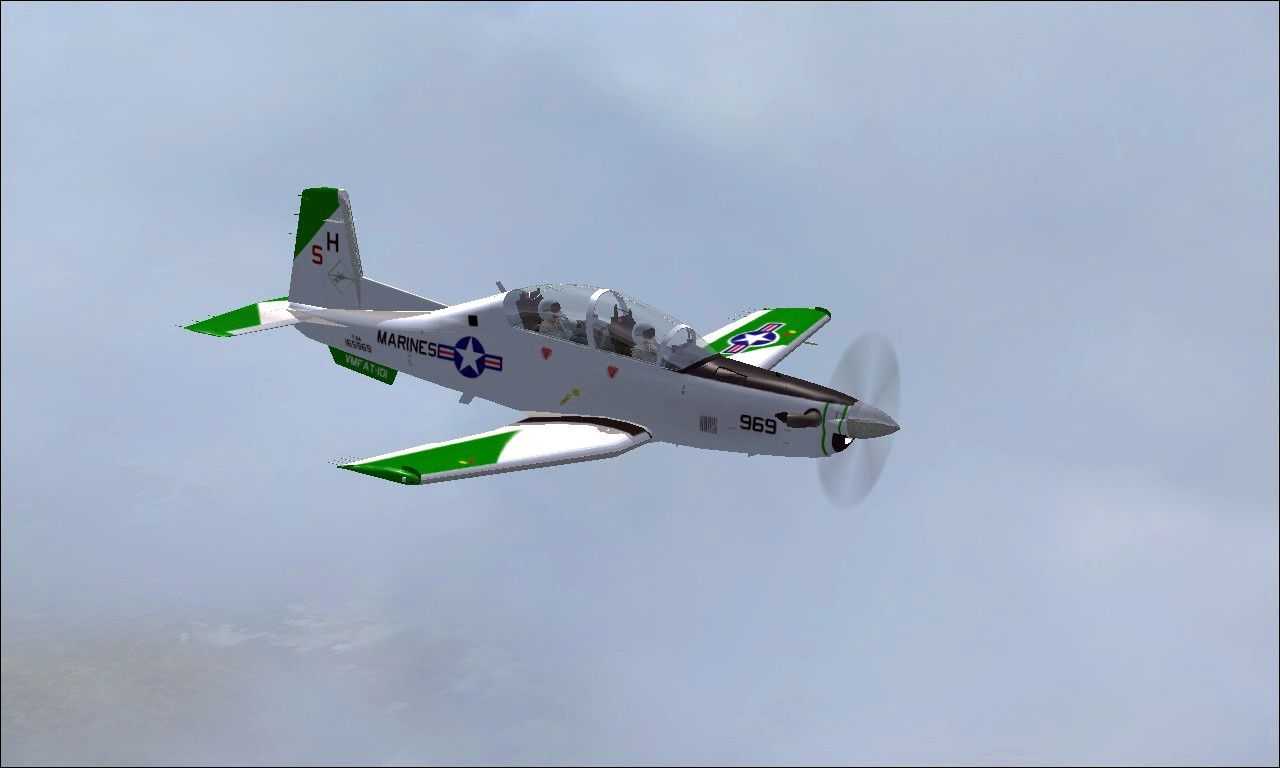
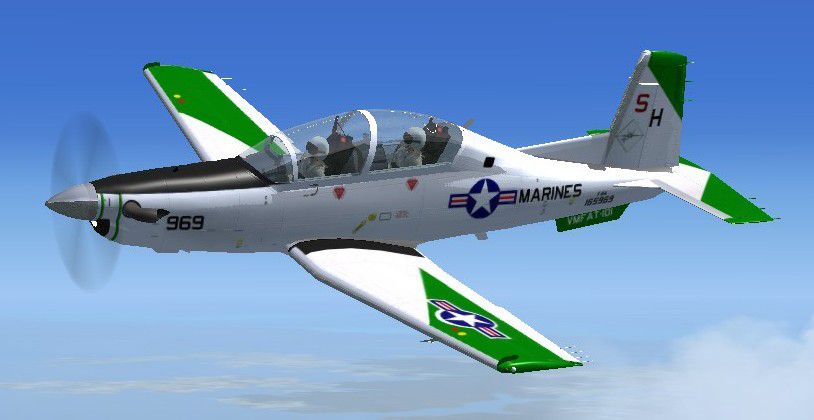
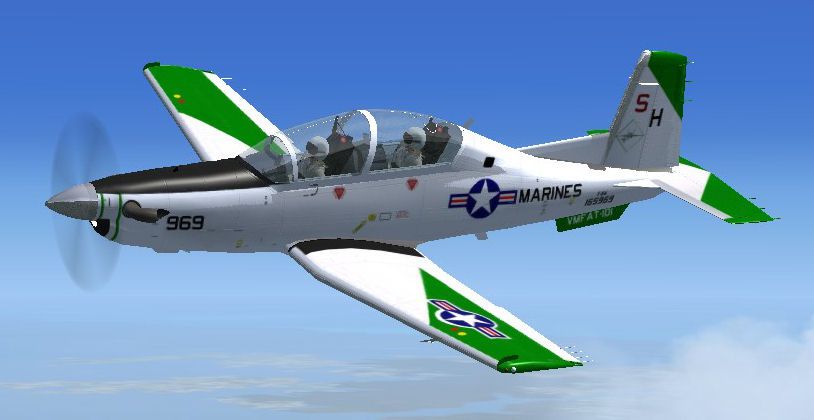
FSX SP2 textures only for the Iris Raytheon / Beechcraft T-6 Texan II. These are fictional what if textures to celebrate the 100th anniversary of Naval Aviation. This aircraft is repainted to represent an aircraft assigned to VMFAT-101. VMFAT-101 had at one time a T-34C painted in these colors. By John Detrick.
Screenshot of USMC VMFAT-101 T-6 in flight.
Instructions:
Place the folder "texture.VMIT10" into your IRIS T-6A TexanII folder.
Cut and Paste the following into your aircraft cfg:
[fltsim.x]

title=T-6 USMC VMFAT-101

sim=T6A

model=T6

panel=new

sound=

texture=VMFAT101

kb_checklists=

kb_reference=

atc_id=156969

ui_manufacturer=Raytheon/Beechcraft

ui_type=T-6A Texan II,

ui_variation= VMFAT-101

ui_typerole="Single Engine TurboProp"

ui_createdby="IRIS Flight Simulation Software"

description=

atc_heavy=0

atc_airline=Navy

atc_flight_number=102
Free for all simmers · 1.09 MB · Scanned clean Oct 2026
Download speed: Free tier is capped at 0.5 Mbps. PRO members download at full line speed.
texture.{airline}) inside FSX\SimObjects\Airplanes\{base-aircraft}\.aircraft.cfg in Notepad. Add a new [fltsim.X] section per the readme.readme.txt or README file. It tells you exactly where files go, what dependencies are needed, and any quirks specific to this add-on.The archive vmfat101t6.zip has 18 files and directories contained within it.
This list displays the first 500 files in the package. If the package has more, you will need to download it to view them.
| Filename/Directory | File Date | File Size |
|---|---|---|
| Read Me.txt | 10.05.11 | 861 B |
| TEXANII-22.jpg | 01.19.11 | 113.27 kB |
| TEXANII-23.jpg | 02.18.11 | 76.00 kB |
| TEXANII-27.jpg | 02.18.11 | 101.76 kB |
| TEXANII-34.jpg | 01.19.11 | 52.81 kB |
| texture.VMFAT101 | 10.05.11 | 0 B |
| Prop_Blurred.dds | 09.23.07 | 1.00 MB |
| Prop_Slow.dds | 09.30.07 | 1.00 MB |
| Prop_Still.dds | 09.23.07 | 1.00 MB |
| t6_1_t.dds | 01.21.11 | 5.33 MB |
| t6_2_t.dds | 01.18.11 | 1.33 MB |
| t6_3_t.dds | 01.22.11 | 5.33 MB |
| t6_vc5_t.dds | 01.19.11 | 1.33 MB |
| texture.cfg | 08.14.06 | 137 B |
| thumbnail.jpg | 01.19.11 | 44.85 kB |
| VMFAT10T6.gif | 10.05.11 | 6.27 kB |
| flyawaysimulation.txt | 10.29.13 | 959 B |
| Go to Fly Away Simulation.url | 01.22.16 | 52 B |
Only PRO members can place votes.
More FSX & P3D add-ons hand-picked based on this download.
FSX Military Aircraft
USMC VMFAT-101 F/A-18D. This is a set of VMFAT-101 "SharpShooters" textures f…
 FSX Military Aircraft
The Virtavia Beechcraft T34C Turbo Mentor in VMFAT-101 WWII scheme. Repaint b…
 FSX Military Aircraft
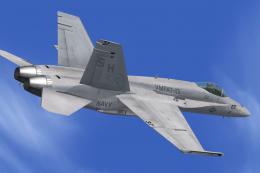
US Navy F/A-18 VMFAT-101 MiG Killer. This is a set of VMFAT-101 "Sharpshooter…
 FSX Military Aircraft
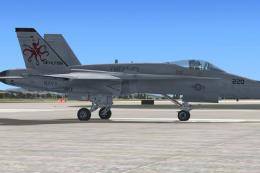
This is a set of USMC VMFAT-101 'Sharpshooters' "Devilfish" textures for the …
 FSX Military Aircraft
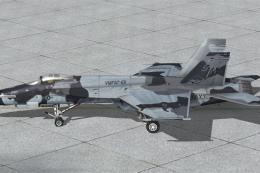
This is a set of VMFAT-101 'Sharp Shooters' CAMO textures for V1.4 of the FSX…
 FSX Military Aircraft
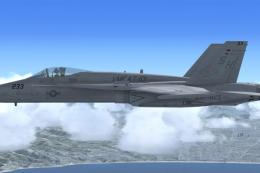
FSX USMC VFMAT-101 Sharpshooters F/A-18. A set of VMFAT-101 "Sharpshooters" t…
 FSX Military Aircraft
This package has the textures for the 101 Sqn VC-10, XR808, which celebrates …
 FSX Military Aircraft
This is an update of the Alpha CF-101B. It includes afterburners, changed gau…
Be the first to leave a comment on this download.
Be the first to share your thoughts on this download.