

 FSX Military Aircraft
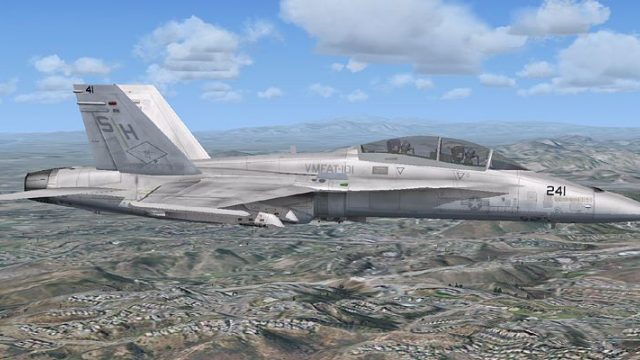
USMC VMFAT-101 T-6
FSX SP2 textures only for the Iris Raytheon / Beechcraft T-6 Texan II. These …
USMC VMFAT-101 “Sharpshooters” textures bring an authentic training-squadron finish to the Captain Sim F/A-18D Hornet in FSX, reflecting the unit’s Marine Corps Air Station Miramar heritage. The repaint sharpens external markings and tail codes for a believable two-seat Hornet lineup and requires the Captain Sim F/A-18D base package.
 Rate
Rate
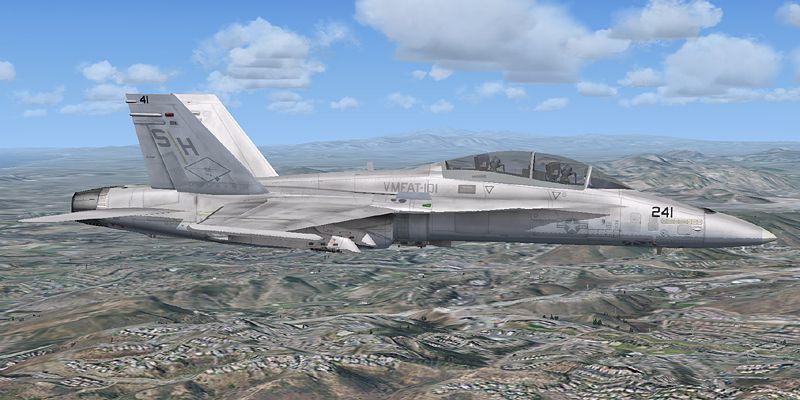
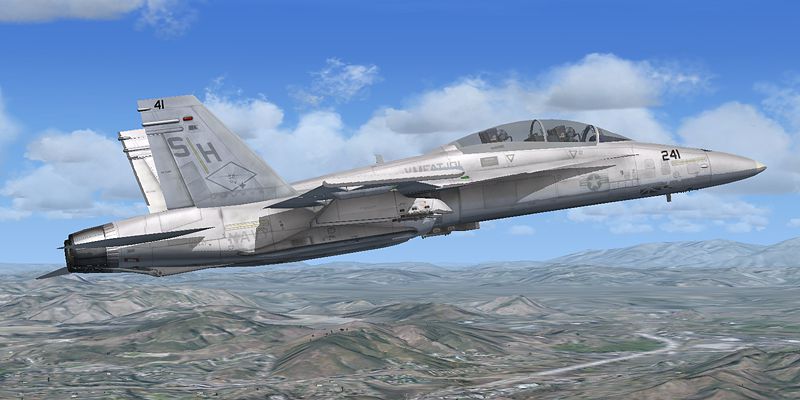
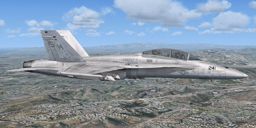
USMC VMFAT-101 F/A-18D. This is a set of VMFAT-101 "SharpShooters" textures for the Captain Sim F/A-18D Hornet. Marine Fighter Attack Training Squadron 101 (VMFAT-101) is a United States Marine Corps F/A-18 Hornet training squadron. The squadron is based at Marine Corps Air Station Miramar and falls under the command of Marine Aircraft Group 11 (MAG-11) and the 3rd Marine Aircraft Wing (3rd MAW). VMFAT-101, was commissioned at Marine Corps Air Station El Toro, California on January 3, 1969. On January 10, 1990, VMFAT-101 accepted its first two seat F/A-18D Hornet and began training aircrew for the transition into the Hornet. By Nathan Havercroft.
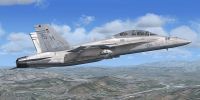
USMC VMFAT-101 F/A-18D in flight.
This repaint is freeware, however, please do not upload this repaint anywhere without my permission. If you would like to use these textures as a base for your own repaints please ask first!
Marine Fighter Attack Training Squadron 101 (VMFAT-101) is a United States Marine Corps F/A-18 Hornet training squadron. The squadron is based at Marine Corps Air Station Miramar, California and falls under the command of Marine Aircraft Group 11 (MAG-11) and the 3rd Marine Aircraft Wing (3rd MAW). VMFAT-101, was commissioned at Marine Corps Air Station El Toro, California on January 3, 1969. On January 10, 1990, VMFAT-101 accepted its first two seat F/A-18D Hornet and began training aircrew for the transition into the Hornet.
Nathan H
Installation:
Copy the "texture.shooter41" folder into your "CS_FA-18D" folder. Then open up your aircraft.cfg file and add the following lines:
[fltsim.XX] <-- where XX is the next repaint number

	title=CS F18D VMFAT-101-41

	sim=FA-18

	model=d

	panel=

	sound=

	texture=shooter41

	kb_checklists=boeing_FA18_check

	kb_reference=boeing_FA18_ref

	atc_id=01

	atc_airline=Marine

	atc_flight_number=41

	ui_manufacturer="Boeing"

	ui_type="F/A-18D"

	ui_variation="VMFAT-101 "41"

	ui_typerole="Twin Engined Fighter"

	ui_createdby="Captain Sim & Nathan Havercroft"

	description="The F/A-18D "Hornet" is a two-seat, twin engine, multi-mission fighter/attack aircraft that can operate from either aircraft carriers or land bases."
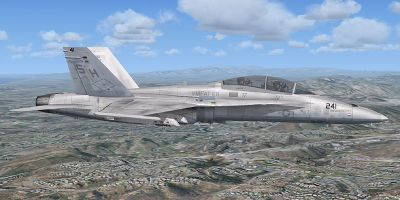
USMC VMFAT-101 F/A-18D in flight.
Free for all simmers · 2.9 MB · Scanned clean Oct 2026
Download speed: Free tier is capped at 0.5 Mbps. PRO members download at full line speed.
SimObjects\Airplanes\, Addon Scenery\, Effects\, or Gauges\.readme.txt or README file. It tells you exactly where files go, what dependencies are needed, and any quirks specific to this add-on.The archive shooter_41_nh.zip has 15 files and directories contained within it.
This list displays the first 500 files in the package. If the package has more, you will need to download it to view them.
| Filename/Directory | File Date | File Size |
|---|---|---|
| VMFAT-101 _41 Readme.txt | 10.09.09 | 1.81 kB |
| F-18_Main01_T.dds | 10.09.09 | 1.33 MB |
| F-18_Main02_T.dds | 10.09.09 | 1.33 MB |
| F-18_Main03_T.dds | 03.08.09 | 1.33 MB |
| F-18_Main04_T.dds | 10.09.09 | 1.33 MB |
| F-18_Main07_T.dds | 10.19.07 | 1.00 MB |
| F-18_Wingl_T.dds | 10.09.09 | 1.33 MB |
| F-18_WingR_T.dds | 10.09.09 | 1.33 MB |
| texture.cfg | 03.08.09 | 171 B |
| thumbnail.jpg | 10.09.09 | 47.03 kB |
| shooter41.gif | 10.09.09 | 10.08 kB |
| shooter41.jpg | 10.09.09 | 251.66 kB |
| shooter41b.jpg | 10.09.09 | 299.03 kB |
| flyawaysimulation.txt | 10.29.13 | 959 B |
| Go to Fly Away Simulation.url | 01.22.16 | 52 B |
Only PRO members can place votes.
More FSX & P3D add-ons hand-picked based on this download.
FSX Military Aircraft
FSX SP2 textures only for the Iris Raytheon / Beechcraft T-6 Texan II. These …
 FSX Military Aircraft
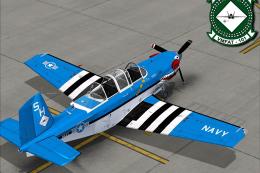
The Virtavia Beechcraft T34C Turbo Mentor in VMFAT-101 WWII scheme. Repaint b…
 FSX Military Aircraft
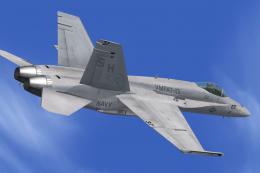
US Navy F/A-18 VMFAT-101 MiG Killer. This is a set of VMFAT-101 "Sharpshooter…
 FSX Military Aircraft
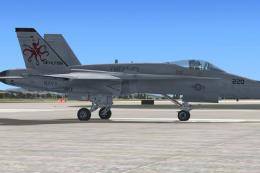
This is a set of USMC VMFAT-101 'Sharpshooters' "Devilfish" textures for the …
 FSX Military Aircraft
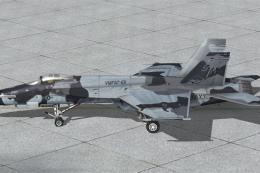
This is a set of VMFAT-101 'Sharp Shooters' CAMO textures for V1.4 of the FSX…
 FSX Military Aircraft
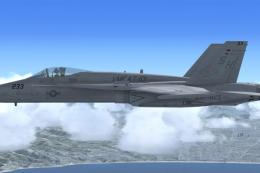
FSX USMC VFMAT-101 Sharpshooters F/A-18. A set of VMFAT-101 "Sharpshooters" t…
 FSX Military Aircraft
This package has the textures for the 101 Sqn VC-10, XR808, which celebrates …
 FSX Military Aircraft
This is an update of the Alpha CF-101B. It includes afterburners, changed gau…
Read what other simmers think, or add your own.

I'm having trouble with this one... I did as the installation instructions say but it's not coming up.