

 FSX Military Aircraft
USAF And USCG Boeing C-32A
These textures are for the payware QualityWings 757. They depict US Air Force…
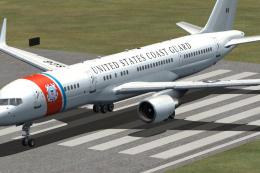
US Air Force Boeing C-32A livery brings a Project Open Sky 757-200 to life in registration 90004 with crisp 32-bit textures and a detailed virtual cockpit, plus selectable models with or without winglets. Built for FSX, it includes the complete aircraft and requires the Project Open Sky 757-200 base package.
 Rate
Rate
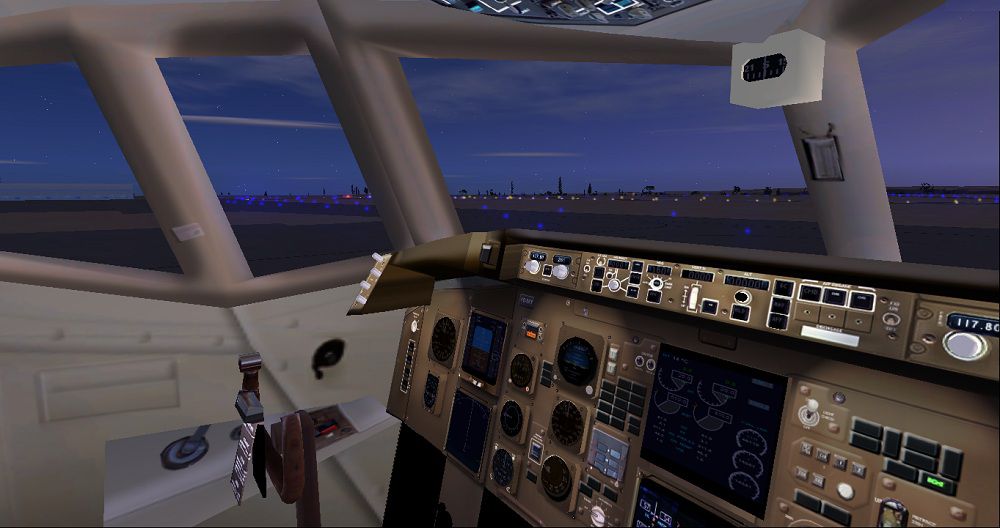
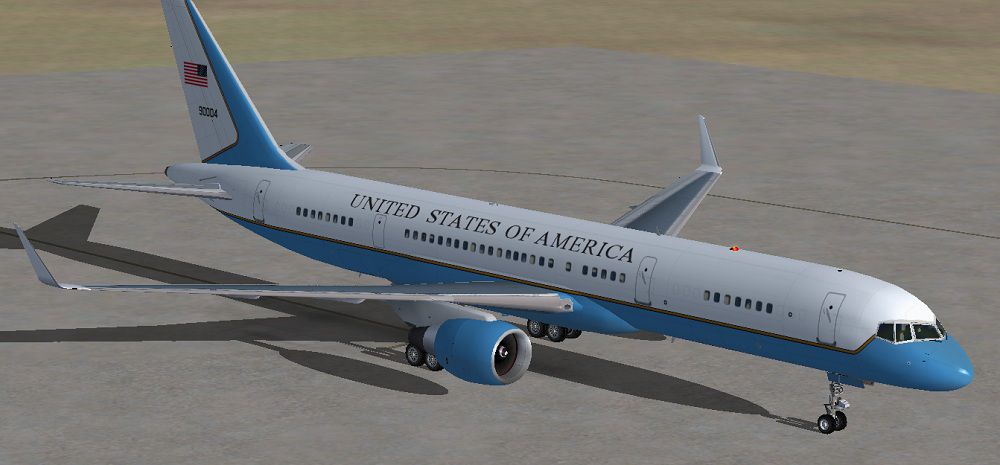

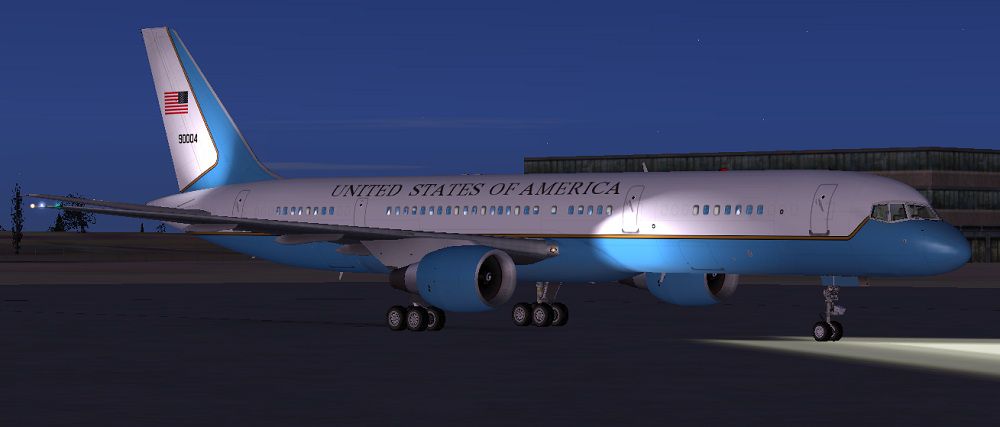
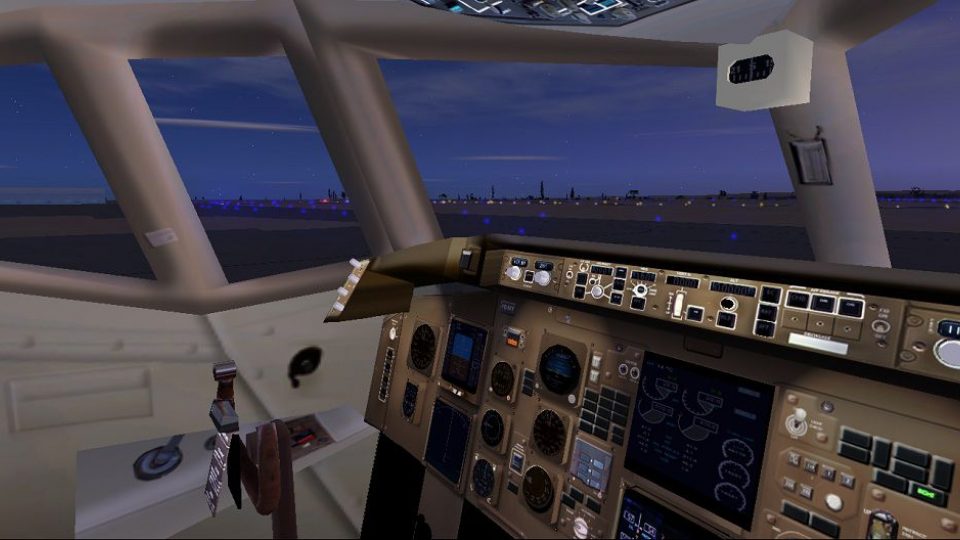
Repaint of the Project Open Sky B757-200 in USAF livery, registration 90004, cn-29028/829. Complete aircraft, includes models for aircraft with winglets and without winglets but with a virtual cockpit. Textures in 32 bit no mips. Repaint by Paul Craig.
Screenshot of US Air Force Boeing C-32A on the ground.
Installation:
First you will need to copy & paste the zip CAB files from the following FSX default aircraft panel folders into the "Posky 757-200W PW" panel folder:
B737_800
Boeing747-400
Copy & paste the "Posky 757-200W PW" folder into your FSX Airplanes folder. Located as below:
C:\Program Files (x86)\Microsoft Games\Microsoft Flight Simulator X\SimObjects\Airplanes.
Copy & paste the contents of the effects folder into your FSX Effects folder located as below:
C:\Program Files (x86)\Microsoft Games\Microsoft Flight Simulator X\Effects.
This is Freeware only.
Free for all simmers · 13.23 MB · Scanned clean Oct 2026
Download speed: Free tier is capped at 0.5 Mbps (this file takes approximately 4 mins at the cap). PRO members download at full line speed.
FSX\SimObjects\Airplanes\. The folder must contain an aircraft.cfg file. Effects go into FSX\Effects\; gauges go into FSX\Gauges\.readme.txt or README file. It tells you exactly where files go, what dependencies are needed, and any quirks specific to this add-on.The archive usafposkyb_c-32a.zip has 62 files and directories contained within it.
This list displays the first 500 files in the package. If the package has more, you will need to download it to view them.
| Filename/Directory | File Date | File Size |
|---|---|---|
| effects | 01.09.12 | 0 B |
| Opensky_747_vclight.fx | 10.02.02 | 1.31 kB |
| Opensky_757_nav_yellow.fx | 09.28.03 | 3.07 kB |
| Opensky_757_strobe.fx | 09.28.03 | 4.80 kB |
| Opensky_sparks.fx | 09.08.02 | 7.05 kB |
| FILE_ID.DIZ | 01.09.12 | 295 B |
| Posky 757-200W PW | 01.09.12 | 0 B |
| Aircraft.cfg | 01.09.12 | 19.48 kB |
| B757-200-PW-PW2043.air | 10.23.03 | 9.30 kB |
| model.PW_VC | 01.09.12 | 0 B |
| model.cfg | 10.28.03 | 35 B |
| posky752PW-1vc.mdl | 10.22.03 | 1.34 MB |
| model.PW_Winglet | 01.09.12 | 0 B |
| model.cfg | 07.06.07 | 41 B |
| OS752_PW_winglet.mdl | 07.10.07 | 1.57 MB |
| panel | 01.09.12 | 0 B |
| 737_compass.BMP | 05.12.06 | 95.51 kB |
| 737_Panel_Decals_2.bmp | 05.12.06 | 257.05 kB |
| 737-800_panel_background.bmp | 05.12.06 | 769.05 kB |
| 737-800_panel_background_night.bmp | 05.12.06 | 769.05 kB |
| panel.cfg | 02.18.09 | 8.04 kB |
| upper_640.bmp | 05.12.06 | 18.99 kB |
| sound | 01.09.12 | 0 B |
| sound.cfg | 03.06.11 | 31 B |
| texture.US Air Force | 01.09.12 | 0 B |
| OS752_winglet_t.bmp | 01.09.12 | 1.00 MB |
| posky752vc_l.bmp | 10.24.03 | 4.00 MB |
| posky752vc_t.bmp | 10.17.03 | 4.00 MB |
| posky752vc2_l.bmp | 10.24.03 | 4.00 MB |
| posky752vc2_t.bmp | 10.15.03 | 4.00 MB |
| posky757fuse1_L.bmp | 01.09.12 | 4.00 MB |
| posky757fuse1_t.bmp | 01.09.12 | 4.00 MB |
| posky757fuse2_L.bmp | 01.09.12 | 4.00 MB |
| posky757fuse2_t.bmp | 01.09.12 | 4.00 MB |
| posky757gauge_l.bmp | 09.17.03 | 257.05 kB |
| posky757gear_l.bmp | 10.12.03 | 64.07 kB |
| posky757gear_t.bmp | 01.09.12 | 4.00 MB |
| posky757lwing_L.bmp | 10.22.03 | 4.00 MB |
| posky757lwing_t.bmp | 01.09.12 | 4.00 MB |
| posky757misc1_l.bmp | 05.22.05 | 256.07 kB |
| posky757misc1_t.bmp | 01.09.12 | 4.00 MB |
| posky757misc2_l.bmp | 10.23.03 | 4.00 MB |
| posky757misc2_t.bmp | 09.21.03 | 4.00 MB |
| posky757pw_l.bmp | 10.22.03 | 256.07 kB |
| posky757pw_t.bmp | 01.09.12 | 4.00 MB |
| posky757rwing_l.bmp | 11.25.03 | 1.33 MB |
| posky757rwing_t.bmp | 09.13.03 | 4.00 MB |
| posky757vcpanel_l.bmp | 10.24.03 | 4.00 MB |
| posky757vcpanel_t.bmp | 09.16.03 | 4.00 MB |
| posky757vcpanel2_l.bmp | 10.24.03 | 4.00 MB |
| posky757vcpanel2_t.bmp | 10.15.03 | 4.00 MB |
| thumbnail.jpg | 01.09.12 | 10.53 kB |
| Thumbs.db | 07.10.07 | 109.00 kB |
| Posky Readme.txt | 10.24.03 | 3.27 kB |
| Readme.txt | 01.09.12 | 1.11 kB |
| thumbnail.png | 01.09.12 | 43.29 kB |
| USAF Boeing C-32A Screenshot (1).jpg | 01.09.12 | 90.75 kB |
| USAF Boeing C-32A Screenshot (2).jpg | 01.09.12 | 113.21 kB |
| USAF Boeing C-32A Screenshot (3).jpg | 01.09.12 | 66.97 kB |
| USAF Boeing C-32A Screenshot (4).jpg | 01.09.12 | 133.70 kB |
| flyawaysimulation.txt | 10.29.13 | 959 B |
| Go to Fly Away Simulation.url | 01.22.16 | 52 B |
Only PRO members can place votes.
More FSX & P3D add-ons hand-picked based on this download.
FSX Military Aircraft
These textures are for the payware QualityWings 757. They depict US Air Force…
 FSX Military Aircraft
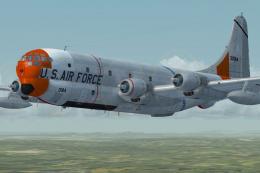
Here are two textures for the Team Strat Boeing KC-97G depicting USAF 53-0184…
 FSX Military Aircraft
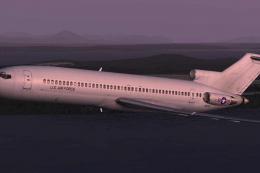
US Air Force Boeing C-22C. Requires Captain Sim Boeing 727-200. Aircraft pain…
 FSX Military Aircraft
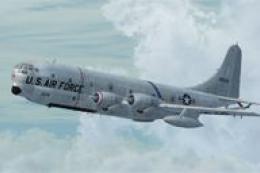
This is a natural metal repaint of Team Strat's Boeing KC-97G and depicts a s…
 FSX Military Aircraft
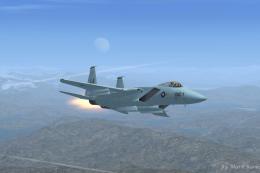
This enhanced F-15 Strike Eagle freeware package features the early “Air Supe…
 FSX Military Aircraft
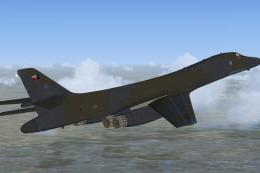
US Air Force B-1B 85-0061 "French Connection". This aircraft was delivered to…
 FSX Military Aircraft
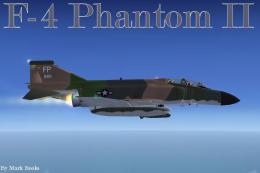
US Air Force F-4 Phantom II Op Bolo. A repaint of Kazunori Ito's F4 Phantom I…
 FSX Military Aircraft
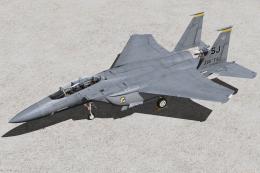
336th Fighter Squadron Squadron "Rocketeers" / 4th Fighter Wing Seymour Johns…
Read what other simmers think, or add your own.

For some reason the model with the winglets didn't have a VC. Also I couldn't get your sound file to work so I copied the one your recommended to the file.

Great plane with the great vc and sound. I love flying this real time with what the actual air force one is doing.