

 FSX Missions
Mission--African Safari Animal Search
African Safari Animal Search. You're in Kenya and there's tons of animals aro…
In Search of the “Tihikrak” delivers a story-driven FSadventureSky flight for Microsoft Flight Simulator X, following a 1937 expedition from Tahiti into a missing search party and sea-monster mystery. Custom scenery and textures set the scene, and the mission requires the FS2004 Macchi MC94 Amphibian and Flying Boat or a comparable aircraft.
 Rate
Rate
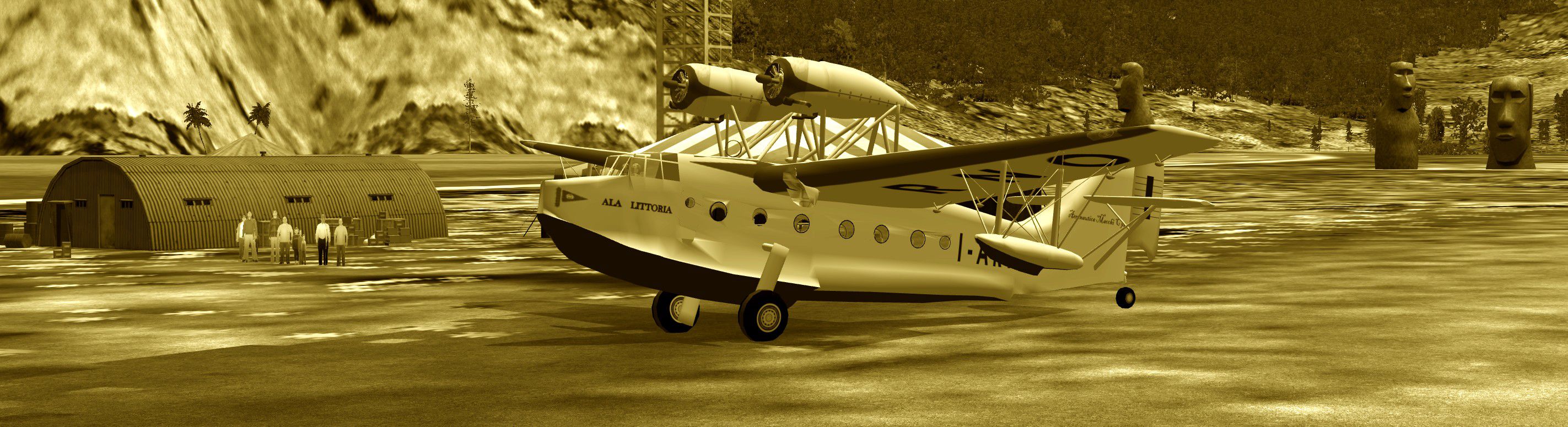
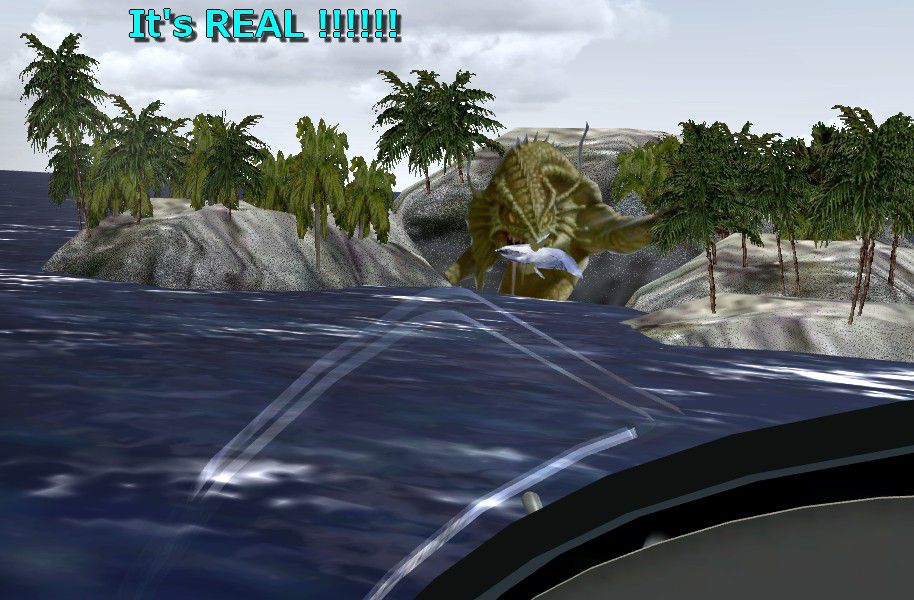
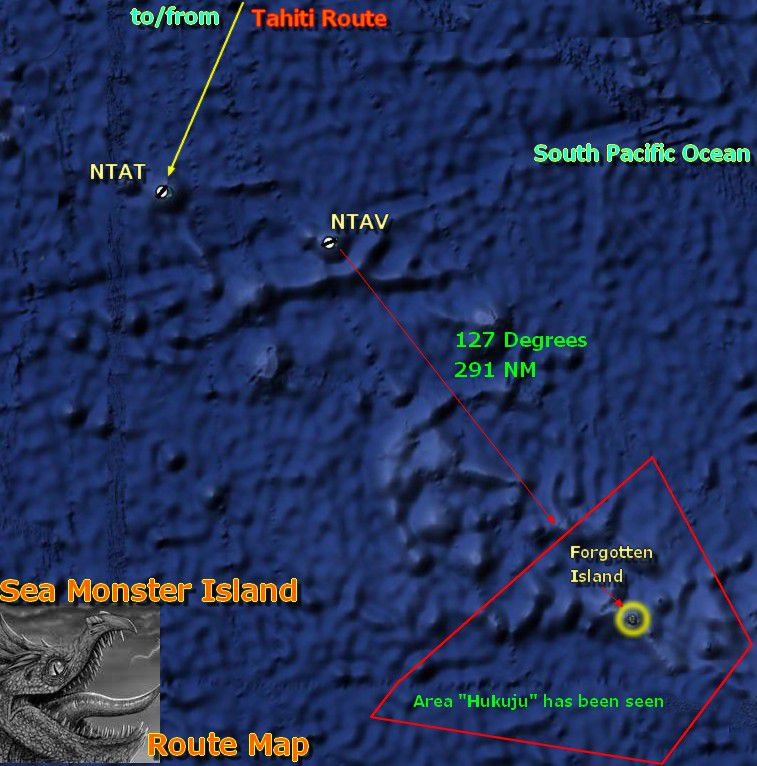
FSX FSadventureSky Flight--From the notes of Dr. Efraini Spagetti, famous zoologist of the 1930s: Mystery Island March 23, 1937. "The plane has gone on its third day looking for the Sea Monster, it took off at 7:00 AM and now at 6:00 PM we have not heard a word from it, no SOS no nothing. Iliana was in it, something must have happened to the search party. I am afraid this is the end of the expedition... Today some believe this expedition did not exist! Why don't you check and see? By Gera Godoy Canova.
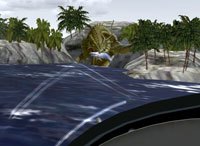
Screenshot of plane approaching the "Tihikrak".
IMPORTANT: The default airplane used in this flight is the FS2004 Macchi MC94 Amphibian And Flying Boat (giumc94.zip) but you can use a similar one if you don't have it.
Free for all simmers · 1022.86 KB · Scanned clean Oct 2026
Download speed: Free tier is capped at 0.5 Mbps. PRO members download at full line speed.
SimObjects\Airplanes\, Addon Scenery\, Effects\, or Gauges\.readme.txt or README file. It tells you exactly where files go, what dependencies are needed, and any quirks specific to this add-on.The archive umkala.zip has 16 files and directories contained within it.
This list displays the first 500 files in the package. If the package has more, you will need to download it to view them.
| Filename/Directory | File Date | File Size |
|---|---|---|
| AT THE ISLAND.jpg | 10.21.11 | 636.62 kB |
| SEA MONSTER ISLAND ROUTE MAP.jpg | 10.19.11 | 134.85 kB |
| SCENERY | 10.19.11 | 0 B |
| CVX_ISLA_DEL_SUR.BGL | 10.18.11 | 354 B |
| EXP-ISLA-MALKDITA.bgl | 10.20.11 | 2.75 kB |
| LC_0941.bgl | 10.18.11 | 290 B |
| MONSTRUOMARINO.bgl | 10.21.11 | 21.98 kB |
| NTZ4_ADEX_GGC.BGL | 10.18.11 | 520 B |
| TEXTURE | 10.19.11 | 0 B |
| MOSNTRUOMARINO_00.bmp | 10.19.11 | 42.74 kB |
| its real!!!!22.jpg | 10.19.11 | 148.36 kB |
| READ ME FIRST.txt | 10.24.11 | 959 B |
| file_id.diz | 10.24.11 | 77 B |
| INSTRUCTIONS.pdf | 10.23.11 | 72.12 kB |
| flyawaysimulation.txt | 10.29.13 | 959 B |
| Go to Fly Away Simulation.url | 01.22.16 | 52 B |
Only PRO members can place votes.
More FSX & P3D add-ons hand-picked based on this download.
FSX Missions
African Safari Animal Search. You're in Kenya and there's tons of animals aro…
 FSX Missions
Search For The U-Boats. FSadventureSky WW2 series flight. It's 1942 and U-boa…
 FSX Missions
Faroes Island Search and Rescue. Fly your helicopter from Klaksvik heliport t…
 FSX Missions
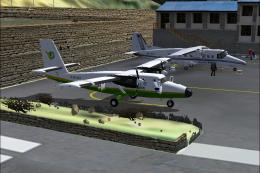
The Most Dangerous Airports: Lukla. The next in The Most Dangerous Airport Mi…
 FSX Missions
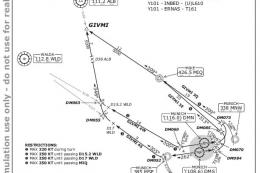
Hurricane Landing. Your task is to fly an Airbus A320 from Munich to Hamburg …
 FSX Missions
Welcome, Sir. In this mission you try to get from Gatwick to Dublin. It's ver…
 FSX Missions
Fly your Brussels Airlines 737-800 from Brussels National airport to Rome Fiu…
 FSX Missions
The year is 1994 and you are a captain for America West airlines called Capta…
Be the first to leave a comment on this download.
Be the first to share your thoughts on this download.