


 Argentina
  FSX Scenery
Argentina Ranches Pack 1
Eleven ranch landing strips in La Pampa and Cordoba. Complete with objects an…
Argentina Ranches Scenery Pack 1 Fix corrects the floating runway at SA62 Ea Andalen and restores proper ground alignment for low-and-slow bush flying in FSX. It updates the original scenery files for the 11 ranch landing strips and requires ARGENTINA_RANCHES_PACK_1.ZIP installed first.
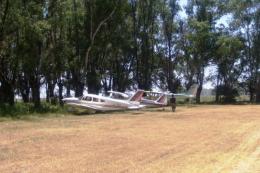
For use with ARGENTINA_RANCHES_PACK_1.ZIP. This fixes the floating runway on SA62 Ea Andalen. By Jimmy R. Martin and Federico Malfu Sanchez.
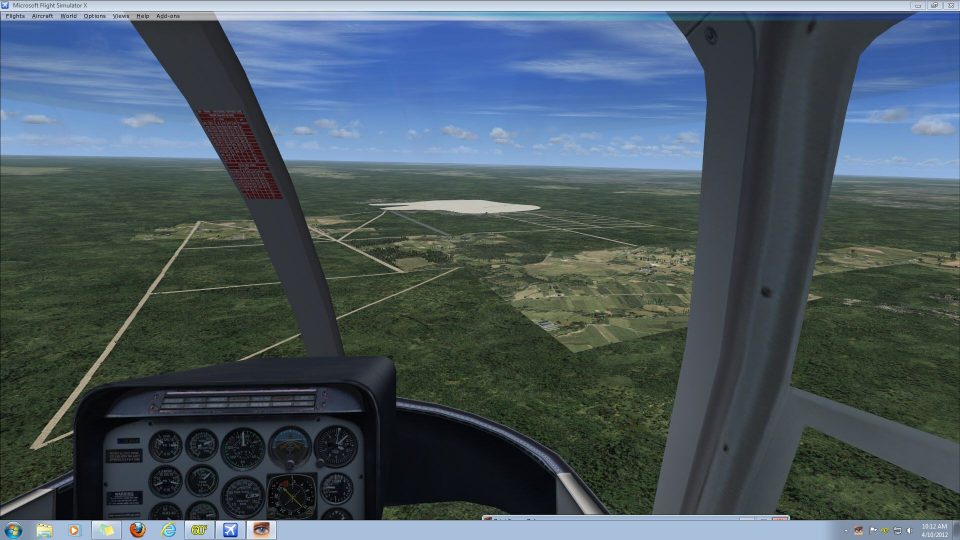
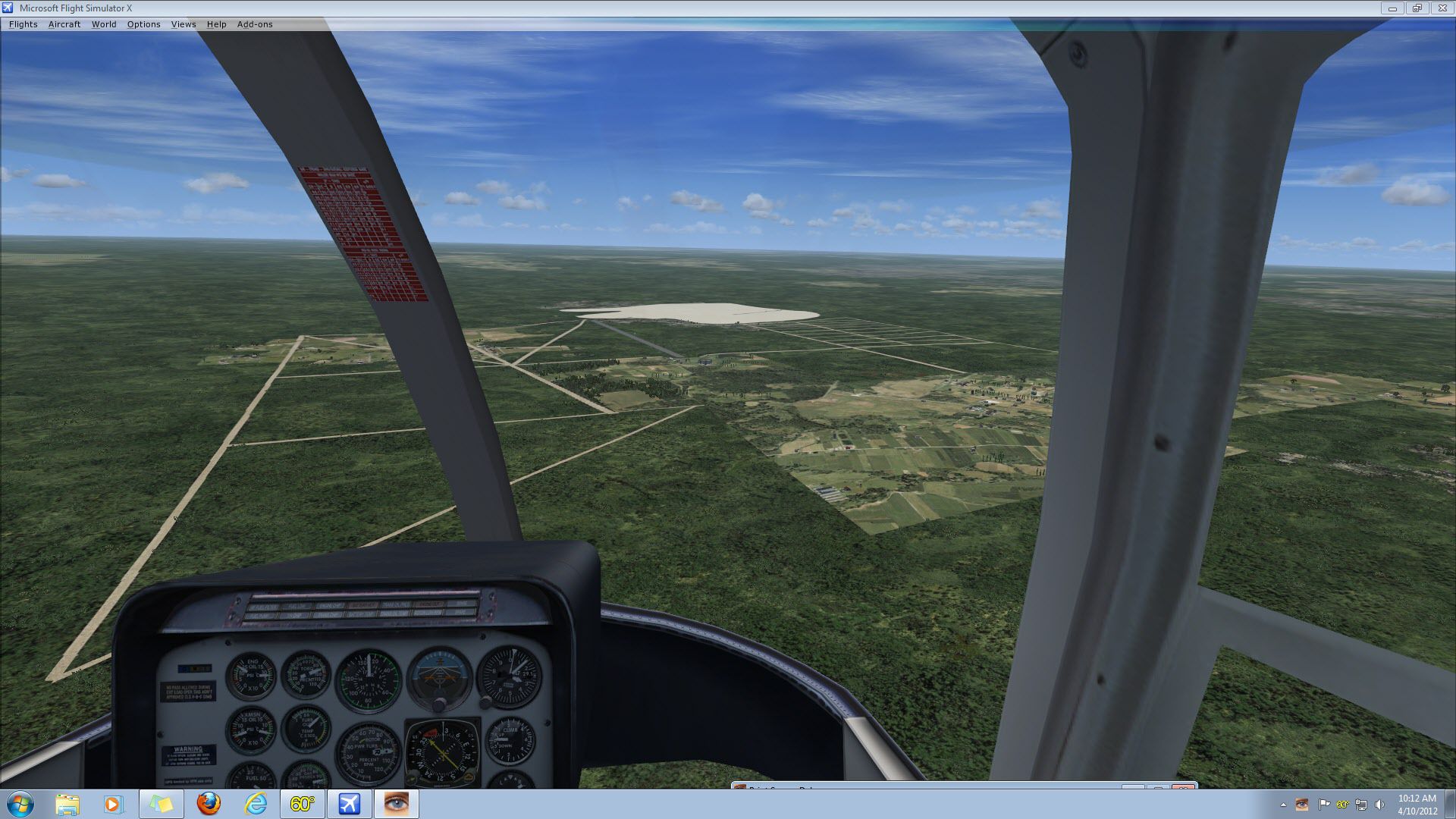
Aerial view of Argentina Ranches.
Simply overwrite scenery files in Argentina Ranches Pack 1 with these. Frederico noticed the runway was floating. Sorry!
You should have Pack 1 installed first which includes 11 ranch landing strips.
Free for all simmers · 493.68 KB · Scanned clean Oct 2026
Download speed: Free tier is capped at 0.5 Mbps. PRO members download at full line speed.
This add-on may require the following files to function properly. If this is a repaint, the dependency below is likely the base aircraft package.
FSX\Addon Scenery\ containing scenery and texture sub-folders.readme.txt or README file. It tells you exactly where files go, what dependencies are needed, and any quirks specific to this add-on.Use these coordinates to fly directly to this location once the mod is installed.
-34.60370000,-58.38160000
Launch FSX or Prepar3D and use Flights → Load to open the downloaded .pln file. Your aircraft will be positioned at this location.
The archive sa62_ea_andalen_fix.zip has 12 files and directories contained within it.
This list displays the first 500 files in the package. If the package has more, you will need to download it to view them.
| Filename/Directory | File Date | File Size |
|---|---|---|
| SA62_ADEX_ADE.BGL | 04.10.12 | 721 B |
| SA62_ADEX_ADE.xml | 04.10.12 | 4.25 kB |
| SA62_ADEX_ADE_CVX.bgl | 04.10.12 | 2.01 kB |
| SA62_ADEX_XXX.ad2 | 04.10.12 | 128.45 kB |
| SA62_Argentina Ranches.bgl | 04.06.12 | 380 B |
| scenery | 04.10.12 | 0 B |
| SA62 Ea Andalén.jpg | 04.10.12 | 370.03 kB |
| gif.gif | 04.10.12 | 5.46 kB |
| readme.txt | 04.10.12 | 362 B |
| file_id.diz | 04.10.12 | 150 B |
| flyawaysimulation.txt | 10.29.13 | 959 B |
| Go to Fly Away Simulation.url | 01.22.16 | 52 B |
Only PRO members can place votes.
More FSX & P3D add-ons hand-picked based on this download.
FSX Scenery
Eleven ranch landing strips in La Pampa and Cordoba. Complete with objects an…
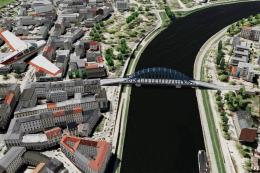 FSX Scenery
A stunning scenery pack developed by Lotar Tomczyk and Jakub Mista that bring…
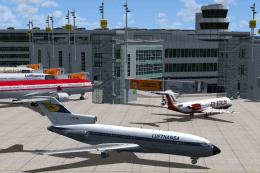 FSX Scenery
Experience a carefully refined rendition of Duesseldorf Airport (EDDL) in Ger…
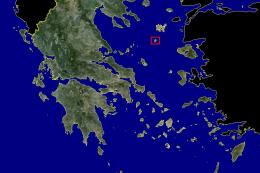 FSX Scenery
This comprehensive freeware package, crafted by PhotoScenery (PhotoScenery@ya…
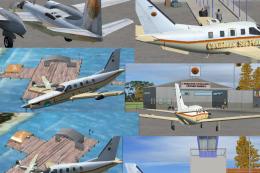 FSX Scenery
Caribbean Seaplane Tours. Includes scenery of Grand Cayman Islands, Jamaica, …
 FSX Scenery
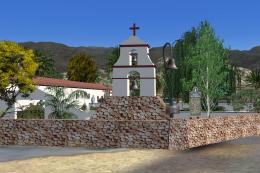
California Missions Pack 2. Eleven of the twenty-two Spanish Missions, includ…
 FSX Scenery
South Australia Airport Pack Five. Some more GA airfields from the "Land Of S…
FSX Scenery
Victorian Airport Pack One. Updated and new airports in Victoria, Australia. …
Be the first to leave a comment on this download.
Be the first to share your thoughts on this download.