

 FS2004 Civil Jet Aircraft
PSA Boeing 737-200
A repaint of the B737-200 in the colors of Pacific Southwest Airlines. Model …
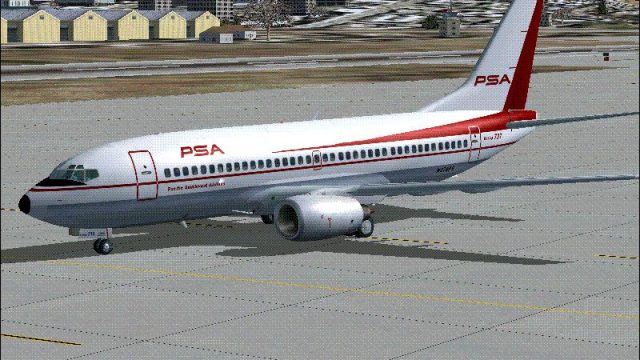
PSA Boeing 737-700 textures bring the classic livery to the Kittyhawk model with crisp exterior detailing and authentic airline identity for FS2004. The repaint integrates cleanly with the existing aircraft setup and requires the Kittyhawk 737-700 package, with or without winglets, already installed.
 Rate
Rate
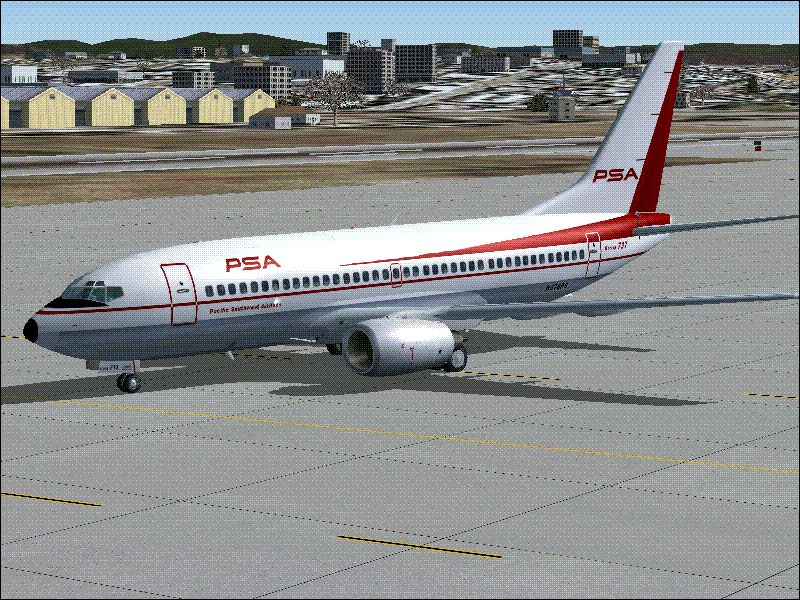
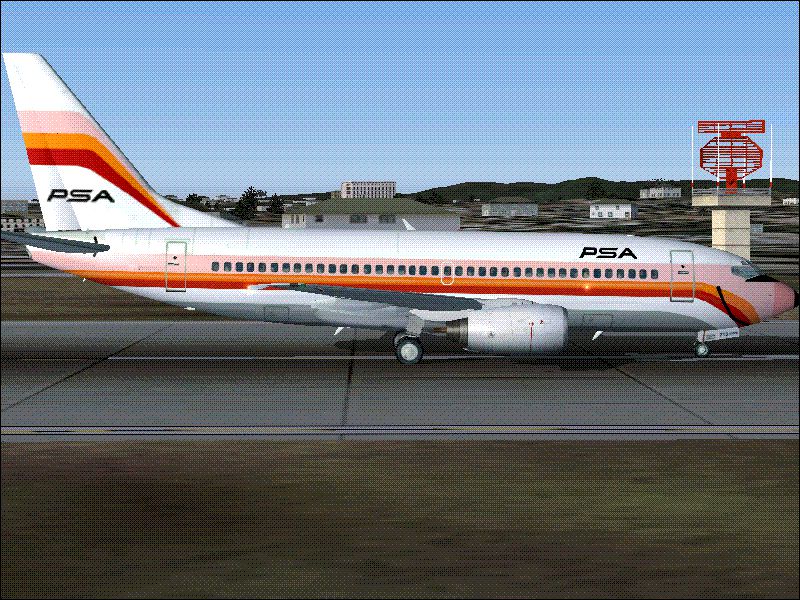
Textures only. The Kittyhawk B737-700 model in PSA livery. Repaint by James Waters.
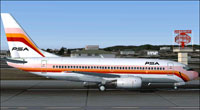
Screenshot of PSA Boeing 737-700 on runway.
YOU MUST HAVE ALREADY DOWNLOADED THE KITTYHAWK 737-700 (either with or without winglets).
Unzip into your "KittyHawk 737-700" file. Alter the "aircraft.cfg" file to either add or replace an existing texture to this texture file name, such as displayed below.
[fltsim.0]

	title=Boeing 737-700 PSA

	sim=737700

	model=

	panel=

	sound=

	texture=PSA60S

	kb_checklists=Boeing737-400_check

	kb_reference=Boeing737-400_ref

	atc_id=

	atc_airline=PSA

	atc_flight_number=62

	ui_manufacturer=Boeing

	ui_type=737-700

	ui_variation=PSA

	description=PSA 737-700 Kittyhawk Studios. Repaint by James Waters

	atc_heavy=0

	visual_damage=1
The top line parameter, "[Fltsim.0]" must be in sequential order with each new texture.
Copy the texture file of an existing KittyHawk 737-700. Rename it to, for instance, Texture.PSA or Texture.PSA60s. The names which follow "texture." must correspond to the "texture=" parameter in the aircraft.cfg file as shown above for the PSA60s version.
Free for all simmers · 675.93 KB · Scanned clean Oct 2026
Download speed: Free tier is capped at 0.5 Mbps. PRO members download at full line speed.
FS9\Aircraft\, FS9\Addon Scenery\, FS9\Gauges\, or FS9\Effects\.readme.txt or README file. It tells you exactly where files go, what dependencies are needed, and any quirks specific to this add-on.The archive kh7377ps.zip has 13 files and directories contained within it.
This list displays the first 500 files in the package. If the package has more, you will need to download it to view them.
| Filename/Directory | File Date | File Size |
|---|---|---|
| File_id.diz | 11.01.04 | 74 B |
| PSA60s.GIF | 11.01.04 | 99.51 kB |
| PSA60s-KH737 texture copy & rename | 11.01.04 | 0 B |
| 737_B_T.bmp | 11.01.04 | 1.33 MB |
| 73G_FUSE_T.bmp | 11.02.04 | 1.33 MB |
| PSA70s.GIF | 11.01.04 | 79.02 kB |
| PSA70s-KH737 texture copy & rename | 11.02.04 | 0 B |
| 737_B_T.bmp | 11.01.04 | 1.33 MB |
| 73G_FUSE_T.bmp | 11.02.04 | 1.33 MB |
| readme.txt | 11.01.04 | 3.34 kB |
| Thumbs.db | 11.01.04 | 13.00 kB |
| flyawaysimulation.txt | 10.29.13 | 959 B |
| Go to Fly Away Simulation.url | 01.22.16 | 52 B |
Only PRO members can place votes.
More FS2004 add-ons hand-picked based on this download.
FS2004 Civil Jet Aircraft
A repaint of the B737-200 in the colors of Pacific Southwest Airlines. Model …
 FS2004 Civil Jet Aircraft
This freeware Boeing 727-100 package, featuring a Pacific Southwest Airlines …
 FS2004 Civil Jet Aircraft
This freeware release features a detailed repaint of the Vistaliners Boeing 7…
 FS2004 Civil Jet Aircraft
This download offers a complete Boeing 727-200 package for Microsoft Flight S…
 FS2004 Civil Jet Aircraft
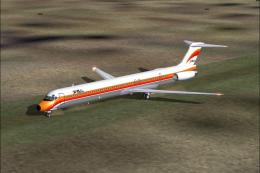
An MD80 created for AI use, but flyable also. Model by FSPainter. Repainted b…
 FS2004 Civil Jet Aircraft
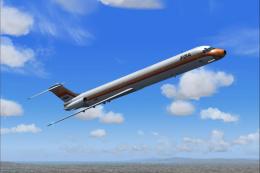
The iconic Pacific Southwest Airlines (PSA) color scheme from the 1980s comes…
 FS2004 Civil Jet Aircraft
This freeware repaint set brings the classic Pacific Southwest Airlines (PSA)…
 FS2004 Civil Jet Aircraft
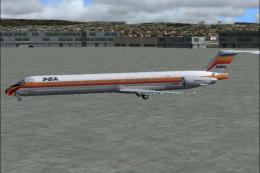
Textures only; requires MD80AZA.ZIP. Repainted by James Waters. Model designe…
Be the first to leave a comment on this download.
Be the first to share your thoughts on this download.