

 FSX Business Jet Aircraft
Embraer Phenom 100 PR-DHC
Enhance your library of add-ons with a precise and carefully prepared repaint…
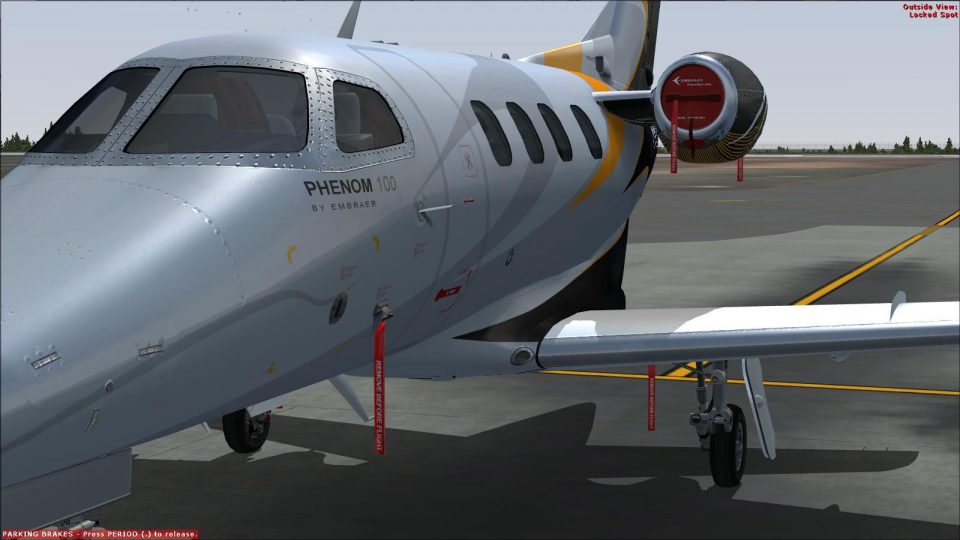
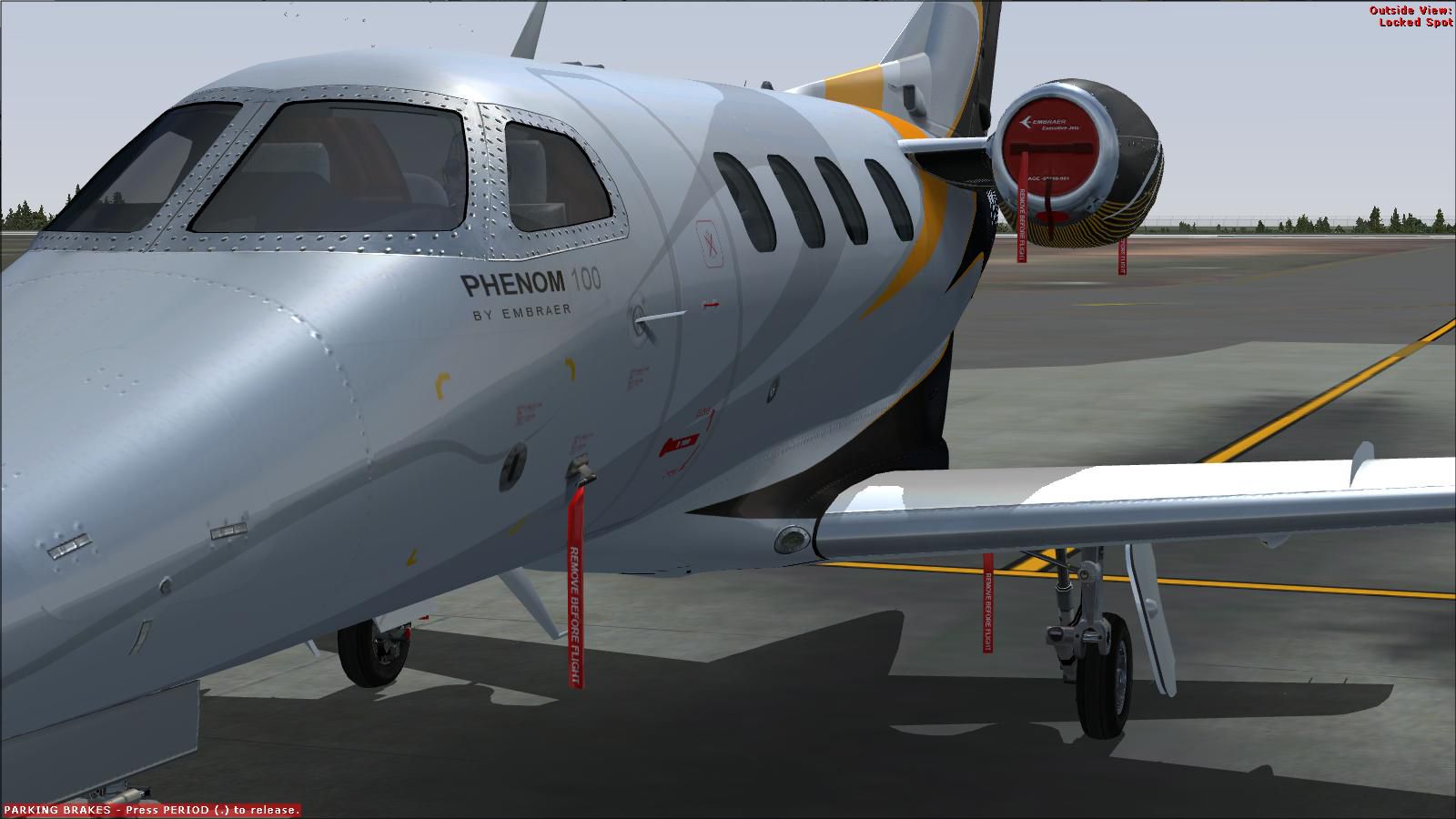
Embraer Phenom 100 PR-TED brings a crisp, realistic exterior repaint with accurate markings, refined shading, and believable panel and rivet detail for close-up ramp viewing. Built for Microsoft Flight Simulator X, it requires the payware feelThere Phenom 100 model and adds an authentic PR-TED option to the aircraft selection menu.
 Rate
Rate
This texture package offers a custom-tailored livery representing the Embraer Phenom 100, specifically painted in the PR-TED scheme. It was expertly crafted by Adelson de Souza Brito Junior and is designed exclusively for use with the payware feelThere Phenom 100 model. Although these textures focus on bringing a well-detailed exterior finish to your virtual fleet, the core add-on model is not included. Use within Microsoft Flight Simulator X (FSX) is fully supported, so you can immerse yourself in a polished experience once you have the relevant feelThere product installed.
The genuine Phenom 100 is a compact business jet developed by Embraer (a Brazilian aerospace manufacturer). Their project introduced a twin-engine design ideal for short to medium ranges, allowing a flight distance of about 1,178 nautical miles under typical operating conditions. In this repaint, the PR-TED markings stand out with a refined color palette that emphasizes realistic panel lines and accurate shading. Every rivet is strategically placed to enhance the realism, offering eye-catching detail when taxiing around major or secondary airports.
Screenshot of Embraer Phenom 100 PR-TED on the ground.
This small jet’s glass cockpit, often praised for its intuitive layout, provides a streamlined environment for advanced navigation and avionics. Because the Embraer Phenom 100 was engineered to offer excellent fuel efficiency and ease of handling, many real-world flight departments favor it for shorter regional hops. Now, in FSX, this repaint complements the aircraft's functional systems by adding a visually faithful external texture, ensuring your in-sim experience remains true to the original design.
To install the PR-TED textures, place the texture folder into the corresponding feelThere Phenom 100 directory. Then, include the snippet below in your aircraft’s configuration file (aircraft.cfg) while adjusting the fltsim.xxxx entry numbers as needed. This process helps the simulator recognize the new livery in your aircraft selection menu.
[fltsim.xxxx]

title=Embraer EMB-500 PR-TED

sim=EMB500

model=

panel=

sound=

texture=PR-TED

checklists=

ui_manufacturer=Embraer

ui_type=Phenom 100

ui_variation=Embraer PR-TED

ui_createdby="feelThere"

atc_heavy=0

atc_id=PR-TED

atc_airline=

atc_flight_number=

description=Embraer Phenom 100 (EMB500)

atc_id_color=0x00000000

atc_id_font=Verdana,-11,1,600,0

visual_damage=0
Please note that this repaint set does not encompass the original payware Embraer Phenom 100 model, which must be purchased separately from feelThere or another store. Once you have the commercial model installed in Microsoft Flight Simulator X, adding these freshly designed textures will enrich your virtual hangar with a crisp and accurate depiction of the Phenom 100 in PR-TED markings.
Free for all simmers · 2.31 MB · Scanned clean Oct 2026
Download speed: Free tier is capped at 0.5 Mbps. PRO members download at full line speed.
texture.{airline}) inside FSX\SimObjects\Airplanes\{base-aircraft}\.aircraft.cfg in Notepad. Add a new [fltsim.X] section per the readme.readme.txt or README file. It tells you exactly where files go, what dependencies are needed, and any quirks specific to this add-on.The archive texture_phenom_100_pr-ted.zip has 13 files and directories contained within it.
This list displays the first 500 files in the package. If the package has more, you will need to download it to view them.
| Filename/Directory | File Date | File Size |
|---|---|---|
| Texture Phenom 100 PR-TED | 12.06.11 | 0 B |
| feelThere Phenom 100 | 12.06.11 | 0 B |
| texture.PR-TED | 12.06.11 | 0 B |
| sec1_t.dds | 07.08.11 | 2.00 MB |
| sec2_t.dds | 12.03.11 | 4.00 MB |
| sec3_t.dds | 07.08.11 | 2.00 MB |
| sec4_t.dds | 12.03.11 | 4.00 MB |
| texture.cfg | 07.04.11 | 131 B |
| thumbnail.jpg | 12.05.11 | 115.21 kB |
| Read-me.txt | 12.06.11 | 408 B |
| thumbnail.jpg | 12.05.11 | 115.21 kB |
| flyawaysimulation.txt | 10.29.13 | 959 B |
| Go to Fly Away Simulation.url | 01.22.16 | 52 B |
Only PRO members can place votes.
More FSX & P3D add-ons hand-picked based on this download.
FSX Business Jet Aircraft
Enhance your library of add-ons with a precise and carefully prepared repaint…
 FSX Business Jet Aircraft
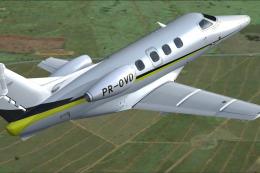
This repaint set delivers accurate exterior textures for the popular feelTher…
 FSX Business Jet Aircraft
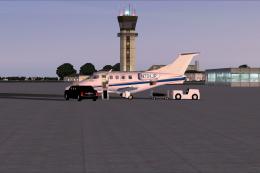
Experience a versatile private aviation adventure with this freeware Embraer …
 FSX Business Jet Aircraft
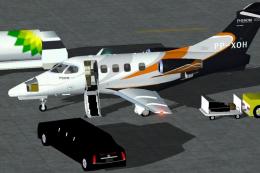
The Embraer Phenom 100 business jet, designated PP-XOH, is available here as …
 FSX Business Jet Aircraft
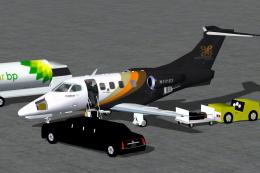
This freeware add-on features a custom Embraer Phenom 100 business jet in a f…
 FSX Business Jet Aircraft
Embraer Phenom 100 biz jet ix for Windows 7 users only for the CamSim model (…
 FSX Business Jet Aircraft
This repaint pack offers Microsoft Flight Simulator X pilots an authentic and…
 FSX Business Jet Aircraft
Embraer Phenom 300 PP-XVJ (experimental) biz jet by CamSim, including exterio…
Be the first to leave a comment on this download.
Be the first to share your thoughts on this download.