

 FS2004 Propeller Aircraft
KLM L-749 Constellation 1948-1949
KLM was a major European operator of various models of the Lockheed Constella…
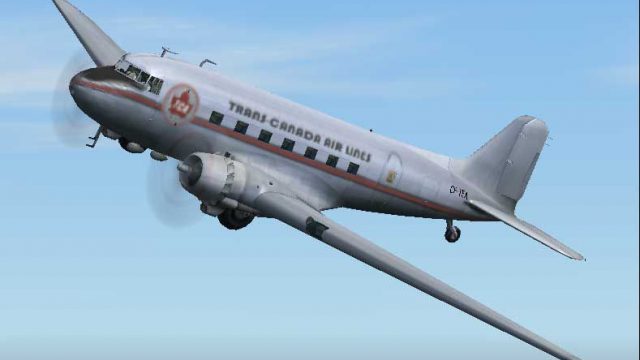
Trans-Canada Air Lines 1949 livery brings a period-correct look to the Douglas DC-3, capturing classic markings and a clean, authentic finish for vintage airline flying. Designed for Microsoft Flight Simulator 2004, it refreshes the stock aircraft with textures only and requires the default DC-3 model.
 Rate
Rate
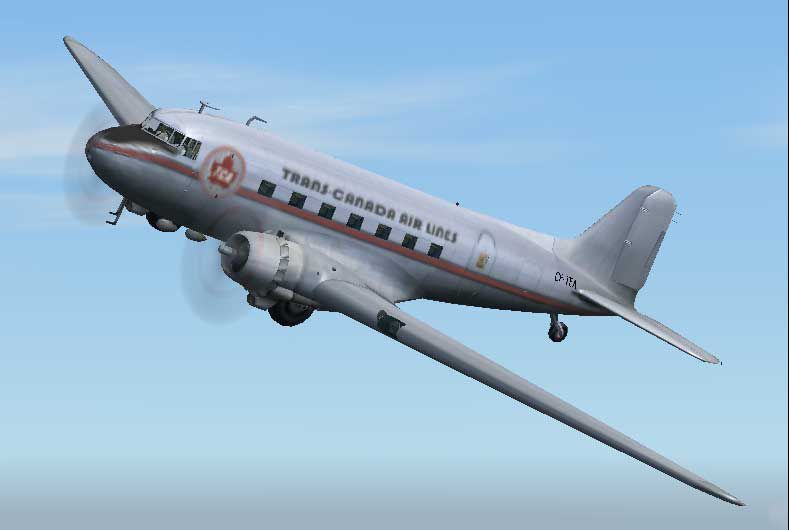
Textures only for the default DC. Repaint by Owen Davies.
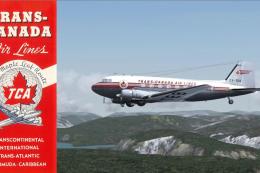
Screenshot of Trans-Canada Airlines Douglas DC-3 in the air.
To install:
[fltsim.x]

	title=Douglas DC-3 Trans-Canada 1940s

	sim=Douglas_DC3

	model=

	panel=

	sound=

	texture=tca40

	kb_checklists=Douglas_DC3_check

	kb_reference=Douglas_DC3_ref

	atc_id=CF-TEA

	ui_manufacturer=Douglas

	ui_type="DC-3"

	ui_variation="Trans-Canada 1940s"

	description="A repaint of the default in Trans-Canada Air Lines Livery of the 1940's. The Douglas DC-3 revolutionized air transportation and airline service during the 1930s and 1940s. It was a luxury airliner that boasted cabin heat and running water in its on-board lavatory. With the right balance of efficiency, range, speed, and payload, the DC-3 was the first aircraft to earn a profit for its owners just by carrying passengers. The hero of early airlines, a handful of DC-3s are still at work today."
Free for all simmers · 590.77 KB · Scanned clean Oct 2026
Download speed: Free tier is capped at 0.5 Mbps. PRO members download at full line speed.
FS9\Aircraft\, FS9\Addon Scenery\, FS9\Gauges\, or FS9\Effects\.readme.txt or README file. It tells you exactly where files go, what dependencies are needed, and any quirks specific to this add-on.The archive tca40s.zip has 7 files and directories contained within it.
This list displays the first 500 files in the package. If the package has more, you will need to download it to view them.
| Filename/Directory | File Date | File Size |
|---|---|---|
| TCA_40s.jpg | 11.24.03 | 20.49 kB |
| READ_ME.txt | 11.24.03 | 3.15 kB |
| FILE_ID.diz | 11.24.03 | 152 B |
| Douglas_DC3_1_T.bmp | 11.24.03 | 2.00 MB |
| TCA_40s | 11.24.03 | 0 B |
| flyawaysimulation.txt | 10.29.13 | 959 B |
| Go to Fly Away Simulation.url | 01.22.16 | 52 B |
Only PRO members can place votes.
More FS2004 add-ons hand-picked based on this download.
FS2004 Propeller Aircraft
KLM was a major European operator of various models of the Lockheed Constella…
 FS2004 Propeller Aircraft
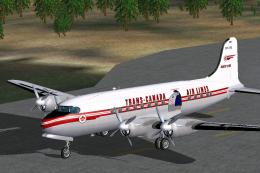
Repaint only for the MAAM-SIM DC-3. By Markus Hellwig. Side view of Trans-Can…
 FS2004 Propeller Aircraft
DC-4M2 North Star. Trans-Canada Air Lines (now Air Canada) had twenty Douglas…
 FS2004 Propeller Aircraft
This repaint package brings Trans-Canada Airlines’ classic color scheme to Mi…
 FS2004 Propeller Aircraft
This updated package introduces refined textures for the Trans-Canada Air Lin…
 FS2004 Propeller Aircraft
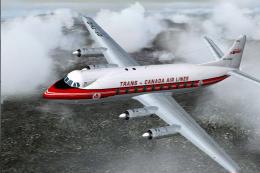
The later TCA deliveries were type 757 including CF-THD. Delivered in Februar…
 FS2004 Propeller Aircraft
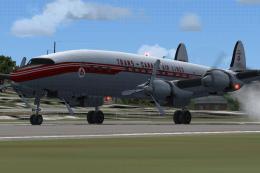
Immerse yourself in a refined version of the Lockheed L-1049G Super Constella…
 FS2004 Propeller Aircraft
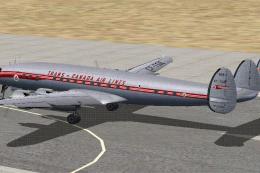
This add-on offers a faithful recreation of Trans-Canada Air Lines’ historic …
Be the first to leave a comment on this download.
Be the first to share your thoughts on this download.