

 FS2004 Propeller Aircraft
Merpati Nusantara Vanguard 952
The last Vanguard built it first served with TCA/Air Canada as CF-TKW from Ap…
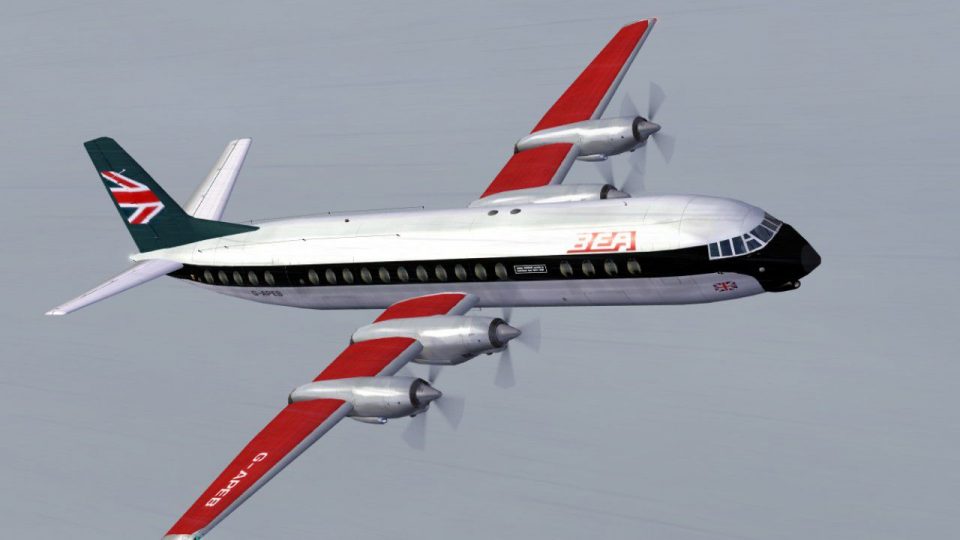
BEA V.952 “Flying Jack” hybrid livery for the Vickers Vanguard captures the late-service transition with a partial repaint that blends classic and modern British European Airways styling. Built for FS2004, it refreshes exterior visuals and maintains authentic airline identity details; requires the Rick Piper FSDS Vanguard model.
 Rate
Rate
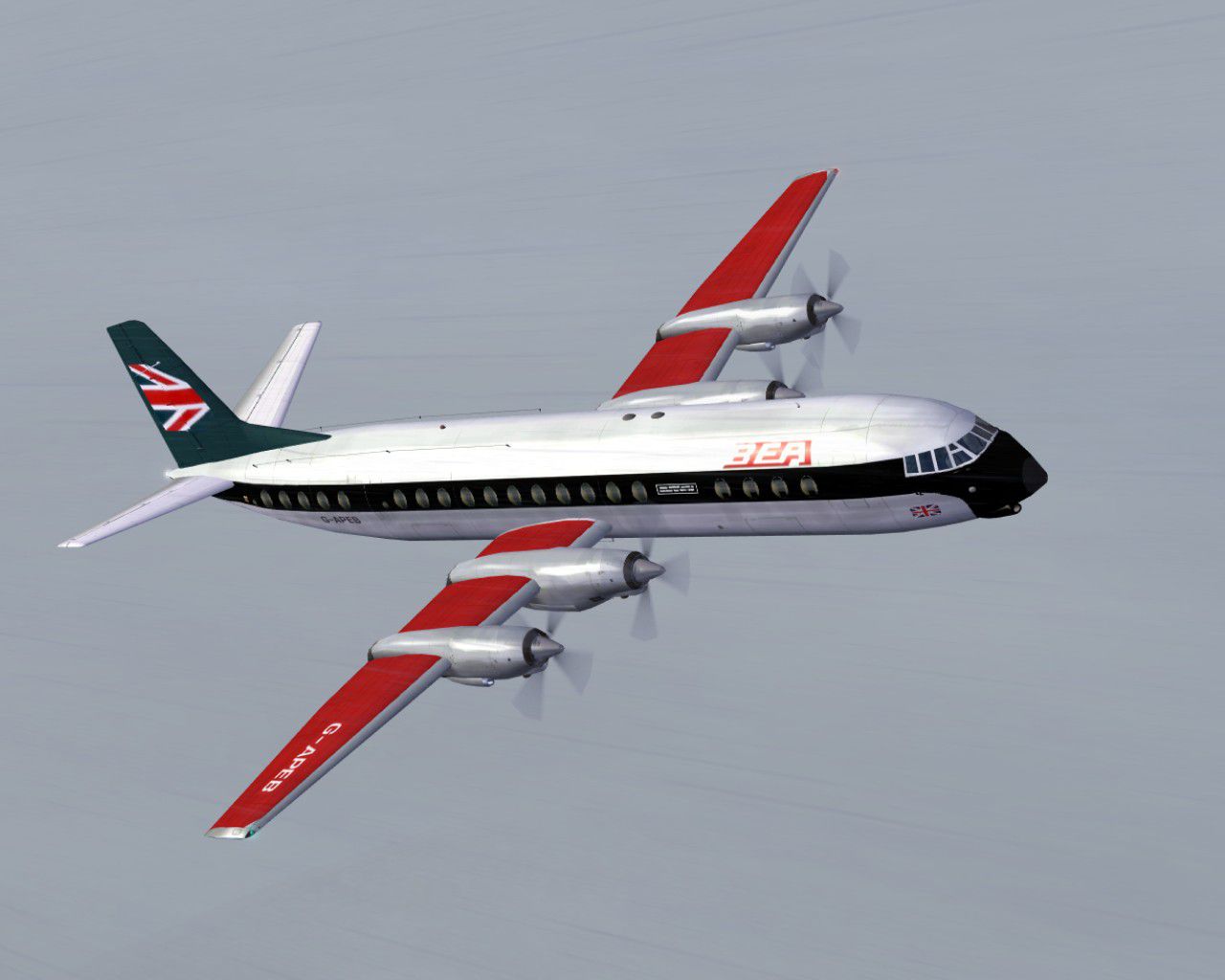
Right at the end of its life, this Vanguard received a partial paint into the new BEA "Flying Jack" livery. Requires the FSDS Vanguard model by Rick Piper. By Garry Russell.
Screenshot of BEA V.952 Vanguard in flight.
Installation:
Place the unzipped texture folder into the FSDS Vanguard folder and paste the above text into the aircraft config renumbering to the next available.
[fltsim.xx]

	title=Vickers Vanguard 951 BEA RS/FJ

	sim=Vickers Vanguard

	model=951

	panel=

	sound=

	texture=RSFJ

	checklists=

	description=Right at the end of it's life, this Vanguard recieved a partial paint into the new BEA "Flying Jack" livery./Model by Rick Piper. Repaint by Garry Russell.

	ui_manufacturer=Vickers

	ui_type=Vanguard

	ui_variation=British European Airways (Old/new hybrid)

	visual_damage=1

	atc_heavy=1

	atc_id=G-APEB

	atc_airline=Bealine

	atc_flight_number=951

	prop_anim_ratio=1.76
Free for all simmers · 693.1 KB · Scanned clean Oct 2026
Download speed: Free tier is capped at 0.5 Mbps. PRO members download at full line speed.
FS9\Aircraft\, FS9\Addon Scenery\, FS9\Gauges\, or FS9\Effects\.readme.txt or README file. It tells you exactly where files go, what dependencies are needed, and any quirks specific to this add-on.The archive bearsfj.zip has 27 files and directories contained within it.
This list displays the first 500 files in the package. If the package has more, you will need to download it to view them.
| Filename/Directory | File Date | File Size |
|---|---|---|
| Read me.txt | 07.08.06 | 2.01 kB |
| texture.RSFJ | 07.09.06 | 0 B |
| 4blade1.bmp | 07.18.02 | 64.73 kB |
| Eng.bmp | 07.07.06 | 256.07 kB |
| Eng_LM.bmp | 07.07.06 | 256.07 kB |
| Engr.bmp | 07.07.06 | 256.07 kB |
| Engr_LM.bmp | 07.07.06 | 256.07 kB |
| Fin.bmp | 07.09.06 | 256.07 kB |
| Fin_LM.bmp | 07.07.06 | 256.07 kB |
| fuse1.bmp | 07.07.06 | 256.07 kB |
| fuse1_LM.bmp | 07.07.06 | 256.07 kB |
| fuse2.bmp | 07.07.06 | 256.07 kB |
| fuse2_LM.bmp | 07.07.06 | 256.07 kB |
| fuse3.bmp | 07.07.06 | 256.07 kB |
| fuse3_LM.bmp | 07.07.06 | 256.07 kB |
| prop.bmp | 07.07.06 | 64.07 kB |
| prop_LM.bmp | 07.07.06 | 64.07 kB |
| pspbrwse.jbf | 12.07.02 | 39.13 kB |
| Thumbs.db | 07.07.06 | 12.50 kB |
| Wing-L.bmp | 07.07.06 | 256.07 kB |
| Wing-L_LM.bmp | 07.07.06 | 256.07 kB |
| Wing-R.bmp | 07.07.06 | 256.07 kB |
| Wing-R_LM.bmp | 07.07.06 | 256.07 kB |
| Thumbs.db | 07.07.06 | 4.50 kB |
| Vanguard18.jpg | 07.07.06 | 98.43 kB |
| flyawaysimulation.txt | 10.29.13 | 959 B |
| Go to Fly Away Simulation.url | 01.22.16 | 52 B |
Only PRO members can place votes.
More FS2004 add-ons hand-picked based on this download.
FS2004 Propeller Aircraft
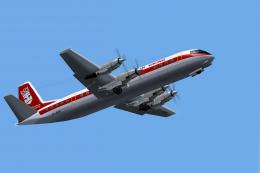
The last Vanguard built it first served with TCA/Air Canada as CF-TKW from Ap…
 FS2004 Propeller Aircraft
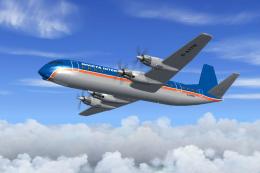
The ex Air Canada Vanguards acquired by Air Holdings were flown by many airli…
 FS2004 Propeller Aircraft
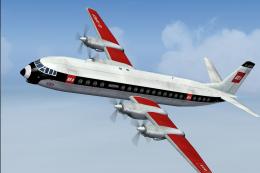
This aircraft was one of the Air Holdings stock and had been on lease to Air …
 FS2004 Propeller Aircraft
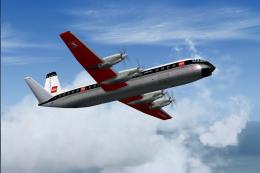
BEA Vickers Vanguard, red square last variation. The fuel crisis in the early…
 FS2004 Propeller Aircraft
BEA Vickers Vanguard in first red square livery. The first Vanguard in the re…
 FS2004 Propeller Aircraft
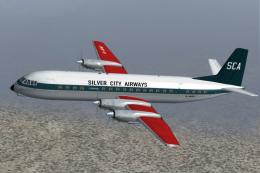
Due to be delivered to Silver City on lease, a change of policy saw this airc…
 FS2004 Propeller Aircraft
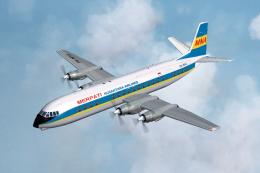
This was the only series 951 to see service with an airline other than BEA. D…
 FS2004 Propeller Aircraft
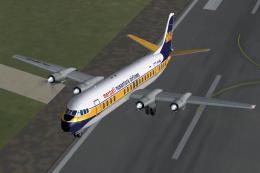
Merpati was the only airline to operate Vanguard 951, 952 and 953. They found…
Be the first to leave a comment on this download.
Be the first to share your thoughts on this download.