

 FS2004 Propeller Aircraft
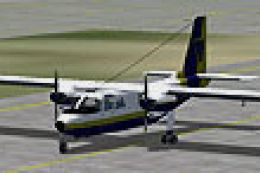
Mid-Sea Express Britten Norman BN-2A Islander
Model by Marcel Kuhnt. Repainted by Gerard G. Olvis. Screenshot of Britten No…
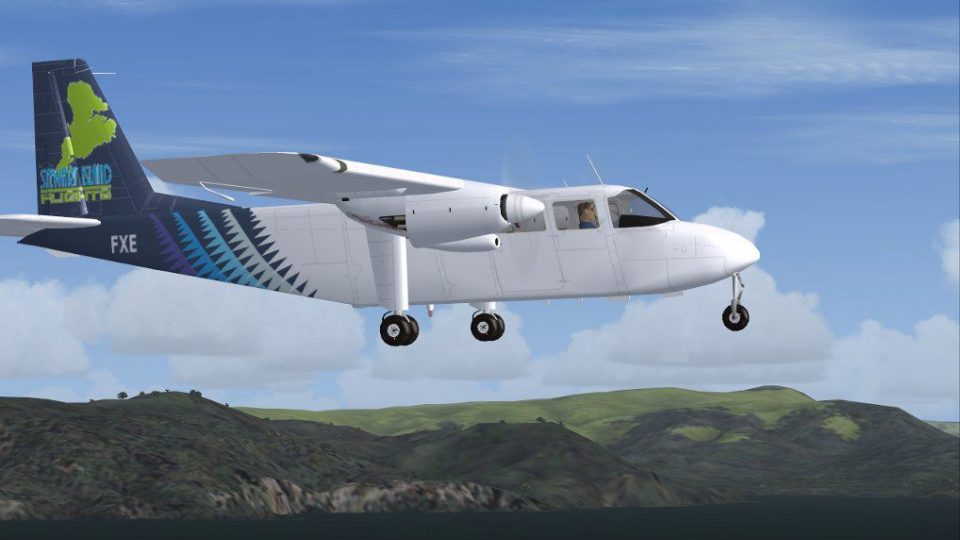
Stewart Island Flights’ ZK-FXE livery brings a New Zealand commuter look to the Britten-Norman BN-2A Islander with crisp exterior textures and authentic registration details for regional flying around Invercargill and beyond in FS2004. Requires Marcel Kuhnt’s BN-2A Islander base model, providing a matching virtual cockpit and core aircraft files.
 Rate
Rate
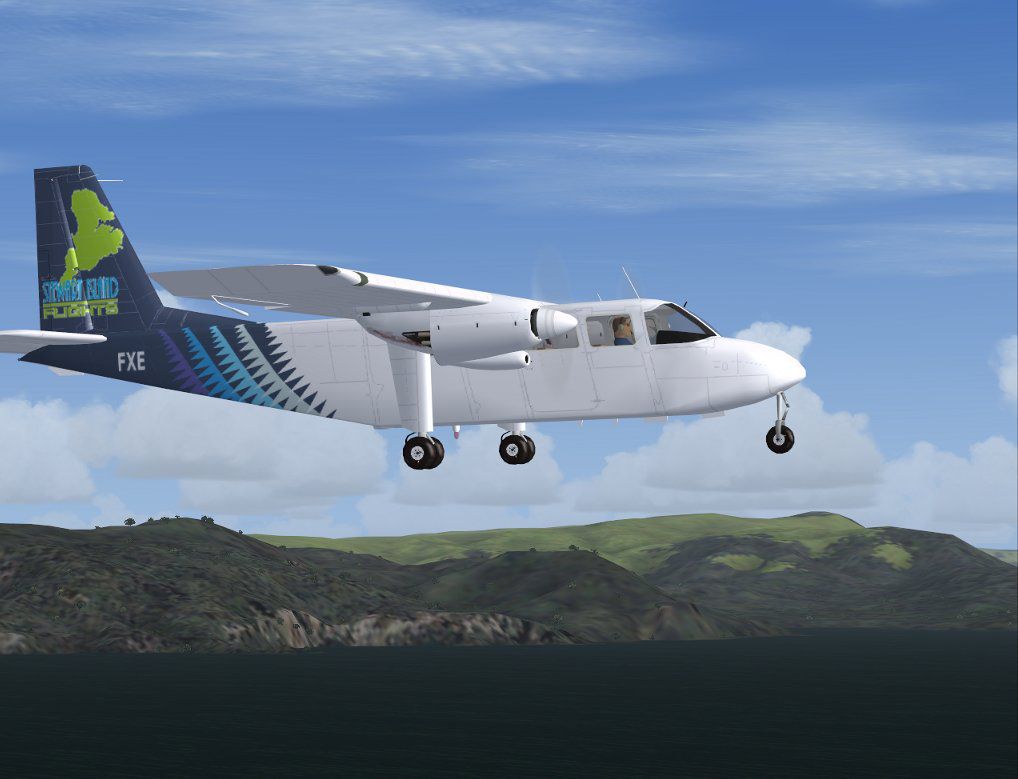
Repaint for Britten Norman Islander ZK-FXE as operated by Stewart Island Flights based in Invercargill, New Zealand. Requires FS2004 model of the BN-2A by Marcel Kuhnt (DIAAI32G.ZIP). By Dean Stringer.

Screenshot of Stewart Island Britten Norman Islander in flight.
You must download the excellent FS2004 model of the BN-2A by Marcel Kuhnt which includes a self-extracting installer.
[fltsim.x]

title=BN-2A - ZK-FXE

sim=BN2

model=oka

panel=

sound=

texture=ZK-FXE

checklists=BN2A_check.txt

description=BN-2A Islander von Britten Normen, repaint of Stewart Island Flights ZK-FXE by Dean Stringer

atc_airline=

atc_id=ZK-FXE

atc_flight_number=12

ui_manufacturer=Britten Norman

ui_type=BN-2A

ui_variation=Stewart Island Flights

atc_heavy=0

atc_parking_codes=STI
Free for all simmers · 155.73 KB · Scanned clean Oct 2026
Download speed: Free tier is capped at 0.5 Mbps. PRO members download at full line speed.
This file is a repaint — the package below is the base model it paints onto. Install it first, or the textures will have nothing to load onto.
FS9\Aircraft\, FS9\Addon Scenery\, FS9\Gauges\, or FS9\Effects\.readme.txt or README file. It tells you exactly where files go, what dependencies are needed, and any quirks specific to this add-on.The archive bn2-zk-fxe.zip has 8 files and directories contained within it.
This list displays the first 500 files in the package. If the package has more, you will need to download it to view them.
| Filename/Directory | File Date | File Size |
|---|---|---|
| texture.ZK-FXE | 08.16.09 | 0 B |
| BN2_t.bmp | 06.29.09 | 512.07 kB |
| INSTALL.txt | 08.16.09 | 1.44 kB |
| screenshot.jpg | 06.29.09 | 73.42 kB |
| thumbnail.gif | 06.29.09 | 9.68 kB |
| Thumbs.db | 08.16.09 | 12.00 kB |
| flyawaysimulation.txt | 10.29.13 | 959 B |
| Go to Fly Away Simulation.url | 01.22.16 | 52 B |
Only PRO members can place votes.
More FS2004 add-ons hand-picked based on this download.
FS2004 Propeller Aircraft
Model by Marcel Kuhnt. Repainted by Gerard G. Olvis. Screenshot of Britten No…
 FS2004 Propeller Aircraft
Britten Norman BN-2 Islander Winair and St. Barths Commuter repaints. These t…
 FS2004 Propeller Aircraft
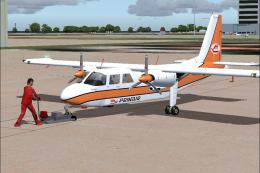
The new generation of Prinair Puerto Rico. By Carlos Marrero and Roberto Ayal…
 FS2004 Propeller Aircraft
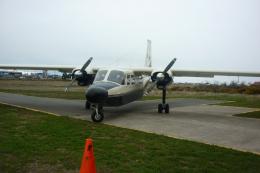
Britten-Norman Islander BN-2, registration CC-CYR. Repaint by Kenneth Brown. …
 FS2004 Propeller Aircraft
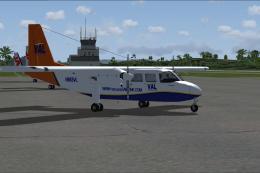
BN-2B-26 Islander, registration N663VL (new colors). In this texture is the f…
 FS2004 Propeller Aircraft
Ministry of Agriculture, Fisheries and Food Britten Norman Islander, v2. Text…
 FS2004 Propeller Aircraft
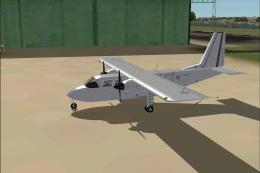
This is a repaint for ZH537 Station Flight RAF Northolt for Marcel Kuhnt's BN…
 FS2004 Propeller Aircraft
No panel and sound folders included. By Marcel Kuhnt and Tomas Cubero Maingot…
Be the first to leave a comment on this download.
Be the first to share your thoughts on this download.