

 FSX Civil Aircraft
Northwest Airlines Douglas DC-10-30 N239NW (NC)
Experience a faithful rendition of the McDonnell Douglas DC-10 series in Micr…
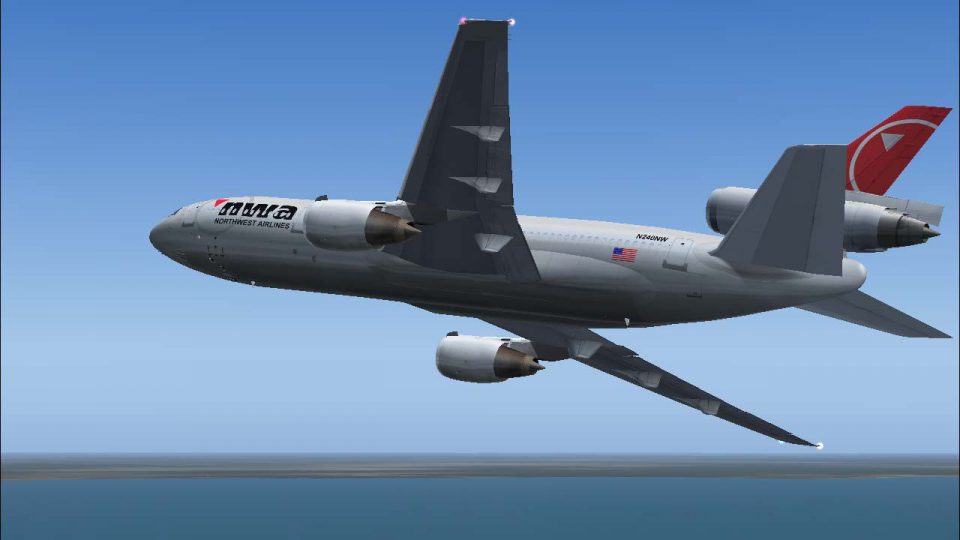
Northwest Airlines DC-10-30 N240NW comes to life with a carefully shaded exterior repaint that captures the carrier’s later-era colors across the tri-jet’s distinctive fuselage and tail. Designed for Microsoft Flight Simulator X, it requires the Commercial Level Simulations DC-10-30 payware model and delivers an authentic classic wide-body look for long-haul routes.
 Rate
Rate
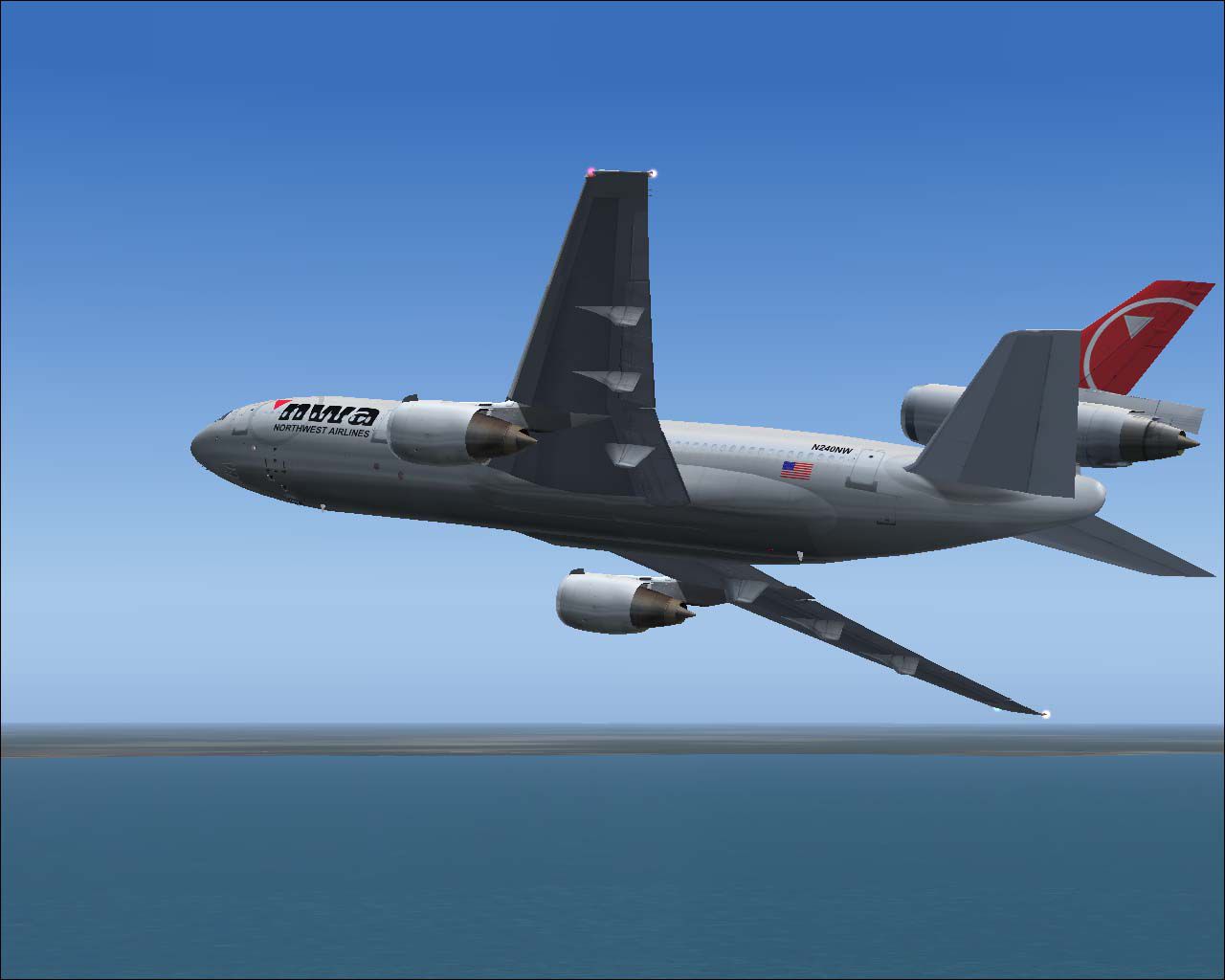
Bring a genuine Northwest Airlines livery to your Microsoft Flight Simulator X hangar by installing this meticulously crafted repaint for the Commercial Level Simulations DC-10-30 payware model. Created by Bonnie Windsor, this package recreates the aircraft registered as N240NW in a modern Northwest Airlines color scheme. It leverages the tri-jet’s classic design while maintaining realistic textures and shading across every exterior surface.
Northwest Airlines first introduced the DC-10 to its fleet decades ago, recognizing its good balance of range and passenger capacity. This three-engine wide-body, developed by McDonnell Douglas, served many transcontinental and international routes. In this repaint, you’ll notice details that mirror the airline’s livery from nose to tail, providing an accurate depiction of N240NW’s final look.
-fsx-1.jpg)
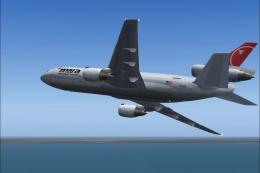
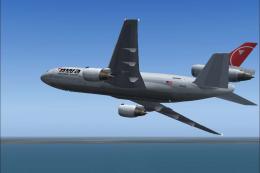
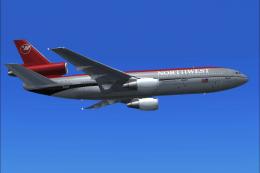
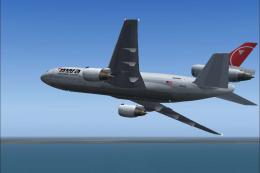
Visual of the Northwest Airlines Douglas DC-10-30 cruising in FSX skies.
This repaint package is for the CLS DC-10-30 payware product only and does not include the original aircraft model. You will need to purchase the Commercial Level Simulations DC-10-30 from a legitimate source, such as our payware store, SimShack, before applying these textures.
[fltsim.XX]

title=Commercial Level Simulations - DC-10-30-50C Northwest Airlines N240NW NC

sim=CLS-DC10-30-GE-CF6-50C

model=50C2

panel=

sound=

texture=NWA N240NW NC NORTHWEST

atc_airline= NORTHWEST

atc_flight_number=240

atc_heavy=1

atc_id=N240NW

atc_parking_types=GATE, RAMP

atc_parking_code=NWA

description=Commerical Level Simulations\nBoeing / McDonnell Douglas DC-10-30\nVersion - Version-2005.1.1\n\nFSX Only\n\nEngine Type: GE CF6-50C2\n\nFor proper operation: See DC-10 manual and performance documentation.

ui_typerole="Commercial Airliner"

ui_createdby="Commercial Level Simulations"

ui_manufacturer="McDonnell Douglas"

ui_type=DC-10-30

ui_variation=Northwest Airlines N240NW NC

visual_damage=1
This custom texture offers an authentic representation of N240NW within Microsoft Flight Simulator X. The classical Tri-Jet design from McDonnell Douglas is fully preserved, while modern paint details highlight the later Northwest Airlines aesthetic. Enjoy flying transoceanic or domestic routes in true-to-life style, benefiting from the payware model’s refined flight dynamics and systems fidelity.
Repaint provided by Bonnie Windsor.
Free for all simmers · 3.63 MB · Scanned clean Oct 2026
Download speed: Free tier is capped at 0.5 Mbps (this file takes approximately 1 min at the cap). PRO members download at full line speed.
texture.{airline}) inside FSX\SimObjects\Airplanes\{base-aircraft}\.aircraft.cfg in Notepad. Add a new [fltsim.X] section per the readme.readme.txt or README file. It tells you exactly where files go, what dependencies are needed, and any quirks specific to this add-on.The archive nwx240nw.zip has 15 files and directories contained within it.
This list displays the first 500 files in the package. If the package has more, you will need to download it to view them.
| Filename/Directory | File Date | File Size |
|---|---|---|
| dc10_cf650_t.bmp | 04.19.07 | 4.00 MB |
| fspap_dc10fuseL_l.bmp | 04.19.07 | 1.00 MB |
| fspap_dc10fuseL_t.bmp | 04.19.07 | 4.00 MB |
| fspap_dc10fuseR_l.bmp | 04.19.07 | 1.00 MB |
| fspap_dc10fuseR_t.bmp | 04.19.07 | 4.00 MB |
| fspap_dc10misc_t.bmp | 04.19.07 | 1.00 MB |
| fspap_dc10tail_cf6_t.bmp | 04.19.07 | 4.00 MB |
| NWA N240NW NC NORTHWEST.gif | 04.19.07 | 7.81 kB |
| NWA N240NW NC NORTHWEST.jpg | 04.19.07 | 73.25 kB |
| NWA N240NW NC NORTHWEST.txt | 05.30.07 | 328 B |
| readme.txt | 05.30.07 | 1.46 kB |
| thumbnail.jpg | 05.30.07 | 19.30 kB |
| Texture.NWA N240NW NC NORTHWEST | 05.30.07 | 0 B |
| flyawaysimulation.txt | 10.29.13 | 959 B |
| Go to Fly Away Simulation.url | 01.22.16 | 52 B |
Only PRO members can place votes.
More FSX & P3D add-ons hand-picked based on this download.
FSX Civil Aircraft
Experience a faithful rendition of the McDonnell Douglas DC-10 series in Micr…
 FSX Civil Aircraft
This package delivers a meticulously crafted repaint representing Northwest A…
 FSX Civil Aircraft
This repaint provides a realistic Northwest Airlines Douglas DC-10-30 livery …
 FSX Civil Aircraft
This repainted Northwest Airlines DC-10-30 N225NW (in the classic livery) off…
 FSX Civil Aircraft
This freeware repaint package adds a faithful Northwest Airlines (N238NW) col…
 FSX Civil Aircraft
FSX Singapore Airlines Douglas DC-10-30, registration 9V-SDB. Model by SGA. R…
 FSX Civil Aircraft
Textures for the Tom Ruth DC10-30 series. Philippine Airlines operated DC-10s…
 FSX Civil Aircraft
FSX FedEx Douglas DC-10-10F. Textures only for the payware Commercial Level S…
Be the first to leave a comment on this download.
Be the first to share your thoughts on this download.