

 FSX Civil Aircraft
Airbus A321 SAS SE-REG Textures
A repaint of the default A 321 in SAS colours, by G. Carlbaum.
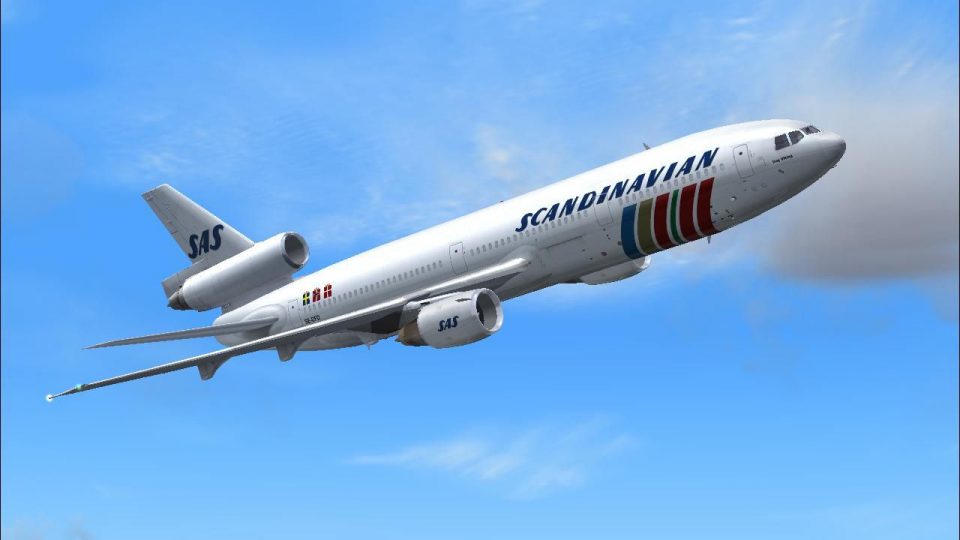
SAS Douglas DC-10-30 SE-DFD livery captures the classic Scandinavian scheme with crisp markings and airframe-specific details that suit long-haul tri-jet flying. Built for Microsoft Flight Simulator X, it requires the payware CLS DC-10-30 package, using its model and virtual cockpit for an authentic period look.
 Rate
Rate
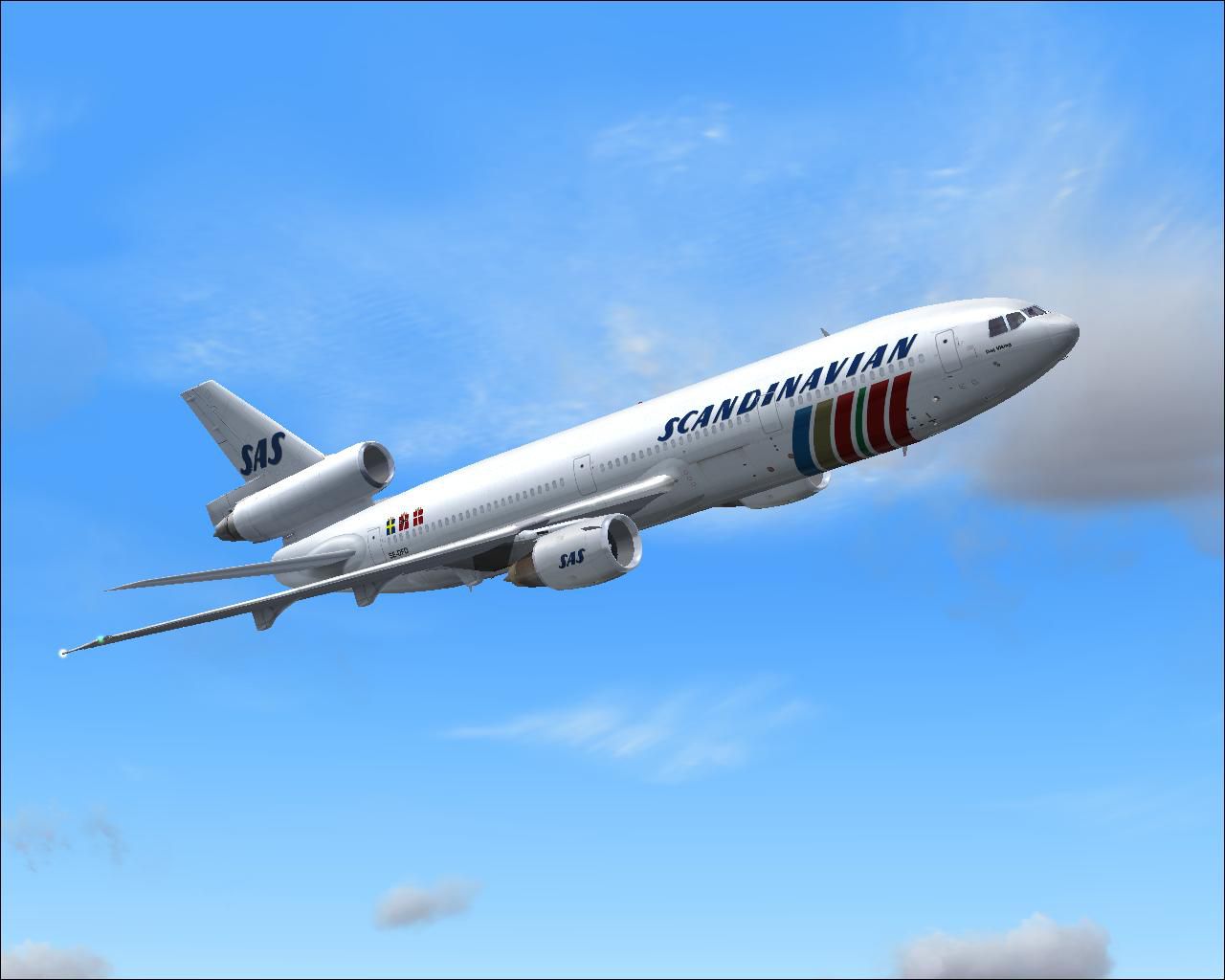
This high-fidelity repaint features the iconic Scandinavian Airlines System (SAS) Douglas DC-10-30 registration SE-DFD, originally crafted by developer Bonnie Windsor for the payware Commercial Level Simulations (CLS) tri-jet model. It is specifically tailored for Microsoft Flight Simulator X, ensuring a realistic representation of classic SAS operations without compromising detail.
This texture set recreates the SE-DFD airframe with precision, capturing the subtle design elements that SAS employed on their DC-10 fleet to serve long-haul routes. The rear-engined wide-body layout of the McDonnell Douglas DC-10 is rendered accurately, reflecting the fuselage curvature, tail fin details, and authentic Scandinavian color scheme.
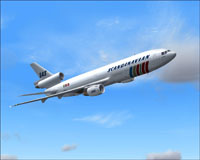
Visual preview of the SAS DC-10-30 flying above northern Europe.
These textures require the payware CLS DC-10-30 base package, available from popular stores such as SimShack. The digital files provided here only include the external repaint. The original CLS product offers the necessary model, virtual cockpit (VC), and other base components required for proper operation.
fltsim.X index by one (e.g., [fltsim.2] if the highest entry is [fltsim.1]) and paste the following block:[fltsim.XX]
title = Commercial Level Simulations - DC-10-30-50C Scandinavian Airlines SE-DFD
sim = CLS-DC10-30-GE-CF6-50C
model = 50C2
panel =
sound =
texture = SAS SE-DFD SCANDINAVIAN
atc_airline = SCANDINAVIAN
atc_flight_number = 50C2
atc_heavy = 1
atc_id = SE-DFD
atc_parking_types = GATE, RAMP
atc_parking_code = SAS
ui_typerole = "Commercial Airliner"
ui_createdby = "Commercial Level Simulations"
ui_manufacturer = "McDonnell Douglas"
ui_type = DC-10-30
ui_variation = Scandinavian Airlines SE-DFD
description = Commerical Level Simulations\nBoeing / McDonnell Douglas DC-10-30\nVersion - Version-2005.1.1\n\nFS2004 Only\n\nEngine Type: GE CF6-50C2\n\nFor proper operation: See DC-10 manual and performance documentation.
visual_damage = 1
The Douglas DC-10 marked a significant era in intercontinental travel, especially for SAS, which used it to link Scandinavian hubs with distant destinations. Recreating these routes in the simulator offers an engaging opportunity to experience wide-body jet procedures, tri-engine performance, and historical Scandinavian airline practices.
This repaint was developed by Bonnie Windsor using the Commercial Level Simulations payware model. Ensure you have the correct payware product installed for full functionality.
Free for all simmers · 3.87 MB · Scanned clean Oct 2026
Download speed: Free tier is capped at 0.5 Mbps (this file takes approximately 1 min at the cap). PRO members download at full line speed.
texture.{airline}) inside FSX\SimObjects\Airplanes\{base-aircraft}\.aircraft.cfg in Notepad. Add a new [fltsim.X] section per the readme.readme.txt or README file. It tells you exactly where files go, what dependencies are needed, and any quirks specific to this add-on.The archive saxsedfd.zip has 15 files and directories contained within it.
This list displays the first 500 files in the package. If the package has more, you will need to download it to view them.
| Filename/Directory | File Date | File Size |
|---|---|---|
| dc10_cf650_t.bmp | 04.08.07 | 4.00 MB |
| fspap_dc10fuseL_l.bmp | 04.08.07 | 1.00 MB |
| fspap_dc10fuseL_t.bmp | 04.08.07 | 4.00 MB |
| fspap_dc10fuseR_l.bmp | 04.08.07 | 1.00 MB |
| fspap_dc10fuseR_t.bmp | 04.08.07 | 4.00 MB |
| fspap_dc10misc_t.bmp | 04.08.07 | 1.00 MB |
| fspap_dc10tail_cf6_t.bmp | 04.08.07 | 4.00 MB |
| readme.txt | 05.30.07 | 1.50 kB |
| SAS SE-DFD SCANDINAVIAN.gif | 04.08.07 | 10.93 kB |
| SAS SE-DFD SCANDINAVIAN.JPG | 04.08.07 | 71.51 kB |
| SAS SE-DFD SCANDINAVIAN.txt | 05.30.07 | 305 B |
| thumbnail.jpg | 05.30.07 | 19.63 kB |
| TEXTURE.SAS SE-DFD SCANDINAVIAN | 05.30.07 | 0 B |
| flyawaysimulation.txt | 10.29.13 | 959 B |
| Go to Fly Away Simulation.url | 01.22.16 | 52 B |
Only PRO members can place votes.
More FSX & P3D add-ons hand-picked based on this download.
FSX Civil Aircraft
A repaint of the default A 321 in SAS colours, by G. Carlbaum.
 FSX Civil Aircraft
A repaint of the stock A321 in Scandinavian Airlines colors. By G. Carlbaum. …
 FSX Civil Aircraft
Tuifly Nordic Boeing 767-300 with winglets, registration SE-RFS and call sign…
 FSX Civil Aircraft
FSX FedEx Douglas DC-10-10F. Textures only for the payware Commercial Level S…
 FSX Civil Aircraft
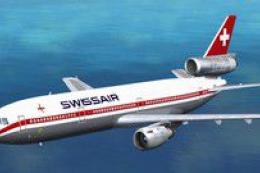
FSX Swissair Douglas DC-10-30/ER Triple Pack. Includes HB-IHB (1973), HB-IHF …
 FSX Civil Aircraft
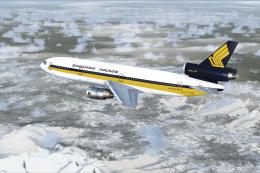
FSX Singapore Airlines Douglas DC-10-30, registration 9V-SDB. Model by SGA. R…
 FSX Civil Aircraft
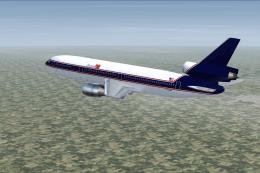
FSX Express One Douglas DC-10-30, registration F-OKBB. Model by SGA. Repaint …
 FSX Civil Aircraft
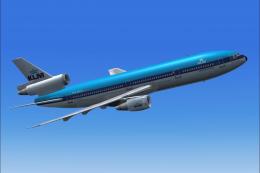
This repaint captures KLM’s iconic Douglas DC-10-30 in its earlier livery, de…
Be the first to leave a comment on this download.
Be the first to share your thoughts on this download.