

 FSX Misc
Glider Towing Tutorial
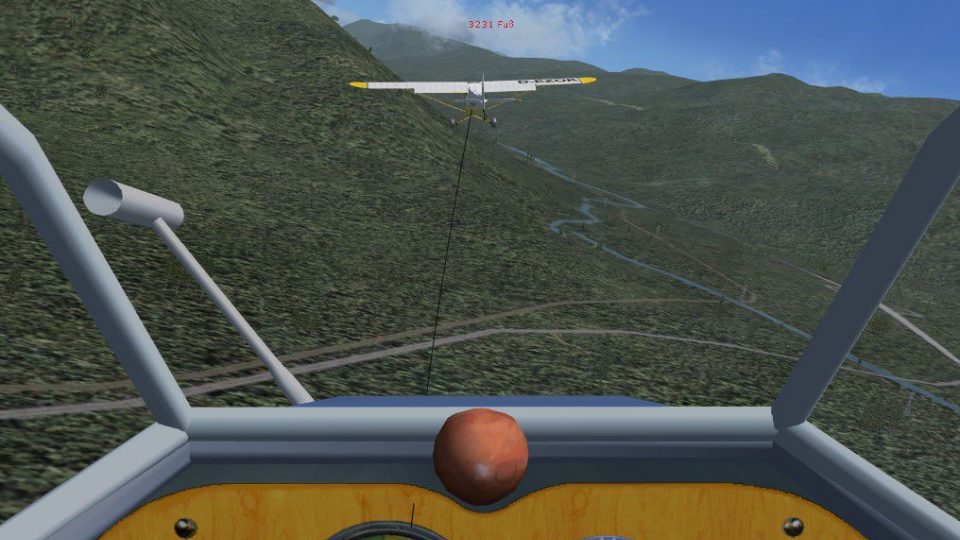
Tutorial on flying banked turns with tow plane in FSX. This tutorial makes th…
Glider towing becomes more authentic with a clear, practical guide to swapping the default tow aircraft for the one you want in Microsoft Flight Simulator X. It explains how to summon the tow plane, then adjust the setup so your preferred tug launches the glider smoothly, improving realism for soaring flights.
 Rate
Rate
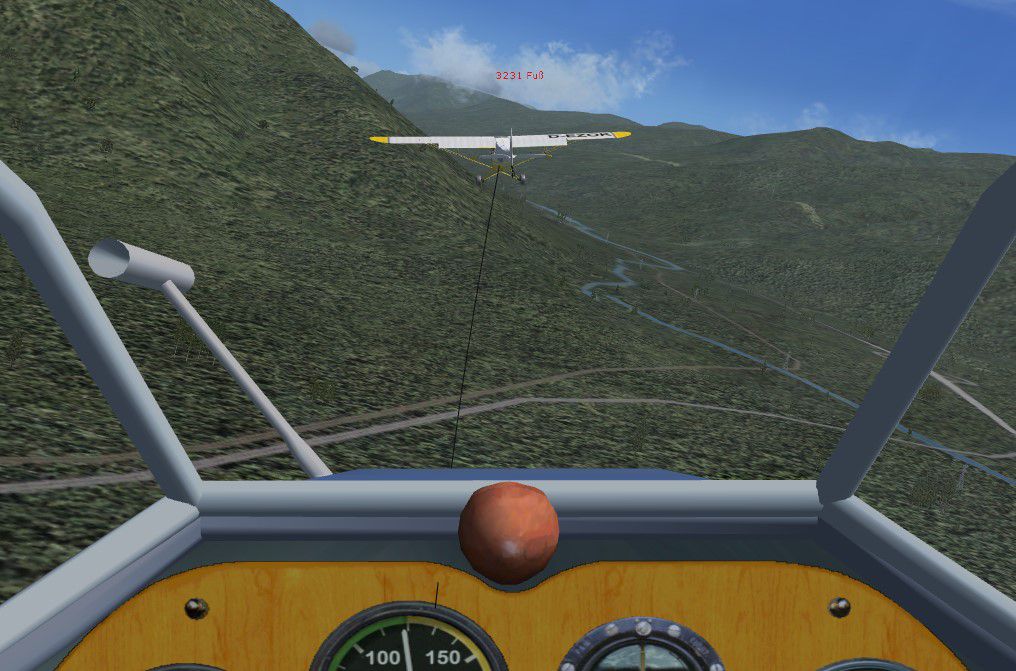
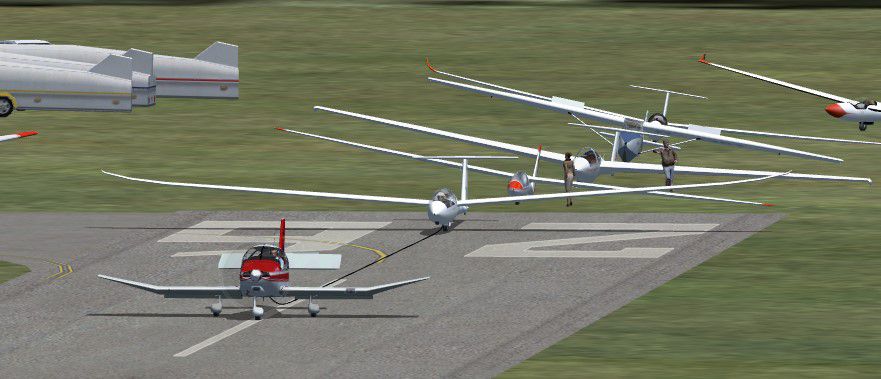
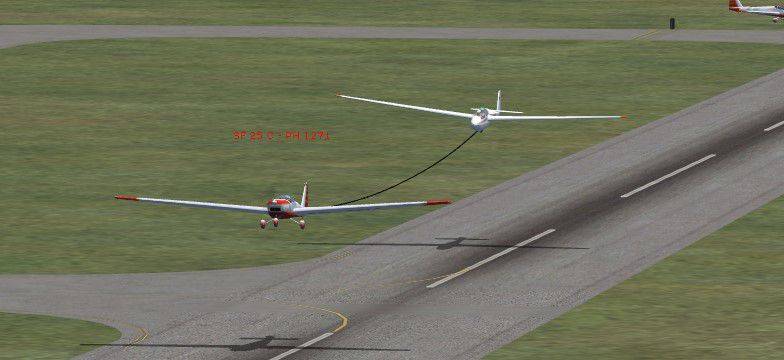
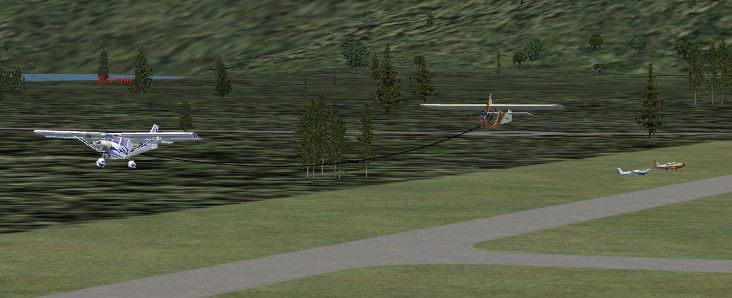
Tutorial on changing tow plane in FSX. A tutorial to make the things in FSX more realistic. You can use your desired aircraft as a tow plane that will get the glider pilot in the air. See also the tutorial "Flying banked turns with tow-plane in FSX" (TUT_TWPL.ZIP). By Thomas Murr.
Screenshot of Falke TOW plane.
Since the FSX-distribution it's possible to call for a towplane that will get the glider pilot in the air (hold CTRL and SHIFT and press Y). Although this feature is great a change of the Tow-Plane is not featured with one or two 'Button-Clicks'.
With this tutorial I will put things right; not with two clicks but it's possible to change the towplane of your choice.
The next not realistic thing is that the towplane is always flying straight ahead and at first view at FSX there is neither possible to stick around the airfield nor to navigate the towplane directly into the thermals or to avoid crashing in an obstacle (e.g. in the mountains). To fix this see my other tutorial 'Flying banked turns with Tow-Plane in FSX' (tut_twpl.zip).
Free for all simmers · 1.23 MB · Scanned clean Oct 2026
Download speed: Free tier is capped at 0.5 Mbps. PRO members download at full line speed.
This add-on may require the following files to function properly. If this is a repaint, the dependency below is likely the base aircraft package.
FSX\SimObjects\Airplanes\. The folder must contain an aircraft.cfg file. Effects go into FSX\Effects\; gauges go into FSX\Gauges\.readme.txt or README file. It tells you exactly where files go, what dependencies are needed, and any quirks specific to this add-on.The archive tutchtwp.zip has 11 files and directories contained within it.
This list displays the first 500 files in the package. If the package has more, you will need to download it to view them.
| Filename/Directory | File Date | File Size |
|---|---|---|
| change_towplane_deutsch.pdf | 03.07.07 | 467.19 kB |
| change_towplane_english.pdf | 03.07.07 | 463.14 kB |
| FILE_ID.DIZ | 03.07.07 | 283 B |
| sc2_robin.jpg | 03.06.07 | 77.68 kB |
| sc3_falke.jpg | 03.06.07 | 54.80 kB |
| sc4_ul.jpg | 03.06.07 | 52.20 kB |
| sc1_piper.jpg | 03.06.07 | 154.53 kB |
| readme_de.txt | 03.07.07 | 1.01 kB |
| readme.txt | 03.07.07 | 1001 B |
| flyawaysimulation.txt | 10.29.13 | 959 B |
| Go to Fly Away Simulation.url | 01.22.16 | 52 B |
Only PRO members can place votes.
More FSX & P3D add-ons hand-picked based on this download.
FSX Misc
Tutorial on flying banked turns with tow plane in FSX. This tutorial makes th…
 FSX Misc
A tutorial to make the things in FSX more realistic. You can adjust the tow p…
 FSX Misc
This FSX tutorial is to understand how we send SimConnect nearby waypoints to…
 FSX Misc
The checklist explains in details how the plane is prepared for takeoff, the …
 FSX Misc
An illustrated guide. After landing your favorite FSX aircraft, are you frust…
 FSX Misc
A tutorial in PDF format. By Mike Basford. Thumbnail of Tiger Sky6 in flight.
FSX Misc
This is a PDF tutorial intended for use with PMDG's Boeing 737NGX product. In…
FSX Misc
How to make your first model in FSX Gmax. A simple beginner's tutorial to hel…
Be the first to leave a comment on this download.
Be the first to share your thoughts on this download.