

 FSX Propliners
Grumman Goose G21A P_XX
Textures only for the default Grumman Goose. Repaint by Bernhard Lechner. Scr…
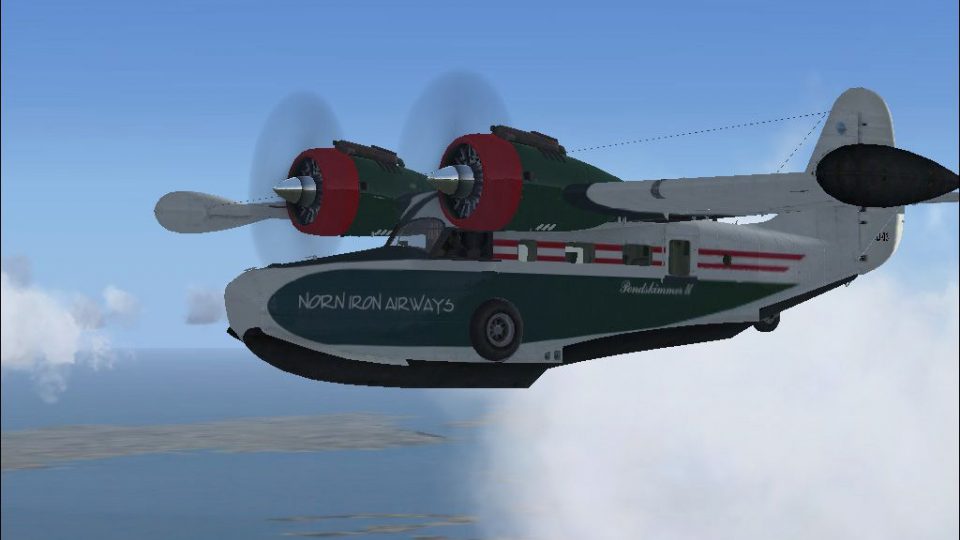
Norn Iron Airways livery brings a distinctive UK-and-Europe amphibian look to the default Grumman G21A Goose, with clean markings and an authentic civilian character for waterway and coastal flying. Designed for Microsoft Flight Simulator X, it requires the FSX Deluxe default Goose and includes the Texture.Norniron repaint for easy selection in the hangar.
 Rate
Rate
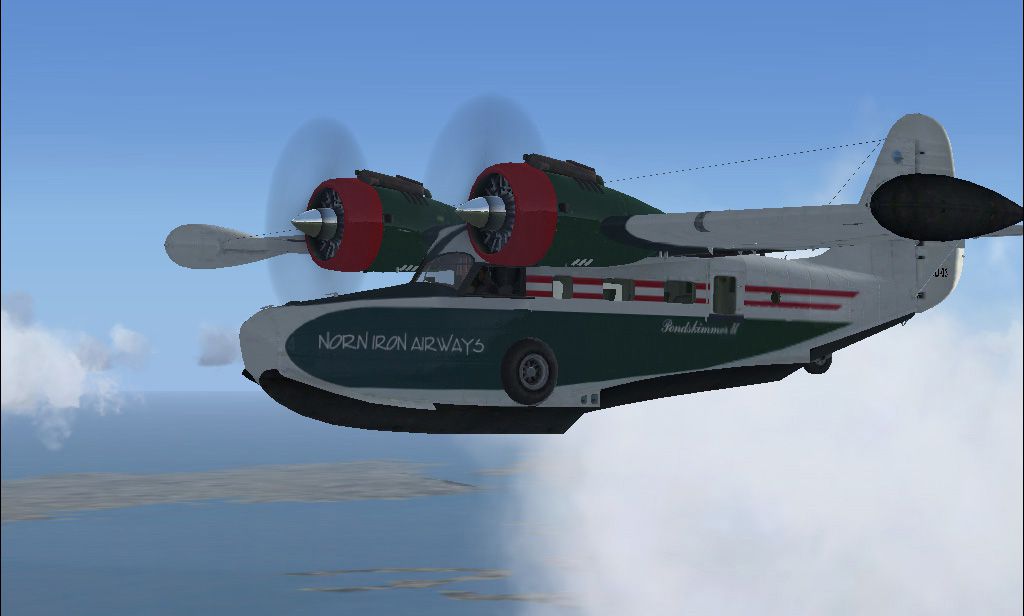
Norn Iron Airways textures only for the default Grumman Goose. Requires FSX Deluxe version. Repaint by Davy Johnston.
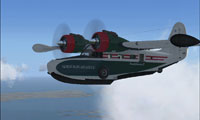
Screenshot of NIA Grumman G21A Goose in flight.
Unzip this package to a temporary directory and copy the directory containing the paint (Texture.Norniron) in your flight simulator's Grumman_Goose directory (Microsoft Flight Simulator X\SimObjects\Airplanes\Grumman_Goose_G21A).
Add this section in the aircraft.cfg file of the Grumman Goose:
[fltsim.x]

title=Grumman Goose G21A "NIA Goose"

sim=Grumman_Goose_G21A

model=

panel=

sound=

texture=Norniron

kb_checklists=GrummanGooseG21A_check

kb_reference=GrummanGooseG21A_ref

atc_id=GD-06

ui_manufacturer="Grumman"

ui_type="Goose G21A"

ui_variation="Norn Iron Airways"

ui_typerole="Twin Engine Prop"

ui_createdby="Davy Johnston"

description=Norn Iron Airways only amphibian the "Goose" travels to waterways across the UK and Europe

[General]

atc_type=Grumman

atc_model=G21

editable=0

performance="Cruise Speed\n191 mph 165 kts 308 km\/h\n\nEngines\nPratt & Whitney R-985-AN-1 radials, 450 hp each\n\nPropeller\nHartzell 3-blade constant speed\n\nMaximum Range\n556 nm 1,030 km\n\nService Ceiling\n21,300 ft 6,492 m\n\nFuel Capacity\n95 gal 360 L\n\nEmpty Weight\n2,850 lb 1,295 kg\n\nMaximum Gross Weight\n5,425 lb 2,466 kg\n\nLength\n38 ft, 6 in 11.7 m\n\nWingspan\n49 ft 14.9 m\n\nHeight\n16 ft, 2 in 4.9 m\n\nSeating\n7\n\nUseful Load\n1,595 lb 725 kg"

Category = airplane
Instead of (x) you must use the next number not used. If for instance the last paint of the G21 is [fltsim.6], this one should be [fltsim.7].
Free for all simmers · 1.62 MB · Scanned clean Oct 2026
Download speed: Free tier is capped at 0.5 Mbps. PRO members download at full line speed.
texture.{airline}) inside FSX\SimObjects\Airplanes\{base-aircraft}\.aircraft.cfg in Notepad. Add a new [fltsim.X] section per the readme.readme.txt or README file. It tells you exactly where files go, what dependencies are needed, and any quirks specific to this add-on.The archive nia.zip has 10 files and directories contained within it.
This list displays the first 500 files in the package. If the package has more, you will need to download it to view them.
| Filename/Directory | File Date | File Size |
|---|---|---|
| readme.txt | 02.13.07 | 1.61 kB |
| grumman_goose_g21a_4_C.dds | 12.09.06 | 682.80 kB |
| grumman_goose_g21a1_t.dds | 12.17.06 | 1.33 MB |
| grumman_goose_g21a2_t.dds | 12.17.06 | 341.48 kB |
| Grumman_Goose_pilot.dds | 02.16.07 | 42.80 kB |
| texture.cfg | 08.14.06 | 137 B |
| thumbnail.jpg | 12.17.06 | 35.69 kB |
| goose.jpg | 02.13.07 | 132.49 kB |
| flyawaysimulation.txt | 10.29.13 | 959 B |
| Go to Fly Away Simulation.url | 01.22.16 | 52 B |
Only PRO members can place votes.
More FSX & P3D add-ons hand-picked based on this download.
FSX Propliners
Textures only for the default Grumman Goose. Repaint by Bernhard Lechner. Scr…
 FSX Propliners
Textures only for the default Grumman Goose. Includes two liveries, ZK-DFC an…
 FSX Propliners
A fictive SagEx Grumman Goose. Textures only for the default FSX Grumman Goos…
 FSX Propliners
Textures only for the default Grumman Goose. Repaint by Jon Murchison. Screen…
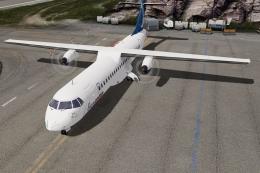 FSX Propliners
A complete add-on pack for Microsoft Flight Simulator X and all versions of P…
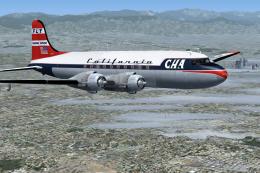 FSX Propliners
This is a mega pack containing a highly detailed Douglas DC-4 & C-54 model fo…
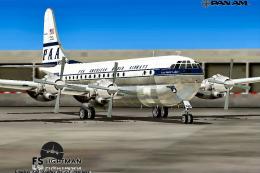 FSX Propliners
Pan Am Boeing B377 in Pan American 1960's livery. Model by California Classic…
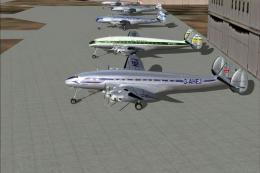 FSX Propliners
Delve into the golden age of aviation with the Lockheed Constellation L-049A,…
Be the first to leave a comment on this download.
Be the first to share your thoughts on this download.