

 FSX Propliners
Austrian Government Douglas DC-2 A-500
This repaint for Microsoft Flight Simulator X brings the Austrian Government’…
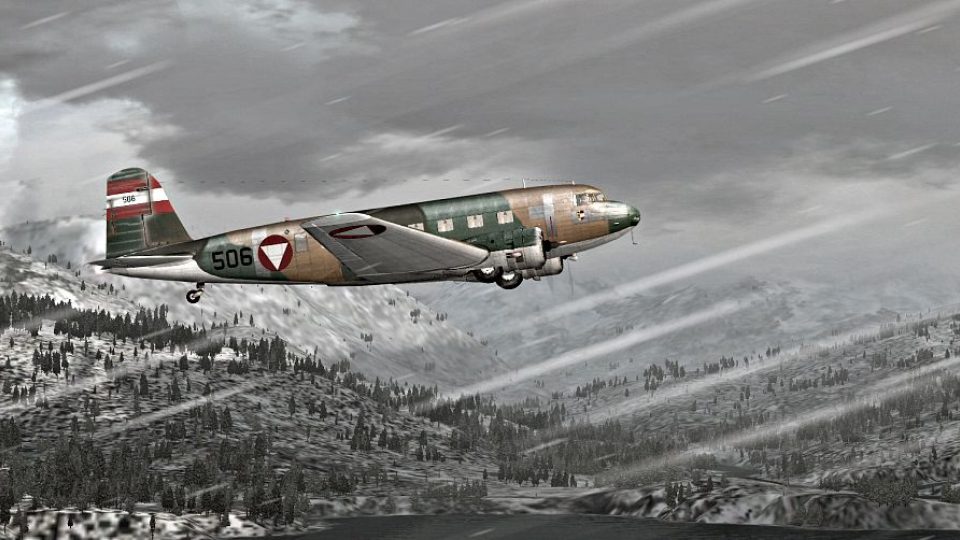
Austrian Air Force Douglas DC-2 livery recreates an imaginative 1936–38 scheme with period-style markings for classic propliner operations in FSX. The repaint delivers crisp external textures tailored to the Uiver Team X Douglas DC-2 package and integrates cleanly into the aircraft selection menu.
 Rate
Rate
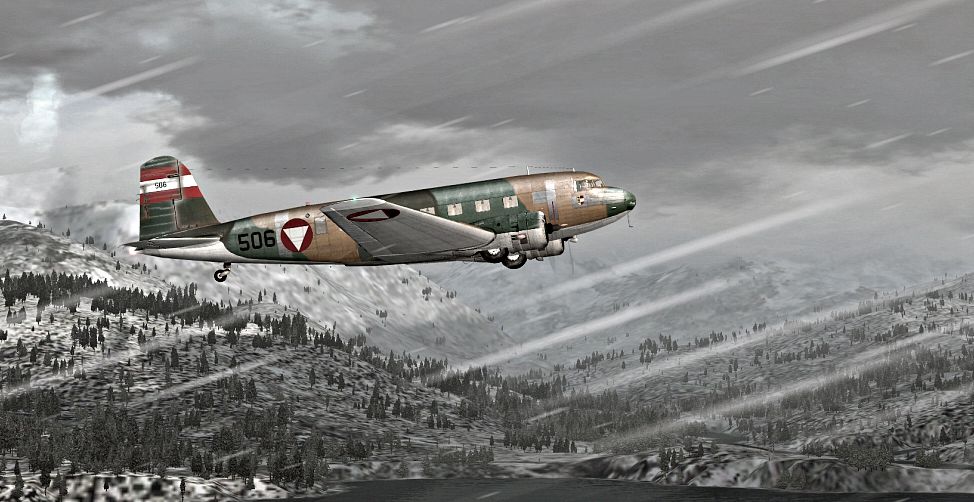
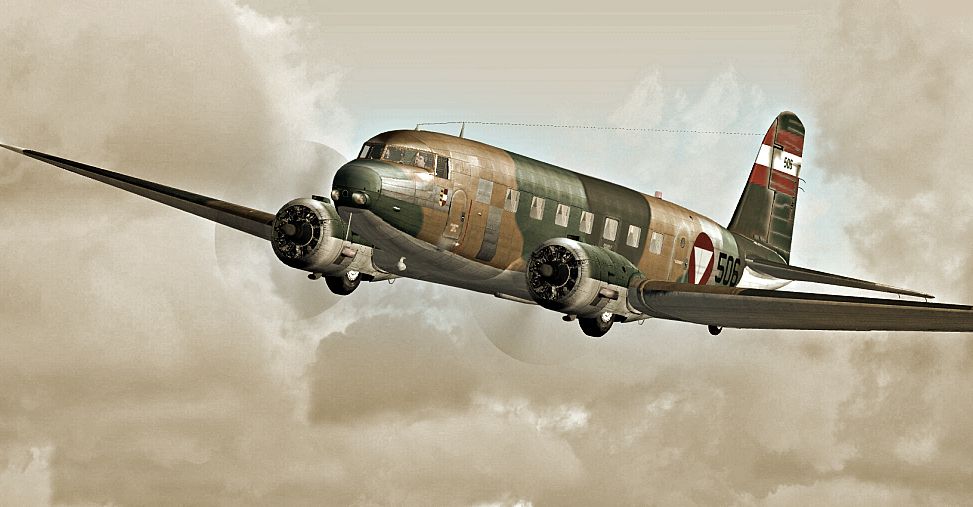

This is an imaginary repaint (1936-38) for the Douglas DC-2 package by the Uiver Team X. Textures only. By Bernhard Lechner.
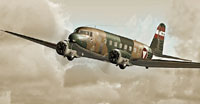
Screenshot of Austrian Air Force Douglas DC-2 in flight.
[fltsim.XX]

title=Douglas DC-2 AUSTRIA X

sim=uiver_aviodrome

model=OLD

panel=old

sound=

texture=austria

checklists=

kb_checklists=douglas_dc2_check

kb_reference=douglas_dc2_ref

atc_id_enable=1

atc_id=506

description=...\

ui_manufacturer=Douglas

ui_type=DC-2

ui_variation=OE.506

ui_typerole="Twin Engine Prop"

ui_createdby=""Uiver" Team X"

atc_airline=

atc_heavy=0

atc_flight_number=

atc_id_color=0x00000000

atc_id_font=Verdana,-11,1,600,0

visual_damage=0

atc_parking_types=RAMP
Enjoy !
Free for all simmers · 3.28 MB · Scanned clean Oct 2026
Download speed: Free tier is capped at 0.5 Mbps. PRO members download at full line speed.
texture.{airline}) inside FSX\SimObjects\Airplanes\{base-aircraft}\.aircraft.cfg in Notepad. Add a new [fltsim.X] section per the readme.readme.txt or README file. It tells you exactly where files go, what dependencies are needed, and any quirks specific to this add-on.The archive dc2x_austria.zip has 12 files and directories contained within it.
This list displays the first 500 files in the package. If the package has more, you will need to download it to view them.
| Filename/Directory | File Date | File Size |
|---|---|---|
| readme_AUSTRIA.txt | 11.11.09 | 1.30 kB |
| SCREENS | 11.11.09 | 0 B |
| DC2_OE_001.jpg | 11.09.09 | 402.69 kB |
| DC2_OE_002.jpg | 11.09.09 | 368.60 kB |
| texture.austria | 11.11.09 | 0 B |
| DC2_exterior.dds | 11.11.09 | 4.00 MB |
| DC2_exterior_spec.dds | 11.11.09 | 1.00 MB |
| dc2_flag.dds | 11.08.09 | 64.12 kB |
| texture.cfg | 11.08.09 | 122 B |
| thumbnail.jpg | 11.11.09 | 27.10 kB |
| flyawaysimulation.txt | 10.29.13 | 959 B |
| Go to Fly Away Simulation.url | 01.22.16 | 52 B |
Only PRO members can place votes.
More FSX & P3D add-ons hand-picked based on this download.
FSX Propliners
This repaint for Microsoft Flight Simulator X brings the Austrian Government’…
 FSX Propliners
This freeware repaint depicts an imagined Japanese Air Force and Marine liver…
 FSX Propliners
This is a repaint for the Douglas DC2 package by the Uiver Team X. The revenu…
 FSX Propliners
This is a repaint for the Douglas DC-2 package by the Uiver Team X. The reven…
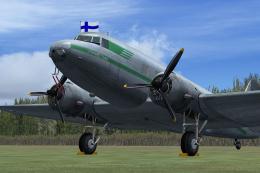 FSX Propliners
This freeware repaint brings the historically significant Finnish Air Force D…
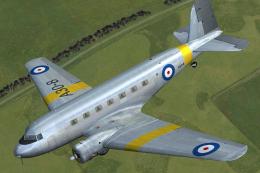 FSX Propliners
This is a repaint for the Douglas DC-2 package by the Uiver Team X. The reven…
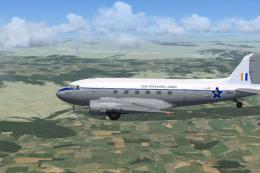 FSX Propliners
Douglas C-47B-30-DK, (c/n 32948) delivered to RAF under the 'Lend/Lease' sche…
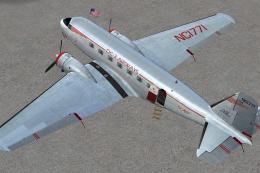 FSX Propliners
This carefully crafted repaint showcases a gleaming bare metal finish on a Do…
Be the first to leave a comment on this download.
Be the first to share your thoughts on this download.