

 FSX Propliners
Douglas C-124 Oscar Mayer Repaint
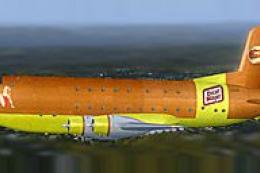
Fictional Weinermobile livery for the JBK C-125A Globemaster II. Now you too …
Douglas DC-2 repaint templates deliver 24-bit layered files tailored to the Uiver Team X DC-2 package, helping artists create crisp, accurate liveries with consistent mapping and a ready thumbnail workflow. Built for FSX and designed around the aircraft’s photoreal textures, it includes helpful sample documentation for sharing finished repaints.
 Rate
Rate
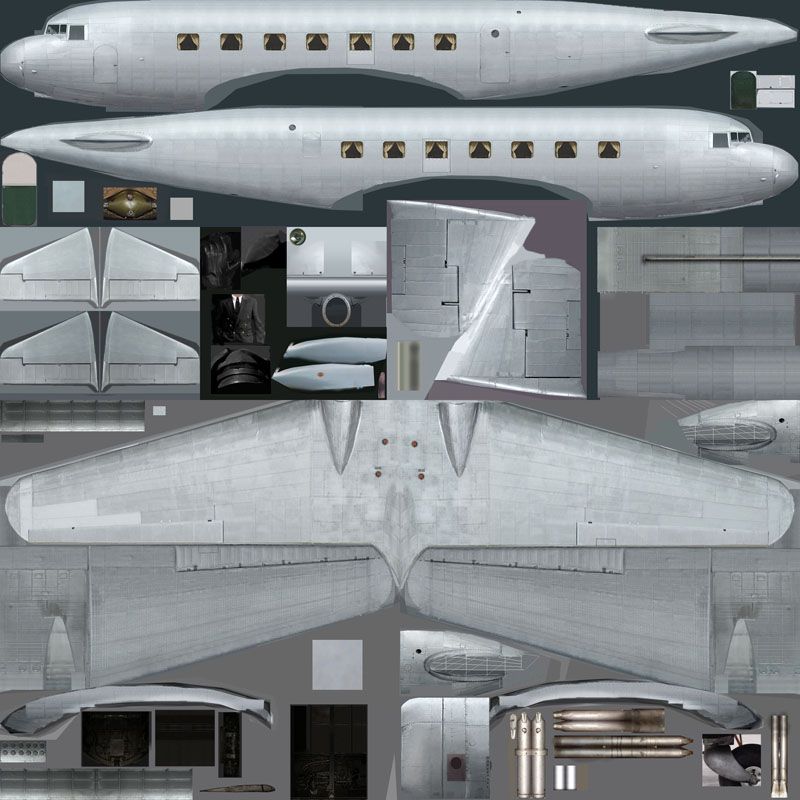
This package contains 24-bit repaint templates for the Douglas DC2 package by the Uiver Team X. The revenue from the sales of the DC2 package will be donated to the Aviodrome, Dutch National Aviation Theme Park and Museum. By Tim Scharnhop.
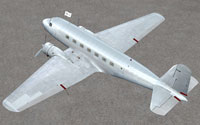
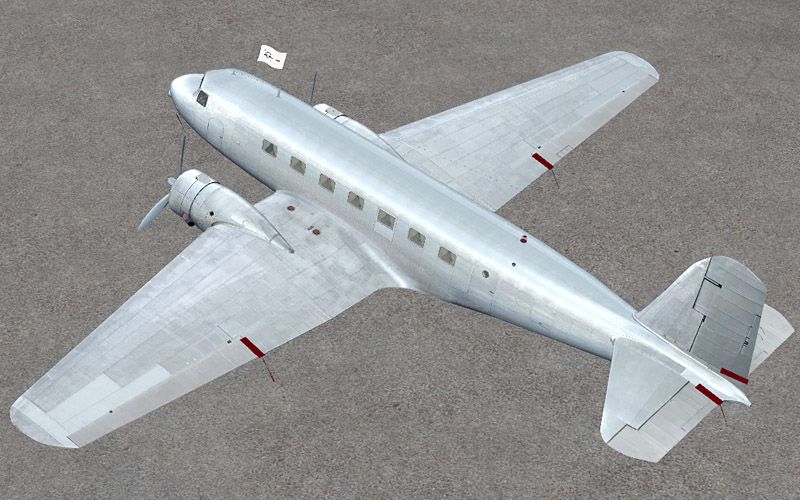
Screenshot of blank Douglas DC-2 on the ground.
Unzip DC2_retemp.zip to a temporary directory, ensuring that you retain folder names when unzipping. Then from within the download, move the folder 'DC-2X Repaint Templates' to a location of your choice.
NOTES:
This is not a 'paint kit' as such, because the original DC-2 bitmaps are photoreal and were not built up from scratch. I've also included a sample_readme.txt to make it easier for you to upload you work. Don't forget to include a little picture (thumbnail.jpg, 256x128 pix) of you repaint in the texture folder for the FSX user.
Free for all simmers · 12.39 MB · Scanned clean Oct 2026
Download speed: Free tier is capped at 0.5 Mbps (this file takes approximately 3 mins at the cap). PRO members download at full line speed.
texture.{airline}) inside FSX\SimObjects\Airplanes\{base-aircraft}\.aircraft.cfg in Notepad. Add a new [fltsim.X] section per the readme.readme.txt or README file. It tells you exactly where files go, what dependencies are needed, and any quirks specific to this add-on.The archive dc2x_retemp.zip has 12 files and directories contained within it.
This list displays the first 500 files in the package. If the package has more, you will need to download it to view them.
| Filename/Directory | File Date | File Size |
|---|---|---|
| dc2x_retemp.jpg | 11.12.09 | 149.13 kB |
| readme.txt | 11.12.09 | 2.71 kB |
| sample_readme.txt | 11.12.09 | 2.64 kB |
| dc2_exterior.bmp | 11.12.09 | 12.00 MB |
| dc2_exterior_alpha.bmp | 11.12.09 | 4.00 MB |
| dc2_exterior_spec.bmp | 11.12.09 | 12.00 MB |
| dc2_exterior_spec_alpha.bmp | 11.12.09 | 4.00 MB |
| dc2_flag.bmp | 11.12.09 | 192.05 kB |
| dc2x_retemp2.jpg | 11.12.09 | 133.07 kB |
| dc2x_retemp.gif | 11.12.09 | 9.11 kB |
| flyawaysimulation.txt | 10.29.13 | 959 B |
| Go to Fly Away Simulation.url | 01.22.16 | 52 B |
Only PRO members can place votes.
More FSX & P3D add-ons hand-picked based on this download.
FSX Propliners
Fictional Weinermobile livery for the JBK C-125A Globemaster II. Now you too …
 FSX Propliners
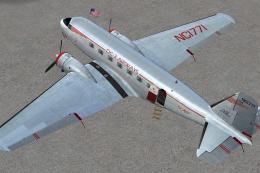
This carefully crafted repaint showcases a gleaming bare metal finish on a Do…
 FSX Propliners
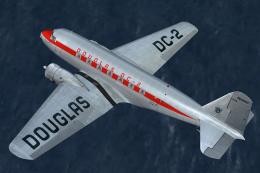
This freeware package offers a custom livery repaint for the payware Douglas …
 FSX Propliners
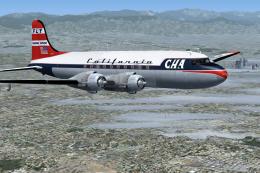
This is a mega pack containing a highly detailed Douglas DC-4 & C-54 model fo…
 FSX Propliners
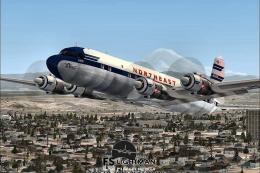
The flight model was created by Classic Airliners. All other updates were add…
 FSX Propliners
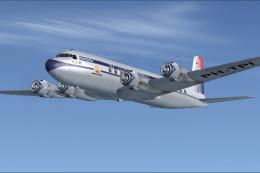
This package includes the DC6 in its earliest form with short nose (no weathe…
 FSX Propliners
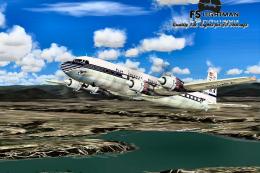
Pan Am Douglas DC-7 in Pan American 1990's livery. DC7 model by Classic Airli…
 FSX Propliners
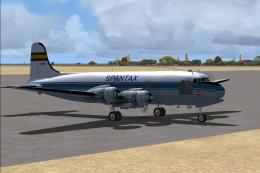
Complete aircraft of classic DC4 54 from Spantax Airline with virtual cockpit…
Be the first to leave a comment on this download.
Be the first to share your thoughts on this download.