

 FSX Propliners
Ala Littoria Douglas DC-2X
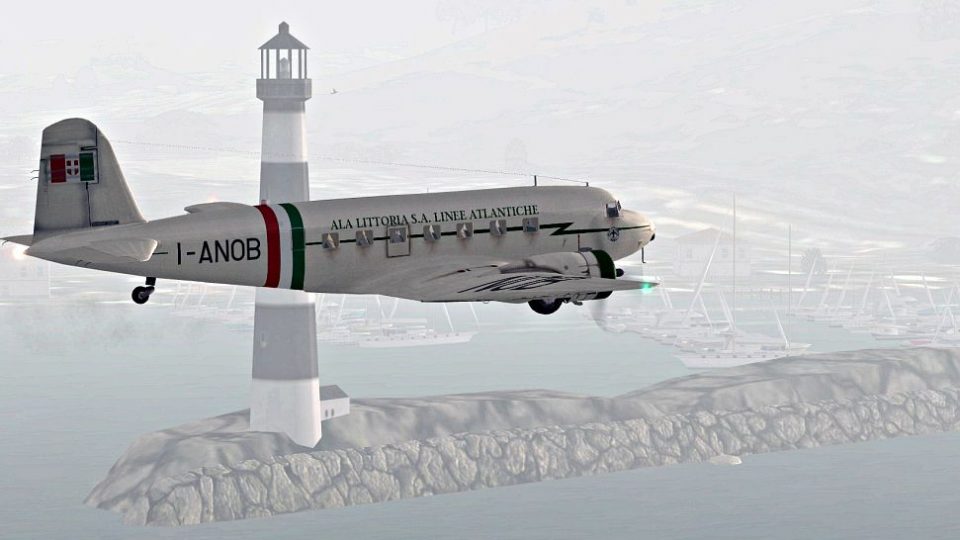
This is a repaint for the sole DC2 in service from Ala Littoria. Previously t…
Ala Littoria-inspired Douglas DC-2 livery brings vintage Italian flair to the classic twin-engine airliner, complementing its streamlined 1930s lines with period-styled markings and a clean, believable finish in Microsoft Flight Simulator X. The repaint is fictional yet historically minded, and requires the Uiver Team X payware DC-2 model.
 Rate
Rate
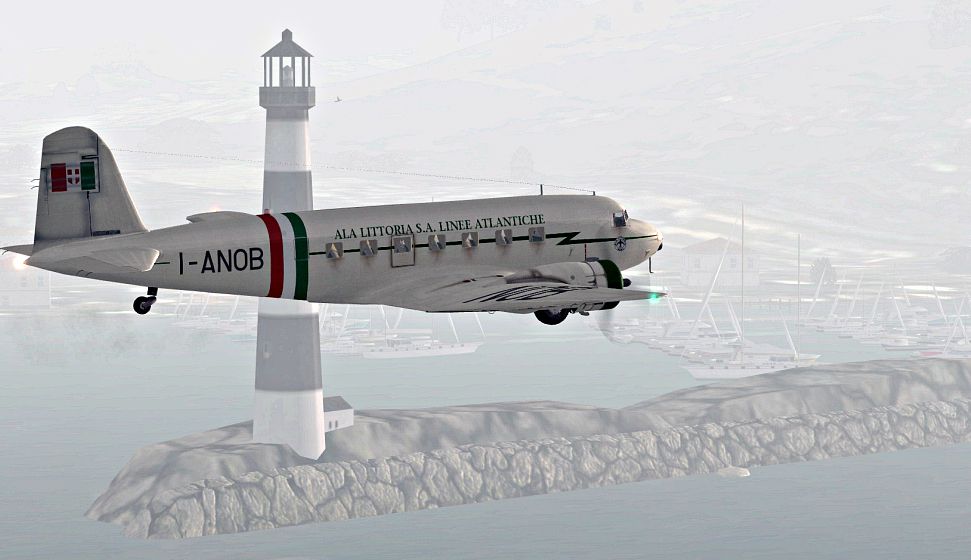
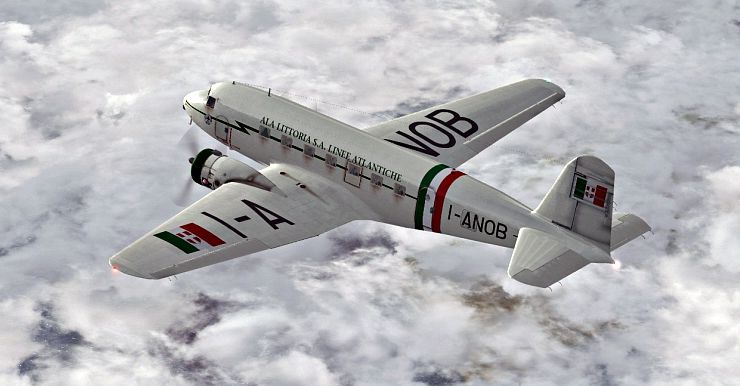
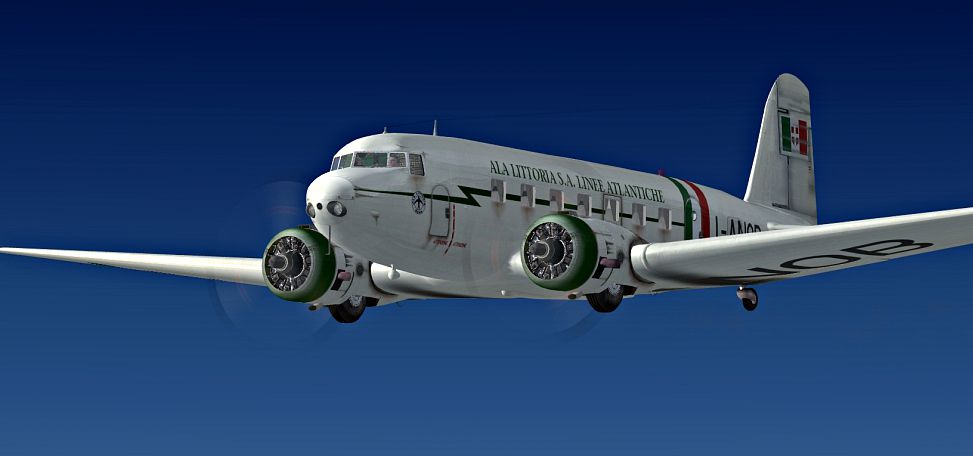
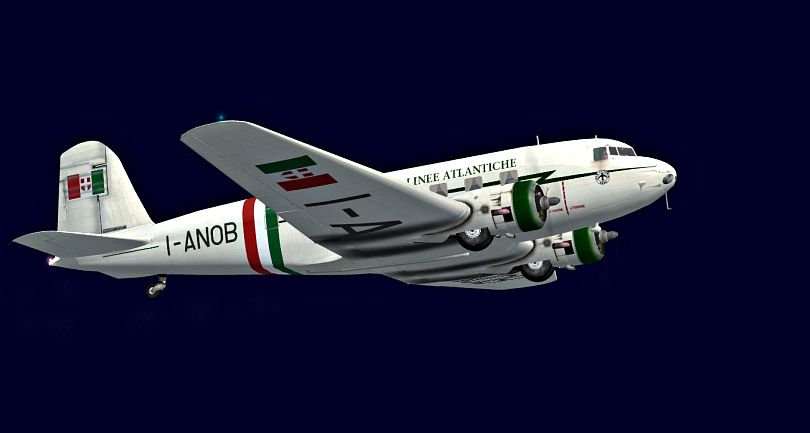

This repaint introduces an imaginative Ala Littoria livery for the Douglas DC-2, intended for Microsoft Flight Simulator X users seeking an extra touch of historical flair on a classic twin-engine aircraft. The original Douglas DC-2 was a pivotal airliner of the 1930s, recognized for bridging the gap between earlier models and the subsequent DC-3. Although Ala Littoria was an Italian airline that operated in the mid-20th century, no DC-2 actually flew under its banner – thus, this texture is purely fictional. The repaint is derived from templates by Tim Scharnhop, adapted here by developer Bernhard Lechner, and it requires the payware DC-2 package by the “Uiver Team X.” Notably, any revenue from DC-2 package sales goes toward supporting the Aviodrome, the Dutch National Aviation Theme Park and Museum.
This repaint offers a look back at a significant era of aviation, blending the streamlined lines of the DC-2 airframe with an Italian airline color scheme. Ala Littoria, which existed in Italy prior to World War II, never operated a DC-2 in reality, making this design purely speculative. Nevertheless, it captures the classic style of the airline’s early mid-century routes. The Douglas DC-2 itself is known for its distinctive nose design and reliable radial powerplants, delivering performance and range that made it popular among various carriers worldwide.
Screenshot of Ala Littoria Douglas DC-2 in flight.
[fltsim.XX]

title=Douglas DC-2 ALA LITTORIA S.A. X

sim=uiver_aviodrome

model=OLD

panel=old

sound=

texture=ITALIA

checklists=

kb_checklists=douglas_dc2_check

kb_reference=douglas_dc2_ref

atc_id_enable=1

atc_id=

description=...

ui_manufacturer=Douglas

ui_type=DC-2

ui_variation=ALA LITTORIA

ui_typerole="Twin Engine Prop"

ui_createdby=""Uiver" Team X"

atc_airline=

atc_heavy=0

atc_flight_number=

atc_id_color=0x00000000

atc_id_font=Verdana,-11,1,600,0

visual_damage=0

atc_parking_types=RAMP
Save the modified aircraft.cfg file. The new Ala Littoria repaint will be accessible in your simulator’s aircraft selection menu. This package only provides the livery and not the underlying payware DC-2 model, which must be obtained separately, for example through an online store such as SimShack.
Free for all simmers · 5.03 MB · Scanned clean Oct 2026
Download speed: Free tier is capped at 0.5 Mbps (this file takes approximately 1 min at the cap). PRO members download at full line speed.
texture.{airline}) inside FSX\SimObjects\Airplanes\{base-aircraft}\.aircraft.cfg in Notepad. Add a new [fltsim.X] section per the readme.readme.txt or README file. It tells you exactly where files go, what dependencies are needed, and any quirks specific to this add-on.The archive dc2_ala_littoria.zip has 14 files and directories contained within it.
This list displays the first 500 files in the package. If the package has more, you will need to download it to view them.
| Filename/Directory | File Date | File Size |
|---|---|---|
| readme_ala_littoria.txt | 11.14.09 | 3.25 kB |
| SCREENS | 11.14.09 | 0 B |
| DC2_IT_001.jpg | 11.14.09 | 201.94 kB |
| DC2_IT_002.jpg | 11.14.09 | 113.60 kB |
| DC2_IT_004.jpg | 11.14.09 | 262.75 kB |
| DC2_IT_03224.jpg | 11.14.09 | 417.62 kB |
| texture.ITALIA | 11.14.09 | 0 B |
| dc2_exterior.bmp | 11.14.09 | 4.00 MB |
| DC2_exterior_spec.bmp | 11.13.09 | 4.00 MB |
| dc2_flag.dds | 11.14.09 | 64.12 kB |
| texture.cfg | 11.06.08 | 122 B |
| THUMBNAIL.jpg | 11.13.09 | 27.14 kB |
| flyawaysimulation.txt | 10.29.13 | 959 B |
| Go to Fly Away Simulation.url | 01.22.16 | 52 B |
Only PRO members can place votes.
More FSX & P3D add-ons hand-picked based on this download.
FSX Propliners
This is a repaint for the sole DC2 in service from Ala Littoria. Previously t…
 FSX Propliners
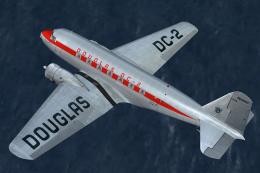
This carefully crafted repaint showcases a gleaming bare metal finish on a Do…
 FSX Propliners
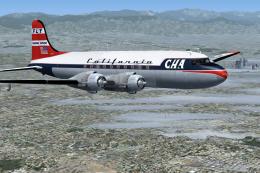
This freeware package offers a custom livery repaint for the payware Douglas …
 FSX Propliners
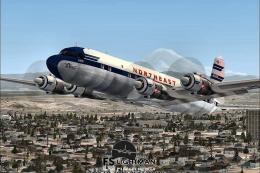
This is a mega pack containing a highly detailed Douglas DC-4 & C-54 model fo…
 FSX Propliners
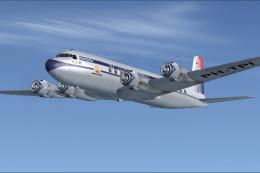
The flight model was created by Classic Airliners. All other updates were add…
 FSX Propliners
This package includes the DC6 in its earliest form with short nose (no weathe…
 FSX Propliners
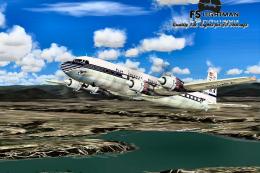
Pan Am Douglas DC-7 in Pan American 1990's livery. DC7 model by Classic Airli…
 FSX Propliners
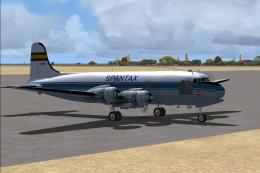
Complete aircraft of classic DC4 54 from Spantax Airline with virtual cockpit…
Be the first to leave a comment on this download.
Be the first to share your thoughts on this download.