

 FSX Propliners
Northeast Airlines Douglas DC-6B 1958
The flight model was created by Classic Airliners. All other updates were add…
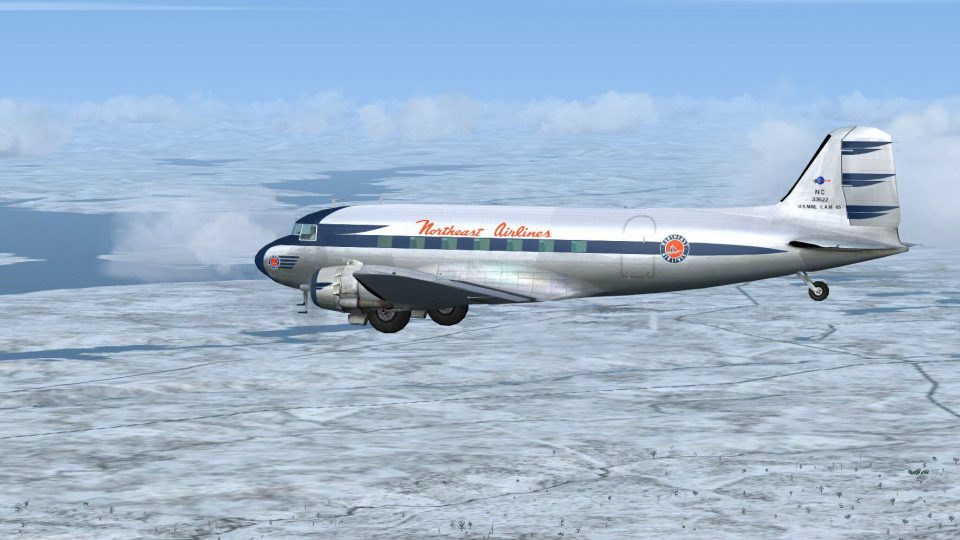
Northeast Airlines’ 1941 Douglas DC-3 repaint brings period-accurate colors, registration NC33622, and finely weathered detailing to the classic airliner in Microsoft Flight Simulator X. The texture set preserves rivet lines and subtle shading for an authentic vintage look, and requires the AS4SUMJE.ZIP DC-3 base package.
 Rate
Rate
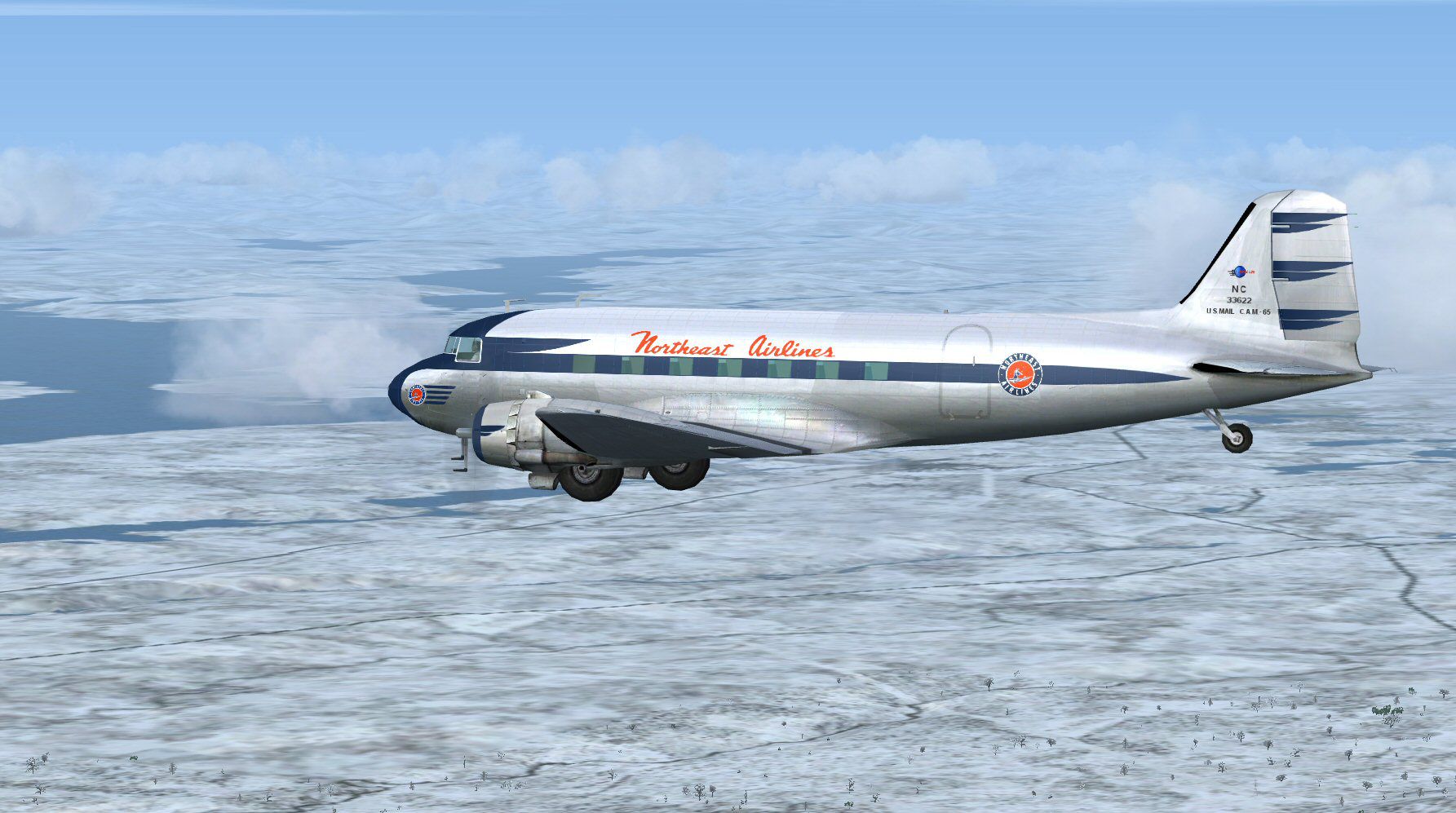
This freeware repaint merges the legendary Douglas DC-3 airframe with the distinctive Northeast Airlines livery from 1941, offering enthusiasts of Microsoft Flight Simulator X a historically inspired texture set. Created by Gary Harper and based on modifications by James Eden and Jon Murchison, this package captures the aesthetic of an early era in American commercial aviation. Though the base DC-3 model is not included, it can be acquired from the Fly Away Simulation mod library. These textures require the AS4SUMJE.ZIP file as a prerequisite.
The DC-3 played a pivotal role in shaping passenger air transport during the mid-20th century, and Northeast Airlines employed this robust aircraft to expand routes across the northeastern United States. Known for its reliability, the DC-3 featured efficient engines and an airframe that accommodated innovative cabin features for the time. In this particular skin, the registration NC33622 is faithfully reproduced, aligning with the original operator's markings. The exterior emphasizes authentic period detailing, preserving the design traits found in a 1941 livery. Aviation enthusiasts who choose this repaint will experience accurate rivet lines, subtle shading, and historically influenced color schemes.
Screenshot showcasing the Northeast Airlines Douglas DC-3 during flight.
Before applying these textures, ensure the freeware base DC-3 model is installed. Next, place the included texture folder into the DC-3 directory within your FSX installation. Remember to confirm that AS4SUMJE.ZIP is already in place. Completing these steps properly will enable the correct visual configuration for the Northeast Airlines DC-3.
To finalize the repaint, copy and paste the below section into your aircraft configuration file (aircraft.cfg). Replace the "xx" after [fltsim.] with the next available sequence number in your setup.
[fltsim.xx]
title=Douglas DC-3 Northeast 1941
sim=Douglas_DC3
model=reg
panel=
sound=
texture=ne
kb_checklists=Douglas_DC3_check
kb_reference=Douglas_DC3_ref
atc_id=NC33622
ui_manufacturer="Awesome 4 Some"
ui_type="DC-3"
ui_variation="Northeast 1941"
ui_typerole="Twin Engine Prop"
ui_createdby="Microsoft Corporation, modified by James Eden"
description="The Douglas DC-3 revolutionized air transportation and airline service during the 1930s and 1940s. It was a luxury airliner that boasted cabin heat and running water in its on-board lavatory. With the right balance of efficiency, range, speed, and payload, the DC-3 was the first aircraft to earn a profit for its owners just by carrying passengers. The hero of early airlines, a handful of DC-3s are still at work today."
James Eden and Jon Murchison deserve recognition for their modifications to the default DC-3 files, and Gary Harper is the artist behind these unique textures. This combination of technical expertise and meticulous artwork ensures that sim pilots can fly an evocative and accurate representation of the Northeast Airlines Douglas DC-3 within Microsoft Flight Simulator X.
Free for all simmers · 3.04 MB · Scanned clean Oct 2026
Download speed: Free tier is capped at 0.5 Mbps. PRO members download at full line speed.
This file is a repaint — the package below is the base model it paints onto. Install it first, or the textures will have nothing to load onto.
texture.{airline}) inside FSX\SimObjects\Airplanes\{base-aircraft}\.aircraft.cfg in Notepad. Add a new [fltsim.X] section per the readme.readme.txt or README file. It tells you exactly where files go, what dependencies are needed, and any quirks specific to this add-on.The archive ne1941.zip has 17 files and directories contained within it.
This list displays the first 500 files in the package. If the package has more, you will need to download it to view them.
| Filename/Directory | File Date | File Size |
|---|---|---|
| file_id_diz.diz | 03.05.13 | 228 B |
| neb.jpg | 03.03.13 | 264.04 kB |
| Readme.txt | 03.05.13 | 1.34 kB |
| texture.ne | 03.05.13 | 0 B |
| Douglas_DC3_1_T.dds | 03.05.13 | 1.00 MB |
| Douglas_DC3_1_t_spec.dds | 02.24.13 | 1.33 MB |
| Douglas_DC3_2_C.dds | 02.24.13 | 170.79 kB |
| Douglas_DC3_2_T.dds | 02.24.13 | 256.12 kB |
| Douglas_DC3_FuseF_T.dds | 03.05.13 | 1.00 MB |
| Douglas_DC3_FuseT_T.dds | 03.05.13 | 1.00 MB |
| Douglas_DC3_FuseTC_T.dds | 02.24.13 | 1.00 MB |
| Fresnel_Ramp.dds | 02.24.13 | 640 B |
| Prop_DC3.dds | 03.04.13 | 64.12 kB |
| texture.cfg | 02.24.13 | 137 B |
| thumbnail.jpg | 03.04.13 | 5.11 kB |
| flyawaysimulation.txt | 10.29.13 | 959 B |
| Go to Fly Away Simulation.url | 01.22.16 | 52 B |
Only PRO members can place votes.
More FSX & P3D add-ons hand-picked based on this download.
FSX Propliners
The flight model was created by Classic Airliners. All other updates were add…
 FSX Propliners
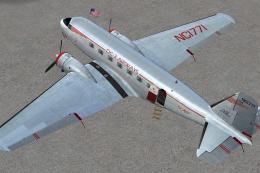
This carefully crafted repaint showcases a gleaming bare metal finish on a Do…
 FSX Propliners
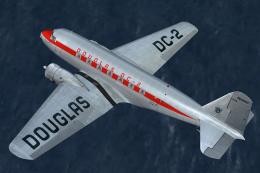
This freeware package offers a custom livery repaint for the payware Douglas …
 FSX Propliners
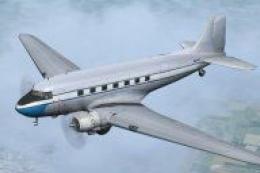
American Airlines new livery on the DC3. This is a repaint of Manfred Jahn's …
 FSX Propliners
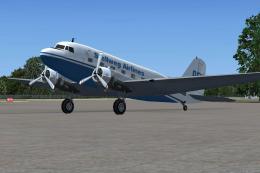
In the package you will find the AI Douglas DC3 DF-WDZ, operated by Stellweg …
 FSX Propliners
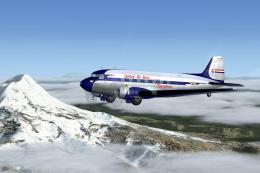
This repaint set reintroduces a vintage United Airlines livery for the Dougla…
 FSX Propliners
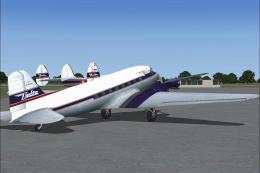
Enjoy a faithful recreation of Delta Airlines’ historic Douglas DC-3, meticul…
 FSX Propliners
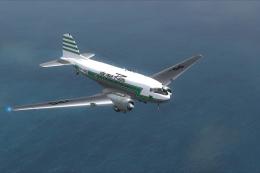
REAL's total fleet of DC-3s in Brazil reached 86 by 1957. Serial #12985, PP-Y…
Be the first to leave a comment on this download.
Be the first to share your thoughts on this download.