

 FSX Civil Aircraft
Braniff Light Green Jellybean Boeing 707
This repaint for the Captain Sim B707-300 features Braniff International’s di…
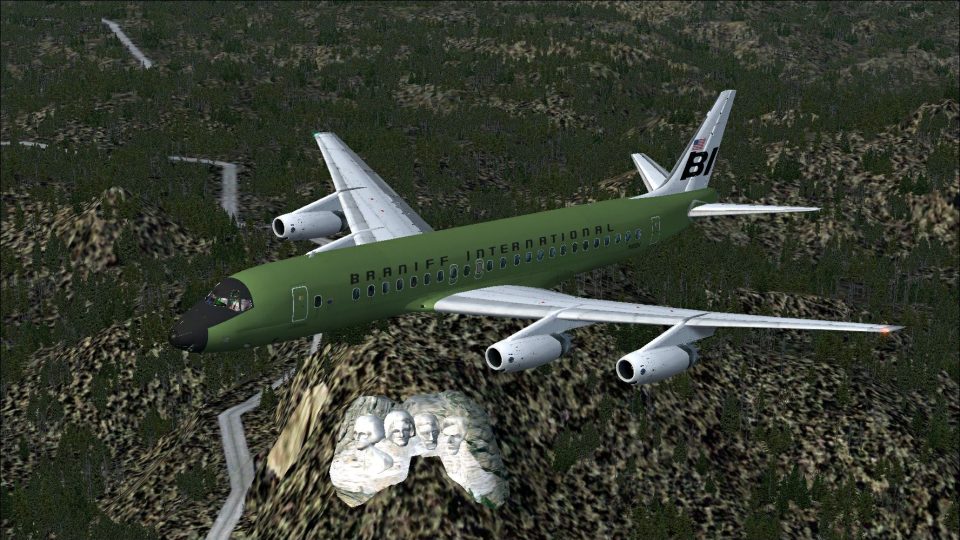
Braniff International’s “Green Jellybean” Douglas DC-8-32 livery brings a bold early-1970s Flying Colors look to the classic quadjet, with crisp retro styling and authentic exterior details. Designed as a fictional tribute, it runs in Microsoft Flight Simulator X and requires the Just Flight DC-8 Jetliner series 10–40 with Service Pack 1.
 Rate
Rate
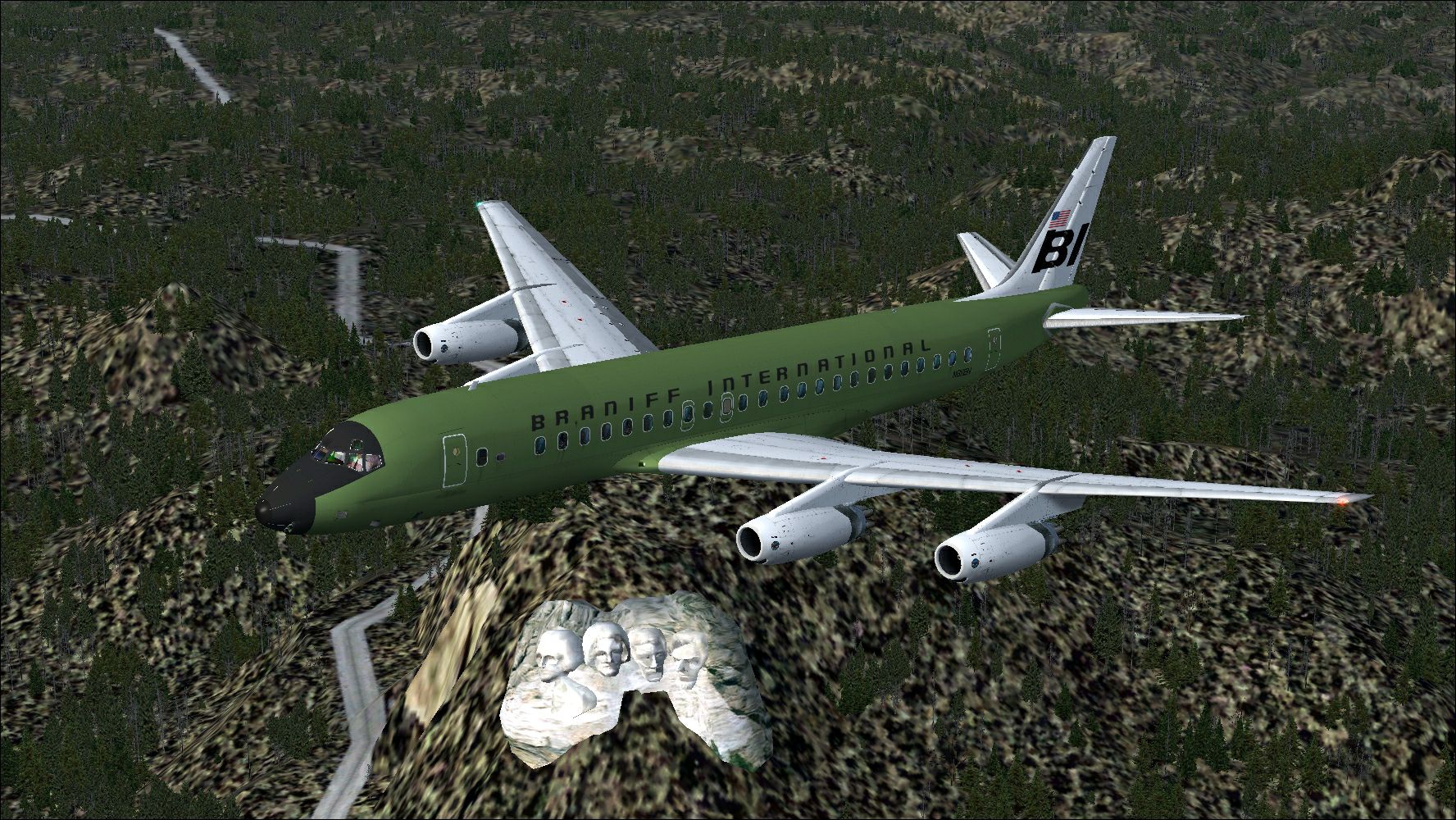
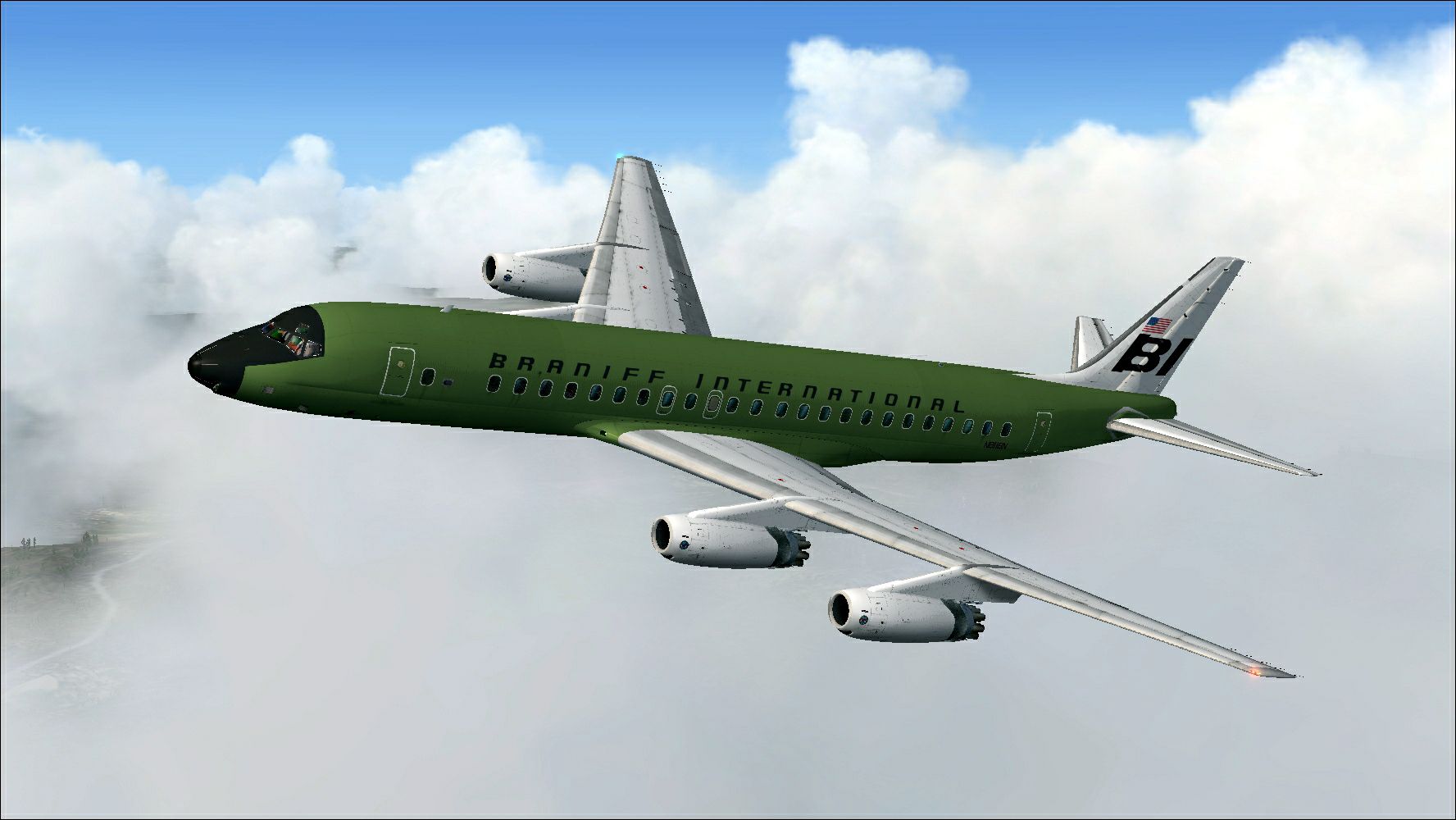
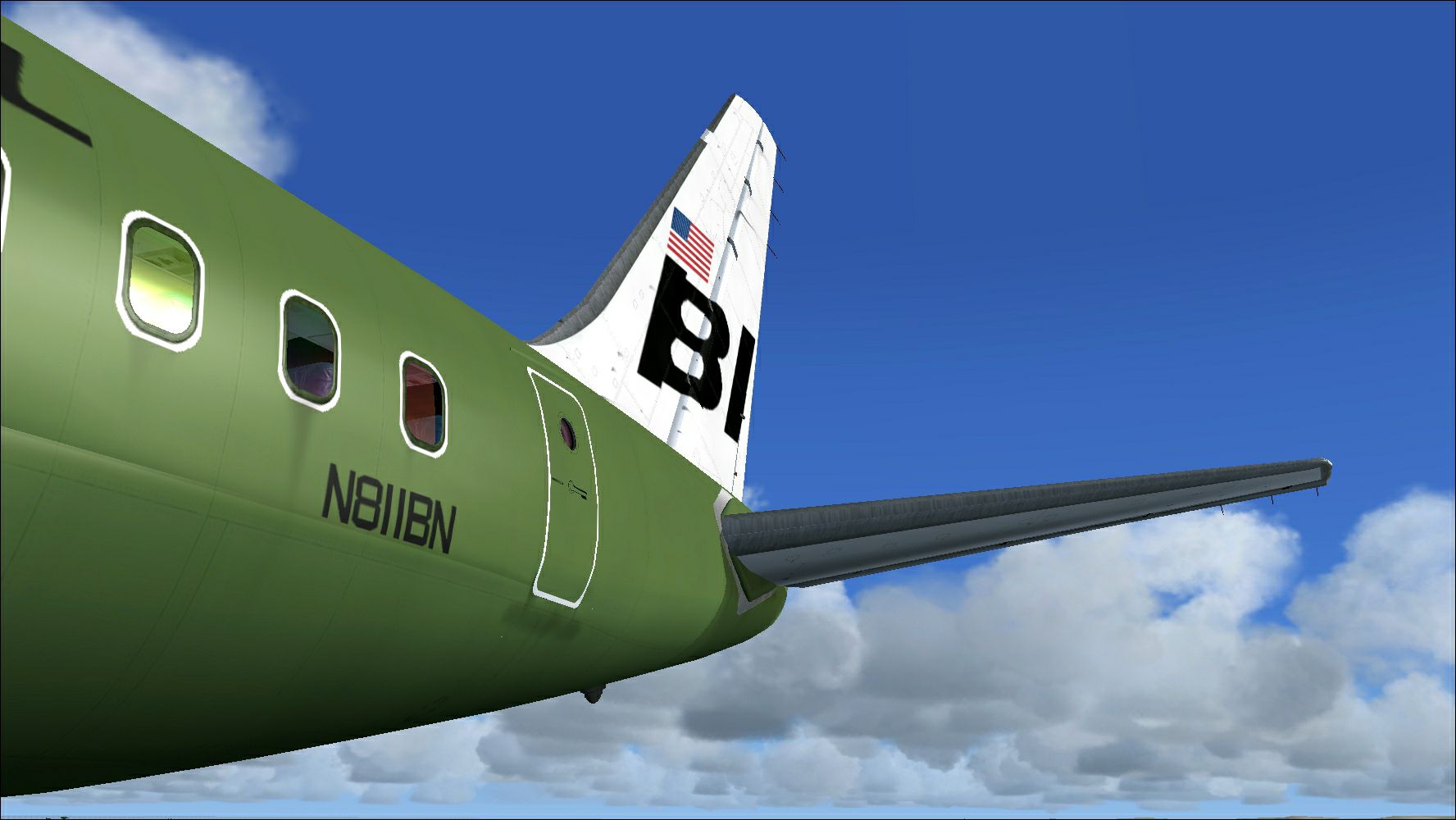
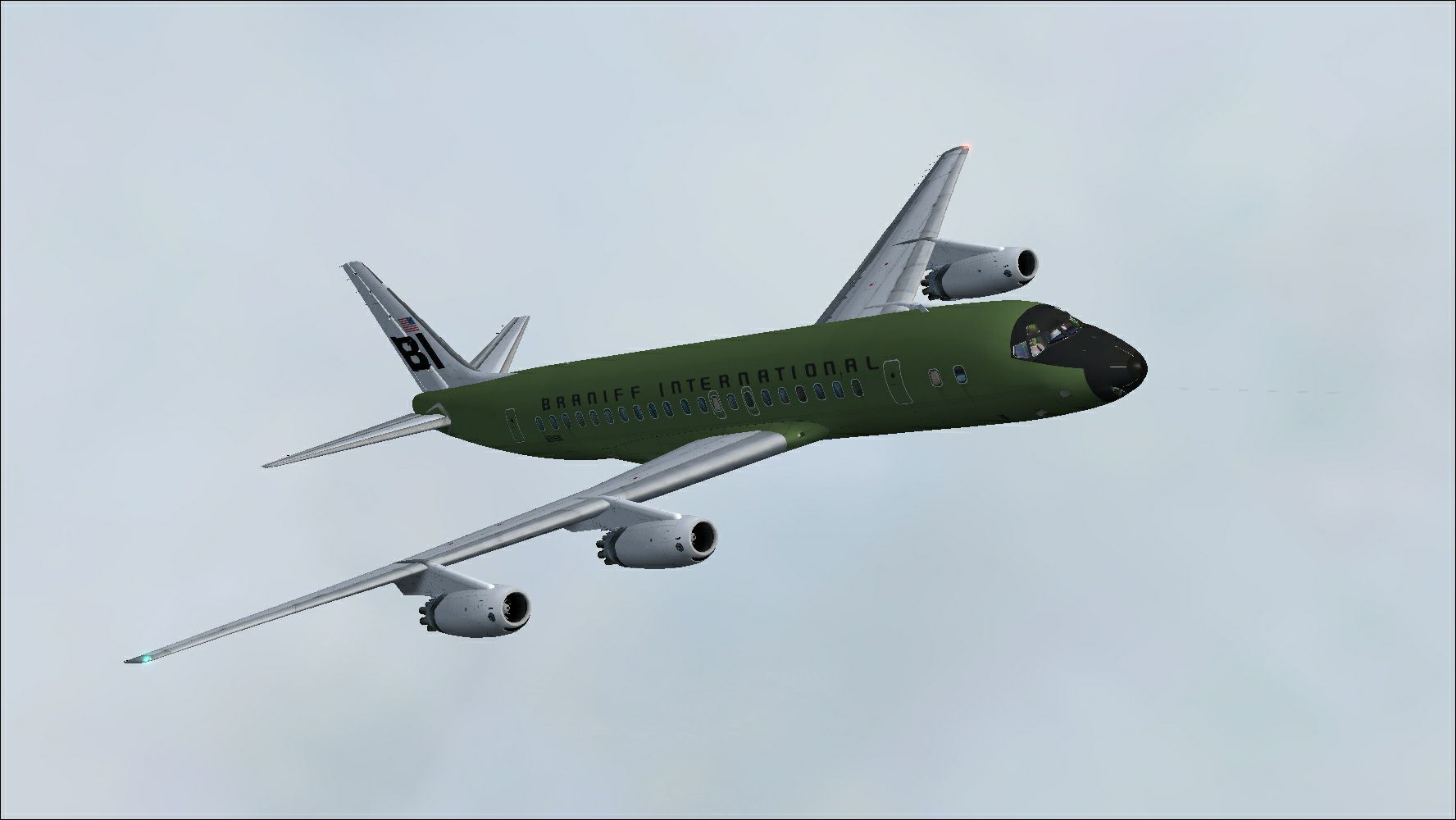
This freeware repaint delivers a vibrant “Green Jellybean” Braniff International Douglas DC-8-32 scheme for use in Microsoft Flight Simulator X. Although Braniff did not operate the -32 variant, the developer, Marcus Brown, offers a fictional retro-styled design that recalls the airline’s bold color experiments of the early 1970s. To use this repaint, you need the payware Just Flight DC-8 Jetliner series 10–40 installed, including Service Pack 1.
Braniff International was widely recognized for its flamboyant fleet liveries, often nicknamed “Flying Colors” in the late 1960s and early 1970s. Primarily operating Douglas DC-8 and Boeing 707 aircraft at the time, Braniff favored eye-catching hues on everything from the fuselage to the cabin interior. This imaginative “Green Jellybean” adaptation aims to capture that avant-garde style, even though the airline never flew the DC-8-32 model.
The Douglas DC-8, introduced in the late 1950s, is a narrow-body jetliner characterized by its swept wings and four turbofan engines. Over its production run, multiple series were developed to handle a broader range of distances and passenger capacities. This repaint brings a unique aesthetic twist to the classic airframe in Microsoft Flight Simulator X, preserving realistic details while incorporating Braniff’s daring green shade.
Illustration of the DC-8 “Green Jellybean” repaint at cruise altitude.
This repaint is compatible with the Just Flight DC-8 Jetliner series 10–40 package. According to the developer, Marcus Brown, you are advised to install Service Pack 1 (SP1) if your original purchase of the Just Flight DC-8 Jetliner was made before November 30, 2013. Doing so ensures proper alignment of textures and helps preserve the overall visual fidelity.
[fltsim.x] title=DC-8-32 Braniff Green Jellybean sim=DC-8-32 model=32 panel= sound=JT texture=Braniff Green kb_checklists=DC-8 CHECKLISTS kb_reference=jf_DC-8-32_ref atc_id=N811BN atc_airline=Braniff atc_flight_number=1093 ui_manufacturer="Douglas" ui_type="DC-8-33" ui_variation="Braniff Green" ui_typerole="Commercial Airliner" ui_createdby="Just Flight" atc_parking_codes=BNF atc_parking_types=GATE,RAMP description=DC8 in Braniff Green Jellybean Livery circa 1970 - Repaint by Marcus Brown
This custom repaint has been skillfully designed by Marcus Brown. It serves purely as a fictional homage to Braniff International’s audacious color schemes, and it is distributed as a freeware add-on for enthusiasts seeking a retro vibe in their flight simulation experience.
Free for all simmers · 31.08 MB · Scanned clean Oct 2026
Download speed: Free tier is capped at 0.5 Mbps (this file takes approximately 9 mins at the cap). PRO members download at full line speed.
texture.{airline}) inside FSX\SimObjects\Airplanes\{base-aircraft}\.aircraft.cfg in Notepad. Add a new [fltsim.X] section per the readme.readme.txt or README file. It tells you exactly where files go, what dependencies are needed, and any quirks specific to this add-on.The archive jf_dc8-32_braniff_green_n811bn.zip has 22 files and directories contained within it.
This list displays the first 500 files in the package. If the package has more, you will need to download it to view them.
| Filename/Directory | File Date | File Size |
|---|---|---|
| JF_DC8_Detail_t.dds | 11.15.13 | 16.00 MB |
| JF_DC8_Doors_t.dds | 12.19.13 | 16.00 MB |
| JF_DC8_engineLeft_t.dds | 12.10.13 | 16.00 MB |
| JF_DC8_engineRight_t.dds | 12.10.13 | 16.00 MB |
| JF_DC8_Fintail_t.dds | 12.20.13 | 16.00 MB |
| JF_DC8_FlapsL_t.dds | 12.10.13 | 4.00 MB |
| JF_DC8_FlapsR_t.dds | 12.10.13 | 4.00 MB |
| JF_DC8_FuseBaseARM_t.dds | 12.20.13 | 16.00 MB |
| JF_DC8_FuseBaseBRM_t.dds | 12.20.13 | 16.00 MB |
| JF_DC8_FuseBaseCRM_t.dds | 12.20.13 | 16.00 MB |
| JF_DC8_FuseBaseE_t.dds | 12.19.13 | 16.00 MB |
| JF_DC8_LeftWing_t.dds | 12.10.13 | 16.00 MB |
| JF_DC8_RightWing_t.dds | 12.10.13 | 16.00 MB |
| texture.cfg | 10.22.13 | 310 B |
| thumbnail.jpg | 12.20.13 | 640.44 kB |
| 2013-12-20_23-1-31-236.jpg | 12.20.13 | 1.79 MB |
| 2013-12-20_23-6-15-176.jpg | 12.20.13 | 426.25 kB |
| 2013-12-20_23-6-35-740.jpg | 12.20.13 | 789.58 kB |
| Read Me.txt | 12.21.13 | 2.36 kB |
| thumbnail.jpg | 12.20.13 | 640.44 kB |
| flyawaysimulation.txt | 10.29.13 | 959 B |
| Go to Fly Away Simulation.url | 01.22.16 | 52 B |
Only PRO members can place votes.
More FSX & P3D add-ons hand-picked based on this download.
FSX Civil Aircraft
This repaint for the Captain Sim B707-300 features Braniff International’s di…
 FSX Civil Aircraft
Immerse yourself in a classic Boeing 727-100 livery that captures Braniff Int…
 FSX Civil Aircraft
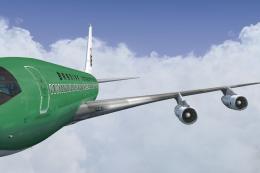
This repaint brings the rare Braniff International Panagra “Green Jellybean” …
 FSX Civil Aircraft
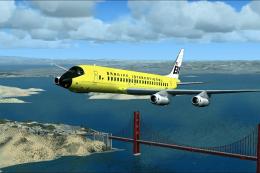
Textures only for the payware Just Flight DC8 Jetliner series 10 to 40 with S…
 FSX Civil Aircraft
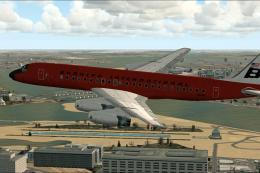
This freeware release delivers a bespoke Braniff International-inspired “Red …
 FSX Civil Aircraft
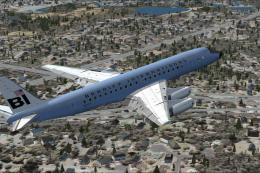
Braniff Douglas DC-8-32 Jellybean Blue, circa 1970. Updated textures only for…
 FSX Civil Aircraft
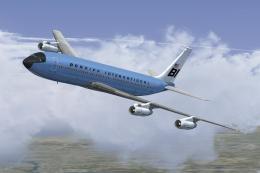
This classic repaint captures Braniff International’s Medium Blue Jellybean l…
 FSX Civil Aircraft
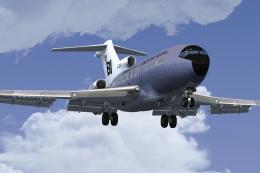
This freeware repaint brings a classic Braniff International Airways lavender…
Be the first to leave a comment on this download.
Be the first to share your thoughts on this download.