

 FSX Civil Aircraft
Vietnam Airlines Airbus A350-900 V4
Experience a carefully modeled Vietnam Airlines Airbus A350-900 package for F…
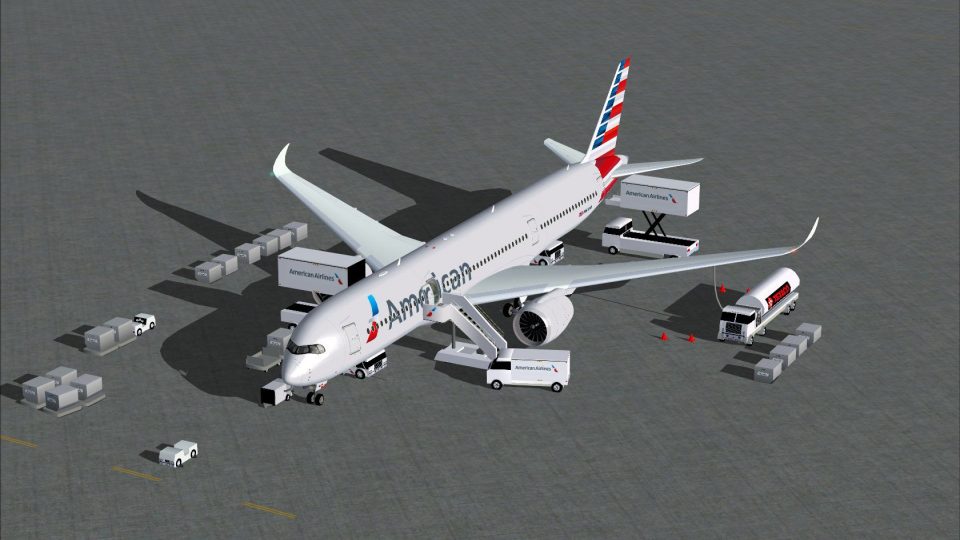
American Airlines’ Airbus A350-900 V4 from CamSim brings a modern long-haul wide-body to Microsoft Flight Simulator X with refined exterior modeling, crisp high-resolution textures, and a tilt-enabled main landing gear stance. Animated ground servicing, interactive doors, and cargo hatches add realistic ramp activity for more immersive gate-to-gate operations.
 Rate
Rate
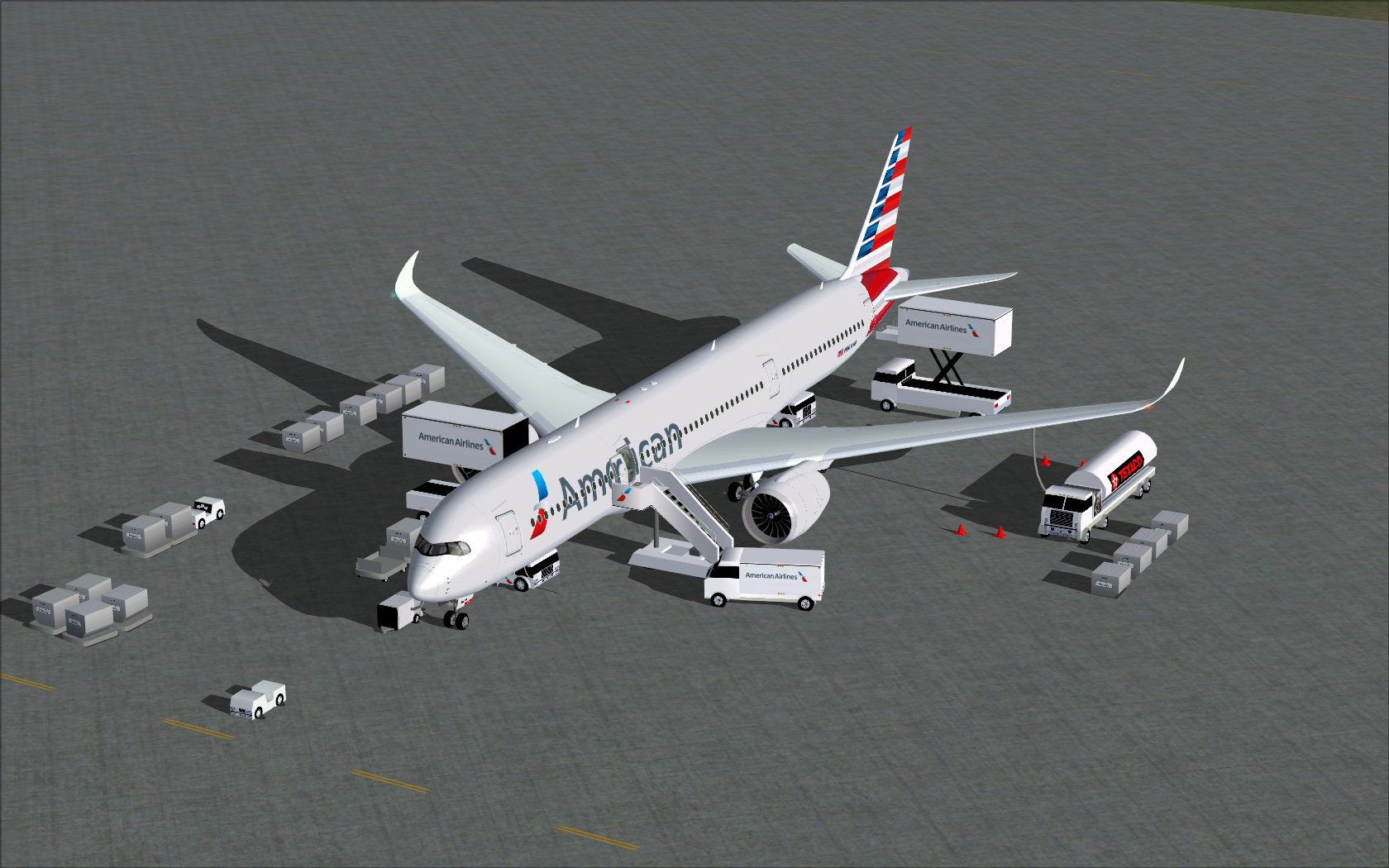
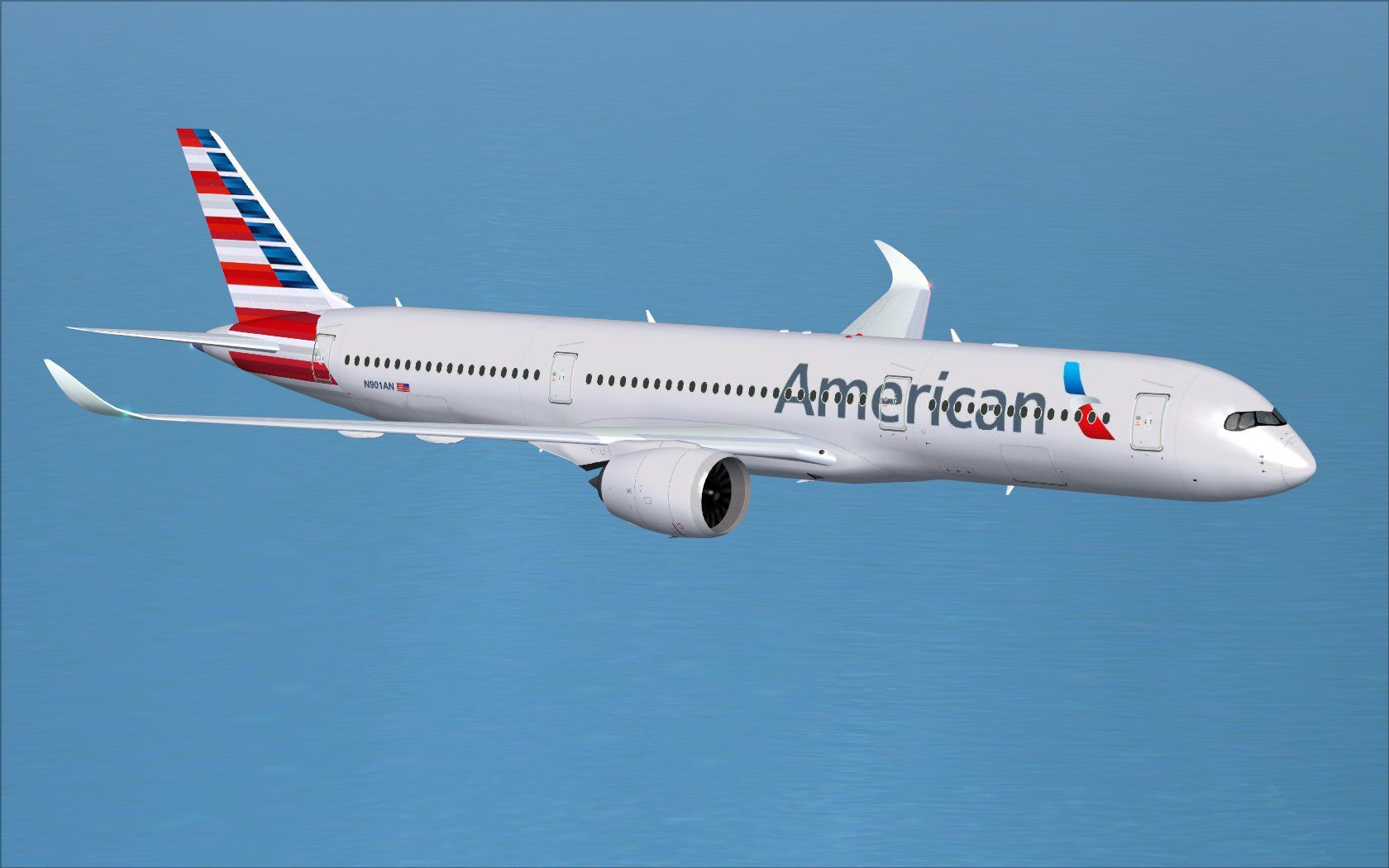
The latest freeware rendition of American Airlines’ Airbus A350-900 from CamSim arrives with enhanced ground service animations, refined external details, and a fully tilt-enabled main landing gear setup. Developed by Camil Valiquette, it delivers a faithful representation of this modern wide-body aircraft while including interactive features that serve both immersion and authenticity within Microsoft Flight Simulator X.
Ground Support Interactions: The version 4 package offers Animated Ground Servicing (AGS), complete with vehicles that attach or detach trailers and position themselves around the airframe in realistic sequences. These motion routines aim to replicate real-world ramp activities.
Tilted Main Landing Gear Update: The undercarriage now includes revised bogies, giving the landing gear the characteristic tilt that defines the A350’s stance on the tarmac.
High-Fidelity Textures: The American Airlines livery has been carefully rendered with attention to iconic color schemes and logos. The paint is intended to match the contemporary branding used by this major carrier.
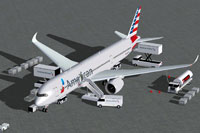
Screenshot of American Airlines Airbus A350-900 and ground services.
In order to use the above interactions seamlessly, consider assigning the following inputs within your FSX control settings menu under “Buttons/Keys”:
The Airbus A350-900 serves as an advanced long-haul option in many fleets worldwide. American Airlines, recognized for its extensive international route network, showcases this livery to highlight its modern fleet approach. Featuring a spacious cabin and energy-efficient engines, the A350 platform is celebrated for aerodynamic efficiency and reliable flight operations.
Model design and textures are provided by Camil Valiquette, with CamSim spearheading the development of this comprehensive freeware release. This package incorporates everything necessary in one download, ensuring that flight sim enthusiasts can quickly immerse themselves in a detailed simulation experience without requiring additional components.
Free for all simmers · 5.33 MB · Scanned clean Oct 2026
Download speed: Free tier is capped at 0.5 Mbps (this file takes approximately 1 min at the cap). PRO members download at full line speed.
This add-on may require the following files to function properly. If this is a repaint, the dependency below is likely the base aircraft package.
FSX\SimObjects\Airplanes\. The folder must contain an aircraft.cfg file. Effects go into FSX\Effects\; gauges go into FSX\Gauges\.readme.txt or README file. It tells you exactly where files go, what dependencies are needed, and any quirks specific to this add-on.The archive 359v4aax.zip has 36 files and directories contained within it.
This list displays the first 500 files in the package. If the package has more, you will need to download it to view them.
| Filename/Directory | File Date | File Size |
|---|---|---|
| CamSim Airbus 350-900 V4 American | 12.02.13 | 0 B |
| 350-900.air | 02.27.12 | 12.75 kB |
| 359v4aa ags.jpg | 11.25.13 | 223.99 kB |
| 359v4aa_1.jpg | 11.21.13 | 121.87 kB |
| aircraft.cfg | 12.02.13 | 15.36 kB |
| Effects.zip | 03.25.06 | 1.80 kB |
| file_id.diz | 12.02.13 | 272 B |
| FSX Installation Aircraft and AGS Animations Read Me.htm | 12.02.13 | 6.56 kB |
| model.350-900 ags v4 | 12.02.13 | 0 B |
| 350-900 ags v4.mdl | 09.19.13 | 2.79 MB |
| Model.cfg | 06.11.12 | 33 B |
| PANEL | 12.02.13 | 0 B |
| 787_350_panel_background.bmp | 02.25.10 | 2.25 MB |
| 787_350_panel_background_night.bmp | 02.25.10 | 2.25 MB |
| Airbus_A321.cab | 09.04.06 | 2.72 MB |
| panel.cfg | 02.25.10 | 5.48 kB |
| panel camsim 787-350 afx_2.jpg | 04.09.10 | 182.86 kB |
| Read Me How to setup Animations (AGS).txt | 10.30.13 | 875 B |
| Read Me_FSX.txt | 12.02.13 | 2.34 kB |
| SOUND | 12.02.13 | 0 B |
| Sound.cfg | 11.04.09 | 35 B |
| texture.aa | 12.02.13 | 0 B |
| 359fuse_t.bmp | 11.21.13 | 1.00 MB |
| 35eng_t.bmp | 11.14.13 | 1.00 MB |
| 35int_l.bmp | 11.25.13 | 4.00 MB |
| 35int_t.bmp | 12.02.13 | 1.00 MB |
| 35tail_t.bmp | 11.14.13 | 1.00 MB |
| 35wings_t.bmp | 08.14.13 | 1.00 MB |
| 787ext_L.bmp | 11.25.13 | 4.00 MB |
| 787ext_t.bmp | 12.02.13 | 1.00 MB |
| gris_t.bmp | 12.09.09 | 16.07 kB |
| tail.bmp | 12.02.12 | 1.00 MB |
| thumbnail.jpg | 12.02.13 | 4.59 kB |
| w_t.bmp | 10.22.13 | 16.07 kB |
| flyawaysimulation.txt | 10.29.13 | 959 B |
| Go to Fly Away Simulation.url | 01.22.16 | 52 B |
Only PRO members can place votes.
More FSX & P3D add-ons hand-picked based on this download.
FSX Civil Aircraft
Experience a carefully modeled Vietnam Airlines Airbus A350-900 package for F…
 FSX Civil Aircraft
Experience a detailed rendition of the Airbus A350-900 in United Airlines liv…
 FSX Civil Aircraft
This enhanced package offers a refined Japan Airlines Airbus A350-900, meticu…
 FSX Civil Aircraft
This freeware package delivers a long-haul twin-aisle experience complete wit…
 FSX Civil Aircraft
This updated freeware package delivers a meticulously modeled Lufthansa Airbu…
 FSX Civil Aircraft
The Airbus A350-900 in Iberia's livery, presented here as a fully integrated …
 FSX Civil Aircraft
This comprehensive freeware package offers a fully modeled Airbus A350-900, c…
 FSX Civil Aircraft
The latest CamSim release of the SAS Scandinavian Airbus A350-900, created by…
Be the first to leave a comment on this download.
Be the first to share your thoughts on this download.