

 FSX Civil Aircraft
CamSim AI Aircraft Airbus A350-900 Base Model
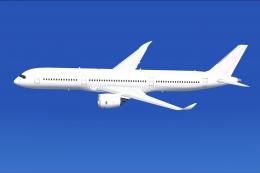
This freeware package provides a streamlined AI version of the CamSim Airbus …
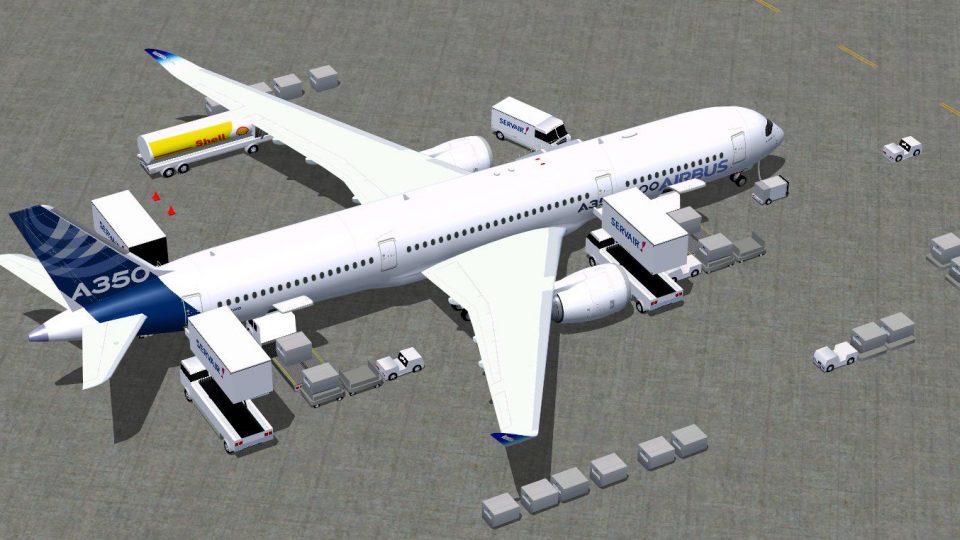
CamSim’s Airbus A350-900 V4 brings a fully modeled widebody airliner to Microsoft Flight Simulator X with Airbus House Colors and a lively ramp environment. Refined animated ground servicing adds door-linked stairs, cargo loaders, and service vehicles with improved trailer hookups and static exterior details for more convincing airline turnarounds.
 Rate
Rate

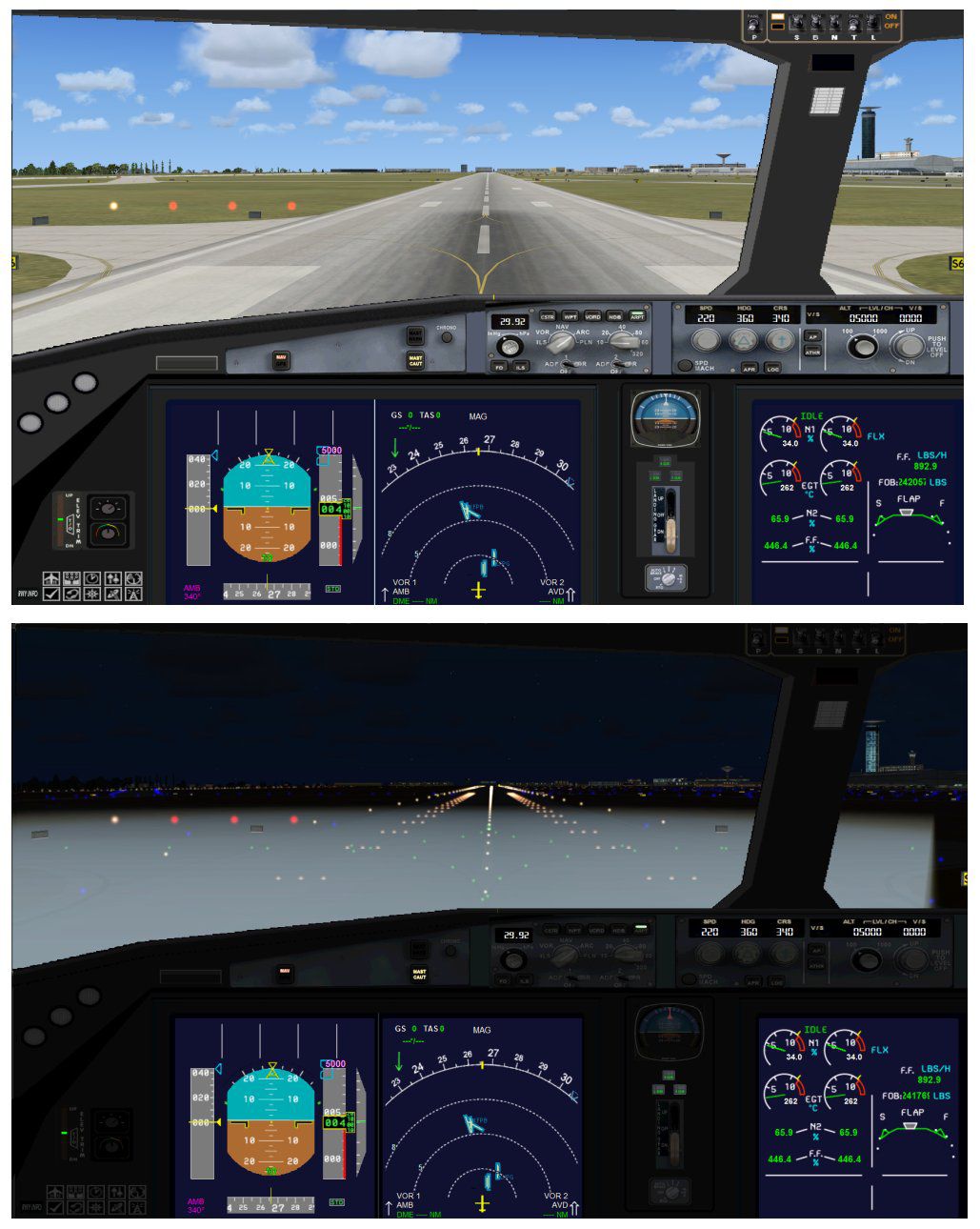
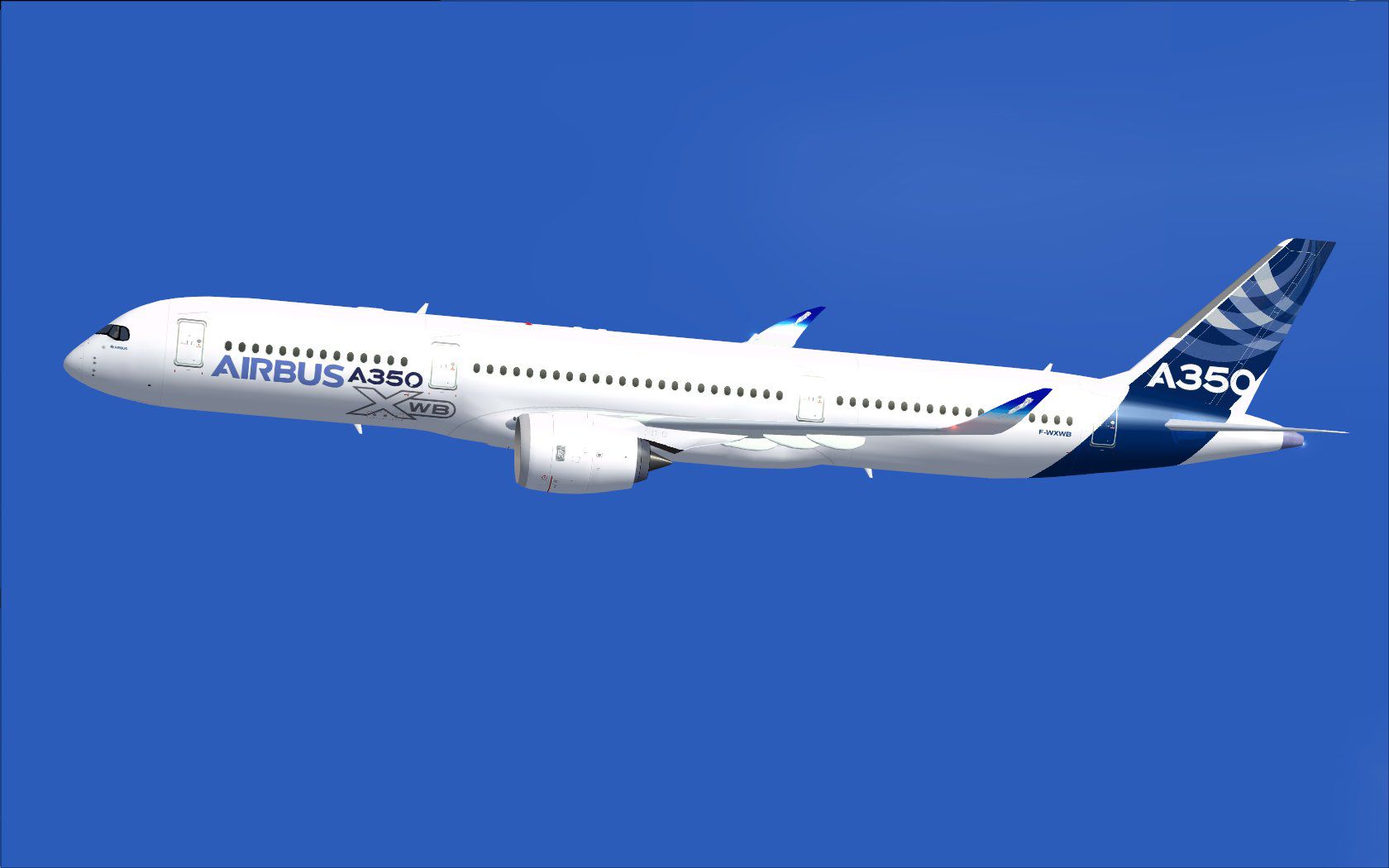
This comprehensive freeware package offers a fully modeled Airbus A350-900, complete with newly refined ground service elements that bring an extra level of immersion to Microsoft Flight Simulator X. Created and painted by Camil Valiquette, this version integrates enhanced service vehicle animations, improved trailer hookups, and various static details. The real A350-900 took its maiden flight on June 14, 2013, and this simulation aims to capture key aspects of that state-of-the-art airliner in a user-friendly add-on.
Version 4 of this CamSim project includes additional ground support realism. Service trucks now attach and detach their trailers more dynamically, and a number of static service details were added around the aircraft’s exterior. These improvements create a richer ground environment that closely mirrors real-life airline operations.
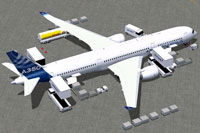
Screenshot illustrating the Airbus House Colors scheme with various ground service vehicles in operation.
This version includes an advanced ground service mechanism, referred to as AGS, that relies on custom animations for opening and closing doors as well as deploying service vehicles. Below are the critical keyboard inputs:
To ensure all animations function optimally, update your control settings in FSX under Options > Settings > Controls > Buttons/Keys > Change Assignment:
This Airbus A350-900 add-on is a freeware release, fully packaged so that flight simulation enthusiasts can enjoy it without requiring separate base files. Its design and paintwork by Camil Valiquette underscore the attention to detail found throughout, and the availability of enhanced ground animations enables a more realistic pre-flight and post-flight experience.
Free for all simmers · 5.27 MB · Scanned clean Oct 2026
Download speed: Free tier is capped at 0.5 Mbps (this file takes approximately 1 min at the cap). PRO members download at full line speed.
This add-on may require the following files to function properly. If this is a repaint, the dependency below is likely the base aircraft package.
FSX\SimObjects\Airplanes\. The folder must contain an aircraft.cfg file. Effects go into FSX\Effects\; gauges go into FSX\Gauges\.readme.txt or README file. It tells you exactly where files go, what dependencies are needed, and any quirks specific to this add-on.The archive 359v4abx.zip has 37 files and directories contained within it.
This list displays the first 500 files in the package. If the package has more, you will need to download it to view them.
| Filename/Directory | File Date | File Size |
|---|---|---|
| CamSim Airbus 350-900 V4 Airbus House Colors | 06.13.13 | 0 B |
| 350-900.air | 02.28.12 | 12.75 kB |
| 359v4ab_1.jpg | 06.13.13 | 72.67 kB |
| 359v4ab_ags.jpg | 06.13.13 | 205.32 kB |
| aircraft.cfg | 06.13.13 | 15.34 kB |
| Effects.zip | 03.25.06 | 1.80 kB |
| file_id.diz | 06.13.13 | 263 B |
| model.350-900 ags v4 | 06.13.13 | 0 B |
| 350-900 ags v4.mdl | 06.12.13 | 2.74 MB |
| Model.cfg | 06.11.12 | 33 B |
| PANEL | 06.13.13 | 0 B |
| 787_350_panel_background.bmp | 02.25.10 | 2.25 MB |
| 787_350_panel_background_night.bmp | 02.25.10 | 2.25 MB |
| Airbus_A321.cab | 09.04.06 | 2.72 MB |
| panel.cfg | 02.25.10 | 5.48 kB |
| panel camsim 787-350 afx_2.jpg | 04.09.10 | 182.86 kB |
| Read Me_FSX ANIMATIONS (AGS).txt | 06.13.13 | 867 B |
| Read Me_FSX.txt | 06.12.12 | 2.35 kB |
| SOUND | 06.13.13 | 0 B |
| Sound.cfg | 11.04.09 | 35 B |
| texture.ab | 06.13.13 | 0 B |
| 359fuse_t.bmp | 06.12.13 | 1.00 MB |
| 35eng_t.bmp | 06.12.13 | 1.00 MB |
| 35int_l.bmp | 06.13.13 | 4.00 MB |
| 35int_t.bmp | 06.13.13 | 1.00 MB |
| 35tail_t.bmp | 06.12.13 | 1.00 MB |
| 35wings_t.bmp | 06.13.13 | 1.00 MB |
| 787ext_L.bmp | 06.13.13 | 4.00 MB |
| 787ext_t.bmp | 06.13.13 | 1.00 MB |
| gris_t.bmp | 12.09.09 | 16.07 kB |
| pilot1.bmp | 03.04.10 | 257.05 kB |
| pilot1_l.bmp | 12.06.06 | 1.00 MB |
| tail.bmp | 12.02.12 | 1.00 MB |
| thumbnail.jpg | 06.13.13 | 5.91 kB |
| w_t.bmp | 12.06.08 | 16.07 kB |
| flyawaysimulation.txt | 10.29.13 | 959 B |
| Go to Fly Away Simulation.url | 01.22.16 | 52 B |
Only PRO members can place votes.
More FSX & P3D add-ons hand-picked based on this download.
FSX Civil Aircraft
This freeware package provides a streamlined AI version of the CamSim Airbus …
 FSX Civil Aircraft
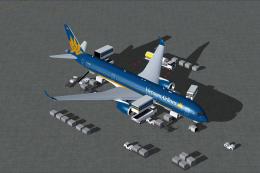
Experience a carefully modeled Vietnam Airlines Airbus A350-900 package for F…
 FSX Civil Aircraft
This updated freeware package delivers a meticulously modeled Lufthansa Airbu…
 FSX Civil Aircraft
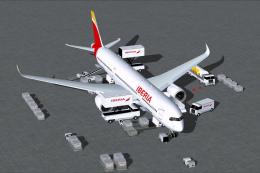
The Airbus A350-900 in Iberia's livery, presented here as a fully integrated …
 FSX Civil Aircraft
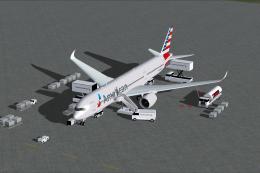
The latest freeware rendition of American Airlines’ Airbus A350-900 from CamS…
 FSX Civil Aircraft
The latest CamSim release of the SAS Scandinavian Airbus A350-900, created by…
 FSX Civil Aircraft
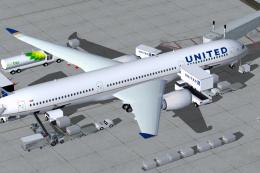
Experience a detailed rendition of the Airbus A350-900 in United Airlines liv…
 FSX Civil Aircraft
This freeware package features the Aeroflot Airbus A350-900, incorporating an…
Be the first to leave a comment on this download.
Be the first to share your thoughts on this download.