

 FSX Civil Aircraft
Norwegian Boeing 787 EI-LNA Update
Norwegian Boeing 787, registration EI-LNA, update. Added "goggles", looks mor…
Norwegian Long Haul’s Boeing 787-8 EI-LNA brings the Dreamliner’s clean intercontinental livery to Microsoft Flight Simulator X with a carefully matched model and immersive Animated Ground Servicing, including passenger doors, cargo bays, and servicing sequences. Built on a CamSim 787 base with repaint work by Mathieu Vos, it suits long-haul operations.
 Rate
Rate
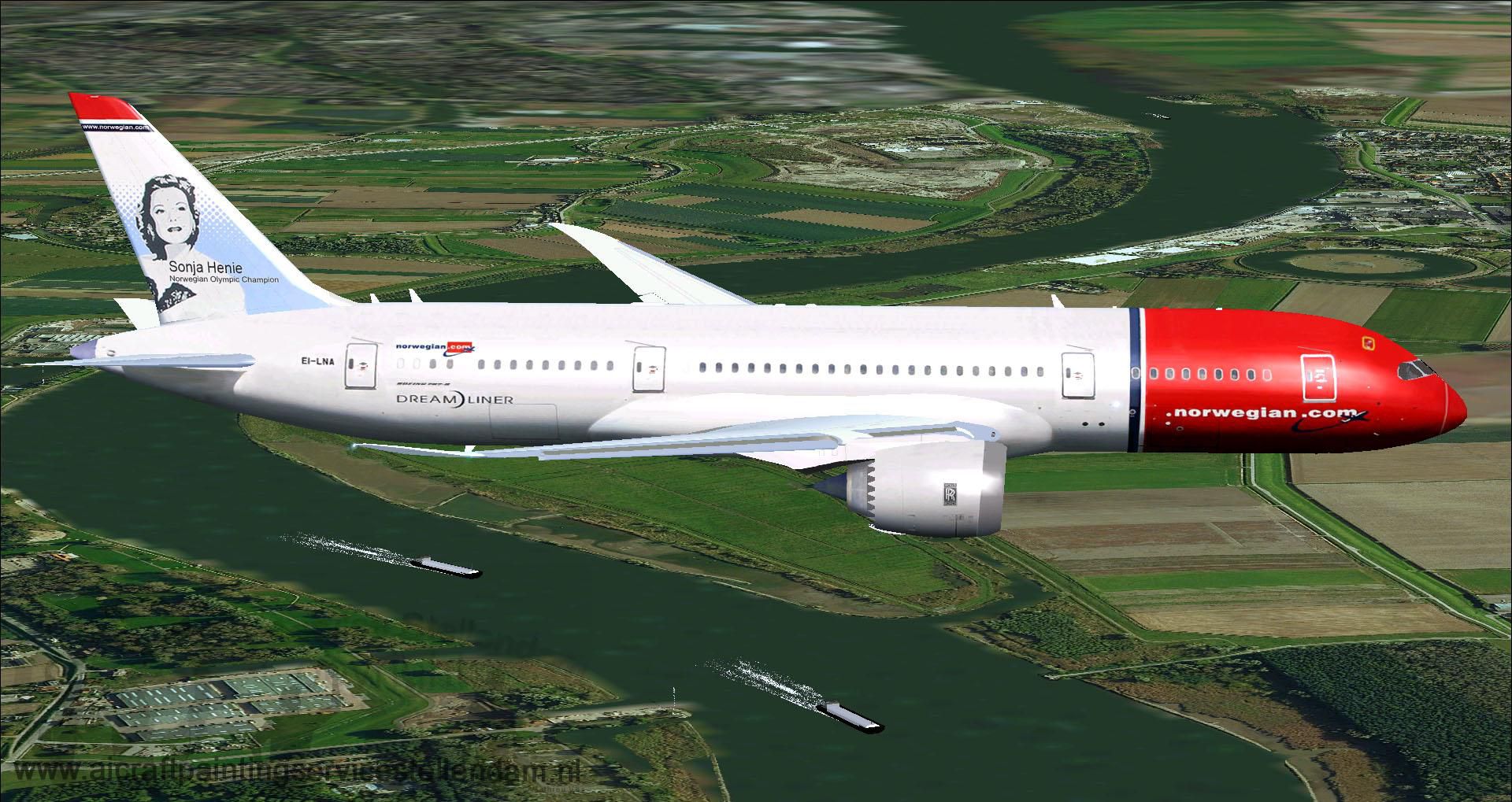
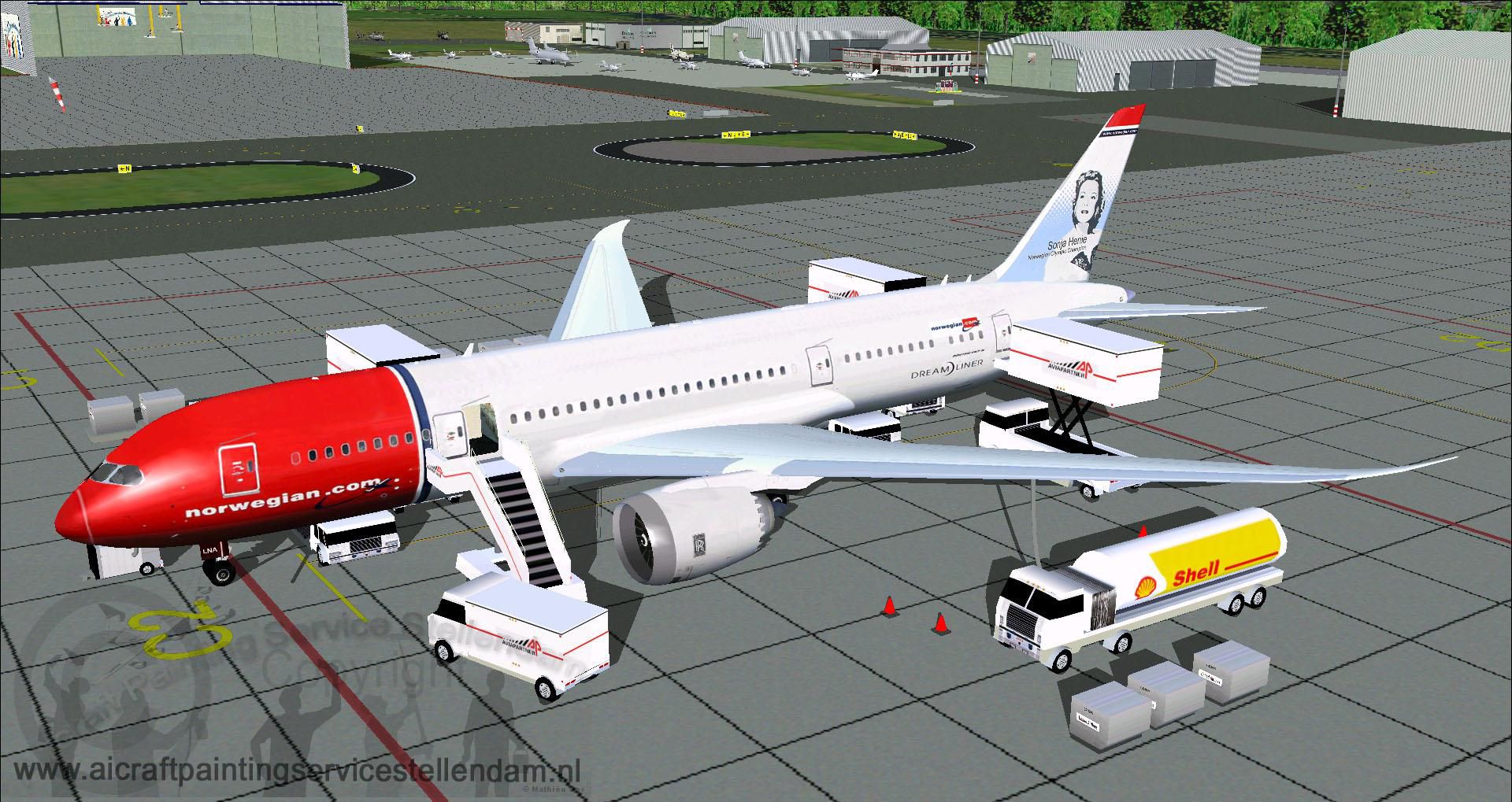

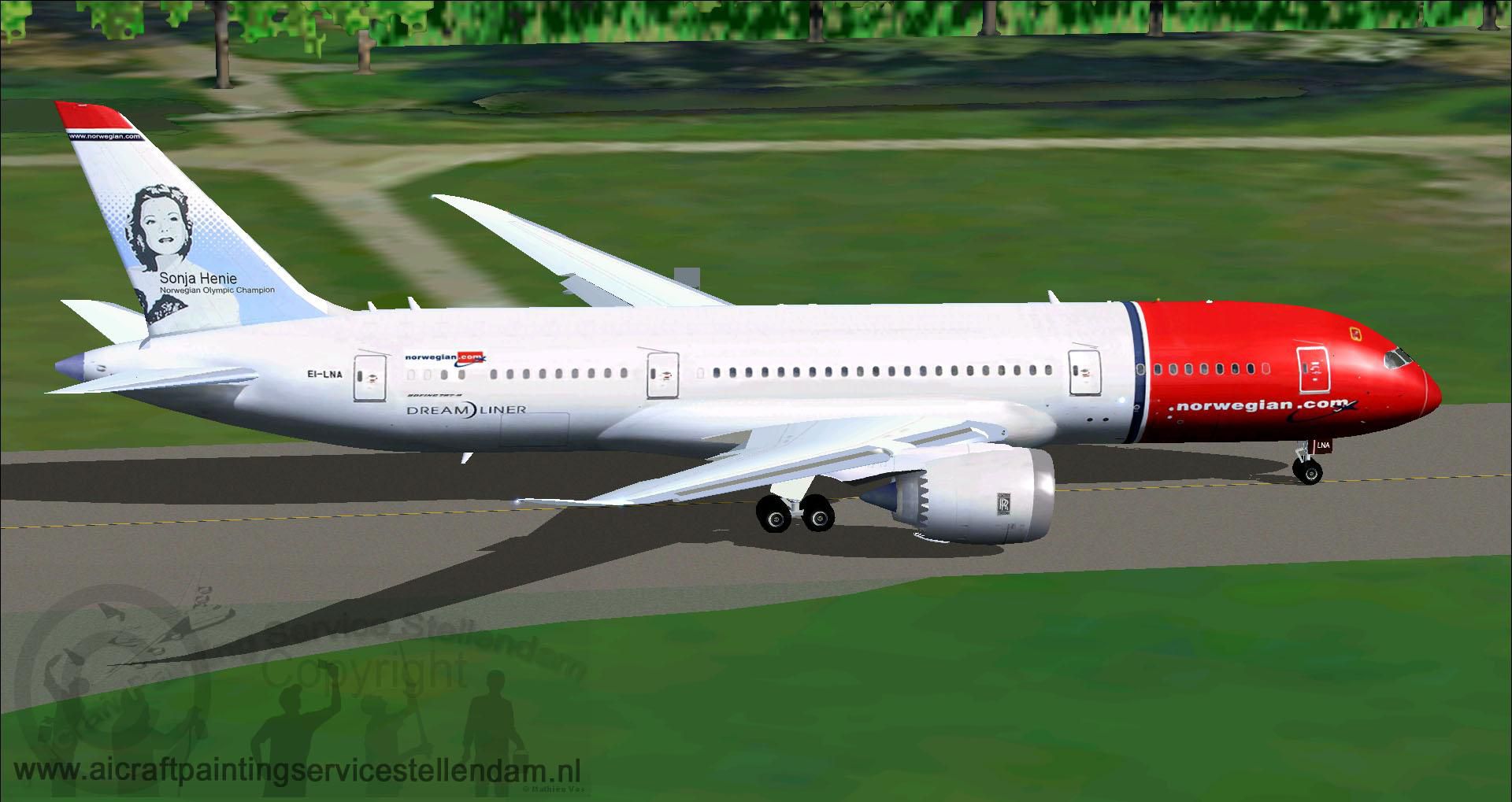
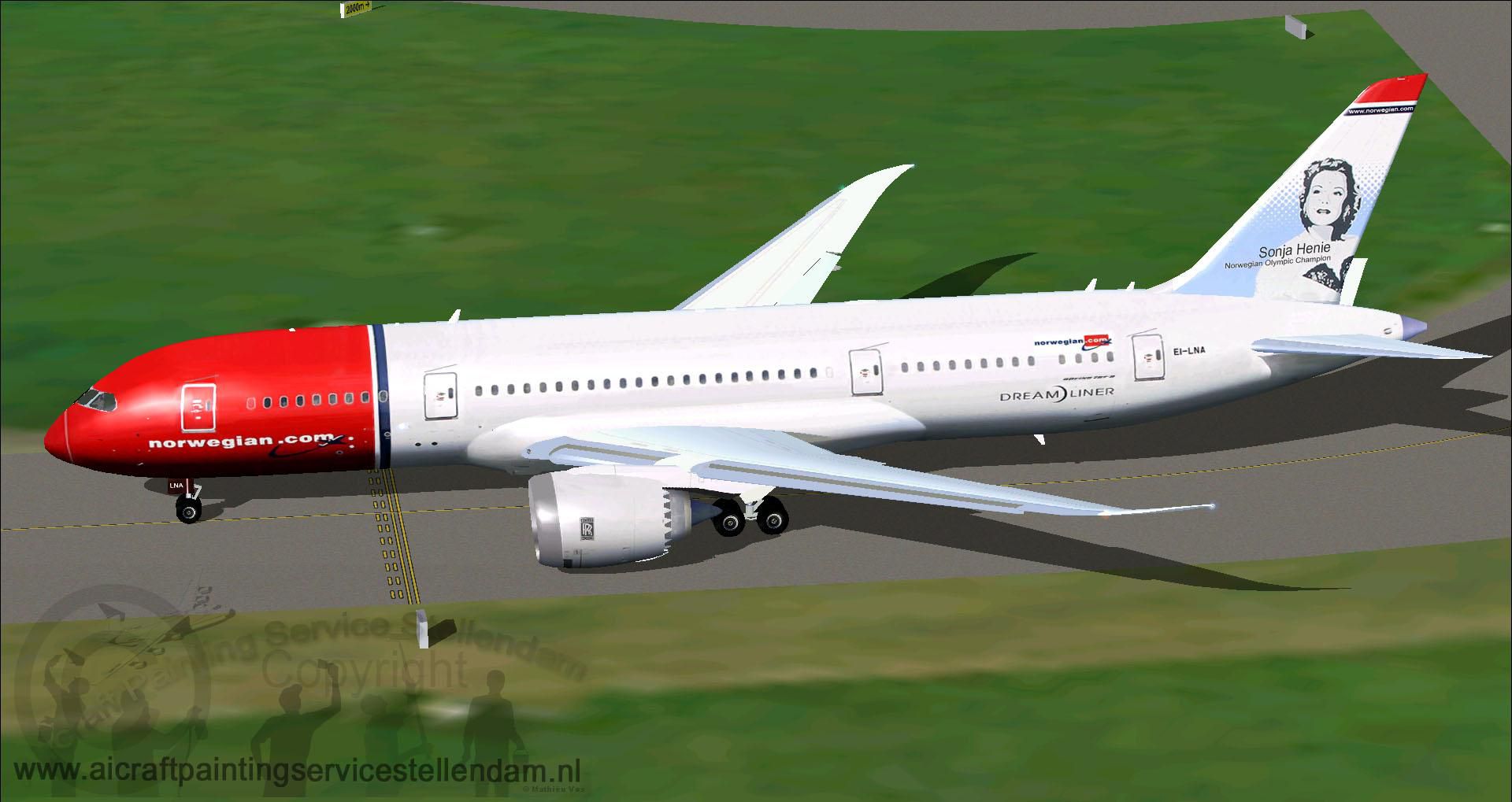

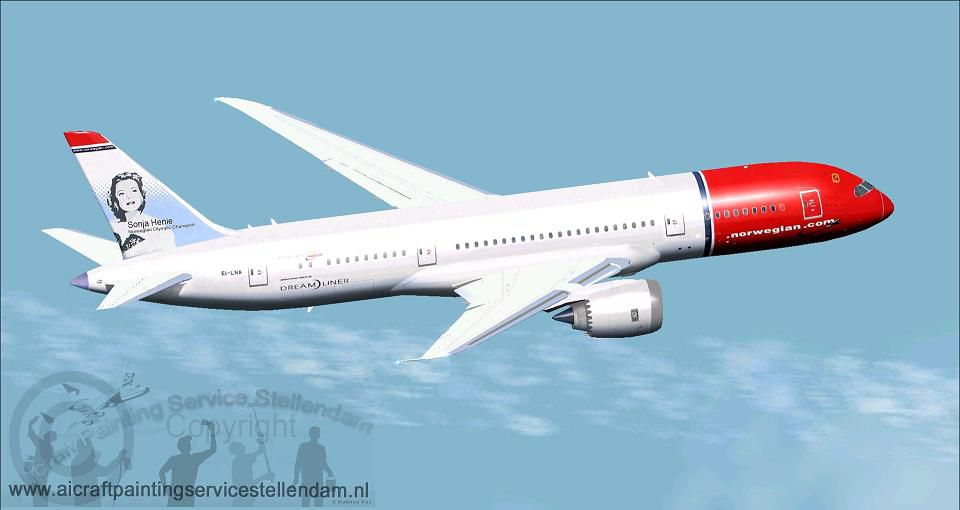
This custom rendition of Norwegian Long Haul’s Boeing 787-8 in registration EI-LNA features an authentic livery and detailed ground servicing elements, making it an immersive freeware experience ready for Microsoft Flight Simulator X. Created by Mathieu Vos (APSS) with a base model from CamSim, this package showcases the distinctive features of the Dreamliner while honoring Norwegian’s intercontinental service.
The 787 airframe integrates extensive composite materials, designed to reduce weight and enhance structural strength. This approach provides superior operating efficiency and a smoother cabin experience. Passengers typically appreciate the improved pressurization that aids overall comfort during long flights.
Norwegian Long Haul, part of Norwegian Air Shuttle’s global network, has employed the 787 for transatlantic and intercontinental routes. Registration EI-LNA reflects the airline’s dedication to fuel efficiency and modern design. The livery highlights a clean fuselage and the airline’s signature tail artwork, making it instantly recognizable in global skies.
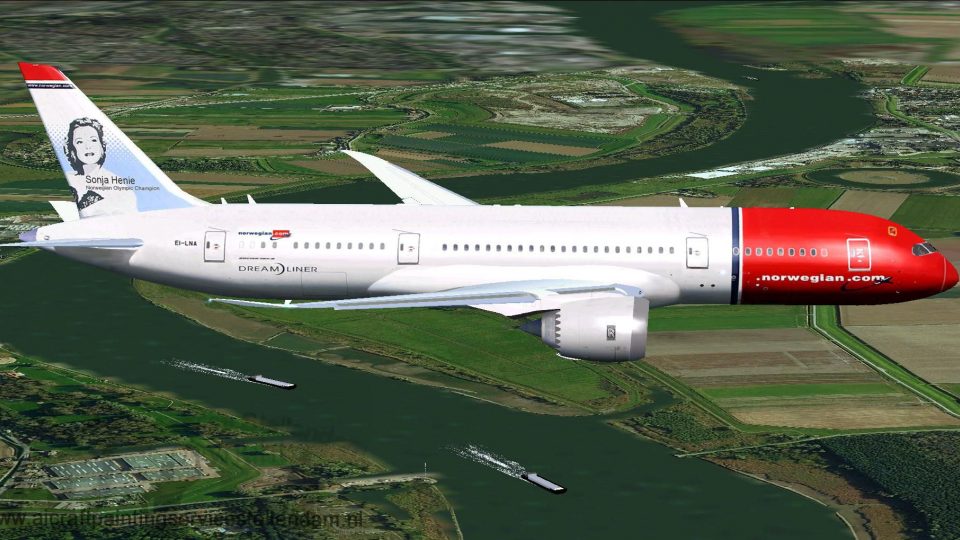
Screenshot of Norwegian Long Haul Boeing 787-8 in flight.
Mathieu Vos (APSS) carefully crafted this repaint to capture the aircraft’s details, from the wing curvature to the airline’s branding elements. CamSim provided the base model, ensuring that 787-specific aerodynamics and geometry are accurately reflected within the simulator.
This aircraft comes with Animated Ground Servicing (AGS) capabilities. These features replicate various loading and servicing procedures for a more realistic experience. Use the following commands for the different animations:
For these key assignments to function, access the main menu options under “Controls > Buttons/Keys.” Assign the following commands accordingly:
Throughout its real-world operations, the Boeing 787 family has earned a reputation for advanced wing contours and highly efficient powerplants. Norwegian’s 787-8, especially EI-LNA, continues that trend with its long-range capability. This freeware package remains a complete solution for virtual pilots, offering performance, visuals, and the convenience of integrated ground animations.
Free for all simmers · 7.52 MB · Scanned clean Oct 2026
Download speed: Free tier is capped at 0.5 Mbps (this file takes approximately 2 mins at the cap). PRO members download at full line speed.
This add-on may require the following files to function properly. If this is a repaint, the dependency below is likely the base aircraft package.
FSX\SimObjects\Airplanes\. The folder must contain an aircraft.cfg file. Effects go into FSX\Effects\; gauges go into FSX\Gauges\.readme.txt or README file. It tells you exactly where files go, what dependencies are needed, and any quirks specific to this add-on.The archive b787xnlh.zip has 43 files and directories contained within it.
This list displays the first 500 files in the package. If the package has more, you will need to download it to view them.
| Filename/Directory | File Date | File Size |
|---|---|---|
| 787-8.air | 03.24.09 | 12.76 kB |
| aircraft.cfg | 07.06.13 | 15.42 kB |
| B787XNLH.gif | 07.06.13 | 7.25 kB |
| CamsimB787-800NorwegianLongHaul_EI-LNA.jpg | 07.01.13 | 184.45 kB |
| CamsimB787-800NorwegianLongHaul_EI-LNA2.jpg | 07.01.13 | 166.02 kB |
| CamsimB787-800NorwegianLongHaul_EI-LNA3.jpg | 07.01.13 | 139.76 kB |
| CamsimB787-800NorwegianLongHaul_EI-LNA4.jpg | 07.01.13 | 349.71 kB |
| CamsimB787-800NorwegianLongHaul_EI-LNA5.jpg | 07.01.13 | 332.98 kB |
| CamsimB787-800NorwegianLongHaul_EI-LNA6.jpg | 07.01.13 | 348.37 kB |
| Effects.zip | 03.25.06 | 1.80 kB |
| model.787-8 ags v4 | 07.06.13 | 0 B |
| 787-8 ags v4.mdl | 05.07.12 | 3.02 MB |
| Model.cfg | 03.26.12 | 31 B |
| Panel | 07.06.13 | 0 B |
| 787_350_panel_background.bmp | 02.25.10 | 2.25 MB |
| 787_350_panel_background_night.bmp | 02.25.10 | 2.25 MB |
| Airbus_A321.cab | 09.04.06 | 2.72 MB |
| panel.cfg | 02.25.10 | 5.48 kB |
| Read Me_FSX.txt | 07.06.13 | 2.52 kB |
| sound | 07.06.13 | 0 B |
| Sound.cfg | 11.04.09 | 35 B |
| texture.Norwegian Long Haul - Sonja Henie | 07.06.13 | 0 B |
| 787eng_L.bmp | 12.19.12 | 4.00 MB |
| 787eng_t.bmp | 07.01.13 | 1.00 MB |
| 787ext_L.bmp | 03.09.12 | 4.00 MB |
| 787ext_t.bmp | 12.20.12 | 1.00 MB |
| 787int_L.bmp | 03.09.12 | 4.00 MB |
| 787int_t.bmp | 07.01.13 | 1.00 MB |
| 787tail_L.bmp | 07.01.13 | 4.00 MB |
| 787tail_t.bmp | 07.01.13 | 1.00 MB |
| 788fuse_L.bmp | 07.01.13 | 4.00 MB |
| 788fuse_t.bmp | 07.01.13 | 1.00 MB |
| 789wings_L.bmp | 12.19.12 | 4.00 MB |
| 789wings_t.bmp | 07.01.13 | 1.00 MB |
| gris_L.bmp | 03.06.12 | 17.05 kB |
| gris_t.bmp | 03.06.12 | 16.07 kB |
| pilot1.bmp | 03.06.12 | 256.07 kB |
| pilot1_L.bmp | 03.06.12 | 1.00 MB |
| Thumbnail.jpg | 07.06.13 | 65.50 kB |
| w_t.bmp | 03.06.12 | 16.07 kB |
| file_id.diz | 07.06.13 | 216 B |
| flyawaysimulation.txt | 10.29.13 | 959 B |
| Go to Fly Away Simulation.url | 01.22.16 | 52 B |
Only PRO members can place votes.
More FSX & P3D add-ons hand-picked based on this download.
FSX Civil Aircraft
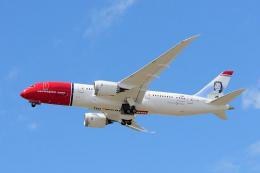
Norwegian Boeing 787, registration EI-LNA, update. Added "goggles", looks mor…
 FSX Civil Aircraft
Norwegian EI-LNA "Sonja Henie" textures for the payware Aerosim B787. Continu…
 FSX Civil Aircraft
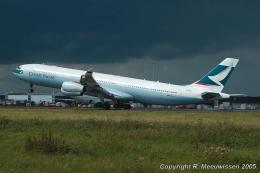
Air Canada Long Haul Package. Includes Boeing 777-200LR, Airbus A340-300, Boe…
 FSX Civil Aircraft
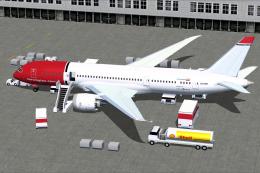
This freeware add-on provides a detailed Boeing 787-8 Dreamliner in Norwegian…
 FSX Civil Aircraft
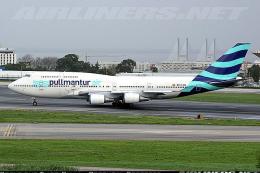
A repaint of the default B747-400. Pullmantur Air is a company belonging to t…
 FSX Civil Aircraft
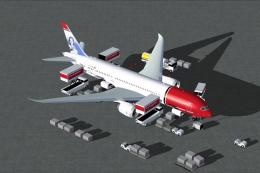
Experience a meticulously refined rendition of the Norwegian Air Shuttle Boei…
 FSX Civil Aircraft
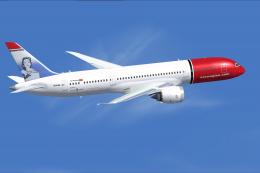
Expand your simulation's AI traffic with this carefully crafted Norwegian Boe…
 FSX Civil Aircraft
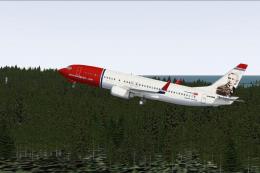
FSX Norwegian Air Shuttle Boeing 737-800, registration LN-NOB. Textures only …
Read what other simmers think, or add your own.
