

 FSX Civil Aircraft
Norwegian Boeing 787 EI-LNA Update
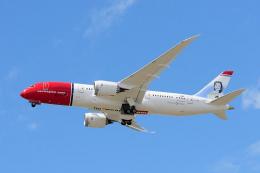
Norwegian Boeing 787, registration EI-LNA, update. Added "goggles", looks mor…
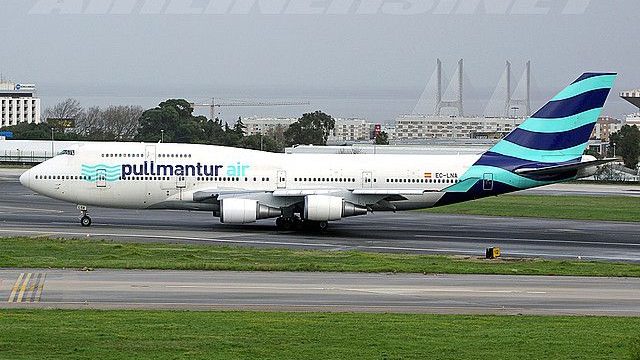
Pullmantur Air’s EC-LNA livery brings a Spanish cruise-focused carrier look to the default Boeing 747-400, with faithful airline branding and registration details for authentic long-haul screenshots and routes. Designed for Microsoft Flight Simulator X, it requires the stock 747-400 and adds a clean, recognizable Pullmantur finish to the virtual cockpit experience.
 Rate
Rate
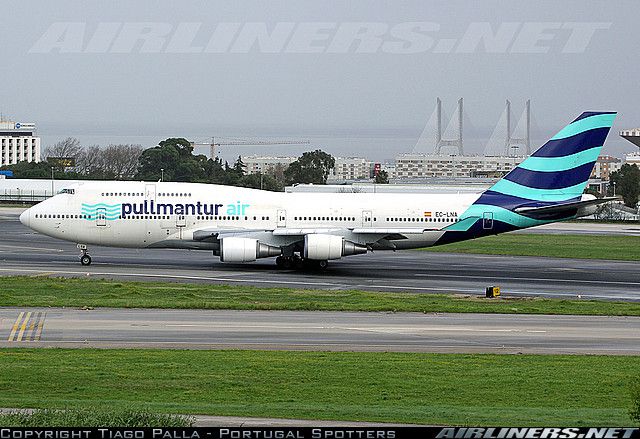

A repaint of the default B747-400. Pullmantur Air is a company belonging to the Pullmantur Group. It was founded in 2003 to strengthen the Group's expansion in the cruise market in Spain, where he currently leads with 40% market share. By Juan Villamor.
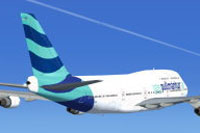
Screenshot of Pullmantur Air Boeing 747-400 in flight.
Installation:
[fltsim.XX]

title=Boeing 747 400 Pullmantur Air

sim=Boeing747-400

model=

panel=

sound=

texture=pullmantur

kb_checklists=Boeing737-800_check

kb_reference=Boeing737-800_ref

atc_id=EC-LNA

atc_airline=

atc_flight_number=

atc_parking_types=RAMP,GATE

atc_parking_codes=

ui_manufacturer=Boeing

ui_type=747-400

ui_variation=Pullmantur

ui_typerole=Avion comercial

ui_createdby=Microsoft Corporation

description=Pullmantur Air is a company belonging to the Pullmantur Group. It was founded in 2003 to strengthen the Group's expansion in the cruise market in Spain, where he currently leads with 40% market share, this is a repaint your registration EC-LNA. By Juan Villamor
Free for all simmers · 1.11 MB · Scanned clean Oct 2026
Download speed: Free tier is capped at 0.5 Mbps. PRO members download at full line speed.
texture.{airline}) inside FSX\SimObjects\Airplanes\{base-aircraft}\.aircraft.cfg in Notepad. Add a new [fltsim.X] section per the readme.readme.txt or README file. It tells you exactly where files go, what dependencies are needed, and any quirks specific to this add-on.The archive pullmantur_livery.zip has 12 files and directories contained within it.
This list displays the first 500 files in the package. If the package has more, you will need to download it to view them.
| Filename/Directory | File Date | File Size |
|---|---|---|
| B747_1_LM.dds | 12.14.14 | 1.00 MB |
| B747_1_T.dds | 12.15.14 | 1.00 MB |
| B747_2_T.dds | 12.14.14 | 1.00 MB |
| installation.txt | 12.15.14 | 1.26 kB |
| screenshots | 12.14.14 | 0 B |
| photo.jpg | 12.10.14 | 120.08 kB |
| screenshot1.gif | 12.14.14 | 7.29 kB |
| screenshot2.gif | 12.14.14 | 8.59 kB |
| texture.cfg | 08.14.06 | 137 B |
| thumbnail.jpg | 12.14.14 | 6.25 kB |
| flyawaysimulation.txt | 10.29.13 | 959 B |
| Go to Fly Away Simulation.url | 01.22.16 | 52 B |
Only PRO members can place votes.
More FSX & P3D add-ons hand-picked based on this download.
FSX Civil Aircraft
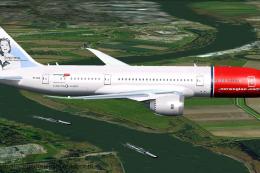
Norwegian Boeing 787, registration EI-LNA, update. Added "goggles", looks mor…
 FSX Civil Aircraft
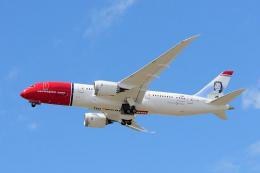
This custom rendition of Norwegian Long Haul’s Boeing 787-8 in registration E…
 FSX Civil Aircraft
Norwegian EI-LNA "Sonja Henie" textures for the payware Aerosim B787. Continu…
 FSX Civil Aircraft
FSX Aerolineas Argentinas Boeing 747-400 GE, registration LV-BBU. Textures on…
 FSX Civil Aircraft
FSX Korean Airlines Boeing 747-400 "Mona Lisa". Textures only for the payware…
 FSX Civil Aircraft
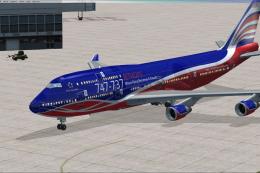
This carefully crafted repaint for the default Boeing 747-400 in Microsoft Fl…
 FSX Civil Aircraft
This repaint set introduces a custom Jet Hops livery to the Boeing 747-400 in…
 FSX Civil Aircraft
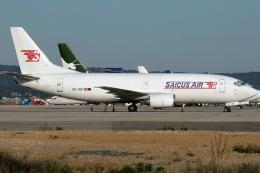
Just over a year after starting its cargo operations in October 2009, the air…
Be the first to leave a comment on this download.
Be the first to share your thoughts on this download.