

 FSX Civil Aircraft
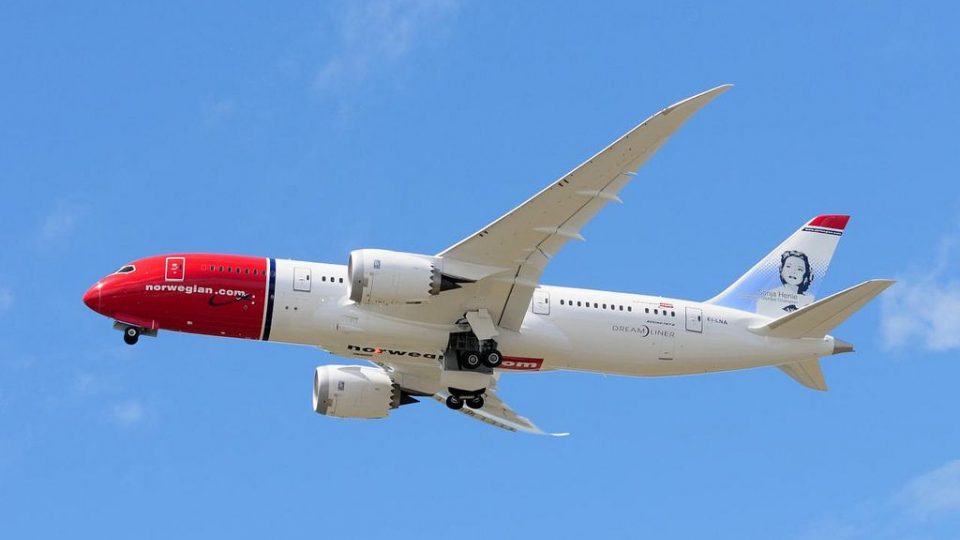
Norwegian Long Haul Boeing 787-8 EI-LNA
This custom rendition of Norwegian Long Haul’s Boeing 787-8 in registration E…
Norwegian Long Haul Boeing 787-8 repaint update for FSX adds realistic pilot “goggles” details and refined markings for registration EI-LNA, enhancing the aircraft’s look in flight and on the ramp. Created for the AeroSim 787-8 model, it updates the texture set and aircraft entry to match NORSTAR operations.
 Rate
Rate
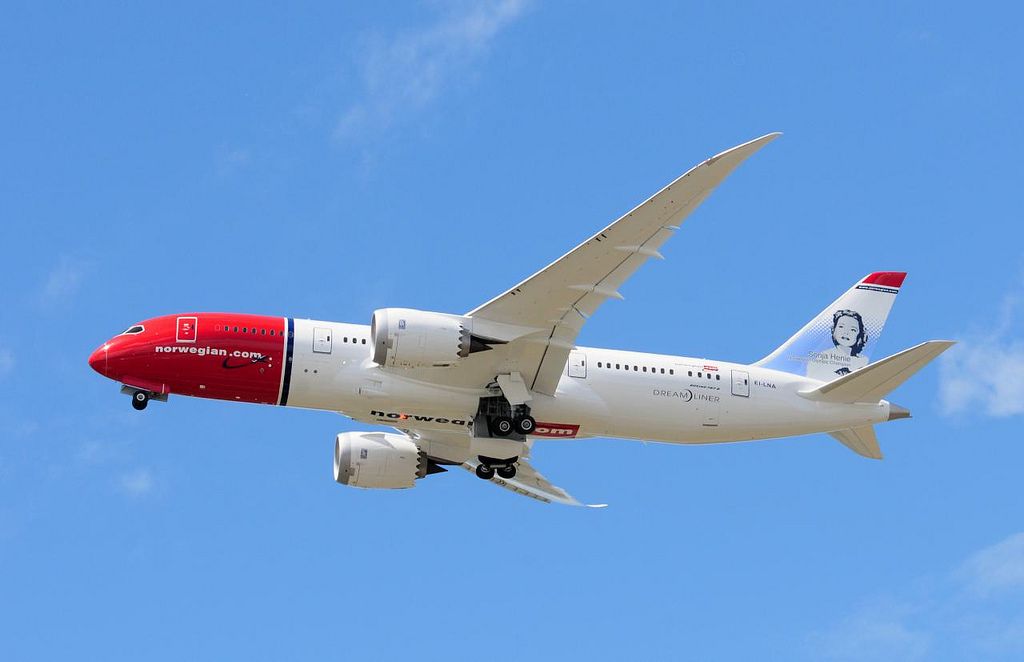
Norwegian Boeing 787, registration EI-LNA, update. Added "goggles", looks more real. By Richard Gustavsen.

Screenshot of Norwegian Boeing 787 in flight.
[fltsim.xx]

title=AS_B7878_FSX_RR_NAX

sim=AS_B7878_RR_FSX

model=

panel=

sound=

texture=NLH

ui_variation="Norwegian Long Haul"

atc_airline=NORSTAR
kb_checklists=AS_B7878_RR_FSX_Check

kb_reference=AS_B7878_RR_FSX_Ref

atc_id=EI-LNA
atc_flight_number=

ui_manufacturer="Boeing"

ui_type="787-8"

ui_typerole="Commercial Airliner"

ui_createdby="AeroSim Corporation"

description="The AeroSim Boeing 787-8 (B787 for FSX). Repaint by Dan Dominik and Richard Gustavsen.
Free for all simmers · 22.02 MB · Scanned clean Oct 2026
Download speed: Free tier is capped at 0.5 Mbps (this file takes approximately 6 mins at the cap). PRO members download at full line speed.
FSX\SimObjects\Airplanes\. The folder must contain an aircraft.cfg file. Effects go into FSX\Effects\; gauges go into FSX\Gauges\.readme.txt or README file. It tells you exactly where files go, what dependencies are needed, and any quirks specific to this add-on.The archive norwegian_ei-lna_update.zip has 27 files and directories contained within it.
This list displays the first 500 files in the package. If the package has more, you will need to download it to view them.
| Filename/Directory | File Date | File Size |
|---|---|---|
| texture.NLH | 07.08.13 | 0 B |
| 2013-7-8_18-6-13-163.BMP | 07.08.13 | 7.45 MB |
| 2013-7-8_18-6-38-440.BMP | 07.08.13 | 7.45 MB |
| Aircraft.cfg.txt | 07.08.13 | 480 B |
| AS_B7878_AES_T.dds | 09.09.12 | 1.00 MB |
| AS_B7878_ENG_LEFT_T.dds | 11.16.12 | 16.00 MB |
| AS_B7878_ENG_LEFT_T_night.dds | 08.02.12 | 256.12 kB |
| AS_B7878_ENG_RIGHT_T.dds | 11.16.12 | 16.00 MB |
| AS_B7878_ENG_RIGHT_T_night.dds | 08.02.12 | 256.12 kB |
| AS_B7878_FUSE_LEFT_T ba.dds | 07.07.13 | 21.33 MB |
| AS_B7878_FUSE_LEFT_T.dds | 07.07.13 | 21.33 MB |
| AS_B7878_FUSE_LEFT_T_LM.dds | 11.18.12 | 4.00 MB |
| AS_B7878_FUSE_LEFT_T_night.dds | 11.18.12 | 4.00 MB |
| AS_B7878_FUSE_RIGHT_T ba.dds | 07.07.13 | 21.33 MB |
| AS_B7878_FUSE_RIGHT_T.dds | 07.07.13 | 21.33 MB |
| AS_B7878_FUSE_RIGHT_T_LM.dds | 11.18.12 | 4.00 MB |
| AS_B7878_FUSE_RIGHT_T_night.dds | 11.18.12 | 4.00 MB |
| AS_B7878_LOADER_T.dds | 08.24.12 | 1.00 MB |
| AS_B7878_WING_LEFT_T.dds | 09.18.12 | 4.00 MB |
| AS_B7878_WING_LEFT_T_night.dds | 08.02.12 | 1.00 MB |
| AS_B7878_WING_RIGHT_T.dds | 09.18.12 | 4.00 MB |
| AS_B7878_WING_RIGHT_T_night.dds | 08.02.12 | 1.00 MB |
| texture.cfg | 08.09.09 | 135 B |
| thumbnail.jpg | 07.06.13 | 144.00 kB |
| Thumbs.db | 07.08.13 | 20.50 kB |
| flyawaysimulation.txt | 10.29.13 | 959 B |
| Go to Fly Away Simulation.url | 01.22.16 | 52 B |
Only PRO members can place votes.
More FSX & P3D add-ons hand-picked based on this download.
FSX Civil Aircraft
This custom rendition of Norwegian Long Haul’s Boeing 787-8 in registration E…
 FSX Civil Aircraft
Norwegian EI-LNA "Sonja Henie" textures for the payware Aerosim B787. Continu…
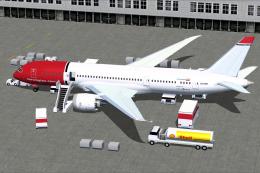 FSX Civil Aircraft
This freeware add-on provides a detailed Boeing 787-8 Dreamliner in Norwegian…
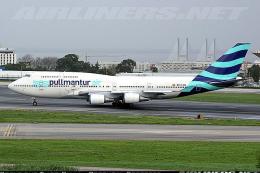 FSX Civil Aircraft
A repaint of the default B747-400. Pullmantur Air is a company belonging to t…
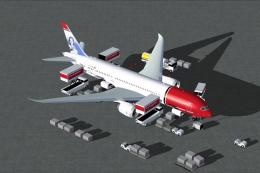 FSX Civil Aircraft
Experience a meticulously refined rendition of the Norwegian Air Shuttle Boei…
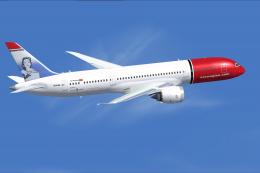 FSX Civil Aircraft
Expand your simulation's AI traffic with this carefully crafted Norwegian Boe…
 FSX Civil Aircraft
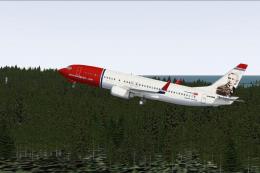
FSX Norwegian Air Shuttle Boeing 737-800, registration LN-NOB. Textures only …
 FSX Civil Aircraft
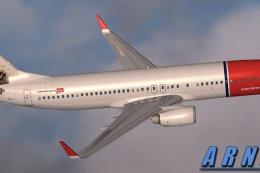
FSX Norwegian Air Shuttle Boeing 737-800 'Edward Grieg'. Repaint for the defa…
Be the first to leave a comment on this download.
Be the first to share your thoughts on this download.