

 FSX Civil Aircraft
FAIB Boeing 737-200ADV Base Pack
B737-200 ADV base pack contains four model variations (normal, logo light, gr…
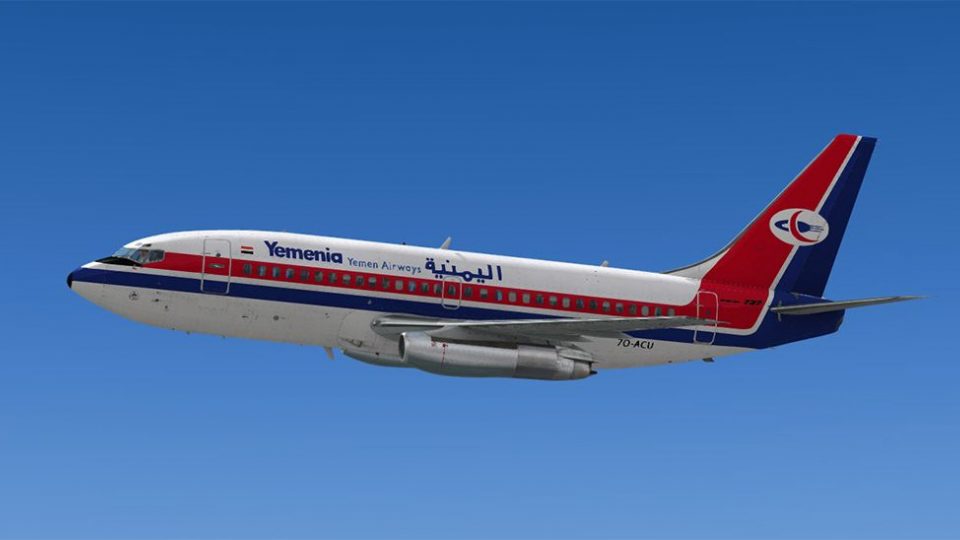
Yemenia Airways’ Boeing 737-200ADV livery brings classic twinjet styling to FSX with a high-resolution repaint by Muhammad Chariri, matching registration 7O-ACU with authentic markings and subtle weathering. The package supplies exterior textures only and requires the Captain Sim 737-200ADV expansion model for full use.
 Rate
Rate
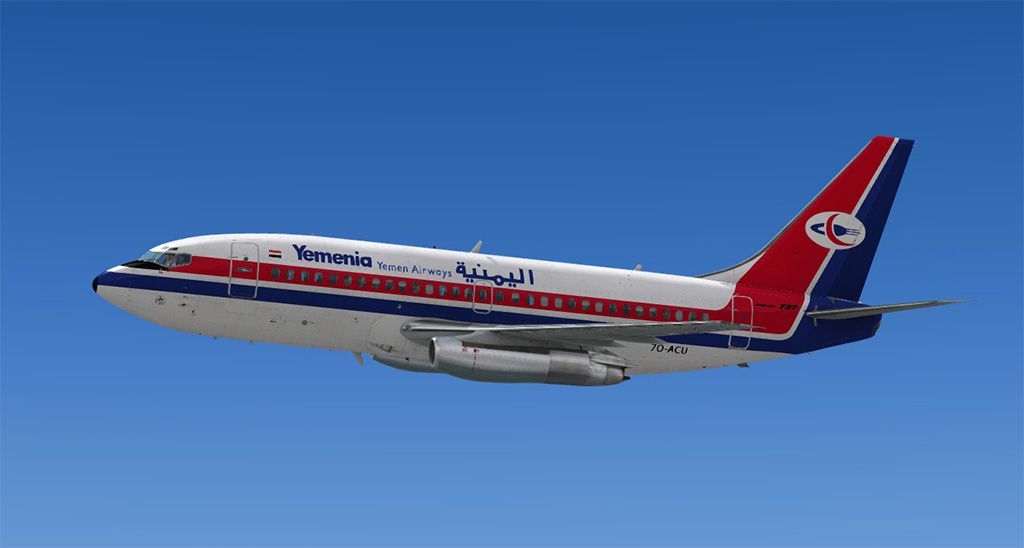

Enhance your Microsoft Flight Simulator X experience with an accurate depiction of Yemenia Airways’ Boeing 737-200 Advanced, meticulously repainted by developer Muhammad Chariri. This freeware package provides only the external textures, so you will need to own and install the payware Captain Sim B737-200ADV expansion model beforehand. The included livery captures the registration 7O-ACU, reflecting a classic phase in Yemenia’s operational history.
The Boeing 737-200ADV (Advanced) represents a significant evolution of the early 737 family, offering improved short-field capabilities, extended range, and more efficient powerplant options. Yemenia Airways, as the flagship carrier of Yemen, has historically utilized various Boeing models to connect regional destinations. This repaint aims to replicate the visual characteristics of one of the airline’s older twinjet workhorses, complete with authentic markings that convey the carrier’s unique branding.
The following items are part of this modification:
It is essential to note that this package only covers the liveries. The base aircraft model by Captain Sim must be purchased separately from a payware store, such as SimShack, to enable proper usage in your simulator.
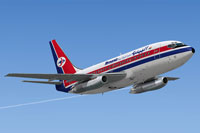
Screenshot showcasing the Yemenia Airways 737-200ADV cruising at altitude.
Once you have installed Captain Sim’s 737-200ADV expansion, follow these steps to integrate the Yemenia repaint:
[fltsim.X]
title=CS 737-200ADV Yemenia Airways
sim=csx732
model=adv
panel=
sound=
texture=yemenia
kb_checklists=
kb_reference=
atc_id=7O-ACU
atc_heavy=0
atc_airline=Yemenia Airways
atc_flight_number=0001
ui_manufacturer=Boeing
ui_type=737-200ADV
ui_variation=Yemenia Airways
ui_typerole=Commercial Airliner
ui_createdby=Captain Sim
description=737 Captain (737-200ADV Expansion model) v1.1
2012 Captain Sim
This repaint is produced by Muhammad Chariri for the Captain Sim 737-200ADV payware expansion. The textures incorporate precise logos, subtle weathering, and airline-specific markings to deliver an immersive visual experience reminiscent of Yemenia Airways’ real aircraft. Enjoy the blend of vintage jet nostalgia and modern simulation technology with this livery in your next virtual flight.
Free for all simmers · 8.86 MB · Scanned clean Oct 2026
Download speed: Free tier is capped at 0.5 Mbps (this file takes approximately 2 mins at the cap). PRO members download at full line speed.
texture.{airline}) inside FSX\SimObjects\Airplanes\{base-aircraft}\.aircraft.cfg in Notepad. Add a new [fltsim.X] section per the readme.readme.txt or README file. It tells you exactly where files go, what dependencies are needed, and any quirks specific to this add-on.The archive yemenia-1.zip has 22 files and directories contained within it.
This list displays the first 500 files in the package. If the package has more, you will need to download it to view them.
| Filename/Directory | File Date | File Size |
|---|---|---|
| SS2.jpg | 07.01.13 | 99.21 kB |
| cs737_01_T.dds | 06.27.13 | 4.00 MB |
| cs737_03_T.dds | 09.13.11 | 2.00 MB |
| cs737_04_T.dds | 06.27.13 | 4.00 MB |
| cs737_05_T.dds | 06.26.13 | 4.00 MB |
| cs737_06_T.dds | 06.26.13 | 4.00 MB |
| cs737_07_T.dds | 06.27.13 | 4.00 MB |
| cs737_08_T.dds | 06.30.13 | 2.00 MB |
| cs737_09_T.dds | 06.27.13 | 4.00 MB |
| cs737_10_Spec.dds | 09.13.11 | 1.00 MB |
| cs737_10_T.dds | 06.26.13 | 4.00 MB |
| cs737_14_T.dds | 09.13.11 | 32.12 kB |
| cs737_17_Bump.dds | 04.07.12 | 1.00 MB |
| cs737_17_Spec.dds | 04.07.12 | 1.00 MB |
| cs737_17_T.dds | 04.08.12 | 512.12 kB |
| texture.cfg | 03.07.12 | 212 B |
| thumbnail.jpg | 06.27.13 | 29.88 kB |
| texture.yemenia | 07.01.13 | 0 B |
| Readme.txt | 07.01.13 | 2.32 kB |
| SS1.jpg | 07.01.13 | 94.29 kB |
| flyawaysimulation.txt | 10.29.13 | 959 B |
| Go to Fly Away Simulation.url | 01.22.16 | 52 B |
Only PRO members can place votes.
More FSX & P3D add-ons hand-picked based on this download.
FSX Civil Aircraft
B737-200 ADV base pack contains four model variations (normal, logo light, gr…
 FSX Civil Aircraft
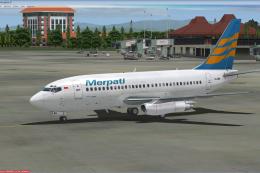
This is the repaint of payware Captain Sim B737-200 Adv model in livery of Me…
 FSX Civil Aircraft
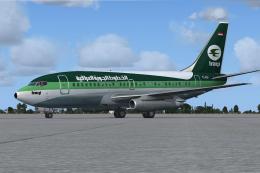
This freeware repaint recreates the distinctive Iraqi Airways livery for the …
 FSX Civil Aircraft
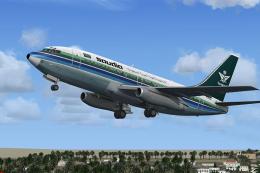
This is the repaint of payware Captain Sim B737-200 Adv model in Saudia liver…
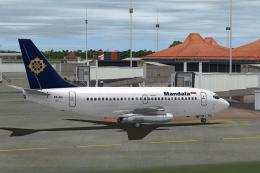 FSX Civil Aircraft
This is the repaint of the payware Captain Sim B737-200 ADV model in Mandala …
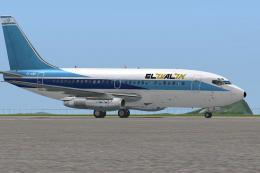 FSX Civil Aircraft
This is the repaint of the payware Captain Sim B737-200 Adv model in El Al li…
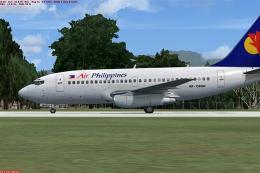 FSX Civil Aircraft
This is the repaint of the payware Captain Sim B737-200 Adv model in Air Phil…
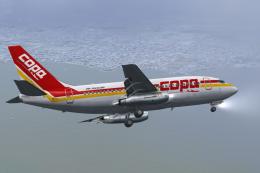 FSX Civil Aircraft
This is a repaint for the payware Captain Sim B737-200ADV. These textures rep…
Be the first to leave a comment on this download.
Be the first to share your thoughts on this download.