

 FSX Civil Aircraft
American Airlines Boeing 757-200 Retro N752CO
American Airlines Boeing 757-200 retro livery. A repaint of the Project Open …
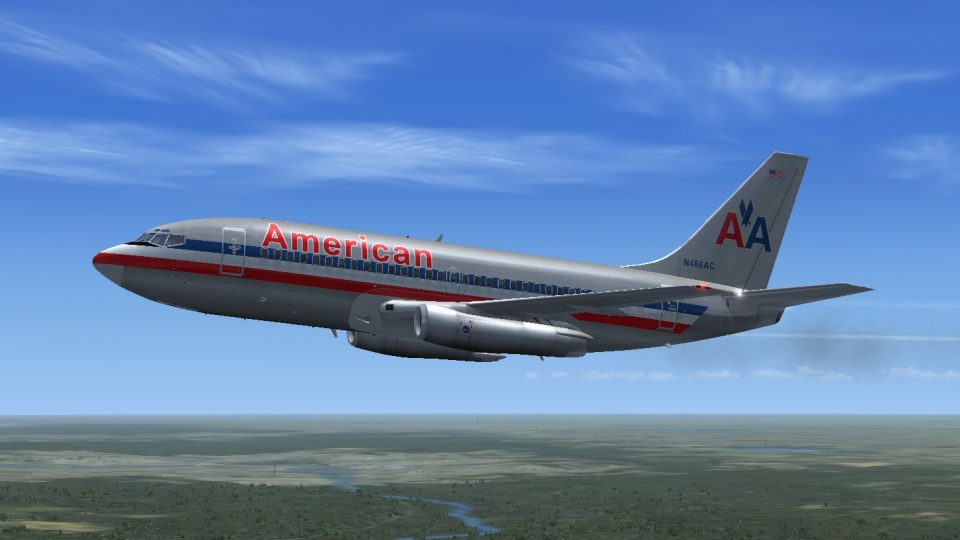
American Airlines textures bring the TinMouse II Boeing 737-200 to life with crisp exterior detailing and authentic classic markings for FSX. Designed as a repaint only, it integrates with the base aircraft configuration and requires TinMouse II v1.25 for the full model and virtual cockpit experience.
 Rate
Rate
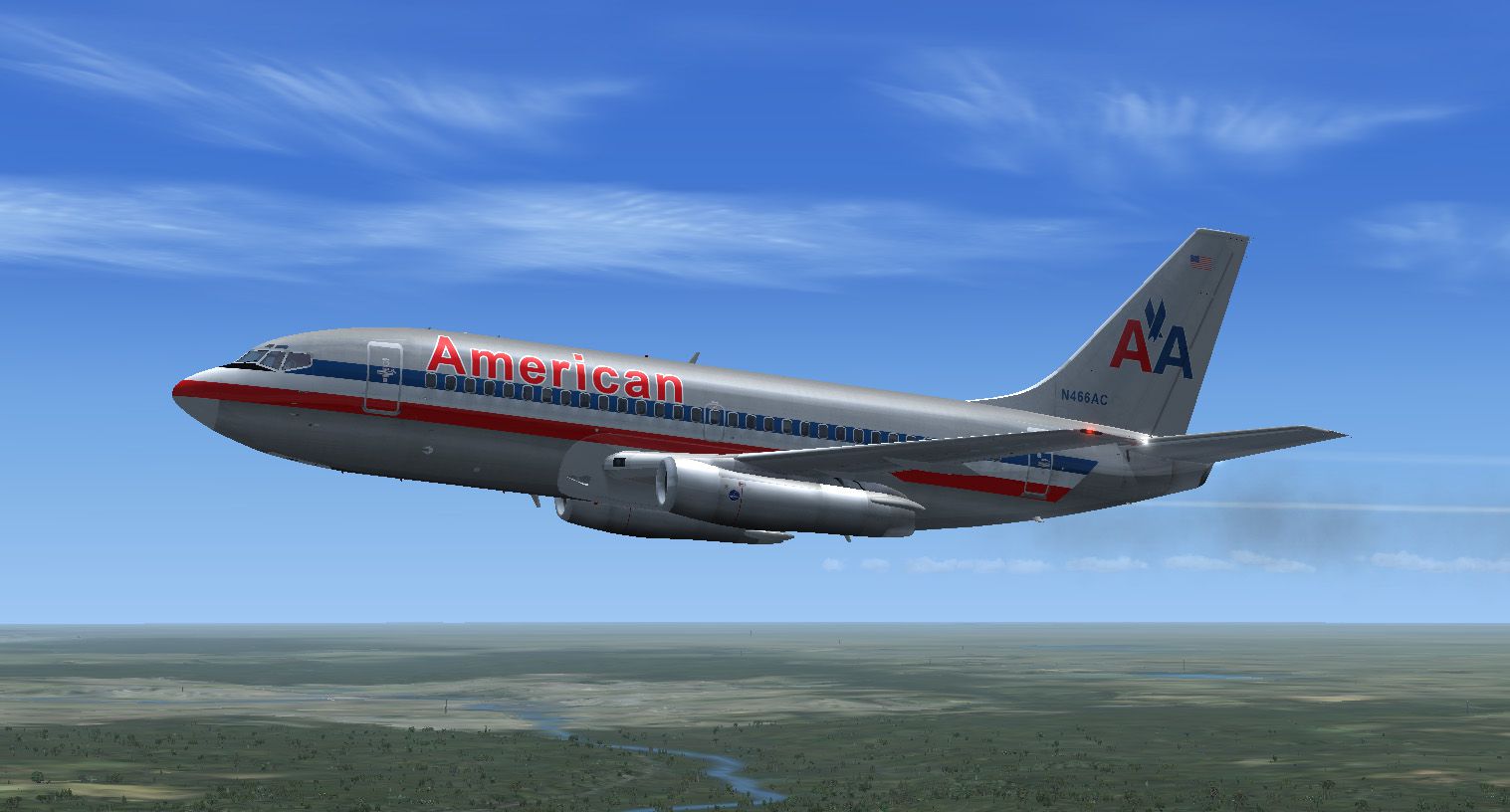
A repaint of the Tinmouse II B737-200 in American Airlines livery. Textures only, base model required (TINMOUSE_II_V1_25.ZIP). By Bill Howland.
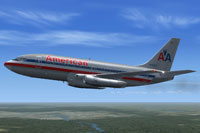
Screenshot of American Airlines Boeing 737-200 in flight.
Once the base model named "tinmouse_ii_v1_25.zip" is installed, add the following lines to the aircraft.cfg file:
[fltsim.x]

title=Boeing 737-200 American Airlines

sim=737-200adv

model=PNK

panel=

sound=

texture=American

kb_checklists=Boeing737-200_check

kb_reference=Boeing737-200_ref

atc_id=N466AC

atc_airline=American

atc_flight_number=644

ui_manufacturer=Boeing

ui_type=737-200

ui_variation=American

description="Boeing 737-247 ADV with JT8D-9 engines\n
Free for all simmers · 5.47 MB · Scanned clean Oct 2026
Download speed: Free tier is capped at 0.5 Mbps (this file takes approximately 2 mins at the cap). PRO members download at full line speed.
texture.{airline}) inside FSX\SimObjects\Airplanes\{base-aircraft}\.aircraft.cfg in Notepad. Add a new [fltsim.X] section per the readme.readme.txt or README file. It tells you exactly where files go, what dependencies are needed, and any quirks specific to this add-on.The archive b732-american_airlines.zip has 19 files and directories contained within it.
This list displays the first 500 files in the package. If the package has more, you will need to download it to view them.
| Filename/Directory | File Date | File Size |
|---|---|---|
| B732-American_N466AC.jpg | 06.25.13 | 211.20 kB |
| FILE_ID.DIZ | 06.24.13 | 239 B |
| Readme.txt | 06.24.13 | 1.09 kB |
| texture.American | 06.25.13 | 0 B |
| F1_B732_CRW_C.bmp | 09.02.04 | 65.05 kB |
| F1_B732_CRW_P.bmp | 06.22.13 | 256.07 kB |
| F1_B732_F1_T.bmp | 06.25.13 | 4.00 MB |
| F1_B732_F2_T.bmp | 06.25.13 | 4.00 MB |
| F1_B732_F3_T.bmp | 06.25.13 | 4.00 MB |
| F1_B732_F4_T.bmp | 06.25.13 | 4.00 MB |
| F1_B732_MGW2.bmp | 06.28.06 | 65.05 kB |
| F1_B732_NGW2.bmp | 06.28.06 | 65.05 kB |
| F1_B732_PP_T.bmp | 06.22.13 | 4.00 MB |
| F1_B732_TRM.bmp | 07.03.06 | 257.05 kB |
| F1_B732_VS_T.bmp | 06.25.13 | 4.00 MB |
| F1_B732_W1_T.bmp | 06.22.13 | 4.00 MB |
| thumbnail.jpg | 06.25.13 | 27.86 kB |
| flyawaysimulation.txt | 10.29.13 | 959 B |
| Go to Fly Away Simulation.url | 01.22.16 | 52 B |
Only PRO members can place votes.
More FSX & P3D add-ons hand-picked based on this download.
FSX Civil Aircraft
American Airlines Boeing 757-200 retro livery. A repaint of the Project Open …
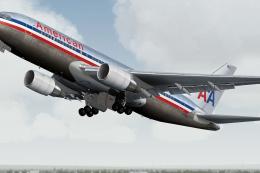 FSX Civil Aircraft
A repaint of the SkySpirit2010 767-200 v5. Model designed by Hiroshi Igami. F…
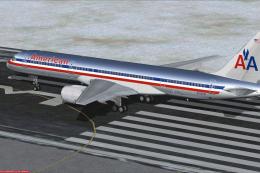 FSX Civil Aircraft
These textures are for the payware QualityWings 757. They depict three of Ame…
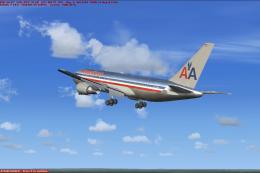 FSX Civil Aircraft
This aircraft has many kinds of different views included. By Travis Smith. Sc…
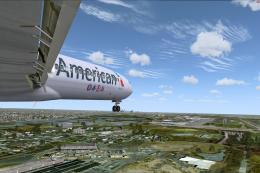 FSX Civil Aircraft
Textures only for the payware Captain Sim B727-200 model. Actually one of the…
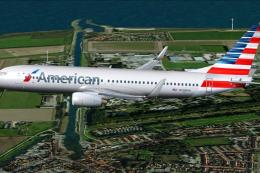 FSX Civil Aircraft
This package features a Boeing 737-823 wearing American Airlines’ modern pain…
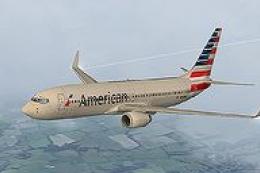 FSX Civil Aircraft
This carefully crafted repaint showcases American Airlines’ updated color arr…
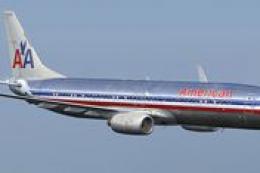 FSX Civil Aircraft
American Airlines Boeing 737-800. Textures only. Corey Ford's iFly 737 800 ve…
Be the first to leave a comment on this download.
Be the first to share your thoughts on this download.