

 FSX Civil Aircraft
Lufthansa "Xanten" Boeing 737-700 NGX D-ABEB
Immerse yourself in this carefully crafted Lufthansa “Xanten” repaint, specif…
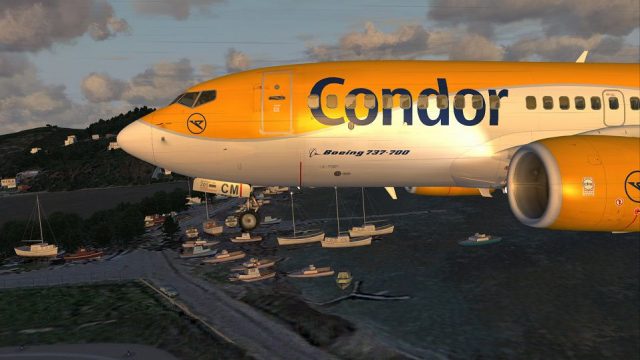
Condor “Flugdienst” livery for the Boeing 737-700 NGX brings the airline’s classic logos, striping, and registrations to life with crisp textures, balanced reflectivity, and nuanced shading for a convincing finish in FSX. Requires the PMDG 737-700 NGX payware model, preserving its high-fidelity exterior and virtual cockpit presentation.
 Rate
Rate
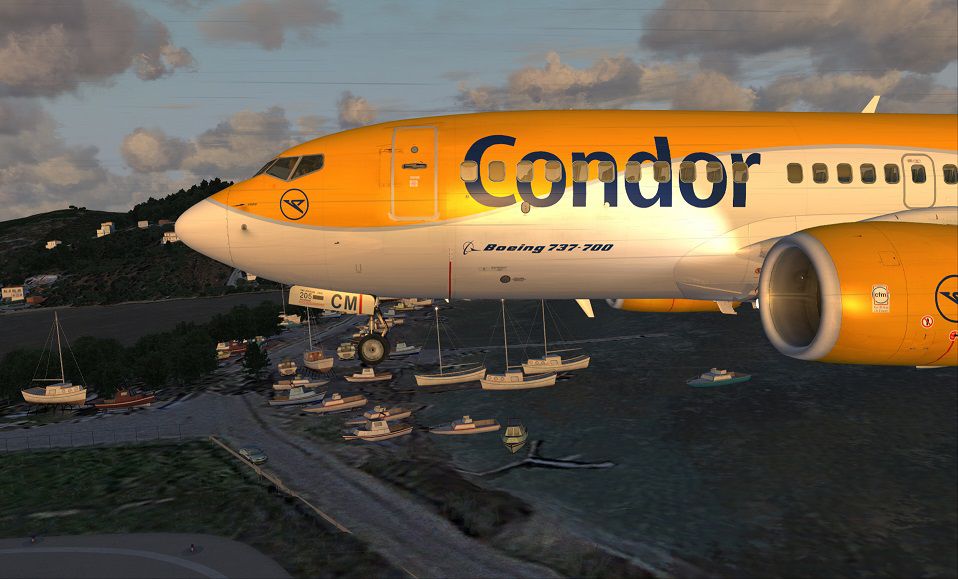
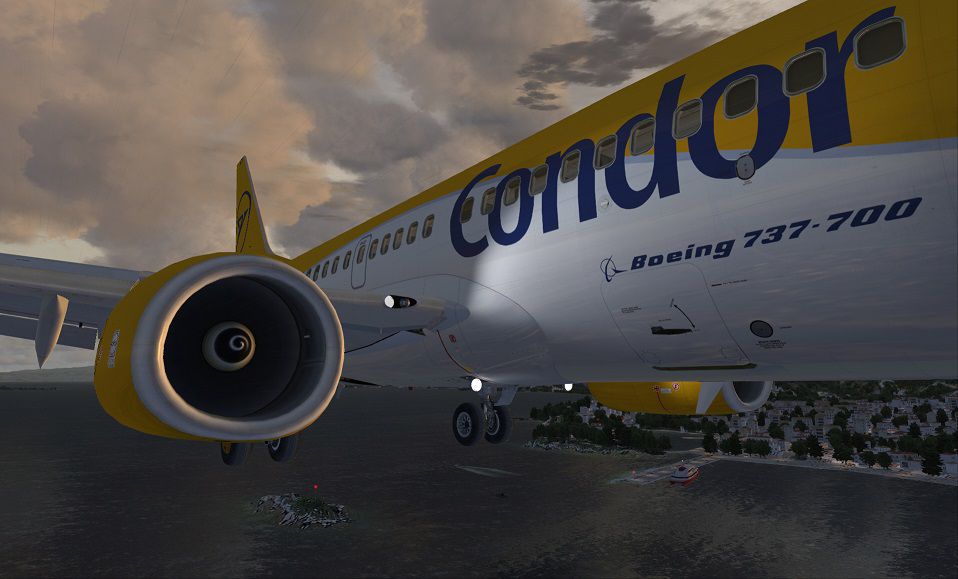
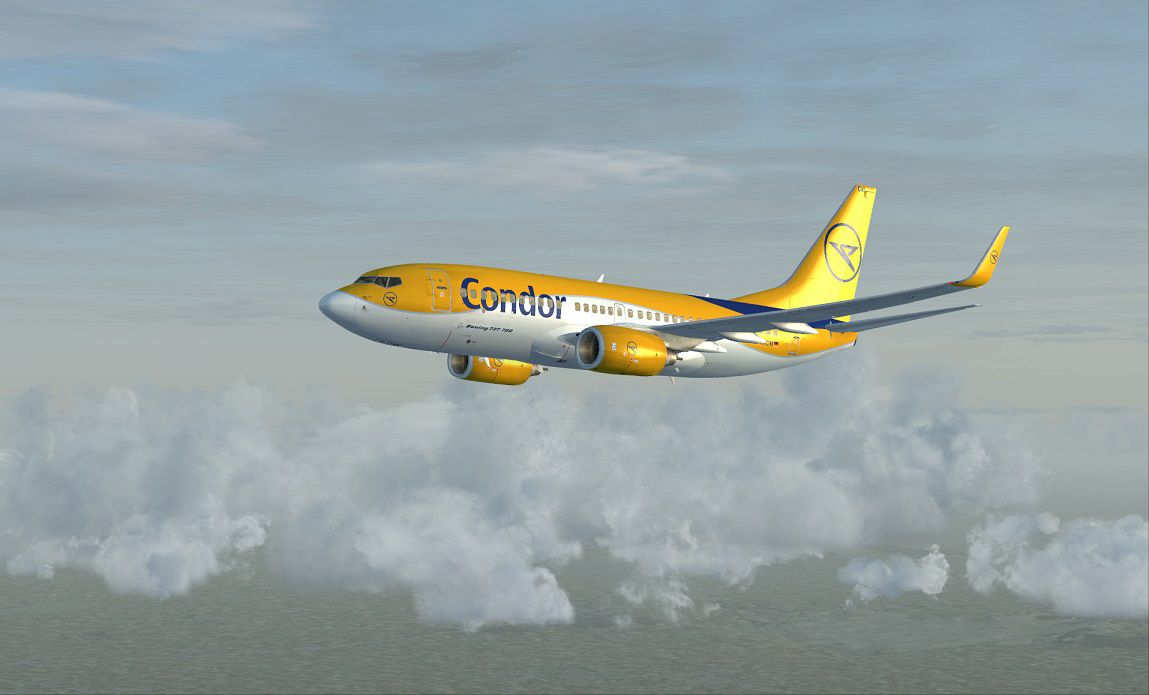
This intricately crafted repaint features the Condor “Flugdienst” theme applied to the Boeing 737-700 NGX payware model. Crafted by developer Corina Meyer, it highlights distinct airline markings while preserving high-fidelity visual detail for enhanced immersion in flight simulators.
Condor’s classic branding and color palette are carefully adapted within this texture set. By providing accurate logos, striping, and registration elements, the repaint captures key aesthetic elements from the real-world "Flugdienst" operation. In simulator environments, subtle shading, precise alpha channels (used for reflectivity control), and carefully balanced normal maps (used for three-dimensional detail) ensure convincing realism.
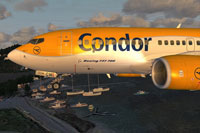
Above: In-flight capture of the Condor “Flugdienst” 737-700 NGX with precision detailing.
The Boeing 737-700 belongs to the Next Generation (NG) family, renowned for improved aerodynamics and enhanced avionics when compared to earlier variants. Condor, historically recognized for its charter and leisure travel routes, operated various modern jets within its fleet, emphasizing efficiency and passenger comfort. This repaint channels that heritage, integrating authentic airline elements onto a meticulously modeled PMDG frame.
Upon successful installation, the Boeing 737-700 NGX repaint should be selectable in your simulator’s aircraft menu. Note that this repaint set does not include the core payware model, which must be obtained separately from the rightful source, such as a recognized payware store.
Development credit goes to Corina Meyer, who devoted expertise to recreating the Condor “Flugdienst” finish with rigorous attention to detail. Enjoy a distinct livery that enriches the overall PMDG Boeing 737-700 experience while preserving maximum fidelity.
Fly safe and have a rewarding time exploring this classic Condor look in your simulated skies!
Free for all simmers · 36.81 MB · Scanned clean Oct 2026
Download speed: Free tier is capped at 0.5 Mbps (this file takes approximately 10 mins at the cap). PRO members download at full line speed.
texture.{airline}) inside FSX\SimObjects\Airplanes\{base-aircraft}\.aircraft.cfg in Notepad. Add a new [fltsim.X] section per the readme.readme.txt or README file. It tells you exactly where files go, what dependencies are needed, and any quirks specific to this add-on.The archive condor_737_pmdg_ngx_d-aicm.zip has 8 files and directories contained within it.
This list displays the first 500 files in the package. If the package has more, you will need to download it to view them.
| Filename/Directory | File Date | File Size |
|---|---|---|
| FS-40726.jpg | 06.26.13 | 126.88 kB |
| Condor.gif | 06.26.13 | 5.33 kB |
| FS-38920.jpg | 05.09.13 | 131.74 kB |
| FS-38925.jpg | 05.09.13 | 161.44 kB |
| PMDG 737-700WL Condor D-AICM.ptp | 06.26.13 | 36.46 MB |
| ReadMe_Install.txt | 05.09.13 | 1.07 kB |
| flyawaysimulation.txt | 10.29.13 | 959 B |
| Go to Fly Away Simulation.url | 01.22.16 | 52 B |
Only PRO members can place votes.
More FSX & P3D add-ons hand-picked based on this download.
FSX Civil Aircraft
Immerse yourself in this carefully crafted Lufthansa “Xanten” repaint, specif…
 FSX Civil Aircraft
This is a repaint for the payware PMDG B737-700 NGX in the livery of the Phil…
 FSX Civil Aircraft
Includes: EZDok cameras and effects; FSForce profile; ShockWave lights; landi…
 FSX Civil Aircraft
Textures in high definition (4096x4096) only for the payware PMDG 737 NGX. Re…
 FSX Civil Aircraft
This is paint of Turkish Airlines Euroleague Final Four ISTANBUL2012 textures…
 FSX Civil Aircraft
Textures in high definition (4096x4096) only for the payware PMDG 737 NGX. Re…
 FSX Civil Aircraft
This freeware repaint introduces a detailed rendition of the Turkish Airlines…
 FSX Civil Aircraft
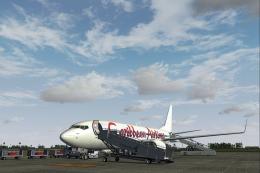
The newest of Caribbean Airlines B737s, delivered factory fresh in 2011, this…
Be the first to leave a comment on this download.
Be the first to share your thoughts on this download.