

 FSX Civil Aircraft
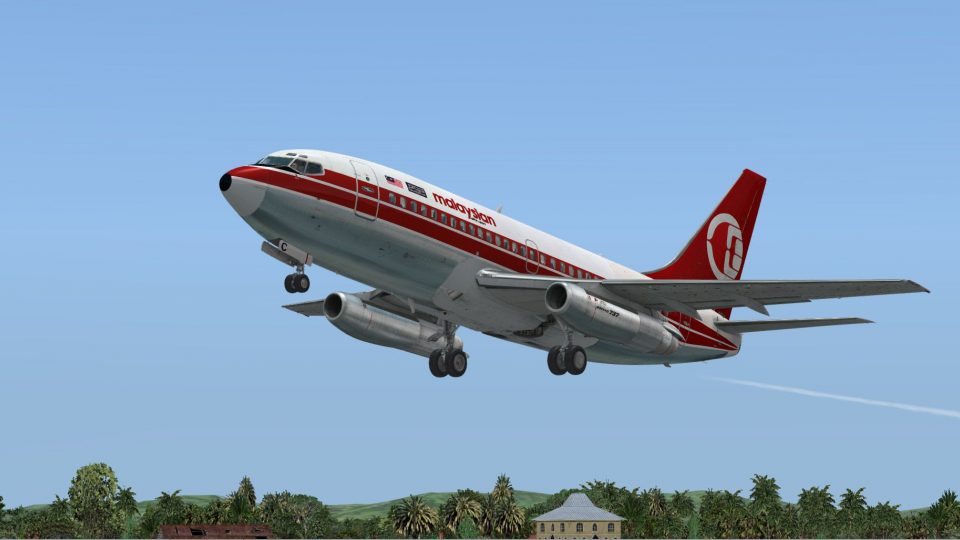
Mandala Airlines Boeing 737-200ADV
This is the repaint of the payware Captain Sim B737-200 ADV model in Mandala …
Malaysian Airline System livery textures bring Boeing 737-200 Advanced registration 9M-MBC to the Captain Sim 737-200 Adv in Microsoft Flight Simulator X, capturing classic MAS branding with crisp markings and period-accurate details. Designed for authentic short-to-medium haul flying, it requires the payware Captain Sim base model.
 Rate
Rate
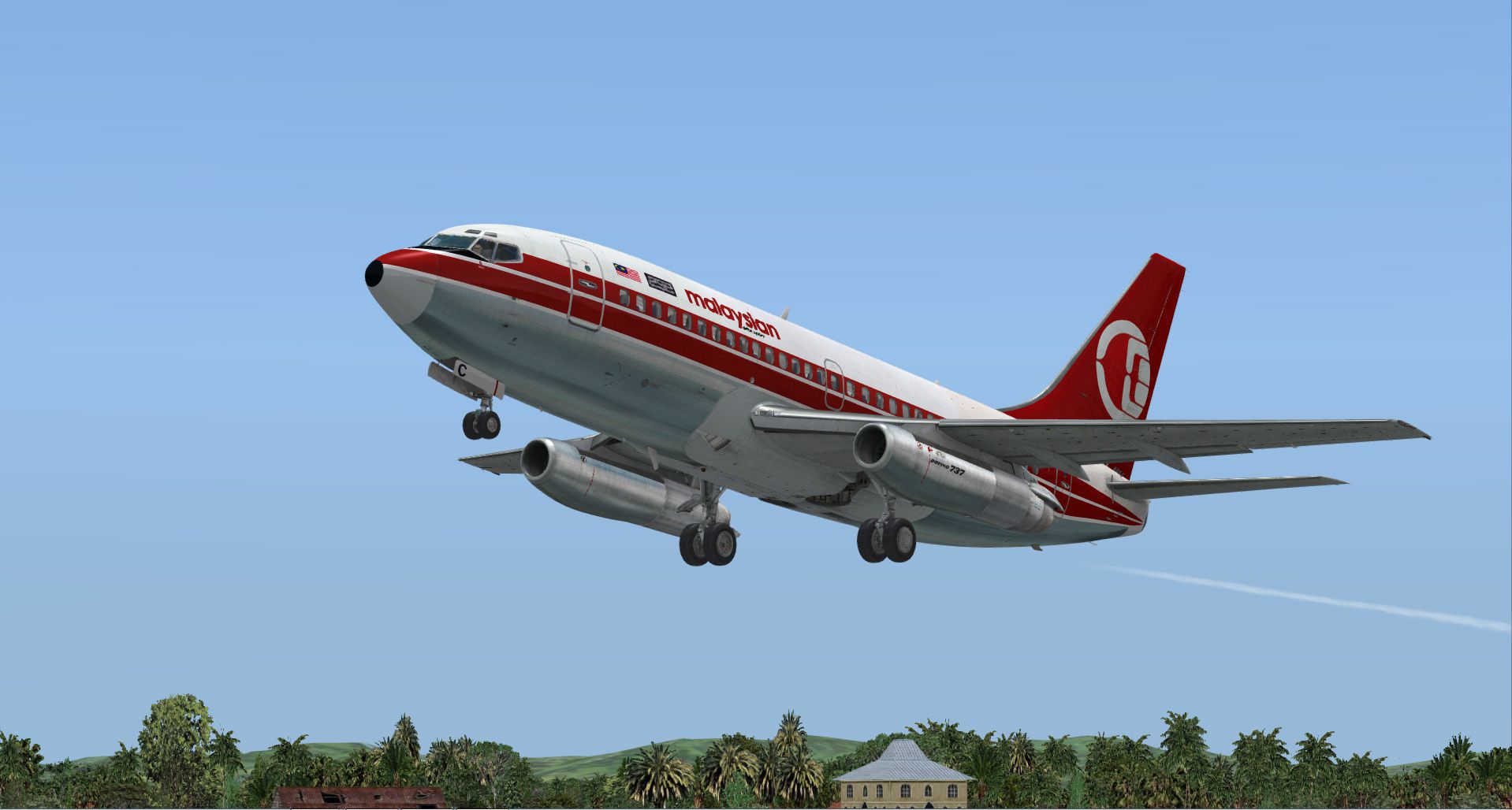
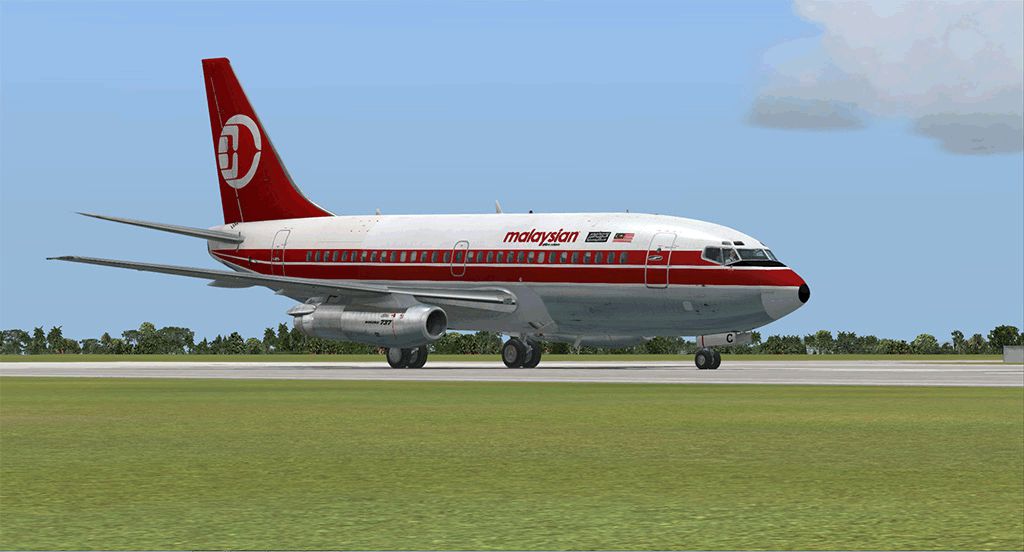
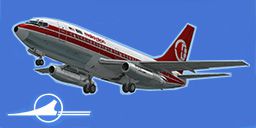
This repaint brings a detailed Malaysian Airline System livery, complete with registration 9M-MBC, to the payware Captain Sim B737-200 Adv model for Microsoft Flight Simulator X. Created by Muhammad Chariri, these textures showcase the classic Boeing 737-200 Advanced variant and are intended for those seeking authentic airline colors in their simulator environment.
The Boeing 737-200 Advanced represents a significant development of the early 737 series, featuring improved aerodynamics and more efficient engines compared to earlier versions. It was adopted by various airlines for short-to-medium haul routes, and Malaysian Airline System (also referred to as MAS in some contexts) utilized this variant extensively during its operational history. This particular repaint depicts aircraft registration 9M-MBC, which highlights details seen on actual MAS 737-200 aircraft.
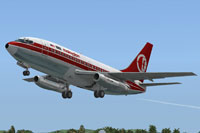
Screenshot of Malaysian Airlines Boeing 737-200ADV taking off.
To integrate these textures into your simulator, it is necessary to already possess the Captain Sim 737-200 Adv payware model. Use these steps:
[fltsim.X]
title=CS 737-200 Captain Malaysian
sim=csx732
model=200
panel=
sound=
texture=9mmbc
kb_checklists=
kb_reference=
atc_id=9M-MBC
atc_heavy=0
atc_airline=Malaysian Airline System
atc_flight_number=BO110
ui_manufacturer=Boeing
ui_type=737-200
ui_variation=Malaysian Airline System
ui_typerole=Commercial Airliner
ui_createdby=Captain Sim
description=737-200 Exterior Model
737 Captain 0.3
2012 Captain Sim.
This package exclusively contains the repaint files and does not include the base aircraft model. To experience the full functionality of this repaint, you will require the payware Captain Sim 737-200 Adv product, which can be acquired through various simulation stores. By installing these textures, users can immerse themselves in a historically significant iteration of Malaysian Airline System’s fleet, enhancing any short-to-medium range flights in Microsoft Flight Simulator X.
By Muhammad Chariri
Free for all simmers · 9.69 MB · Scanned clean Oct 2026
Download speed: Free tier is capped at 0.5 Mbps (this file takes approximately 3 mins at the cap). PRO members download at full line speed.
texture.{airline}) inside FSX\SimObjects\Airplanes\{base-aircraft}\.aircraft.cfg in Notepad. Add a new [fltsim.X] section per the readme.readme.txt or README file. It tells you exactly where files go, what dependencies are needed, and any quirks specific to this add-on.The archive 9mmbc.zip has 20 files and directories contained within it.
This list displays the first 500 files in the package. If the package has more, you will need to download it to view them.
| Filename/Directory | File Date | File Size |
|---|---|---|
| Readme.txt | 03.25.13 | 2.33 kB |
| cs737_01_T.dds | 03.24.13 | 4.00 MB |
| cs737_03_T.dds | 09.13.11 | 2.00 MB |
| cs737_04_T.dds | 03.16.13 | 4.00 MB |
| cs737_05_T.dds | 03.17.13 | 4.00 MB |
| cs737_06_T.dds | 03.16.13 | 4.00 MB |
| cs737_07_T.dds | 03.25.13 | 4.00 MB |
| cs737_08_T.dds | 03.25.13 | 4.00 MB |
| cs737_09_T.dds | 03.25.13 | 4.00 MB |
| cs737_10_Spec.dds | 09.13.11 | 1.00 MB |
| cs737_10_T.dds | 03.16.13 | 4.00 MB |
| cs737_14_T.dds | 09.13.11 | 32.12 kB |
| cs737_17_T.dds | 03.16.13 | 1.00 MB |
| texture.cfg | 03.07.12 | 212 B |
| thumbnail.jpg | 03.25.13 | 33.34 kB |
| texture.9mmbc | 03.25.13 | 0 B |
| 9mmbc SS1.gif | 03.25.13 | 155.02 kB |
| 9mmbc SS2jpg.jpg | 03.25.13 | 265.29 kB |
| flyawaysimulation.txt | 10.29.13 | 959 B |
| Go to Fly Away Simulation.url | 01.22.16 | 52 B |
Only PRO members can place votes.
More FSX & P3D add-ons hand-picked based on this download.
FSX Civil Aircraft
This is the repaint of the payware Captain Sim B737-200 ADV model in Mandala …
 FSX Civil Aircraft
A repaint of the payware Captain Sim B737-200 Adv in Bouraq Indonesia Airline…
 FSX Civil Aircraft
B737-200 ADV base pack contains four model variations (normal, logo light, gr…
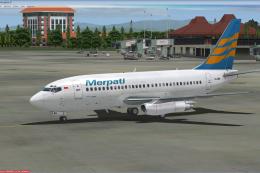 FSX Civil Aircraft
This is the repaint of payware Captain Sim B737-200 Adv model in livery of Me…
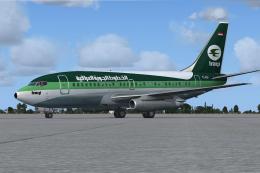 FSX Civil Aircraft
This freeware repaint recreates the distinctive Iraqi Airways livery for the …
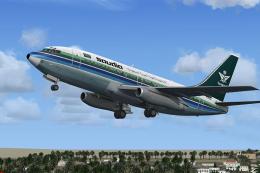 FSX Civil Aircraft
This is the repaint of payware Captain Sim B737-200 Adv model in Saudia liver…
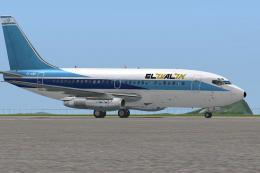 FSX Civil Aircraft
This is the repaint of the payware Captain Sim B737-200 Adv model in El Al li…
 FSX Civil Aircraft
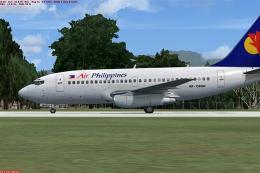
This is the repaint of the payware Captain Sim B737-200 Adv model in Air Phil…
Be the first to leave a comment on this download.
Be the first to share your thoughts on this download.