

 FSX Civil Aircraft
Jet2.com Boeing 757-200W
FSX Jet2.com Boeing 757-200W. Jet2.com is a low-cost airline based in Leeds, …
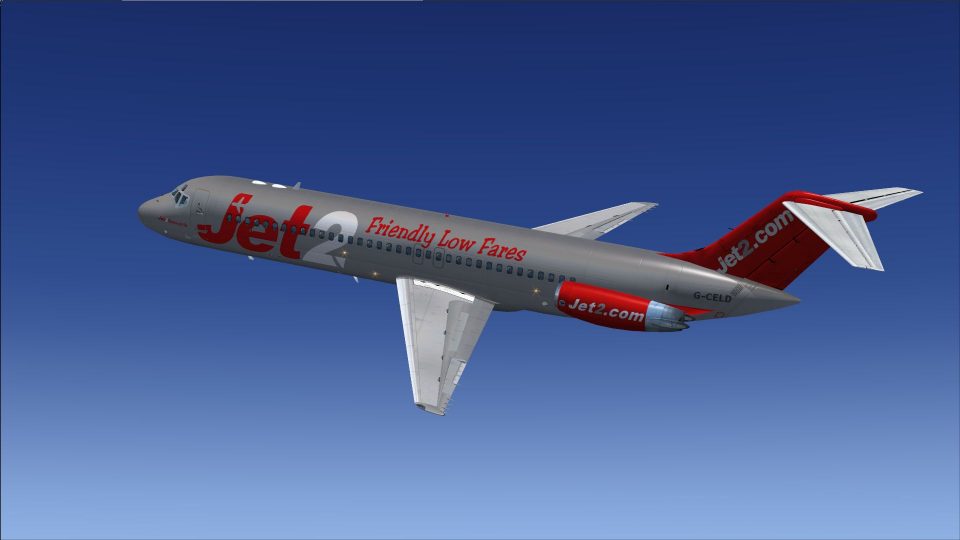
Jet2-inspired livery brings a fresh, fictional look to the Douglas DC-9-30, pairing crisp, high-definition exterior textures with the classic lines of this short- to medium-range twinjet in Microsoft Flight Simulator X. Designed for the Sky Simulations DC-9 package, it requires the payware base model for full aircraft functionality.
 Rate
Rate
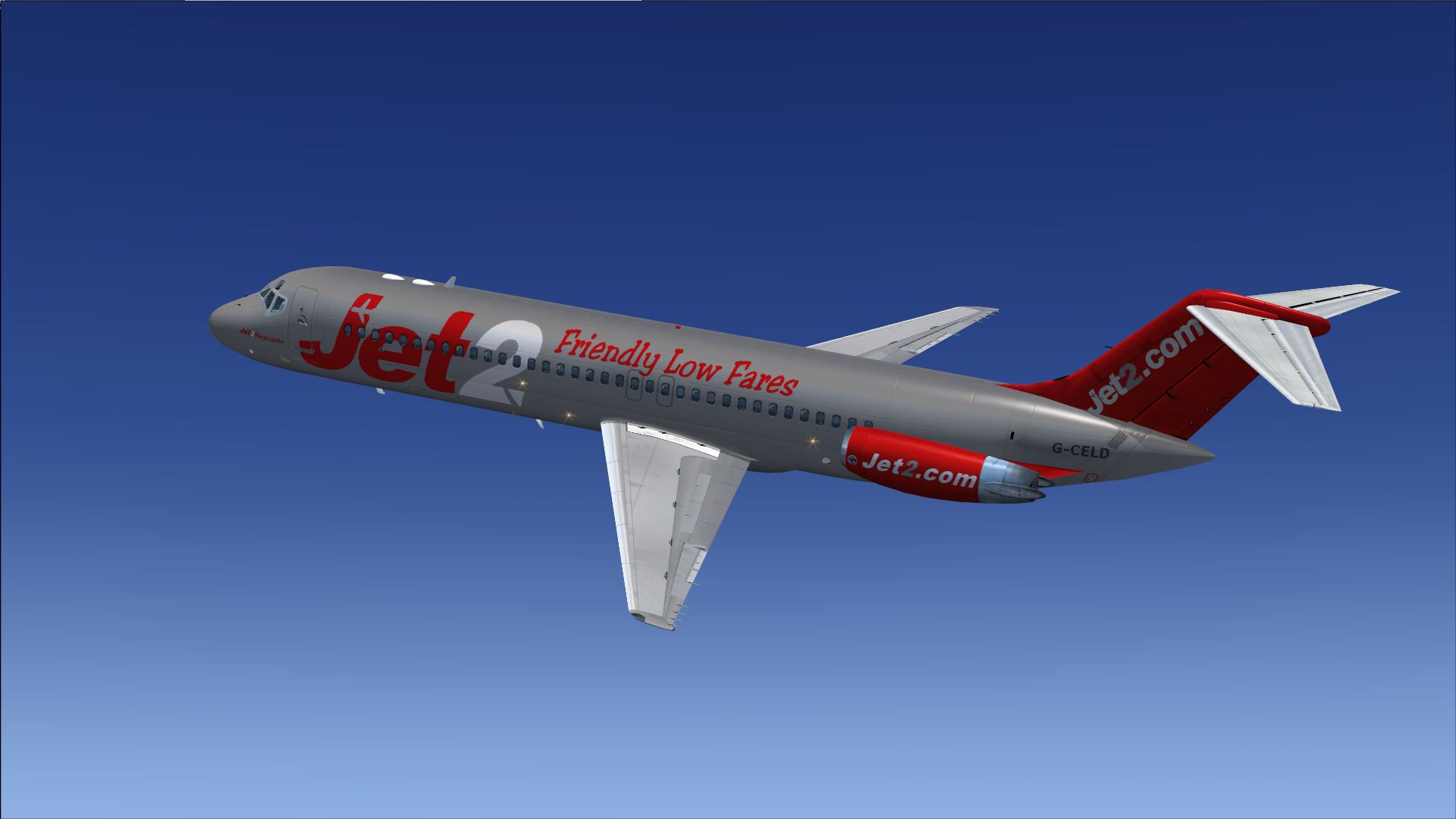
This add-on provides a fictional repaint of the Douglas DC-9-30 in Jet2 colors for users of the payware Sky Simulations DC-9 package in Microsoft Flight Simulator X. Developed by Michael Hogan, this new livery presents a fresh alternative for sim pilots looking to explore short- to medium-range routes in a distinctive scheme inspired by one of the UK's well-known low-cost carriers.
The DC-9-30, produced by McDonnell Douglas, is a twin-engine jet airliner designed for efficient regional operations. Its relatively short fuselage and baggage-friendly configuration made it a reliable option for many carriers worldwide. Although Jet2 never operated the DC-9 family in the real world, this repaint imagines how the airline might have featured this classic aircraft in its fleet. The Jet2 brand itself is recognized across various European destinations, especially for holiday flights from multiple UK bases.
Screenshot of Jet2 Douglas DC-9-30 cruising over scenic terrain.
Before applying this repaint, ensure you own the payware Sky Simulations DC-9 base package. To integrate the textures into your aircraft selection:
[fltsim.xx]

title=SKY DC-9 30 Jet2

sim=SKYDC930

model=

panel=B

sound=

texture=jet2

kb_checklists=

kb_reference=

atc_id=G-CELD

atc_airline=Mc Donnell Douglas

atc_flight_number=950

ui_manufacturer="McDonnell Douglas-SkySim"

ui_type="DC 9-30"

ui_variation="Jet2"

ui_typerole="Commercial Airliner"

ui_createdby="SKY Simulations"

description=Sky Simulations\nMc Donnell Douglas DC-9 30\nSky Simulations 2009\n

visual_damage=1
This repaint strictly provides exterior textures; the core payware DC-9 from Sky Simulations is required to ensure full functionality. Michael Hogan designed this livery to blend seamlessly within the simulator, featuring the classic jet’s lines overlaid with Jet2 branding. By combining the reliable attributes of the Douglas DC-9-30 airframe with an operator well-known for low-cost services across Europe, this fictional repaint immerses you in a distinctively British feel for every regional flight scenario.
Free for all simmers · 1.11 MB · Scanned clean Oct 2026
Download speed: Free tier is capped at 0.5 Mbps. PRO members download at full line speed.
texture.{airline}) inside FSX\SimObjects\Airplanes\{base-aircraft}\.aircraft.cfg in Notepad. Add a new [fltsim.X] section per the readme.readme.txt or README file. It tells you exactly where files go, what dependencies are needed, and any quirks specific to this add-on.The archive skysimdc-9-30jet2.zip has 10 files and directories contained within it.
This list displays the first 500 files in the package. If the package has more, you will need to download it to view them.
| Filename/Directory | File Date | File Size |
|---|---|---|
| SkySimDC-9-30jet2 | 02.05.13 | 0 B |
| Read ME.txt | 02.05.13 | 848 B |
| texture.jet2 | 02.05.13 | 848 B |
| thumbnail.jpg | 02.05.13 | 431.93 kB |
| SKYDC-93_T.dds | 02.04.13 | 1.00 MB |
| SKYDC-9B_T.dds | 01.21.13 | 1.00 MB |
| texture.cfg | 12.09.12 | 147 B |
| thumbnail.jpg | 02.05.13 | 431.93 kB |
| flyawaysimulation.txt | 10.29.13 | 959 B |
| Go to Fly Away Simulation.url | 01.22.16 | 52 B |
Only PRO members can place votes.
More FSX & P3D add-ons hand-picked based on this download.
FSX Civil Aircraft
FSX Jet2.com Boeing 757-200W. Jet2.com is a low-cost airline based in Leeds, …
 FSX Civil Aircraft
Jet2.com Boeing 767-300ER RR. Jet2.com is a low-cost airline based in Leeds/B…
 FSX Civil Aircraft
Jet2 Boeing 737-800 Fix, for use with JET2_737_800.ZIP. A texture fix with mo…
 FSX Civil Aircraft
Jet2 Boeing 757-200 FSX Jet2 Boeing 757-200 G-LSAC. Textures for Captain Sim …
 FSX Civil Aircraft
This repaint showcases a meticulously crafted Jet2 livery for the default Boe…
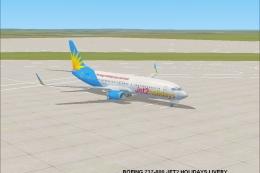 FSX Civil Aircraft
Textures only for the default B737-800. By Anthony Smith. Screenshot of Jet2 …
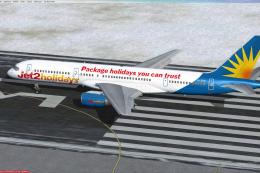 FSX Civil Aircraft
These textures are for the payware QualityWings B757. They depict Allegiant's…
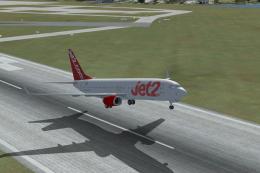 FSX Civil Aircraft
Jet2 Boeing 737-800. A fictional Jet2 texture for the default 737. Created by…
Be the first to leave a comment on this download.
Be the first to share your thoughts on this download.