

 FSX Civil Aircraft
Aserca Airlines Douglas DC-9-30
Aserca Airlines Douglas DC-9-30. Model and sound by SGA. Panel by Marco Spada…
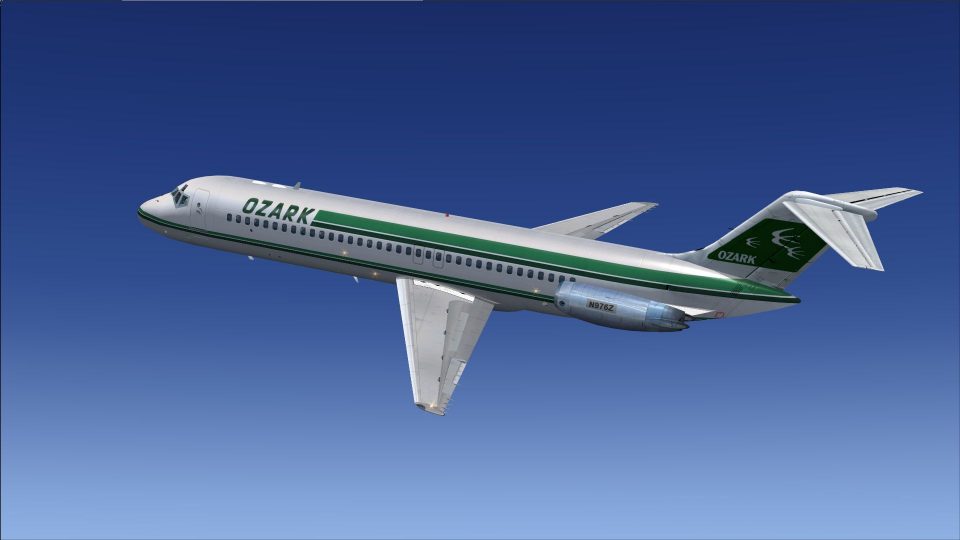
Ozark Airlines’ classic green-and-white Douglas DC-9-30 livery brings authentic Midwest-era markings to the Sky Simulations jet, featuring accurate tail logo placement, crisp fuselage striping, and the correct N976Z registration. Built for Microsoft Flight Simulator X, it requires the payware Sky Simulations DC-9 Series 30 model and includes textures only.
 Rate
Rate
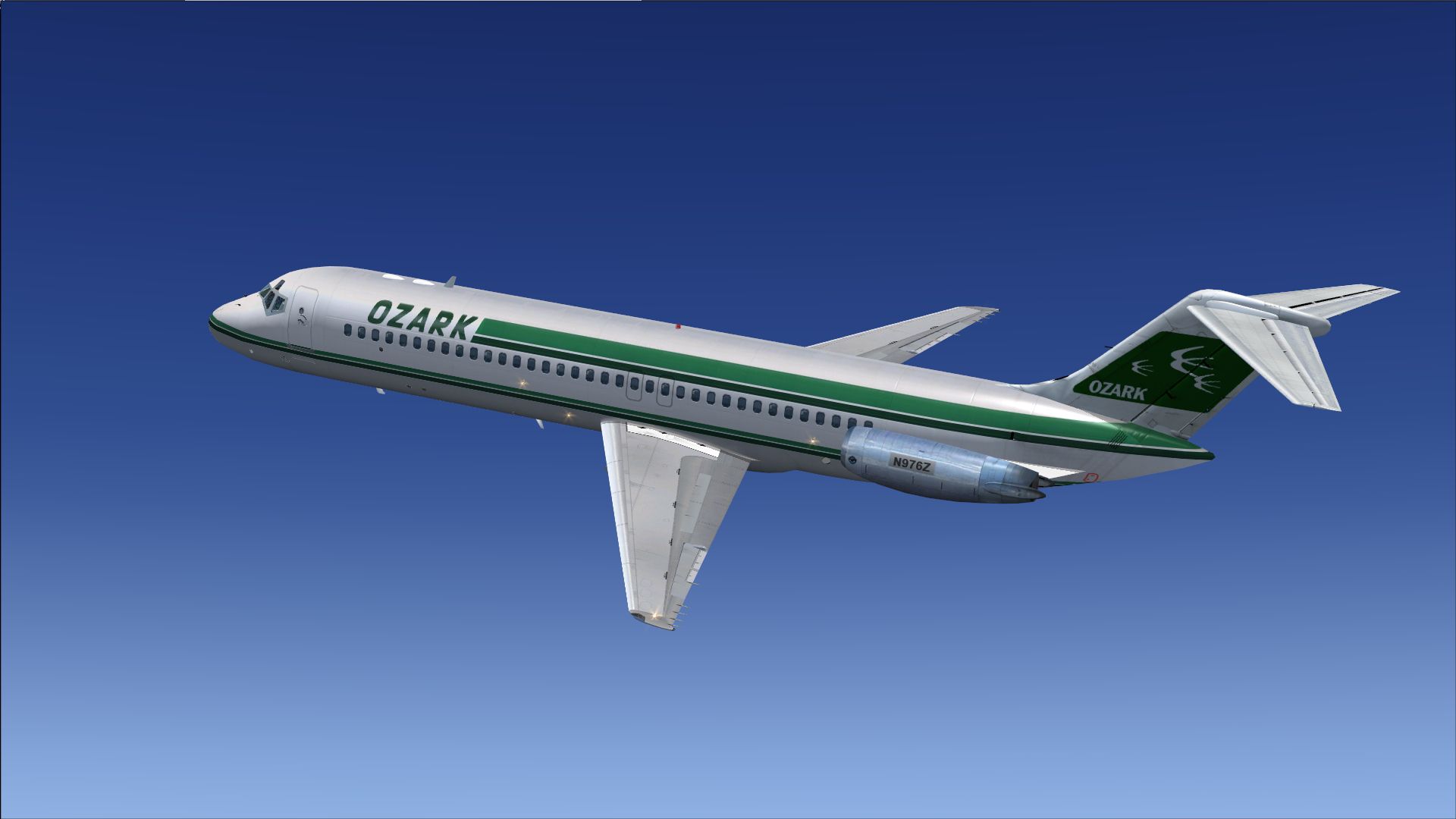
This repaint package provides vintage markings for the payware Sky Simulations DC-9-30, focusing on an authentic Ozark Airlines scheme. Created by Michael Hogan, it captures the unique design elements of the carrier that once operated extensively across the US Midwest. Only the texture files are included here; a separate purchase of the Sky Simulations DC-9 Series 30 model from a vendor such as SimShack is required.
Ozark Airlines, originally headquartered in St. Louis, was well-known for short-haul routes and operated through the 1960s and beyond. The DC-9 Series 30 offered a reliable short-to-medium range profile, featuring a T-tail and distinctive rear-mounted engines. Ozark’s pragmatic approach to regional air service made these aircraft a central part of their fleet until the carrier merged operations later in the 1980s. Enthusiasts can now relive this historical color scheme thanks to Michael Hogan’s carefully rendered paint files.
Screenshot showcasing the aircraft in Microsoft Flight Simulator X.
Before proceeding, ensure you have already installed the Sky Simulations payware DC-9 Series 30. This texture set will not function unless the base product is correctly in place. Follow the steps below to integrate the repaint into your aircraft library:
[fltsim.xx]
title=SKY DC-9 30 Ozark
sim=SKYDC930
model=
panel=B
sound=
texture=ozark
kb_checklists=
kb_reference=
atc_id=N976Z
atc_airline=Mc Donnell Douglas
atc_flight_number=950
ui_manufacturer="McDonnell Douglas-SkySim"
ui_type="DC 9-30"
ui_variation="Ozark Airlines"
ui_typerole="Commercial Airliner"
ui_createdby="SKY Simulations"
description=Sky Simulations\nMc Donnell Douglas DC-9 30\nSky Simulations 2009\n
visual_damage=1
Once the entry is saved, launch Microsoft Flight Simulator X. Look for the new Ozark Airlines option in the aircraft selection menu. That is all that is necessary to experience this classic regional carrier’s flight operations from yesteryear in your simulator environment.
Free for all simmers · 1.15 MB · Scanned clean Oct 2026
Download speed: Free tier is capped at 0.5 Mbps. PRO members download at full line speed.
texture.{airline}) inside FSX\SimObjects\Airplanes\{base-aircraft}\.aircraft.cfg in Notepad. Add a new [fltsim.X] section per the readme.readme.txt or README file. It tells you exactly where files go, what dependencies are needed, and any quirks specific to this add-on.The archive skysimdc-9-30ozark.zip has 12 files and directories contained within it.
This list displays the first 500 files in the package. If the package has more, you will need to download it to view them.
| Filename/Directory | File Date | File Size |
|---|---|---|
| Sky Sim DC-9-30 Ozark | 02.06.13 | 0 B |
| Read ME.txt | 02.05.13 | 755 B |
| texture.ozark | 02.06.13 | 755 B |
| thumbnail.jpg | 02.05.13 | 446.07 kB |
| Thumbs.db | 02.06.13 | 4.00 kB |
| SKYDC-93_T.dds | 01.17.13 | 1.00 MB |
| SKYDC-9B_T.dds | 01.05.13 | 1.00 MB |
| texture.cfg | 12.09.12 | 147 B |
| thumbnail.jpg | 02.05.13 | 446.07 kB |
| Thumbs.db | 02.06.13 | 5.00 kB |
| flyawaysimulation.txt | 10.29.13 | 959 B |
| Go to Fly Away Simulation.url | 01.22.16 | 52 B |
Only PRO members can place votes.
More FSX & P3D add-ons hand-picked based on this download.
FSX Civil Aircraft
Aserca Airlines Douglas DC-9-30. Model and sound by SGA. Panel by Marco Spada…
 FSX Civil Aircraft
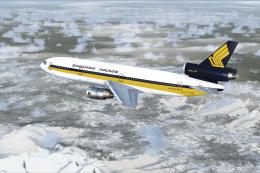
FSX Singapore Airlines Douglas DC-10-30, registration 9V-SDB. Model by SGA. R…
 FSX Civil Aircraft
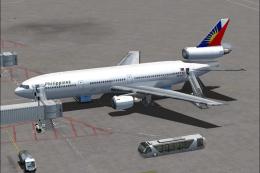
Textures for the Tom Ruth DC10-30 series. Philippine Airlines operated DC-10s…
 FSX Civil Aircraft
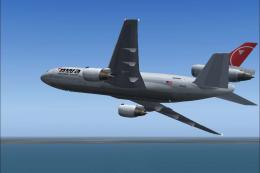
Bring a genuine Northwest Airlines livery to your Microsoft Flight Simulator …
 FSX Civil Aircraft
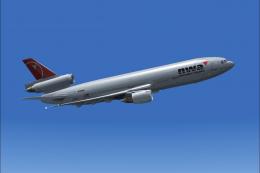
Experience a faithful rendition of the McDonnell Douglas DC-10 series in Micr…
 FSX Civil Aircraft
This package delivers a meticulously crafted repaint representing Northwest A…
 FSX Civil Aircraft
This repaint provides a realistic Northwest Airlines Douglas DC-10-30 livery …
 FSX Civil Aircraft
Aserca Airlines Douglas DC 9-30, old livery, registration YV-709-C. Textures …
Be the first to leave a comment on this download.
Be the first to share your thoughts on this download.