

 FSX Civil Aircraft
Air China Airbus A320 IAE
A repaint for the model by FSX AI Bureau (FAIBA320.ZIP). Air China Airbus A32…
Air China livery textures refresh the Airbus A320 CFM with accurate markings and crisp detail for AI traffic or manual flying in FSX and FS2004. The package includes matching DDS and BMP formats plus optional Targa sources, and requires the FAIB Airbus A320 base model for full functionality.
 Rate
Rate
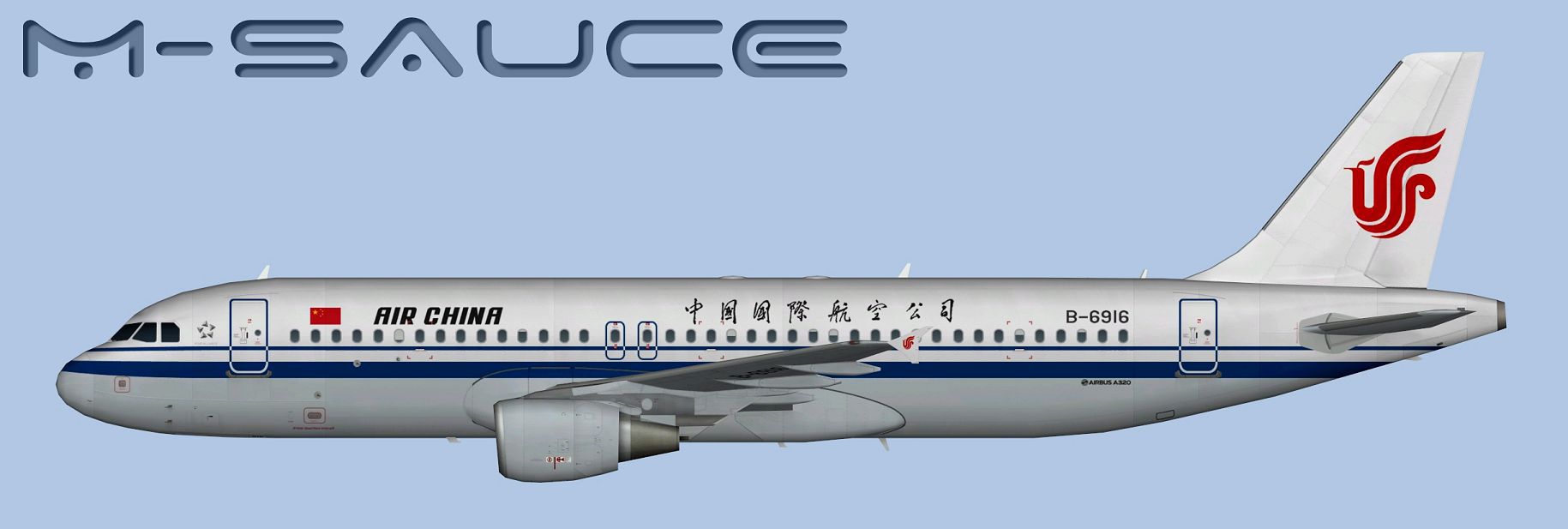
Engage your simulator with a newly detailed Air China Airbus A320 enhancement created by FSX AI Bureau and finished by the talented repaint artist, Mariano Bonaccorso. This freeware livery modernizes the look of the popular A320 (CFM) series for AI or manual flying in both FSX and FS9. Inside this package, you will find the correct texture files, installation instructions, and several format options to fit your specific simulator needs.
Developed to reflect actual Air China markings, this repaint showcases accurate airline branding on every surface of the Airbus A320. The aircraft is powered by CFM engines, which is important for operational fidelity. Although this package does not include the base model, you can acquire the freeware FSX AI Bureau Airbus A320 from the Fly Away Simulation mod library to ensure full functionality. Once installed, the aircraft will appear in your simulator with realistic liveries recognizable at a glance.
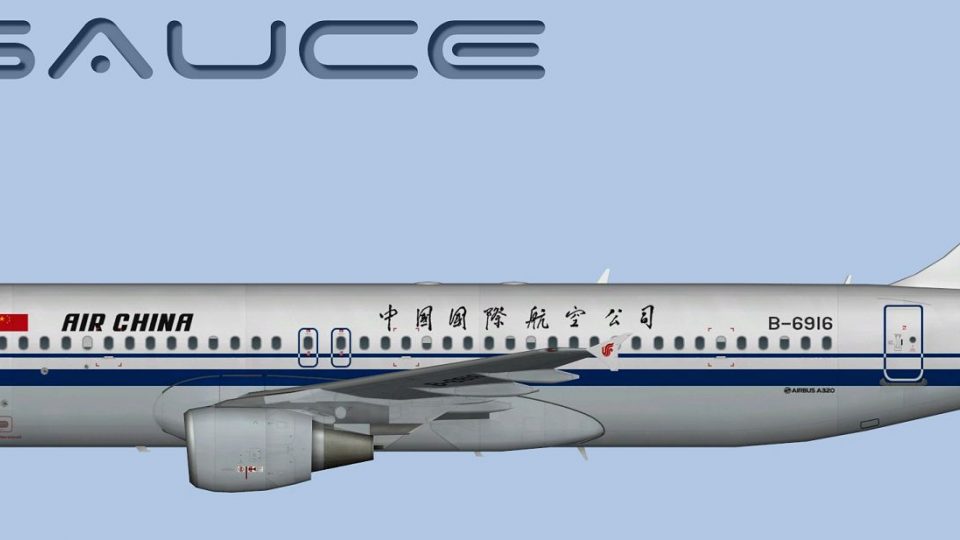
Side view of the Air China A320 showing the unique airline branding.
Adding this new livery to your flight simulator requires a few precise steps. First, copy the texture folder included in this download into the appropriate FAIB A320 aircraft folder. Then, edit the aircraft’s configuration file (aircraft.cfg) by inserting the following sample entry—ensure you replace the “X” with the next available sequential number:
[fltsim.X]
title=AI A320 CCA_CFM
sim=FAIB_A320
model=CFM
texture=CCA_CFM
atc_airline=AIR CHINA
atc_parking_codes=CCA
atc_parking_types=GATE
ui_manufacturer=Airbus
ui_type=A320
ui_variation=Air China
description=AI Aircraft from FAIB
Confirm that your simulation version matches the texture format. The folder includes DDS textures for FSX and BMP textures for FS9, each adhering to the recommended software development kit guidelines. Furthermore, a separate Targa file folder is provided in case you wish to prepare alternate formats without sacrificing quality.
This livery can be used for the dedicated AI traffic model or flown in a standard environment, depending on your preference. The aircraft’s lines, proportional details, and trim level have been matched as closely as possible to provide genuine visual appeal. Thanks to FSX AI Bureau, the original model ensures reliable performance, and the newly optimized textures by Mariano Bonaccorso preserve clarity in various lighting conditions.
By merging this Air China repaint with the excellent Airbus A320 foundation, your simulator will gain extra realism and variety. This mod offers a practical option for both AI traffic enthusiasts and those eager to fly with authentic national airline markings in the virtual skies.
Free for all simmers · 6.66 MB · Scanned clean Oct 2026
Download speed: Free tier is capped at 0.5 Mbps (this file takes approximately 2 mins at the cap). PRO members download at full line speed.
texture.{airline}) inside FSX\SimObjects\Airplanes\{base-aircraft}\.aircraft.cfg in Notepad. Add a new [fltsim.X] section per the readme.readme.txt or README file. It tells you exactly where files go, what dependencies are needed, and any quirks specific to this add-on.The archive faib_a320_cca_cfm.zip has 12 files and directories contained within it.
This list displays the first 500 files in the package. If the package has more, you will need to download it to view them.
| Filename/Directory | File Date | File Size |
|---|---|---|
| FAIB_A320_CFM_T.dds | 03.18.14 | 5.33 MB |
| FS9 | 03.18.14 | 0 B |
| FAIB_A320_CFM_L.bmp | 01.02.14 | 1.33 MB |
| FAIB_A320_CFM_T.bmp | 03.18.14 | 682.74 kB |
| Targas | 03.18.14 | 0 B |
| CCA_CFM.tga | 03.18.14 | 16.00 MB |
| FS9_CCA_CFM.tga | 03.18.14 | 4.00 MB |
| Installation.txt | 03.18.14 | 1.81 kB |
| Preview.jpg | 03.18.14 | 94.13 kB |
| Thumbnail.png | 03.18.14 | 5.67 kB |
| flyawaysimulation.txt | 10.29.13 | 959 B |
| Go to Fly Away Simulation.url | 01.22.16 | 52 B |
Only PRO members can place votes.
More FSX & P3D add-ons hand-picked based on this download.
FSX Civil Aircraft
A repaint for the model by FSX AI Bureau (FAIBA320.ZIP). Air China Airbus A32…
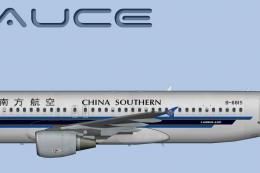 FSX Civil Aircraft
This repaint for the famous Airbus A320 equipped with CFM powerplants feature…
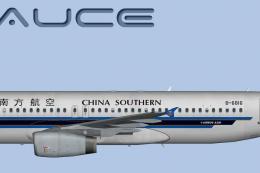 FSX Civil Aircraft
This freeware repaint brings the China Southern Airbus A320 with IAE powerpla…
 FSX Civil Aircraft
This fully freeware repaint showcases the “Magnificent Qinghai” theme on a Ch…
 FSX Civil Aircraft
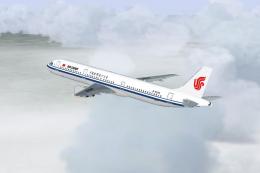
Air China Airbus A321-213. The Project Airbus Airbus A321-213 Air China B-659…
 FSX Civil Aircraft
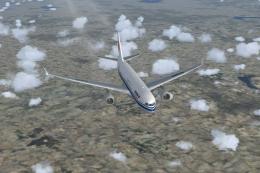
Access a meticulously detailed set of repaints that bring the Airbus A330 und…
 FSX Civil Aircraft
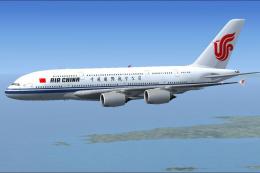
Air China Airbus A380-800. Fictional repaint of the Project Airbus A380-800 u…
 FSX Civil Aircraft
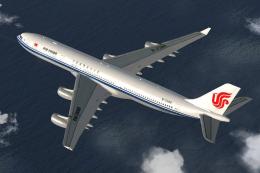
Air China Airbus A340-300. This package contains texture files only, original…
Be the first to leave a comment on this download.
Be the first to share your thoughts on this download.