

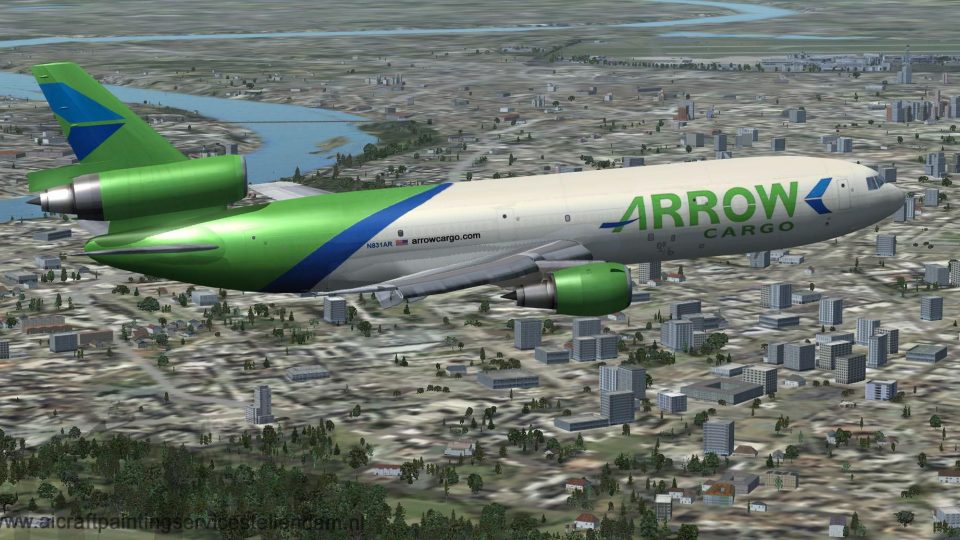
 FSX Civil Aircraft
Arrow Cargo Douglas DC-10-30F N526MD "Big A"
This freeware package provides a detailed Arrow Cargo repaint for the payware…
Arrow Cargo VA’s Douglas DC-10-30F in registration N831AR brings the classic tri-jet freighter to Microsoft Flight Simulator X with a crisp, authentic exterior repaint, freight-focused configuration, and believable handling that suits long-haul cargo ops. Requires the Thomas Ruth DC-10 base model to deliver a detailed virtual cockpit experience and stable ground behavior.
 Rate
Rate
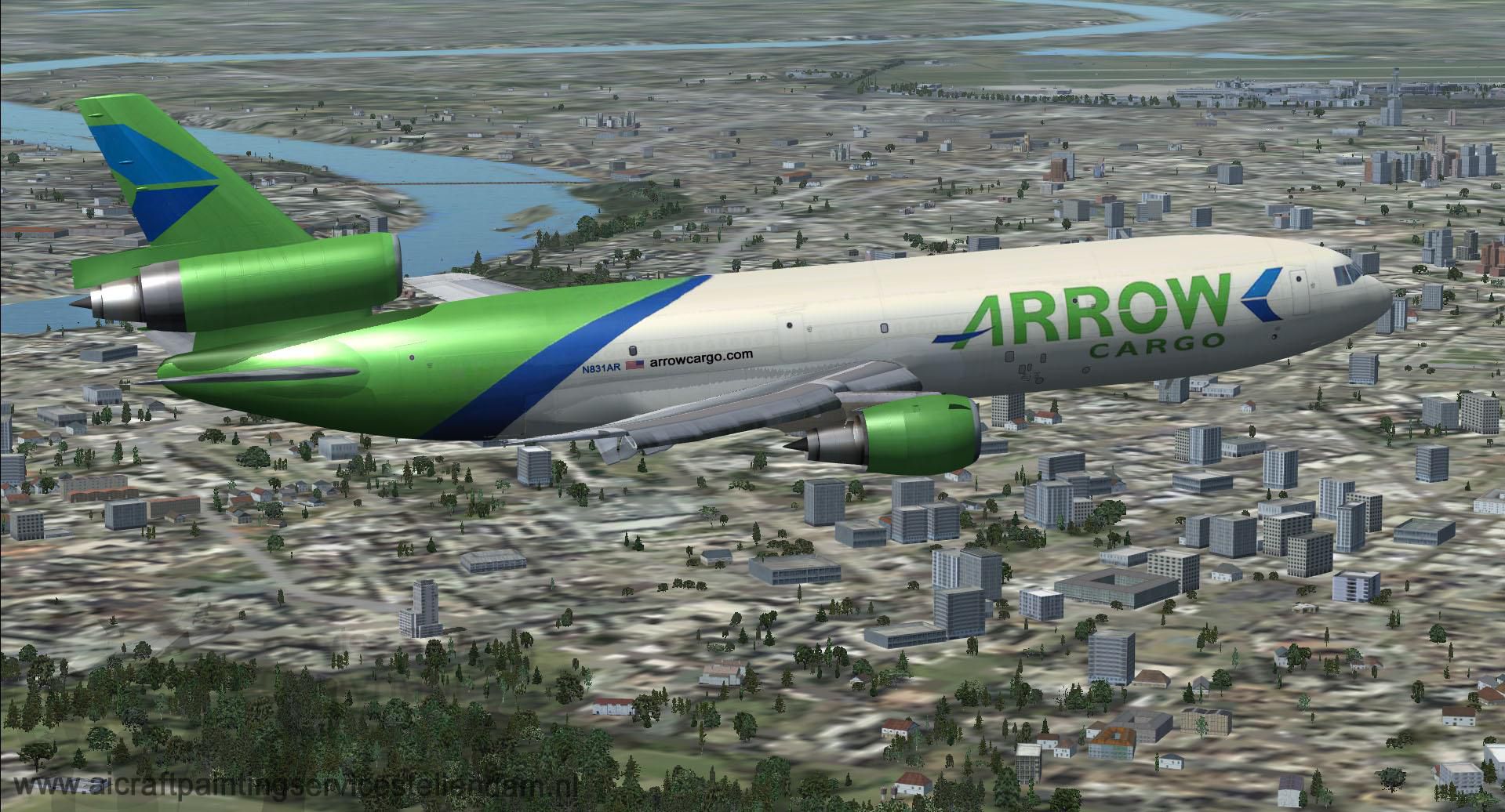

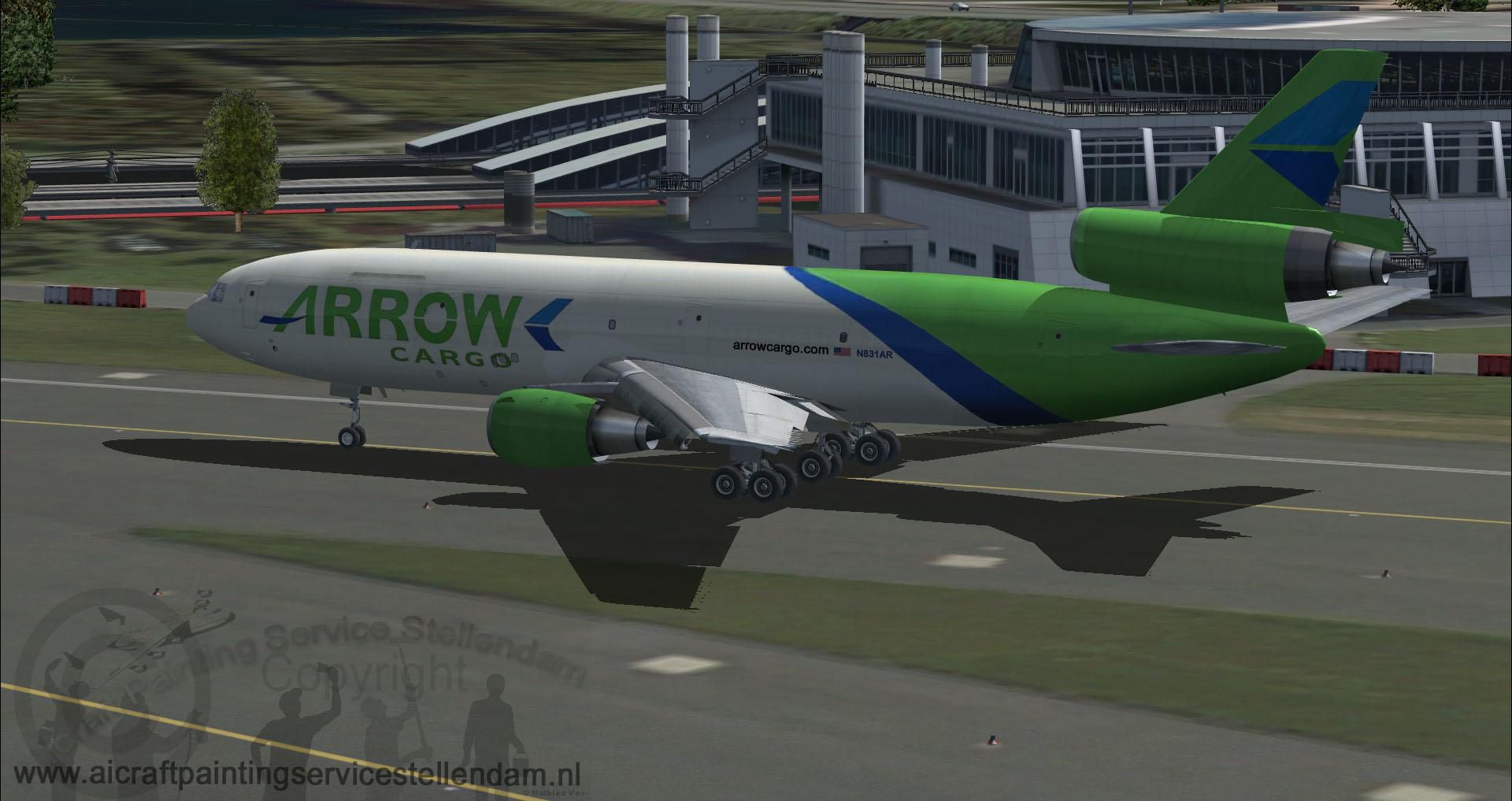

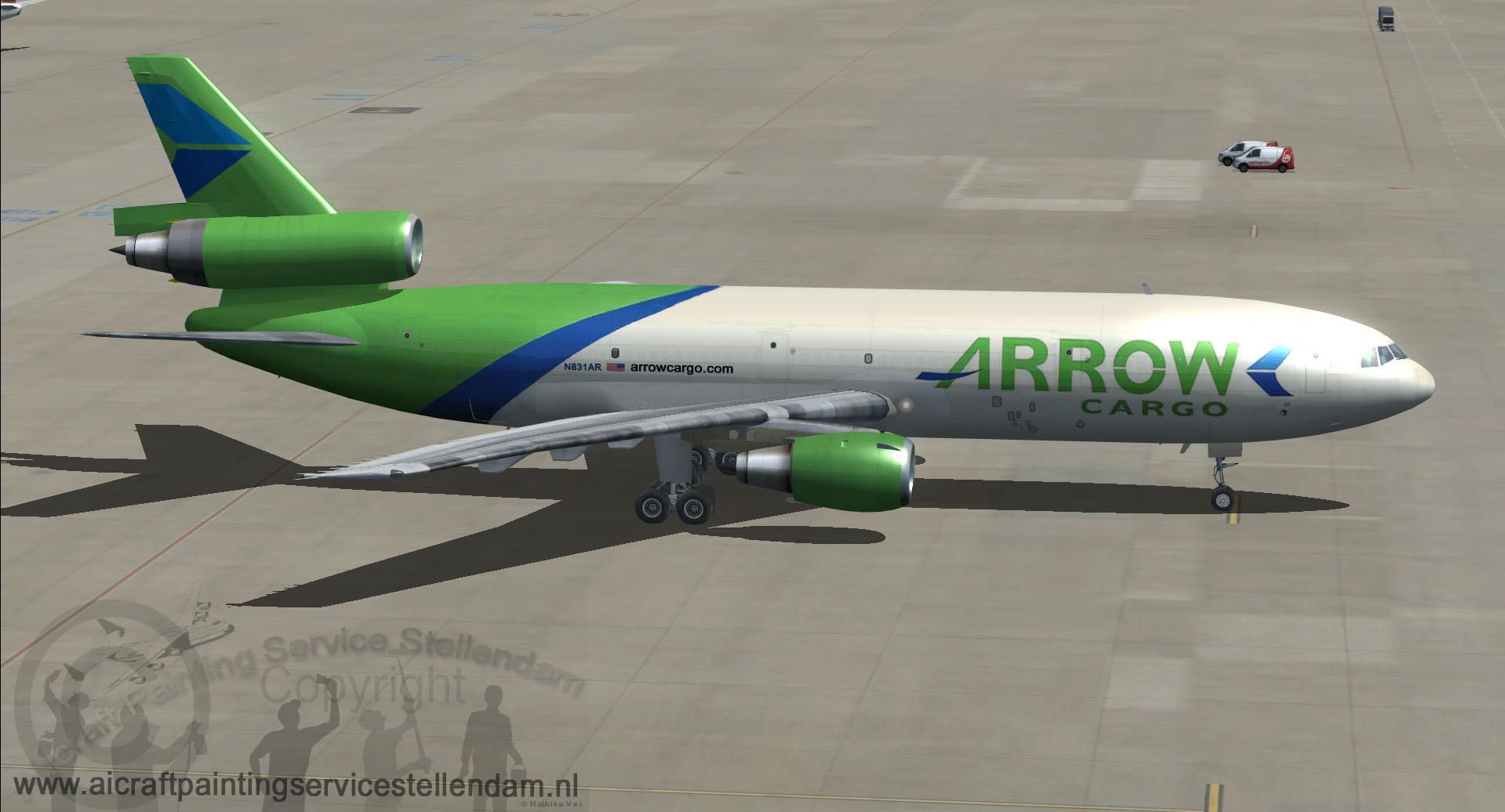
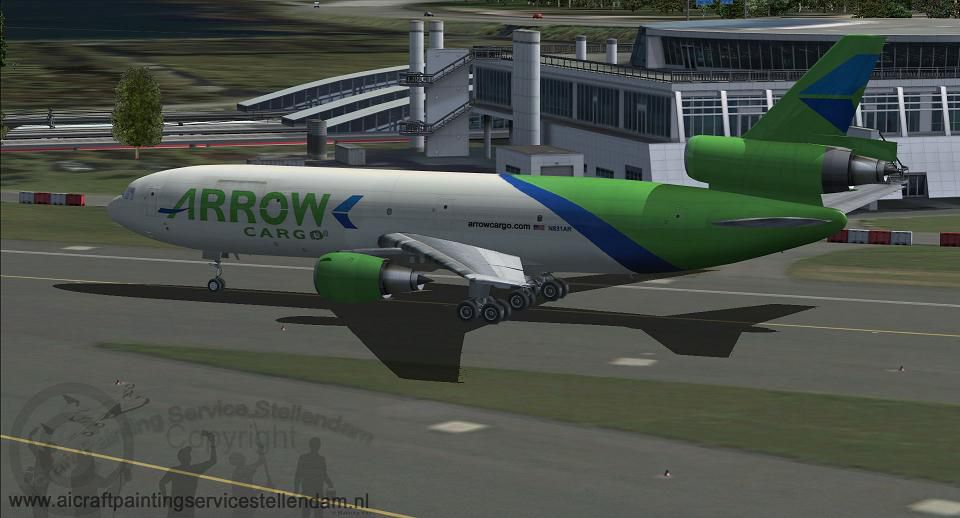
Step into the classic tri-jet experience with this freeware Douglas DC-10-30F repaint for Arrow Cargo VA, featuring registration N831AR. Developed as a complete package for Microsoft Flight Simulator X, this rendition includes a visually detailed exterior and performance-focused model. Repaint work is credited to Mathieu Vos (APSS), and the foundational aircraft model is courtesy of Thomas Ruth. Transport enthusiasts will appreciate how the spacious cargo hold and distinctive airframe design capture the unique operational feel of the DC-10 series.
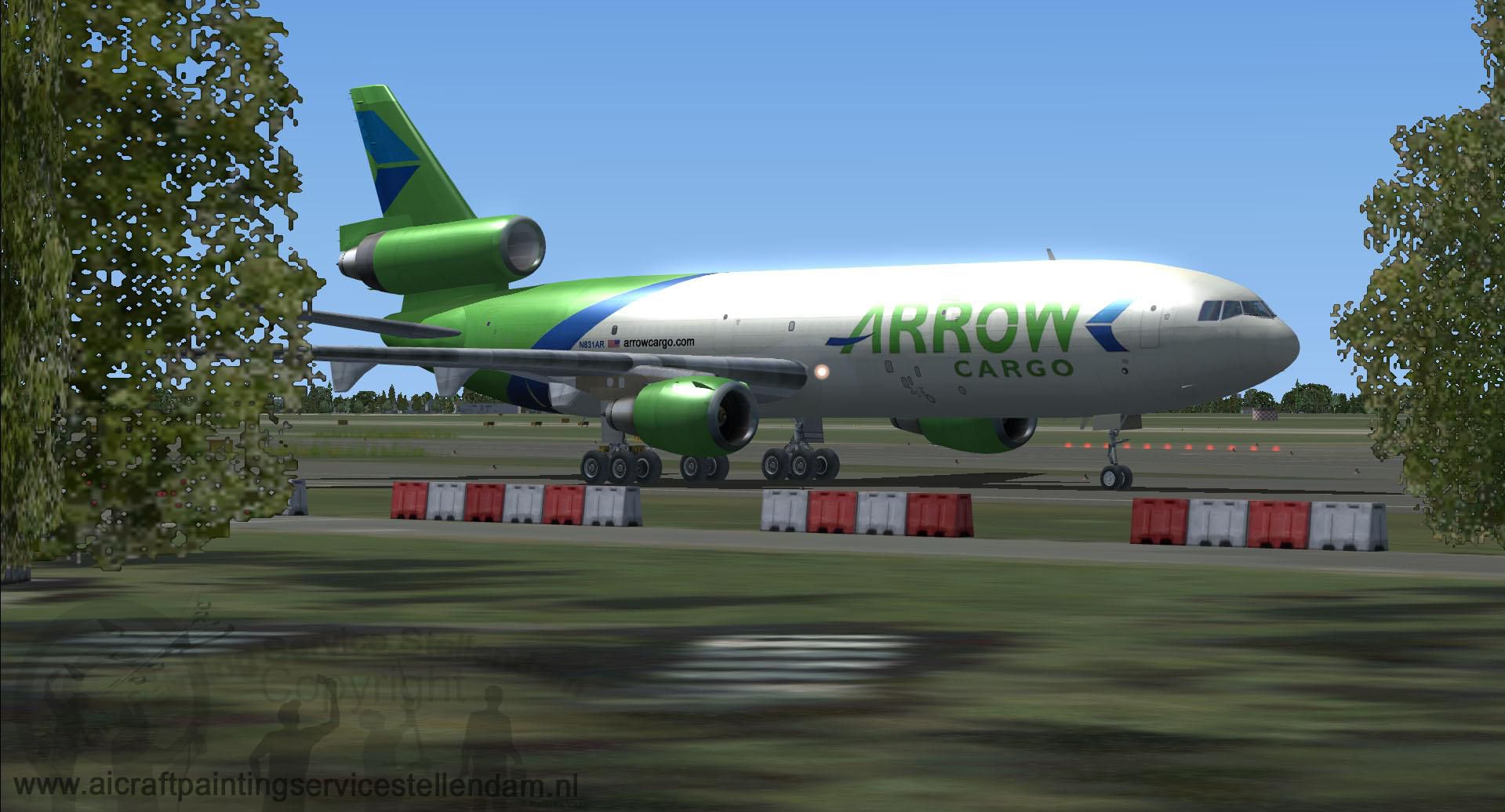
This Arrow Cargo VA livery showcases the airline’s recognizable color scheme across the wide-body fuselage. The decals have been carefully placed, highlighting each panel line, door outline, and wing structure. Additionally, the N831AR registration reflects real-world authenticity for those seeking greater immersion. The tri-engine arrangement, a hallmark of the DC-10 lineup, has been finely modeled and matched with a freight configuration that underscores every detail of the Arrow Cargo VA fleet operations.
Screenshot of Arrow Cargo VA Douglas DC-10-30F on the ground.
Originally produced by McDonnell Douglas, the DC-10-30F combines intercontinental range capability with considerable cargo capacity. This simulation package reflects those characteristics, incorporating accurate flight handling and three-engine thrust balance. From the cockpit instrumentation to the winglet geometry, various elements have been refined for a more realistic flight experience—particularly when simulating cargo runs under varying load conditions. Meanwhile, the robust landing gear assembly ensures stable ground handling during taxi, takeoff, and touchdown in assorted weather scenarios.
.fx files are already in your FSX\effects folder; if not, copy them there to enable all visual effects.Once installed, enjoy freight operations and intercontinental cargo flights with a distinctive Arrow Cargo VA look. This package seamlessly merges a timeless airframe with modern simulation refinements while honoring the contributions of both Mathieu Vos (APSS) and Thomas Ruth.
Free for all simmers · 20.42 MB · Scanned clean Oct 2026
Download speed: Free tier is capped at 0.5 Mbps (this file takes approximately 6 mins at the cap). PRO members download at full line speed.
SimObjects\Airplanes\, Addon Scenery\, Effects\, or Gauges\.readme.txt or README file. It tells you exactly where files go, what dependencies are needed, and any quirks specific to this add-on.The archive dc10-30fapw.zip has 57 files and directories contained within it.
This list displays the first 500 files in the package. If the package has more, you will need to download it to view them.
| Filename/Directory | File Date | File Size |
|---|---|---|
| aircraft.cfg | 01.04.13 | 18.80 kB |
| DC10-30FAPW.gif | 01.04.13 | 9.05 kB |
| Gauges and Effects.zip | 01.04.13 | 1.06 MB |
| model | 01.04.13 | 0 B |
| DC10.mdl | 10.15.11 | 9.13 MB |
| DC10_interior.MDL | 04.12.12 | 2.21 MB |
| model.cfg | 04.03.12 | 45 B |
| panel | 01.04.13 | 0 B |
| $VC01.bmp | 04.02.12 | 3.00 MB |
| $VC01_L.bmp | 04.04.12 | 3.00 MB |
| $VC02.bmp | 03.29.12 | 768.05 kB |
| $VC02_L.bmp | 04.13.12 | 768.05 kB |
| engineer.bmp | 03.16.12 | 3.20 MB |
| engineerL.bmp | 03.16.12 | 3.20 MB |
| overhead.bmp | 03.15.12 | 729.92 kB |
| overheadL.bmp | 03.16.12 | 729.92 kB |
| panel.cfg | 04.20.12 | 7.26 kB |
| panelmain.bmp | 04.16.12 | 3.75 MB |
| panelmainL.bmp | 04.16.12 | 3.75 MB |
| panelmaintop.bmp | 03.14.12 | 660.05 kB |
| panelmaintopL.bmp | 03.15.12 | 660.05 kB |
| pedestal.bmp | 02.23.12 | 1.02 MB |
| pedestalL.bmp | 03.15.12 | 1.02 MB |
| radioback.bmp | 02.22.12 | 442.99 kB |
| radiobackL.bmp | 03.16.12 | 442.99 kB |
| sound | 01.04.13 | 0 B |
| sound.cfg | 05.12.06 | 30 B |
| soundai | 01.04.13 | 0 B |
| soundai.cfg | 05.12.06 | 34 B |
| texture.Arrow Cargo Va | 01.04.13 | 0 B |
| cubemap.dds | 12.21.11 | 384.12 kB |
| glass.dds | 11.18.10 | 64.12 kB |
| main.dds | 01.04.13 | 4.00 MB |
| main_bump.dds | 10.09.11 | 4.00 MB |
| main_light.dds | 01.04.13 | 4.00 MB |
| main_spec.dds | 01.04.13 | 4.00 MB |
| sec.dds | 10.08.11 | 4.00 MB |
| sec_bump.dds | 09.01.11 | 4.00 MB |
| sec_spec.dds | 10.08.11 | 4.00 MB |
| Thumbnail.jpg | 01.04.13 | 81.46 kB |
| VC01.dds | 04.12.12 | 4.00 MB |
| VC01L.dds | 04.12.12 | 4.00 MB |
| VC02.dds | 03.15.12 | 4.00 MB |
| VC02L.dds | 03.16.12 | 4.00 MB |
| VC03.dds | 01.31.12 | 4.00 MB |
| VC03L.dds | 02.01.12 | 16.12 kB |
| ThomasRuthDC-10-30FArrowCargoVA_N831AR.jpg | 01.04.13 | 142.45 kB |
| ThomasRuthDC-10-30FArrowCargoVA_N831AR2.jpg | 01.04.13 | 151.96 kB |
| ThomasRuthDC-10-30FArrowCargoVA_N831AR3.jpg | 01.04.13 | 188.99 kB |
| ThomasRuthDC-10-30FArrowCargoVA_N831AR4.jpg | 01.04.13 | 218.13 kB |
| ThomasRuthDC-10-30FArrowCargoVA_N831AR5.jpg | 01.04.13 | 200.60 kB |
| ThomasRuthDC-10-30FArrowCargoVA_N831AR6.jpg | 01.04.13 | 353.58 kB |
| tomdc10.air | 09.04.06 | 6.78 kB |
| install.txt | 01.05.13 | 571 B |
| Readme.txt | 01.05.13 | 973 B |
| flyawaysimulation.txt | 10.29.13 | 959 B |
| Go to Fly Away Simulation.url | 01.22.16 | 52 B |
Only PRO members can place votes.
More FSX & P3D add-ons hand-picked based on this download.
FSX Civil Aircraft
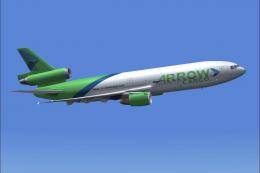
This freeware package provides a detailed Arrow Cargo repaint for the payware…
 FSX Civil Aircraft
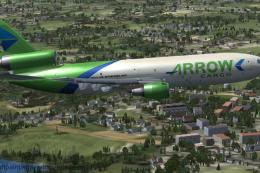
Textures only for the payware Commercial Level Simulations (CLS) DC10-30 mode…
 FSX Civil Aircraft
This exclusive repaint package showcases a Douglas DC-10-40F wearing the Arro…
 FSX Civil Aircraft
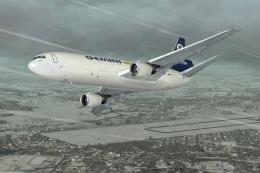
FSX Gemini Air Cargo Douglas DC-10-30F, registration N606GC. Model by SGA. Re…
 FSX Civil Aircraft
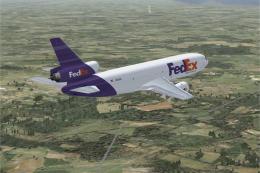
FSX Fedex Douglas DC-10-30F, registration N302FE. Model by SGA. Repaint by Le…
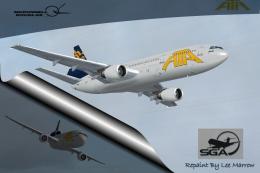 FSX Civil Aircraft
Experience a meticulously rendered cargo tri-jet designed to recreate ATA’s D…
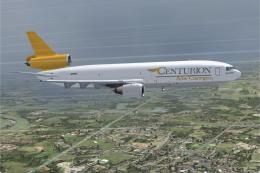 FSX Civil Aircraft
FSX Centurion Air Carog Douglas DC-10-30F, registration N279AX. Model by SGA.…
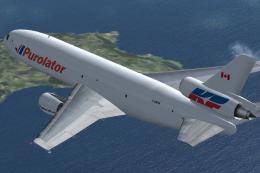 FSX Civil Aircraft
Repaint of Thomas Ruth and Erick Cantu DC10 in Purolator Courier (Kelowna Fli…
Read what other simmers think, or add your own.

"Cargo Plane". Question: how do I load the pallets into the main deck cargo compartment?? Maybe piece by piece via doors 1L and 4L. The name "cargo" alone does not make it a freighter airplane.
Download: quick into the trash box.

Downloaded and the plane does not push back with the command then downloaded the DC10-40 and in this one works OK.