

 FSX Civil Aircraft
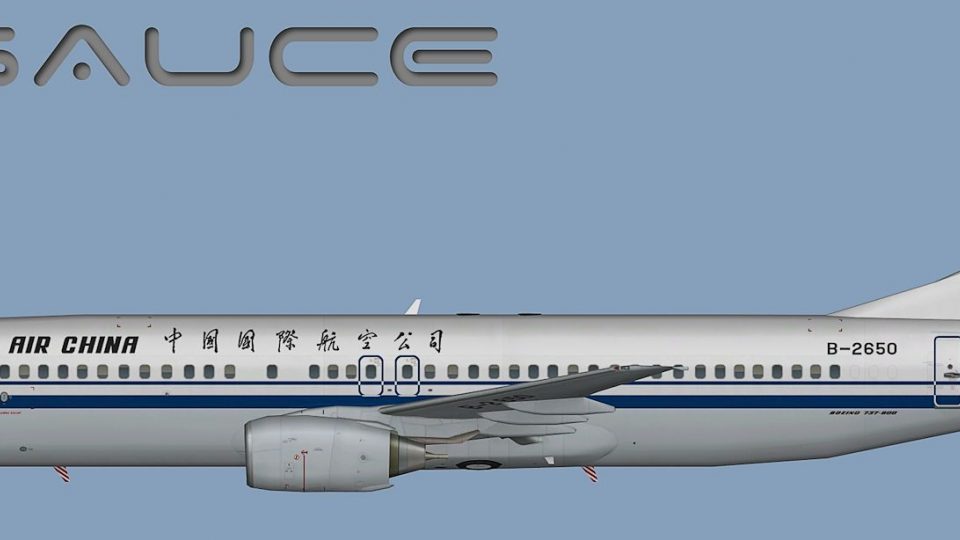
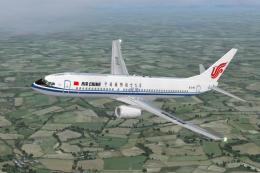
Air China Boeing 737-800 B-5196
This complete freeware package offers an Air China Boeing 737-800 (B-5196) wi…
Air China’s Boeing 737-800 livery brings authentic airline branding to AI traffic with crisp day-and-night visuals, accurate color matching, and a custom lightmap for believable ramp and enroute scenes. Compatible with Microsoft Flight Simulator X and Microsoft Flight Simulator 2004, it requires the FAIB 737-800 base model and includes DXT5 and DXT3 texture options.
 Rate
Rate
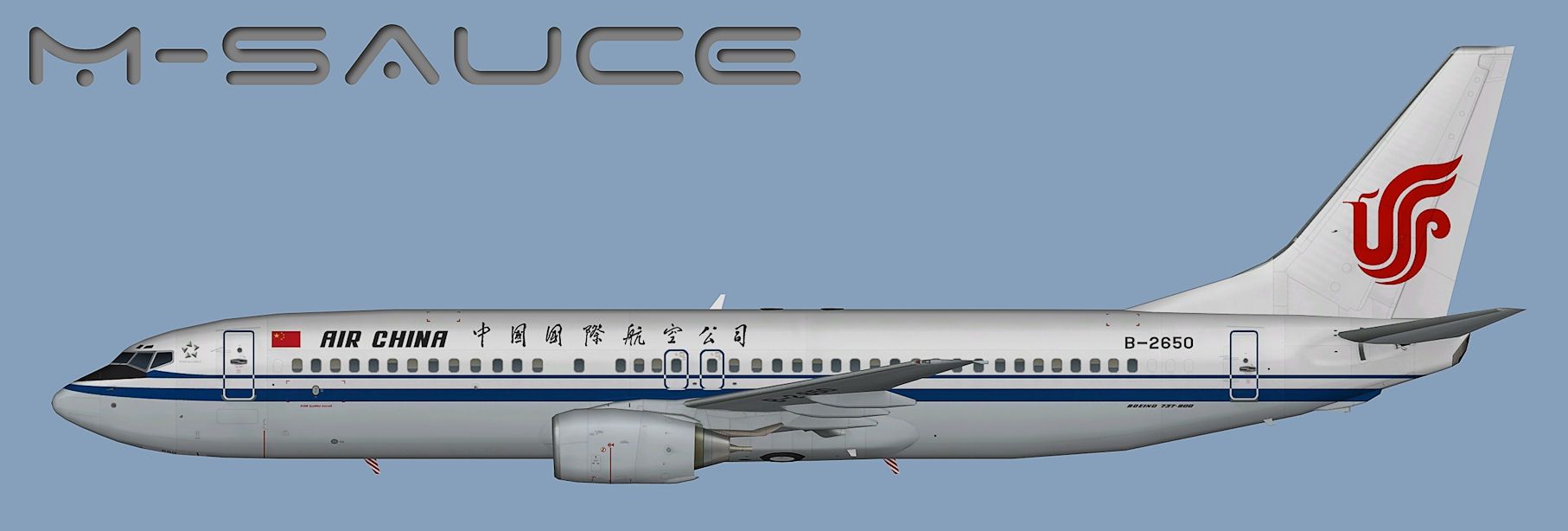
This repaint focuses on delivering an accurate representation of Air China’s Boeing 737-800 across AI flight environments. Developed for the FAIB 737-800 (base model not included), it offers high-quality DXT5 and DXT3 texture sets to accommodate Microsoft Flight Simulator X as well as Microsoft Flight Simulator 2004. Created by Mariano Bonaccorso, these textures incorporate a custom lightmap and maintain precision in color fidelity for both day and night operations. Transitioning between short and midrange flights in your virtual skies becomes more genuine with this Chinese national carrier livery.
The Boeing 737-800, known for its twin-engine and efficient design, is widely deployed by Air China on domestic and some international routes. This repaint emphasizes details such as fuselage markings and airline logos to capture the real-world aesthetics of the carrier’s fleet. With FAIB’s specialized model at the core, the add-on ensures that AI traffic movements remain true-to-life, providing immersive visuals for virtual pilots who frequently explore busy hub airports.
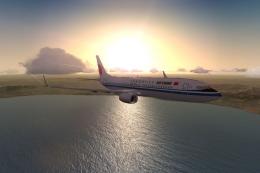
Profile view of Air China Boeing 737-800.
Inside the download, you will find a dedicated texture.CCA folder. Place it into the correct FAIB 737-800 aircraft directory. The folder name should match your repaint identifier to prevent conflicts with other paint schemes.
To activate the newly installed livery, insert an additional [fltsim.X] entry into your aircraft.cfg file. Replace the “X” with the next sequential number. Below is an illustration illustrating possible values for this Air China scheme:
[fltsim.X]
title=AI B738 CCA
sim=FAIB_7378
model=
texture=CCA
atc_airline=AIR CHINA
atc_parking_codes=CCA
atc_parking_types=GATE
ui_manufacturer=Boeing
ui_type=B737-800
ui_variation=Air China
description=AI Aircraft from FAIB
When editing these lines, ensure compatibility with your simulator’s aircraft structure. If you are unclear on these steps, refer to the relevant FSX AI Bureau documents or the aircraft container details found in your flight simulator’s SDK. This will clarify how to adjust model references, titles, and texture naming conventions.
Once you have installed the base FAIB 737-800 model (available in the Fly Away Simulation library) and placed the new texture folder, configure the aircraft.cfg file properly. Then, verify that the correct texture format is used for your specific simulator version. These steps create a seamless depiction of the Boeing 737-800 in Air China’s livery, ensuring fully functional night lighting and daytime clarity when scanning the ramp traffic or en route skies.
By Mariano Bonaccorso
Free for all simmers · 3.88 MB · Scanned clean Oct 2026
Download speed: Free tier is capped at 0.5 Mbps (this file takes approximately 1 min at the cap). PRO members download at full line speed.
This file is a repaint — the package below is the base model it paints onto. Install it first, or the textures will have nothing to load onto.
texture.{airline}) inside FSX\SimObjects\Airplanes\{base-aircraft}\.aircraft.cfg in Notepad. Add a new [fltsim.X] section per the readme.readme.txt or README file. It tells you exactly where files go, what dependencies are needed, and any quirks specific to this add-on.The archive faib_b738_cca.zip has 12 files and directories contained within it.
This list displays the first 500 files in the package. If the package has more, you will need to download it to view them.
| Filename/Directory | File Date | File Size |
|---|---|---|
| FAIB_737_800_L.bmp | 11.10.12 | 4.00 MB |
| FAIB_737_800_T.bmp | 12.17.12 | 5.33 MB |
| FS9 | 12.17.12 | 0 B |
| 32Bit | 12.17.12 | 0 B |
| FAIB_737_800_T.bmp | 12.17.12 | 4.00 MB |
| FAIB_737_800_L.bmp | 11.14.12 | 1.00 MB |
| FAIB_737_800_T.bmp | 12.17.12 | 1.33 MB |
| Preview.jpg | 12.17.12 | 108.97 kB |
| Thumbnail.png | 12.17.12 | 5.56 kB |
| Installation.txt | 12.17.12 | 1.95 kB |
| flyawaysimulation.txt | 10.29.13 | 959 B |
| Go to Fly Away Simulation.url | 01.22.16 | 52 B |
Only PRO members can place votes.
More FSX & P3D add-ons hand-picked based on this download.
FSX Civil Aircraft
This complete freeware package offers an Air China Boeing 737-800 (B-5196) wi…
 FSX Civil Aircraft
This enhanced package brings the iconic Air China Boeing 737-800 (registratio…
 FSX Civil Aircraft
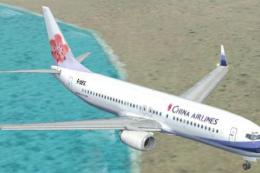
China Airlines Boeing 737-800. Textures only for the default B737-800 model. …
 FSX Civil Aircraft
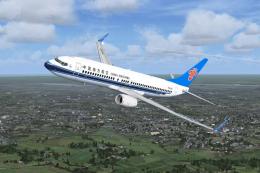
China Southern Boeing 737-800. Project Open Sky B737-800 Series China Souther…
 FSX Civil Aircraft
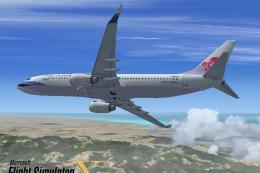
FSX China Airlines Boeing 737-800. A repaint for the FSX Default 737, registr…
 FSX Civil Aircraft
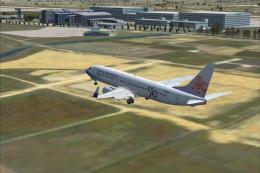
This is a repaint of the payware PMDG B737-800 in the special 50th Anniversar…
 FSX Civil Aircraft
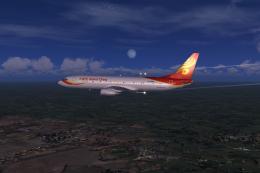
Grand China Airlines Boeing 737-800. Project Open Sky (Free Sky) B737-800 non…
 FSX Civil Aircraft
Textures only for the default B737-800. Repaint by So Yuet. This texture 90% …
Be the first to leave a comment on this download.
Be the first to share your thoughts on this download.