

 FSX Civil Aircraft
Lusitaniair Boeing 737-800WL CS-TVU
Lusitaniair Airlines CS-TVU paint for LST Smile Express fleet. Textures only.…
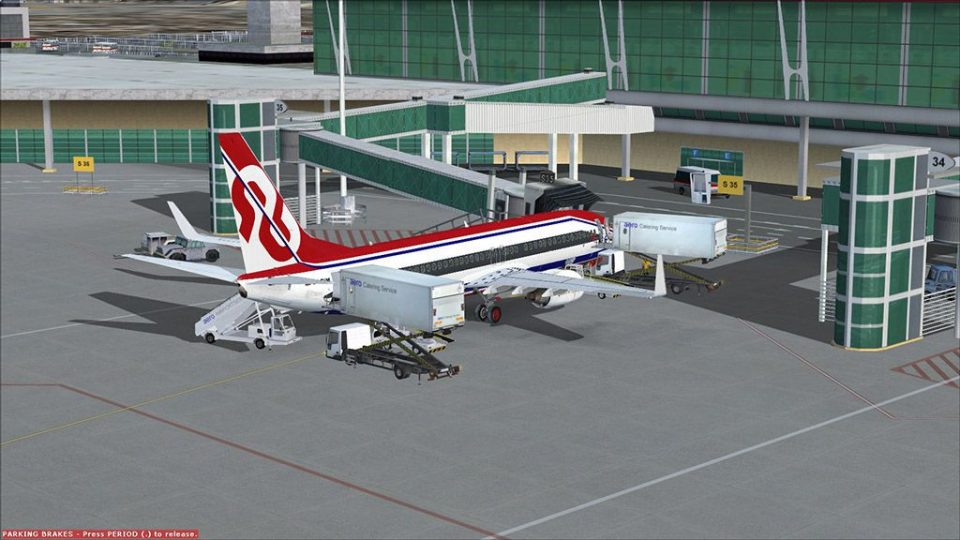
Lusitaniair Airlines’ CS-TVM “LST Smile Express” livery brings a crisp, authentic finish to the Boeing 737-800WL, with carefully aligned logos, markings, and color placement that suit close-up exterior and virtual cockpit flying in FSX. Textures-only package requires the PMDG 737NGX 800/900 and targets the 800NGX winglet variant.
 Rate
Rate
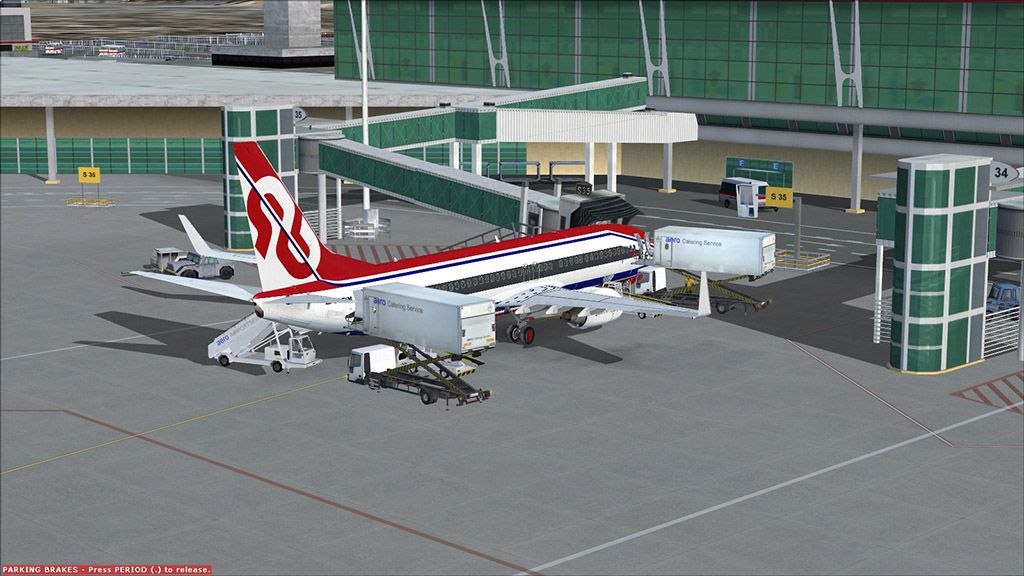
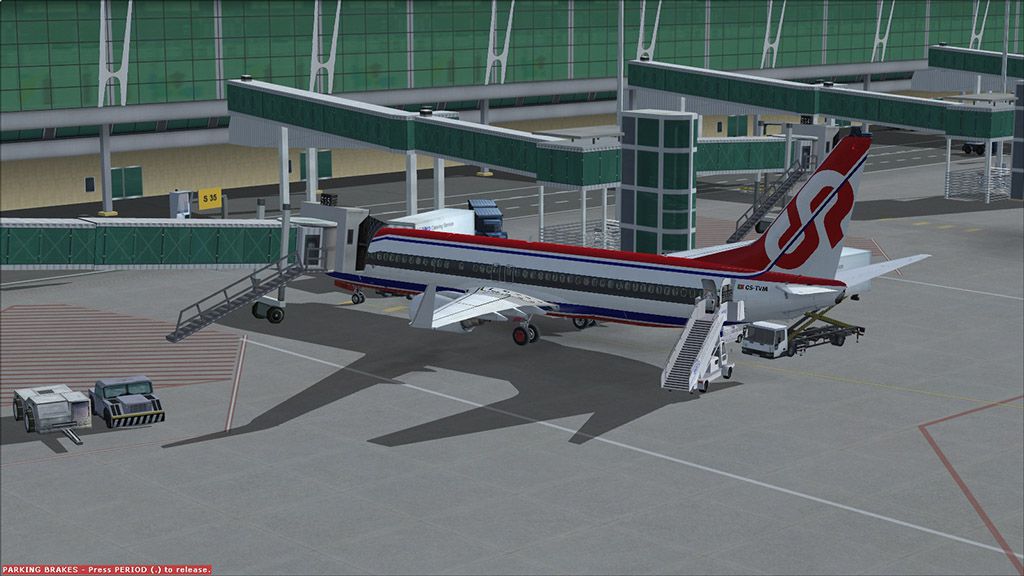


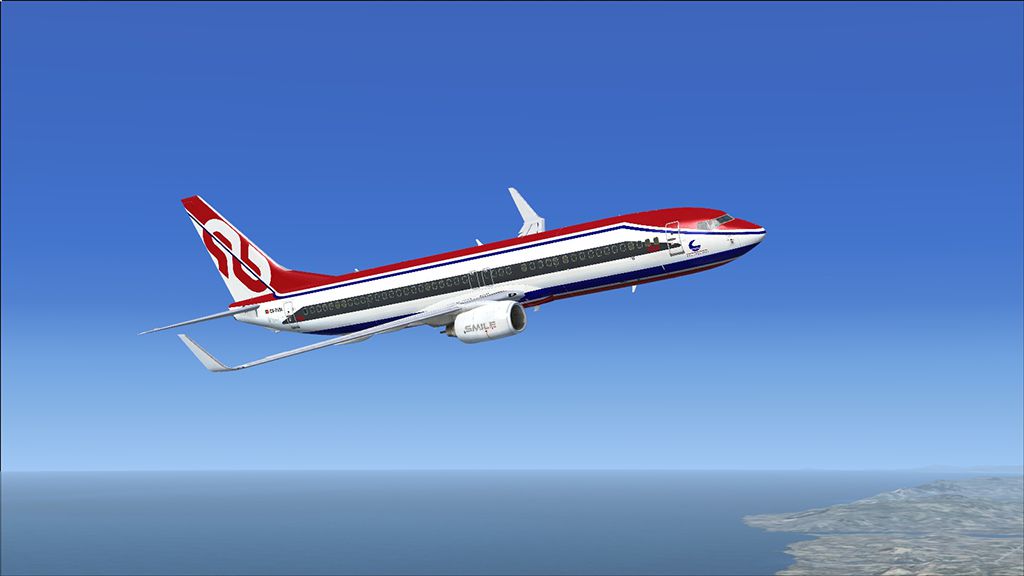
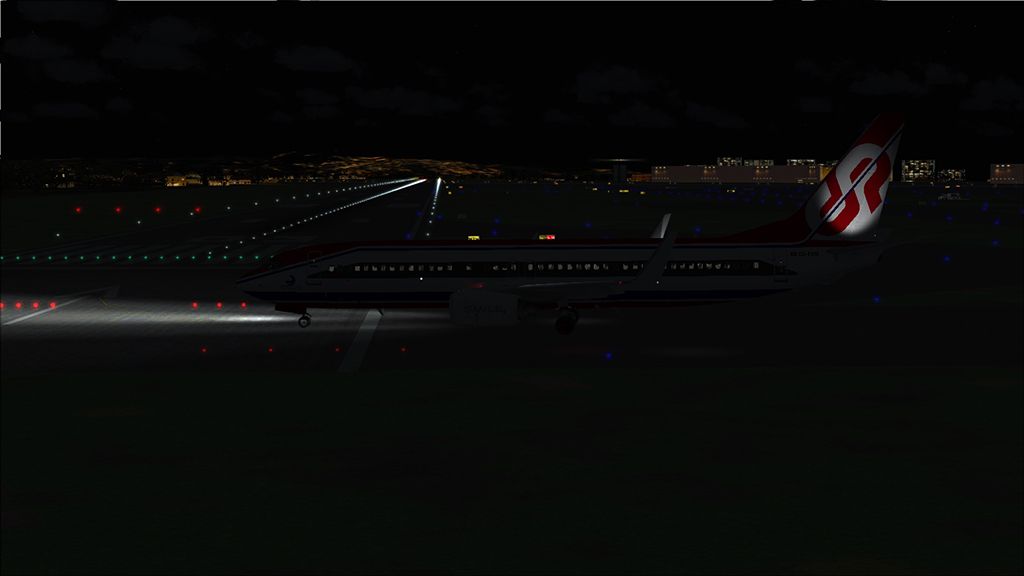
This free repaint merges the distinctive Lusitaniair Airlines CS-TVM design with the PMDG 737NGX 800/900 package, and it showcases the LST Smile Express fleet’s signature color scheme. It is meticulously created by developer and painter Joao Paulino as an add-on for FSX enthusiasts who enjoy flying detailed virtual cockpits and need a faithful reproduction of airline branding. Although this repaint depends on payware modeling, it delivers a high-fidelity visual transformation without compromising performance.
Within this repaint, you will encounter precise alignment of logos and markings tailored to the Boeing 737-800WL (denoting Winglets). The real-world 737-800 variant is part of Boeing’s Next Generation series, bringing improved fuel efficiency, an advanced flight deck, and modern avionics. The “WL” specification (indicating winglet technology at the wingtips) further refines the look while contributing to better aerodynamic performance. This custom paint job faithfully integrates into the existing PMDG 737NGX framework, ensuring a consistent experience from the external fuse to the interior cabin views (if modeled by the underlying payware). Joao Paulino carefully replicated the airline’s color placements, including the insignia features and operational placards.
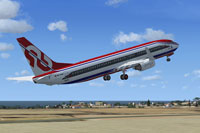
Screenshot of the Lusitaniair 737-800WL in a climb-out phase.
The content offered here consists of textures only. It works exclusively with the payware PMDG 737NGX 800/900 aircraft add-on. To ensure the repaint matches the correct model, confirm that you are installing these files into the 800NGX WL variant. Since this package makes use of the PMDG Livery Manager, the integration process remains straightforward, allowing you to swiftly load and activate the Lusitaniair look.
This texture package offers a realistic portrayal of Lusitaniair Airlines’ CS-TVM scheme in the jetliner’s exterior, making it well-suited for virtual pilots who appreciate both visual detail and operational authenticity. Enjoy adding a fresh livery to your simulated routes while showcasing the LST Smile Express fleet’s identity. Credits go to Joao Paulino for his dedication and artistry. Have a pleasant and immersive flight!
Free for all simmers · 16.88 MB · Scanned clean Oct 2026
Download speed: Free tier is capped at 0.5 Mbps (this file takes approximately 5 mins at the cap). PRO members download at full line speed.
texture.{airline}) inside FSX\SimObjects\Airplanes\{base-aircraft}\.aircraft.cfg in Notepad. Add a new [fltsim.X] section per the readme.readme.txt or README file. It tells you exactly where files go, what dependencies are needed, and any quirks specific to this add-on.The archive cs-tvm_b738_smile_express_fsx_pmdg.zip has 12 files and directories contained within it.
This list displays the first 500 files in the package. If the package has more, you will need to download it to view them.
| Filename/Directory | File Date | File Size |
|---|---|---|
| cs-tvm_b738_smile_express_fsx_pmdg | 12.11.12 | 0 B |
| Boeing 737-800NGX WL - Smile Express CS-TVM.ptp | 12.10.12 | 15.92 MB |
| CS-TVM.png | 12.09.12 | 12.18 kB |
| CS-TVM_1.jpg | 12.10.12 | 184.33 kB |
| CS-TVM_2.jpg | 12.11.12 | 177.61 kB |
| CS-TVM_3.jpg | 12.11.12 | 157.36 kB |
| CS-TVM_4.jpg | 12.10.12 | 194.16 kB |
| CS-TVM_5.jpg | 12.11.12 | 165.67 kB |
| CS-TVM_6.jpg | 12.11.12 | 179.62 kB |
| Readme.txt | 12.10.12 | 620 B |
| flyawaysimulation.txt | 10.29.13 | 959 B |
| Go to Fly Away Simulation.url | 01.22.16 | 52 B |
Only PRO members can place votes.
More FSX & P3D add-ons hand-picked based on this download.
FSX Civil Aircraft
Lusitaniair Airlines CS-TVU paint for LST Smile Express fleet. Textures only.…
 FSX Civil Aircraft
Enhance your FSX library with the Lusitaniair Airlines CS-TVN repaint for the…
 FSX Civil Aircraft
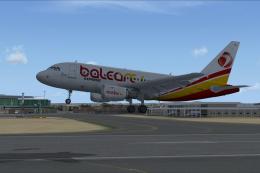
This package introduces a meticulously crafted paint set focusing on Lusitani…
 FSX Civil Aircraft
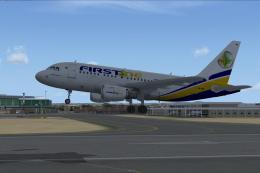
This freeware release adds a meticulously crafted Lusitaniair-inspired Airbus…
 FSX Civil Aircraft
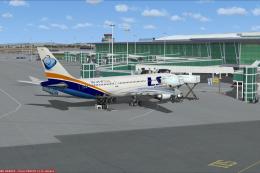
Enhance your virtual airline collection with a meticulously detailed Lusitani…
 FSX Civil Aircraft
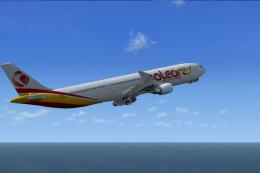
Lusitaniair Airlines Airbus A330-300 GE EC-TSM paint for LST Baleares fleet. …
 FSX Civil Aircraft
This repaint showcases Lusitaniair Airlines’ Airbus A319 (registration CS-TVF…
 FSX Civil Aircraft
This specialized repaint delivers the Lusitaniair Airlines Airbus A320, ident…
Be the first to leave a comment on this download.
Be the first to share your thoughts on this download.