

 FSX Civil Aircraft
Turkish Airlines Airbus A330-200 TC-JNB
Textures only for the Thomas Ruth model (TOMA332B.ZIP). Repaint by Muharrem S…
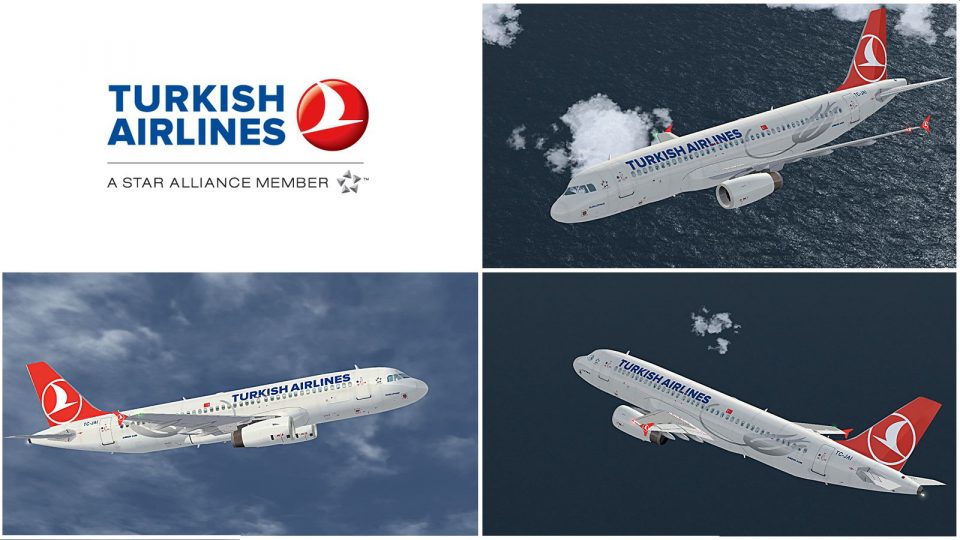
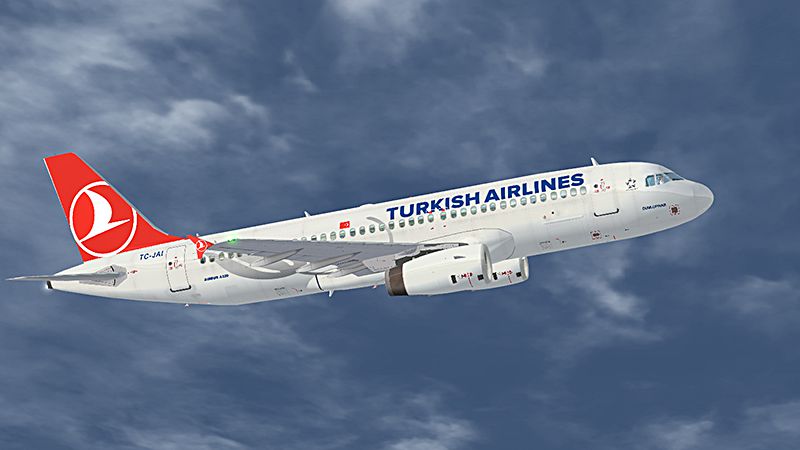
Turkish Airlines Airbus A320 TC-JAI livery brings a crisp THY look to the IAE-powered jet, matching airline markings and registration for believable scheduled operations and ATC immersion. Designed for Microsoft Flight Simulator X, it requires the Black Box Simulation Airbus Xtreme Prologue A320 to appear correctly in the virtual cockpit and exterior model.
 Rate
Rate
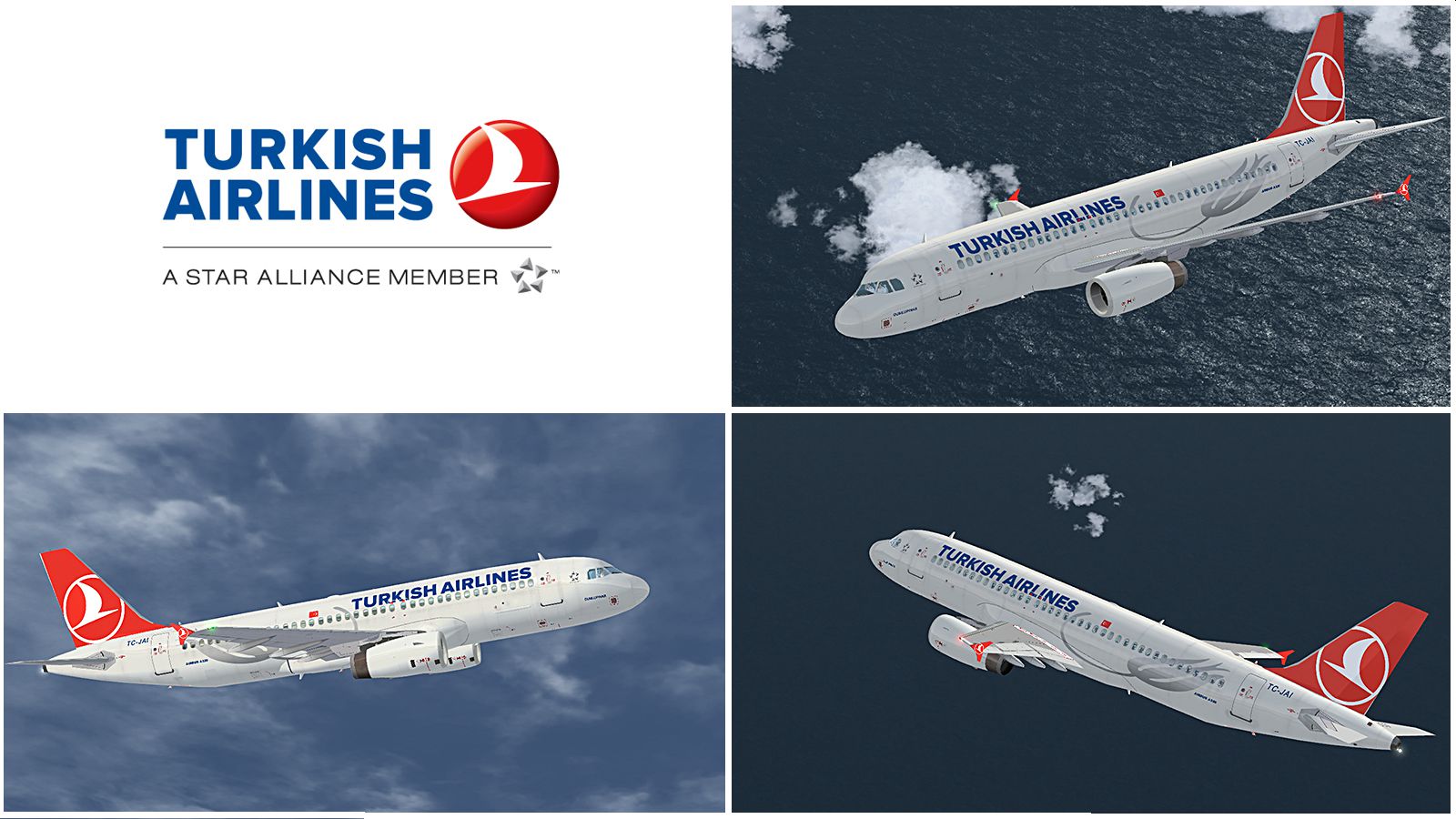
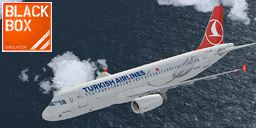
Turkish Airlines (THY) livery for Black Box Simulation Airbus Xtreme Prologue. By Tima Sakharov.
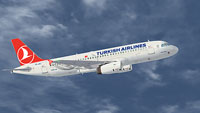
Screenshot of Turkish Airlines Airbus A320 in flight.
Installation:
[FLTSIM.X]

title=Airbus A320 IAE Turkish Airlines

sim=BB_A320_IAE

model=320-IAE

panel=

sound=IAE

texture=320_IAE_THY

kb_Checklist=A320_check

kb_reference=A320_ref

atc_id=TC-JAI

atc_airline=Turkish

atc_flight_number=TK1951

ui_manufacturer=AIRBUS

ui_type=A320 IAE

ui_variation=Turkish Airlines

ui_typerole="Commercial Airliner"

ui_createdby="BlackBox Simulation"

atc_heavy=0
Free for all simmers · 3.64 MB · Scanned clean Oct 2026
Download speed: Free tier is capped at 0.5 Mbps (this file takes approximately 1 min at the cap). PRO members download at full line speed.
texture.{airline}) inside FSX\SimObjects\Airplanes\{base-aircraft}\.aircraft.cfg in Notepad. Add a new [fltsim.X] section per the readme.readme.txt or README file. It tells you exactly where files go, what dependencies are needed, and any quirks specific to this add-on.The archive bbs_thy_a320_iae.zip has 11 files and directories contained within it.
This list displays the first 500 files in the package. If the package has more, you will need to download it to view them.
| Filename/Directory | File Date | File Size |
|---|---|---|
| Sample.jpg | 08.20.12 | 803.60 kB |
| Texture.320_IAE_THY | 08.20.12 | 0 B |
| a320_i_t.dds | 08.20.12 | 16.00 MB |
| a320_wing_l.dds | 05.22.12 | 4.00 MB |
| a320_wing_r.dds | 05.22.12 | 4.00 MB |
| texture.cfg | 03.12.12 | 145 B |
| thumbnail.jpg | 08.20.12 | 57.81 kB |
| Tumbnail.jpg | 08.20.12 | 204.21 kB |
| Readme.txt | 08.20.12 | 904 B |
| flyawaysimulation.txt | 10.29.13 | 959 B |
| Go to Fly Away Simulation.url | 01.22.16 | 52 B |
Only PRO members can place votes.
More FSX & P3D add-ons hand-picked based on this download.
FSX Civil Aircraft
Textures only for the Thomas Ruth model (TOMA332B.ZIP). Repaint by Muharrem S…
 FSX Civil Aircraft
Boeing 737-8F2, registration TC-JGU, with special "100th Aircraft of THY" liv…
 FSX Civil Aircraft
This is paint of Turkish Airlines Euroleague Final Four ISTANBUL2012 textures…
 FSX Civil Aircraft
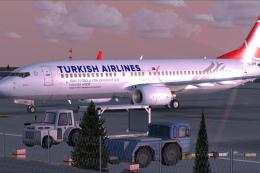
This is paint "Turkish Football Takes Off To New Victories". Textures in high…
 FSX Civil Aircraft
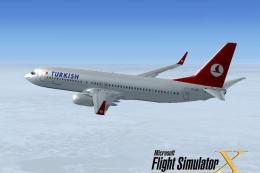
FSX Turkish Airlines Boeing 737-800. A repaint of the default B737 as registr…
 FSX Civil Aircraft
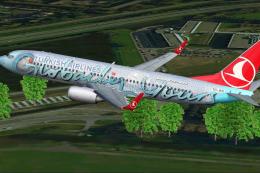
This is a B737-800 of Turkish Airlines in the Globally Yours colors, registra…
 FSX Civil Aircraft
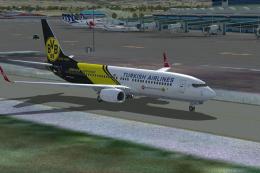
Turkish Airlines Boeing 737-8F2, Premium Partner Borussia Dortmund, registrat…
 FSX Civil Aircraft
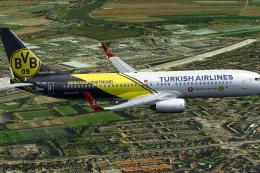
This is a B737-800w of Turkish Airlines in the special Borussia Dortmund colo…
Be the first to leave a comment on this download.
Be the first to share your thoughts on this download.