

 FSX Civil Aircraft
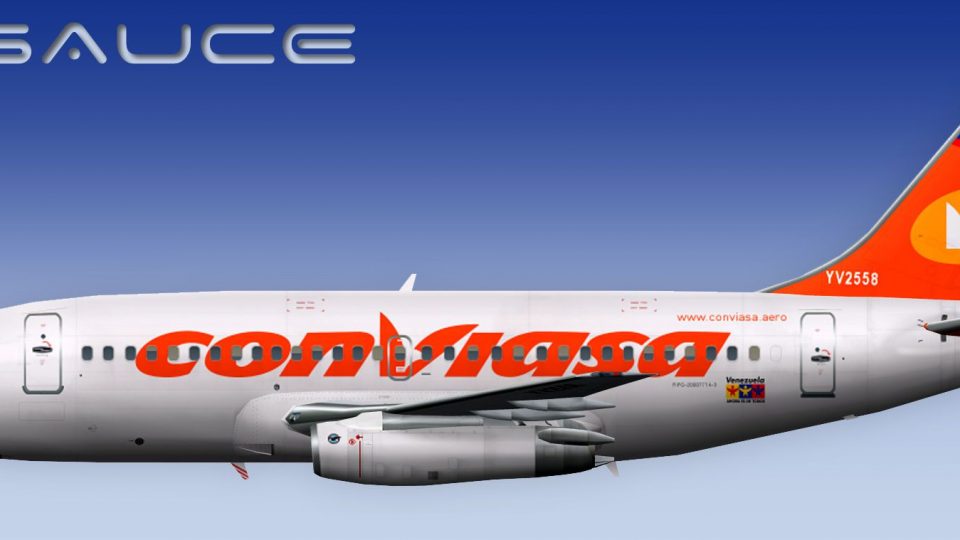
Conviasa Boeing 747-400
Textures only for the payware PMDG B747-400 model. By Daniel A. Ferrer N. Scr…
Conviasa Boeing 737-200 livery brings authentic Venezuelan airline markings to the FSX AI Bureau freeware model, with crisp DXT5 textures offered with or without MIP maps and a custom lightmap for convincing night lighting. Built for Microsoft Flight Simulator X, it requires the FAIB_B7372 base package for seamless classic jetliner AI traffic.
 Rate
Rate
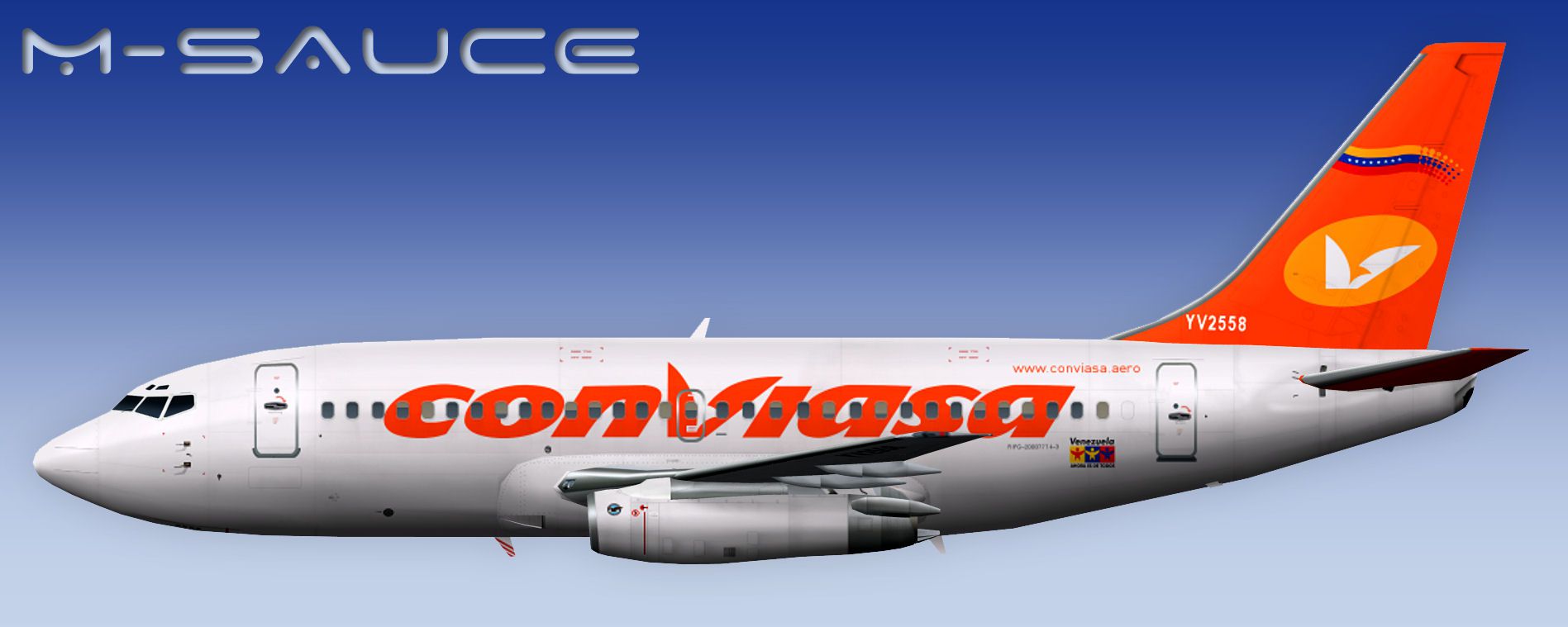
Experience a richly detailed Conviasa Boeing 737-200 repaint, specifically crafted for the freeware FSX AI Bureau model (file name: FAIB_B7372.ZIP). This design integrates authentic Conviasa branding and includes high-resolution textures in DXT5 format, both with and without MIP maps. It is fully compatible with Microsoft Flight Simulator X, ensuring a seamless visual fit. Created by Erez Werber at FSX AI Bureau, with a repaint provided by Mariano Bonaccorso, this add-on delivers accurate aesthetics for those who enjoy recreating classic Venezuelan airline operations in their simulator.
The Boeing 737-200 remains a timeless single-aisle jet, originally powered by JT8D turbofan engines. Conviasa, based in Venezuela, has utilized various regional routes that are well-suited to this classic aircraft’s capacity and operating range. The airplane’s shorter fuselage and distinct engine nacelles create a recognizable silhouette, which this repaint aims to mirror as closely as possible. By simulating the airline’s precise livery elements and color scheme, the add-on helps veteran flight simmers immerse themselves in vintage jetliner charm.
The texture package includes a specialized lightmap for enhanced night illumination, adding dimensionality to shadows and highlights. The painted surfaces reproduce Conviasa’s signature palette, reflecting the airline’s identity at gates, taxiways, and during in-flight views. These textures, optimized in DXT5 format, give outstanding clarity and color representation without excess file size, giving flight simulator enthusiasts reliable performance.

Profile view of Conviasa Boeing 737-200.
This repaint is solely dedicated to the freeware base model by FSX AI Bureau. The base package itself is not included here; you must obtain it from the Fly Away Simulation file library. Once you have the correct B737-200 model, drop the provided texture.VCV folder into the respective aircraft folder. Afterward, insert the correct [fltsim.x] entries into the aircraft.cfg file, ensuring the sequence numbering aligns with your existing repaints.
After the installation, you can easily integrate realistic flight schedules to replicate regional services that Conviasa operates. Pay attention to customized AI traffic settings if you want to populate your digital skies with multiple 737-200 variants. The distinctive livery will be instantly recognizable among other aircraft at large international hubs or smaller domestic airports.
Developed by Erez Werber and FSX AI Bureau, with repaint work from Mariano Bonaccorso, this add-on enriches your simulation experience through enhanced visuals and compatibility. It injects a dose of world aviation heritage into your Microsoft Flight Simulator X environment. Please remember to find the relevant base model download at Fly Away Simulation to complete the package.
Free for all simmers · 2.67 MB · Scanned clean Oct 2026
Download speed: Free tier is capped at 0.5 Mbps. PRO members download at full line speed.
This file is a repaint — the package below is the base model it paints onto. Install it first, or the textures will have nothing to load onto.
texture.{airline}) inside FSX\SimObjects\Airplanes\{base-aircraft}\.aircraft.cfg in Notepad. Add a new [fltsim.X] section per the readme.readme.txt or README file. It tells you exactly where files go, what dependencies are needed, and any quirks specific to this add-on.The archive faib_b732_vcv_fsx.zip has 11 files and directories contained within it.
This list displays the first 500 files in the package. If the package has more, you will need to download it to view them.
| Filename/Directory | File Date | File Size |
|---|---|---|
| FAIB_737_200_AlwaysOn_L.bmp | 03.17.12 | 4.07 kB |
| FAIB_737_200_L.bmp | 04.03.12 | 4.00 MB |
| FAIB_737_200_T.bmp | 04.03.12 | 5.33 MB |
| NO MIPS | 04.03.12 | 0 B |
| FAIB_737_200_T.bmp | 04.03.12 | 4.00 MB |
| Preview.jpg | 04.03.12 | 134.90 kB |
| Thumbnail.png | 04.03.12 | 6.98 kB |
| fltsim.txt | 04.29.12 | 388 B |
| ReadMe.txt | 04.29.12 | 3.31 kB |
| flyawaysimulation.txt | 10.29.13 | 959 B |
| Go to Fly Away Simulation.url | 01.22.16 | 52 B |
Only PRO members can place votes.
More FSX & P3D add-ons hand-picked based on this download.
FSX Civil Aircraft
Textures only for the payware PMDG B747-400 model. By Daniel A. Ferrer N. Scr…
 FSX Civil Aircraft
Conviasa Bombardier CRJ-700. Textures only for the default CRJ700. By Adalber…
 FSX Civil Aircraft
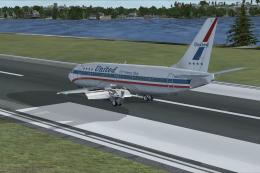
Includes several liveries such as Southwest Airlines (Canyon Blue) and United…
 FSX Civil Aircraft
Indonesian Boeing 737-200 Pack. This is a complete pack of Erick Cantu's Boei…
 FSX Civil Aircraft
Avior Boeing 737-200, registration YV491T. Complete pack. Textures for the mo…
 FSX Civil Aircraft
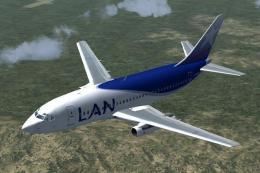
Fly one of the most successful Airplanes in history with this aircraft file f…
 FSX Civil Aircraft
FSX GB Airways Boeing 737-200. A GB Airways B737-200 in an old paint scheme f…
 FSX Civil Aircraft
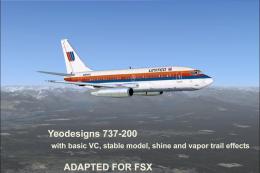
FSX YeoDesigns Boeing 737-200; FS2002 model updated for use with FSX only. In…
Be the first to leave a comment on this download.
Be the first to share your thoughts on this download.