

 FSX Civil Aircraft
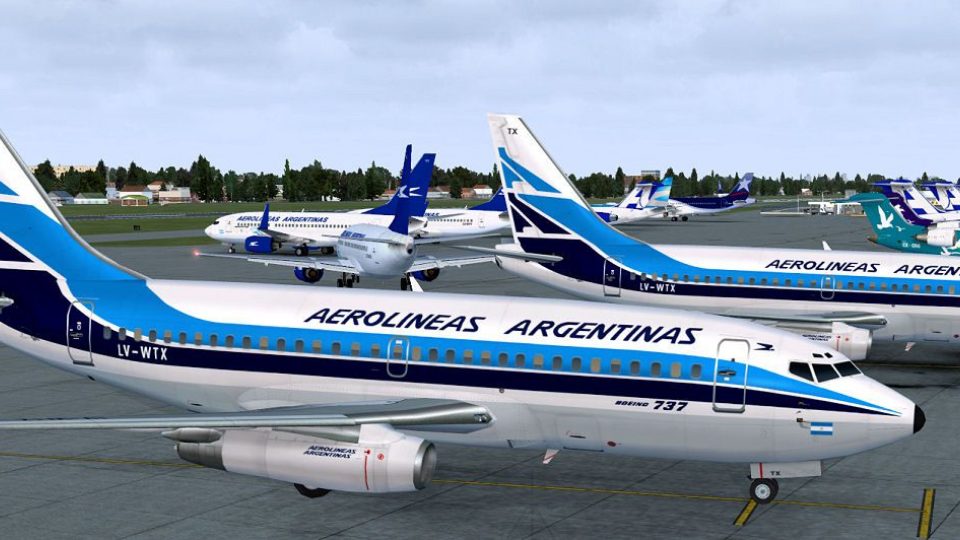
Aerolineas Argentinas Boeing 737-800
FSX Aerolineas Argentinas Boeing 737-800. Aerolineas Argentinas textures only…
Aerolineas Argentinas’ retro livery brings period-correct color and markings to the classic Boeing 737-200 AI fleet in Microsoft Flight Simulator X, with DXT5 textures and a custom lightmap that enhances night illumination. Designed for the FSX AI Bureau model, it requires FAIB_B7372.ZIP for proper display and integration.
 Rate
Rate
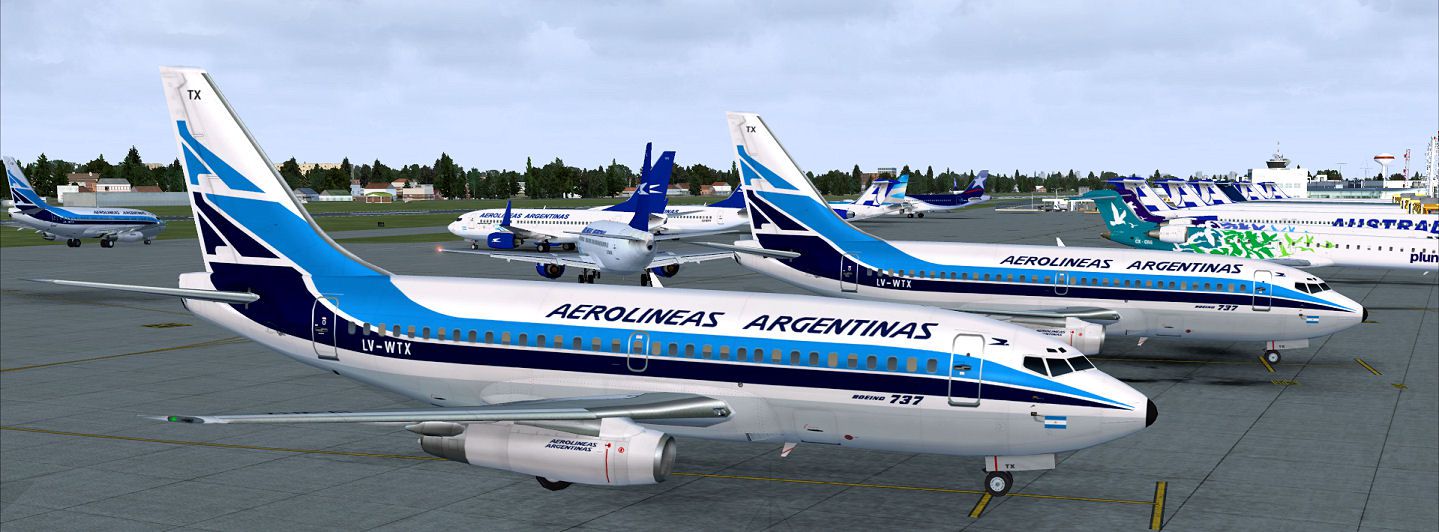
Bring a touch of nostalgic charm to Microsoft Flight Simulator X with this freeware repaint showcasing Aerolineas Argentinas’ retro colors on the Boeing 737-200, built for the FAIB_B7372.ZIP model by FSX AI Bureau. The textures are offered in DXT5 format and feature a custom lightmap for a vivid night-lighting effect. Created by Mariano Bonaccorso.
Aerolineas Argentinas, the flag carrier of Argentina, has employed multiple liveries throughout its history. The “retro” scheme found here reflects an earlier branding approach that adorned the classic Boeing 737-200 during the airline’s domestic and regional operations. This twin-engine jet belongs to the original 737 family, which debuted in the late 1960s, and it gained popularity for its reliable performance, efficient short- to medium-range capability, and robust design.
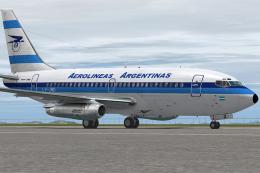
Screenshot of Aerolineas Argentinas Retro Boeing 737-200 on the ground.
Experience the timeless identity of Aerolineas Argentinas with this vintage visual enhancement. Its classic aesthetic merges seamlessly with the FAIB 737-200 model, making it a rewarding addition to your fleet. Enjoy this creation by Mariano Bonaccorso and take advantage of its distinctly retro look when flying across domestic or regional routes within your virtual skies.
Free for all simmers · 2.71 MB · Scanned clean Oct 2026
Download speed: Free tier is capped at 0.5 Mbps. PRO members download at full line speed.
This file is a repaint — the package below is the base model it paints onto. Install it first, or the textures will have nothing to load onto.
texture.{airline}) inside FSX\SimObjects\Airplanes\{base-aircraft}\.aircraft.cfg in Notepad. Add a new [fltsim.X] section per the readme.readme.txt or README file. It tells you exactly where files go, what dependencies are needed, and any quirks specific to this add-on.The archive faib_b732_arg_retro_fsx.zip has 11 files and directories contained within it.
This list displays the first 500 files in the package. If the package has more, you will need to download it to view them.
| Filename/Directory | File Date | File Size |
|---|---|---|
| ReadMe.txt | 04.01.12 | 3.34 kB |
| FAIB_737_200_AlwaysOn_L.bmp | 03.17.12 | 4.07 kB |
| FAIB_737_200_L.bmp | 04.01.12 | 4.00 MB |
| FAIB_737_200_T.bmp | 04.01.12 | 5.33 MB |
| NO MIPS | 04.03.12 | 0 B |
| FAIB_737_200_T.bmp | 04.01.12 | 4.00 MB |
| FSX.jpg | 04.01.12 | 170.45 kB |
| Thumbnail.png | 04.01.12 | 7.80 kB |
| fltsim.txt | 04.01.12 | 428 B |
| flyawaysimulation.txt | 10.29.13 | 959 B |
| Go to Fly Away Simulation.url | 01.22.16 | 52 B |
Only PRO members can place votes.
More FSX & P3D add-ons hand-picked based on this download.
FSX Civil Aircraft
FSX Aerolineas Argentinas Boeing 737-800. Aerolineas Argentinas textures only…
 FSX Civil Aircraft
This modification adds a custom Aerolineas Argentinas livery to the default B…
 FSX Civil Aircraft
A repaint of the payware Captain Sim B737-200C model in Aerolineas Argentinas…
 FSX Civil Aircraft
Repaint of Project Open Sky Airbus A340-200 model. This is one of the most em…
 FSX Civil Aircraft
This is a repaint of the Project Open Sky Airbus A340-200 model with all the …
 FSX Civil Aircraft
This add-on offers a complete Airbus A340-200 model in the Aerolíneas Argenti…
 FSX Civil Aircraft
Includes all three liveries for the three models Aerolineas Argentinas operat…
 FSX Civil Aircraft
FSX Aerolineas Argentinas Boeing 747-400 GE, registration LV-BBU. Textures on…
Be the first to leave a comment on this download.
Be the first to share your thoughts on this download.