

 FSX Civil Aircraft
Stellweg Airlines Douglas DC-8-52 DF-WDD
This is a complete and flyable aircraft with panel and sounds, using the defa…
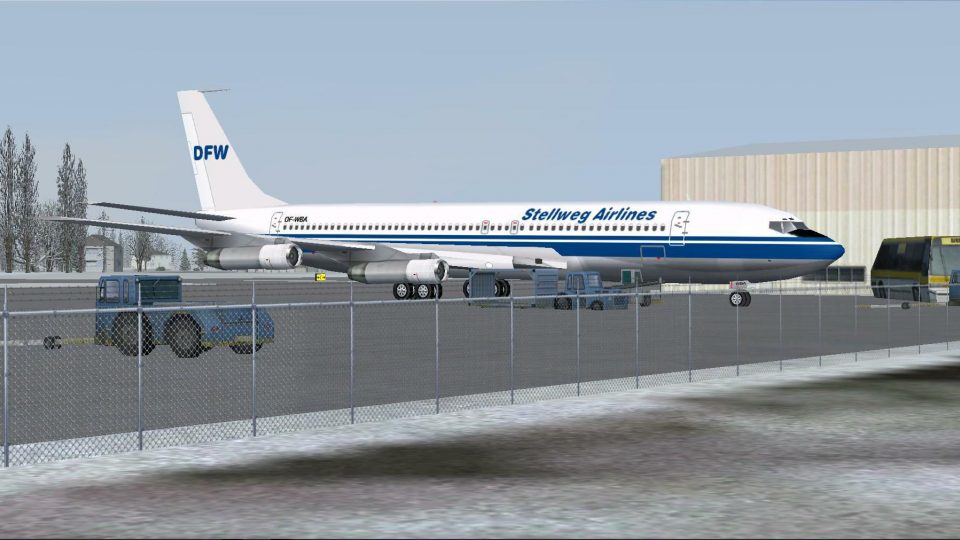
Stellweg Airlines’ Boeing 707-321B DF-WBA brings a complete, flyable classic jet to FSX with panel and sounds that require the default 737-800 assets. The polished exterior adds extra-bright navigation and tell-tale lighting, realistic engine exhaust smoke, and a tailored passenger-window lightmap for convincing night illumination.
 Rate
Rate
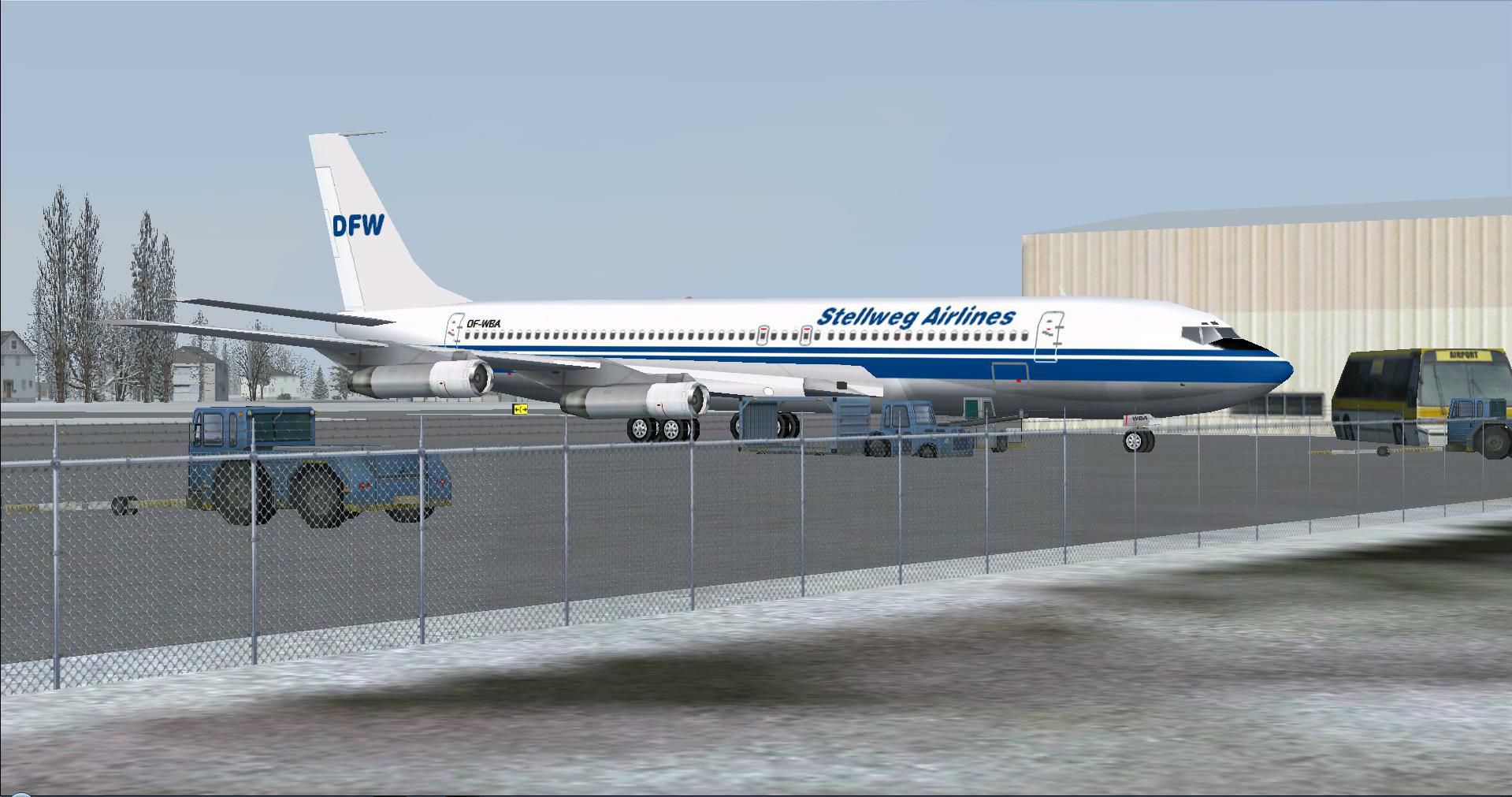
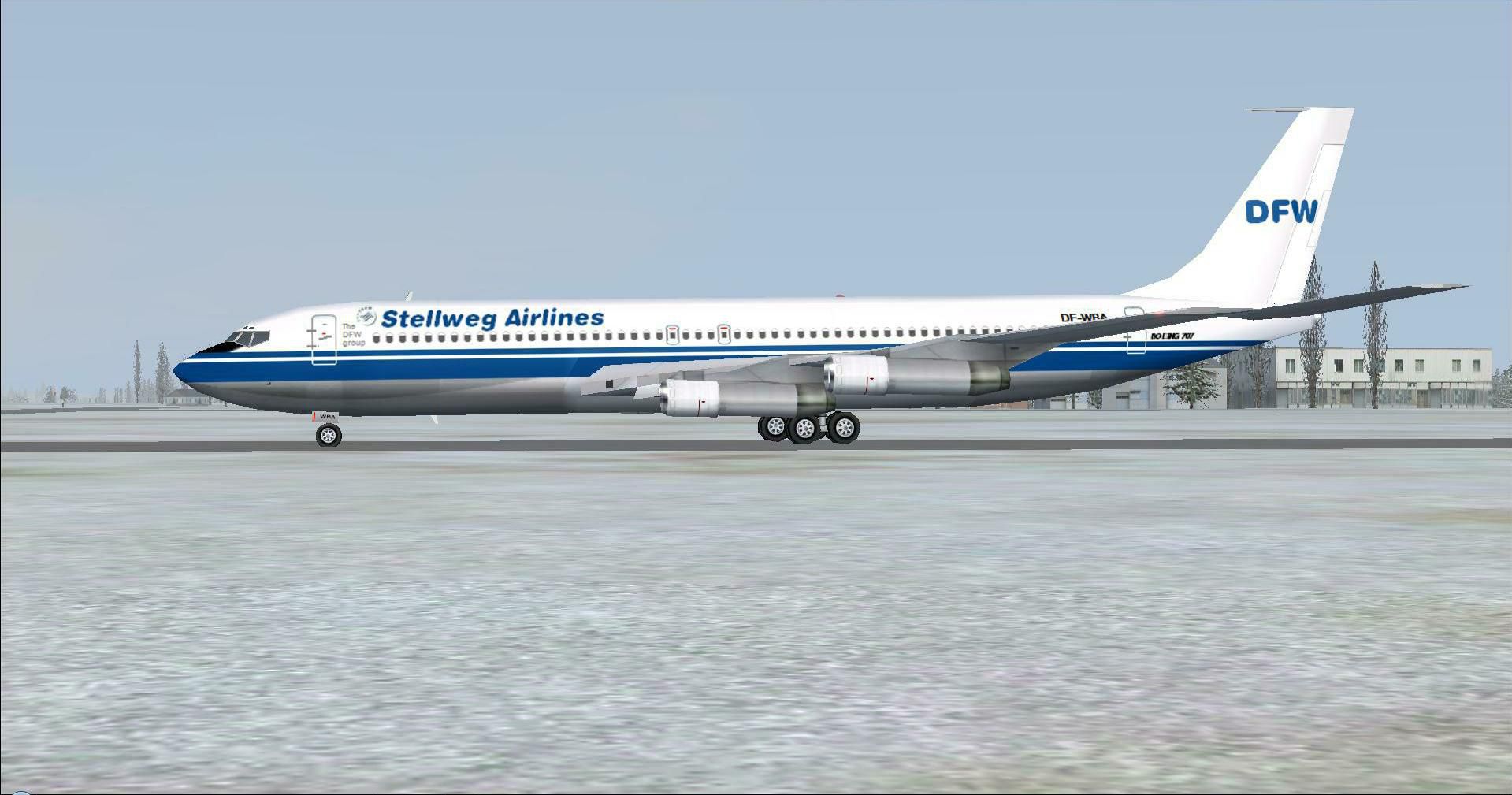
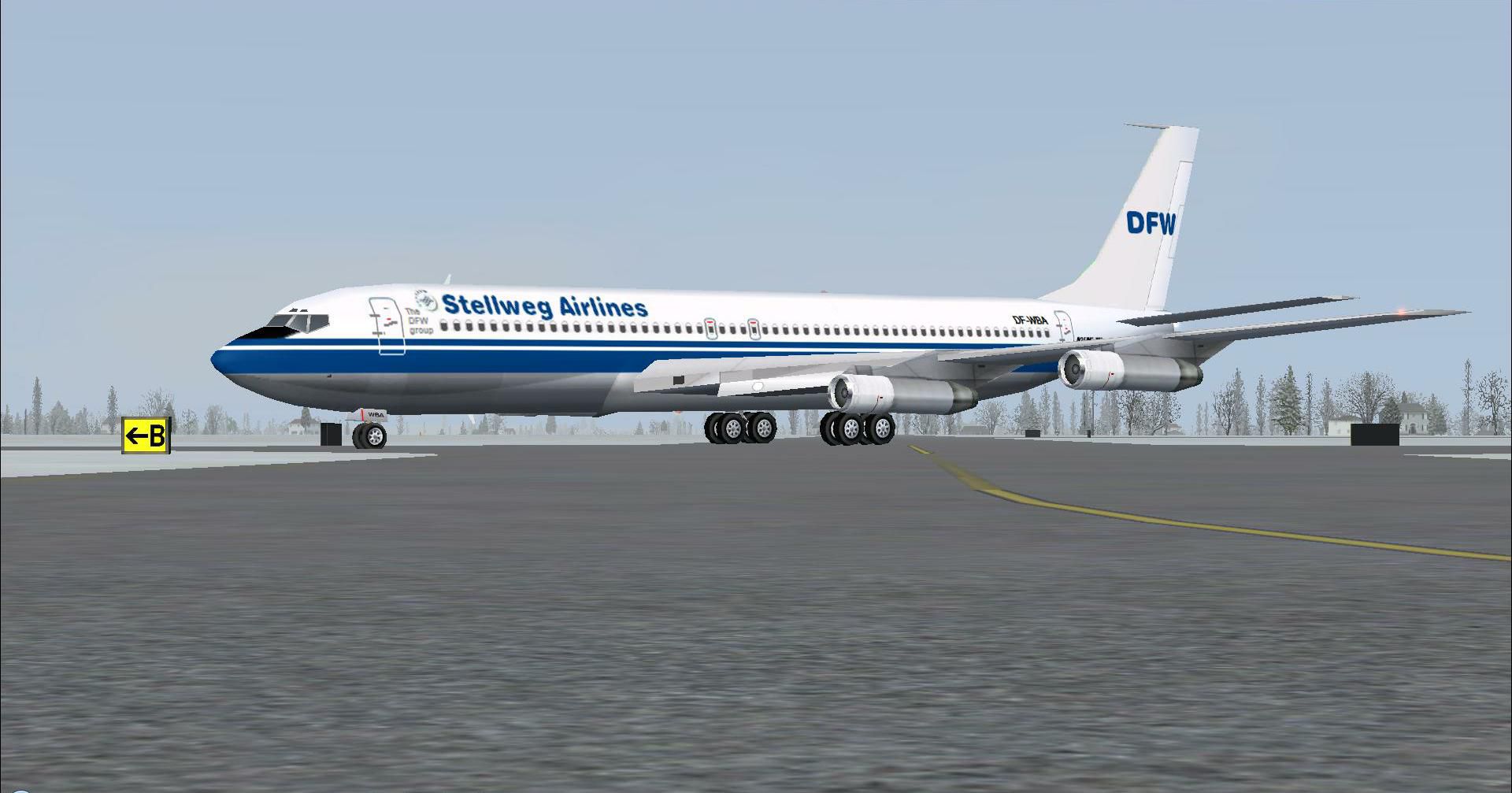
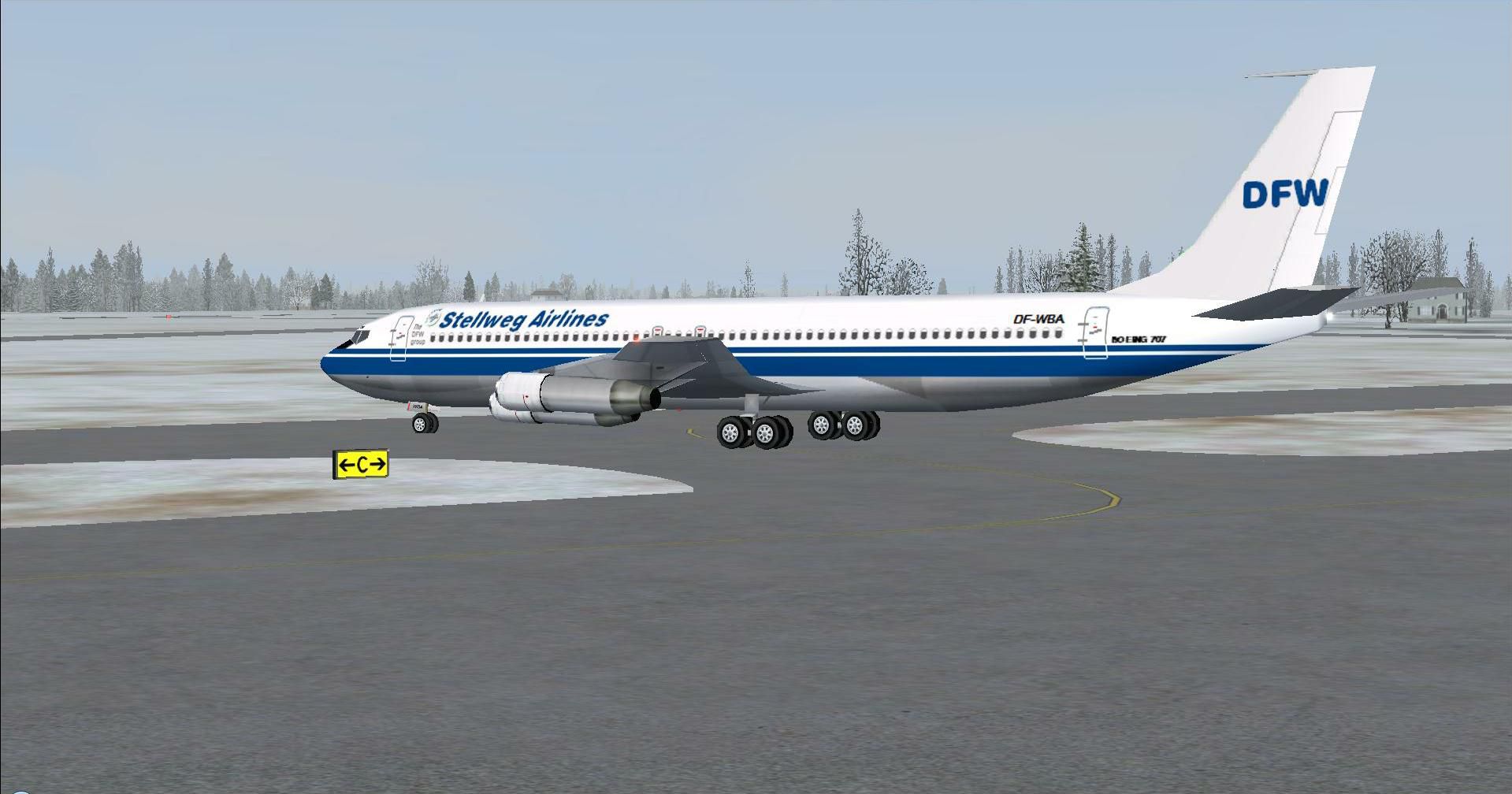
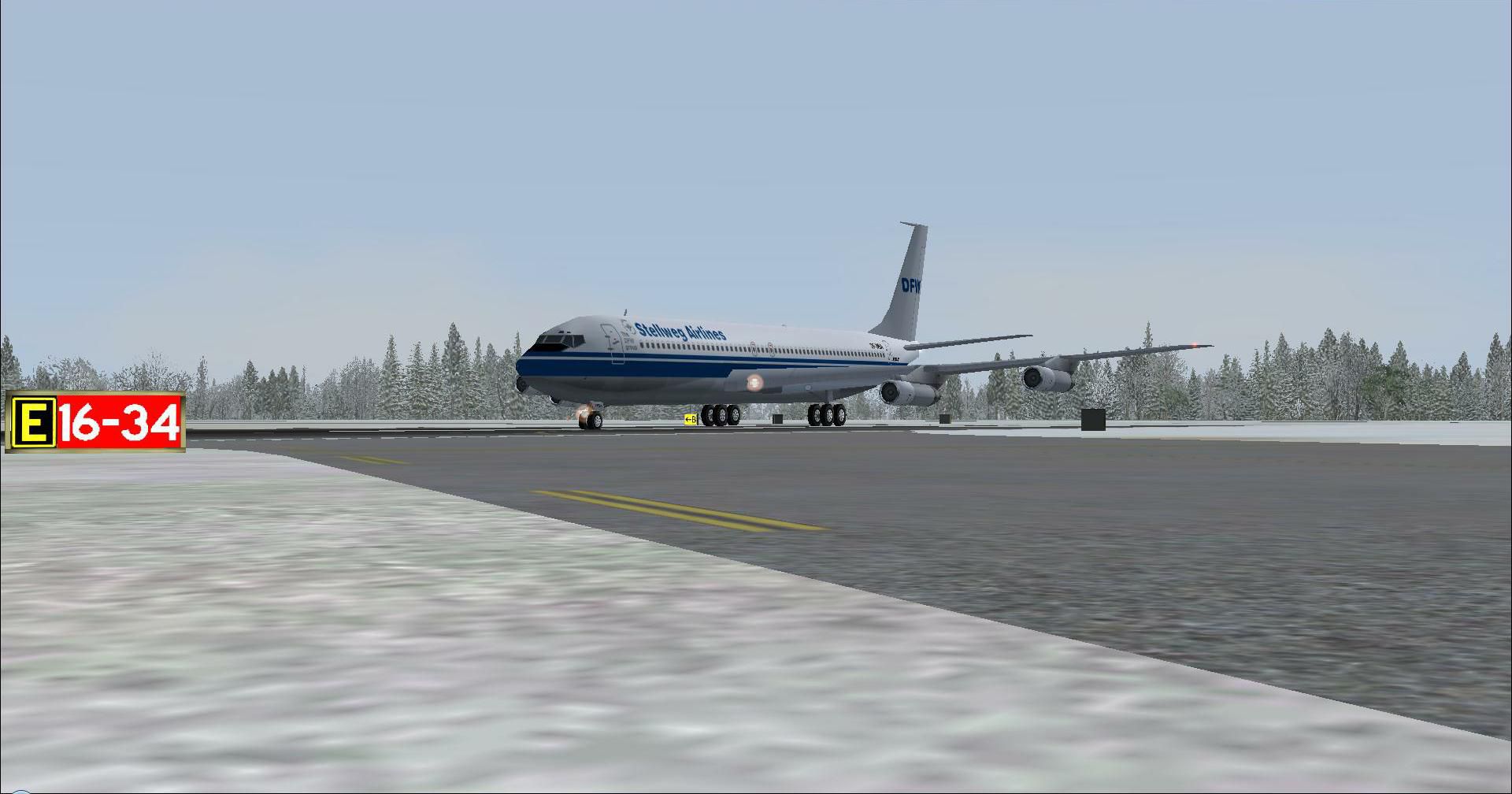
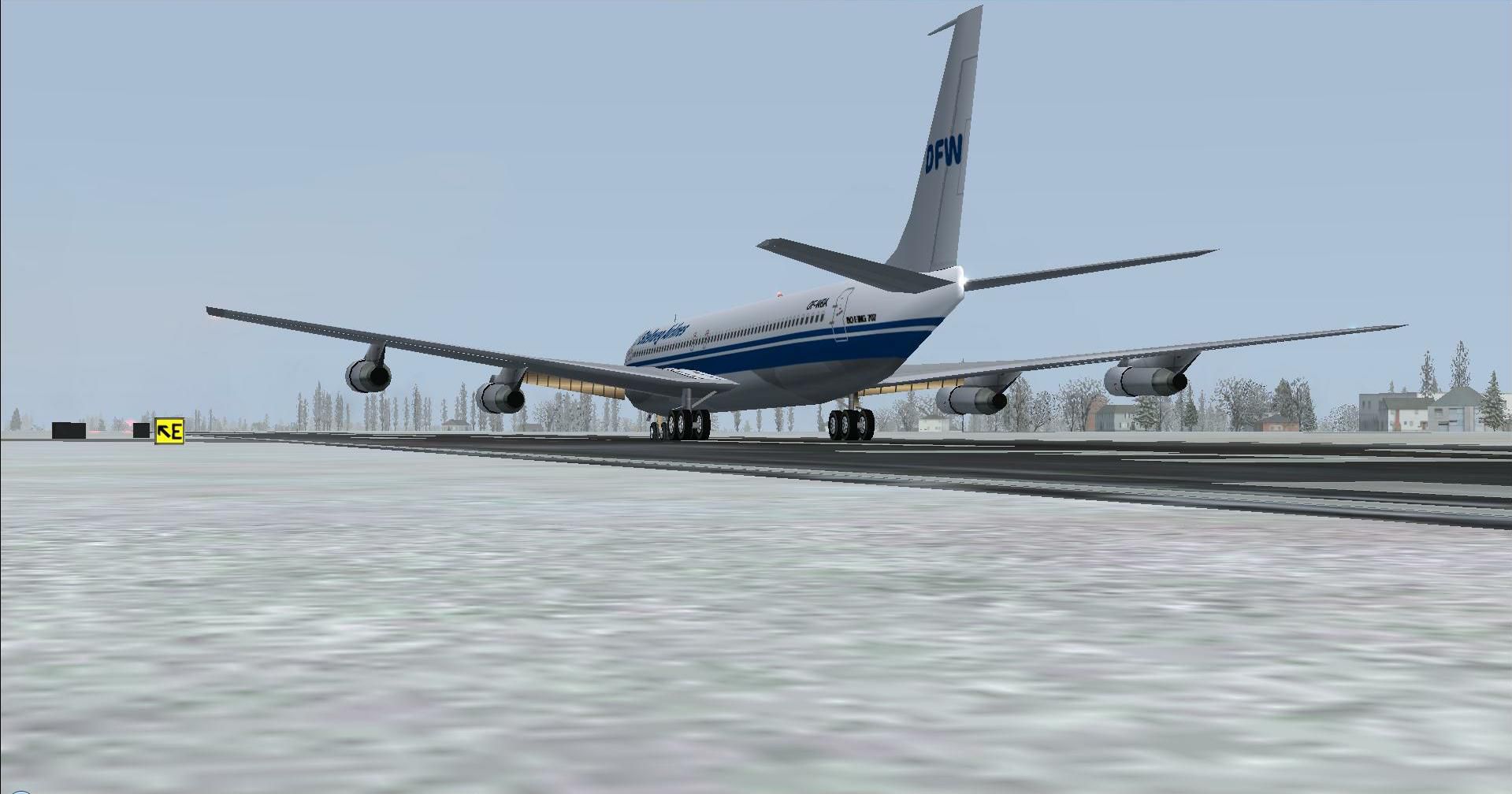
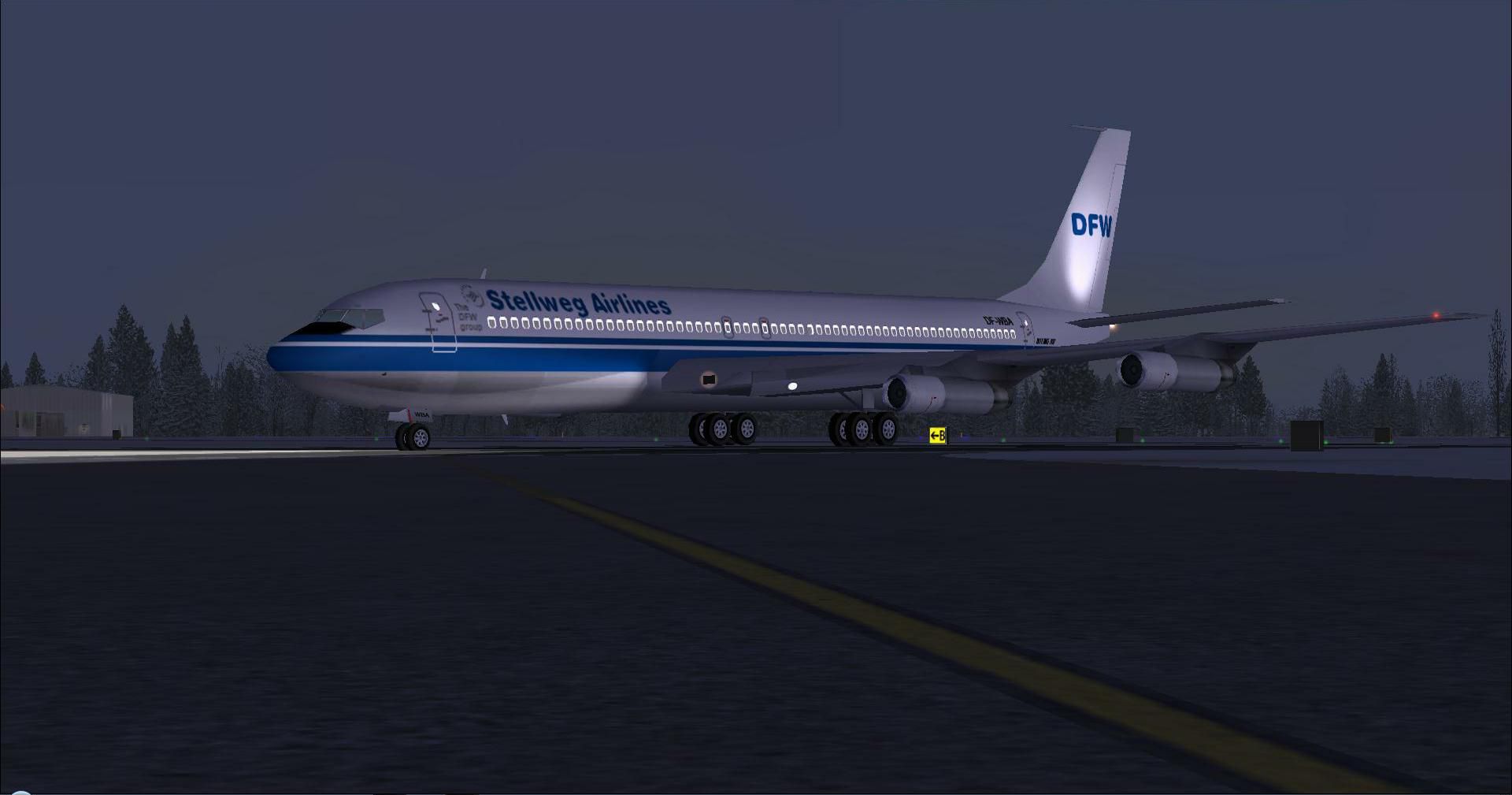
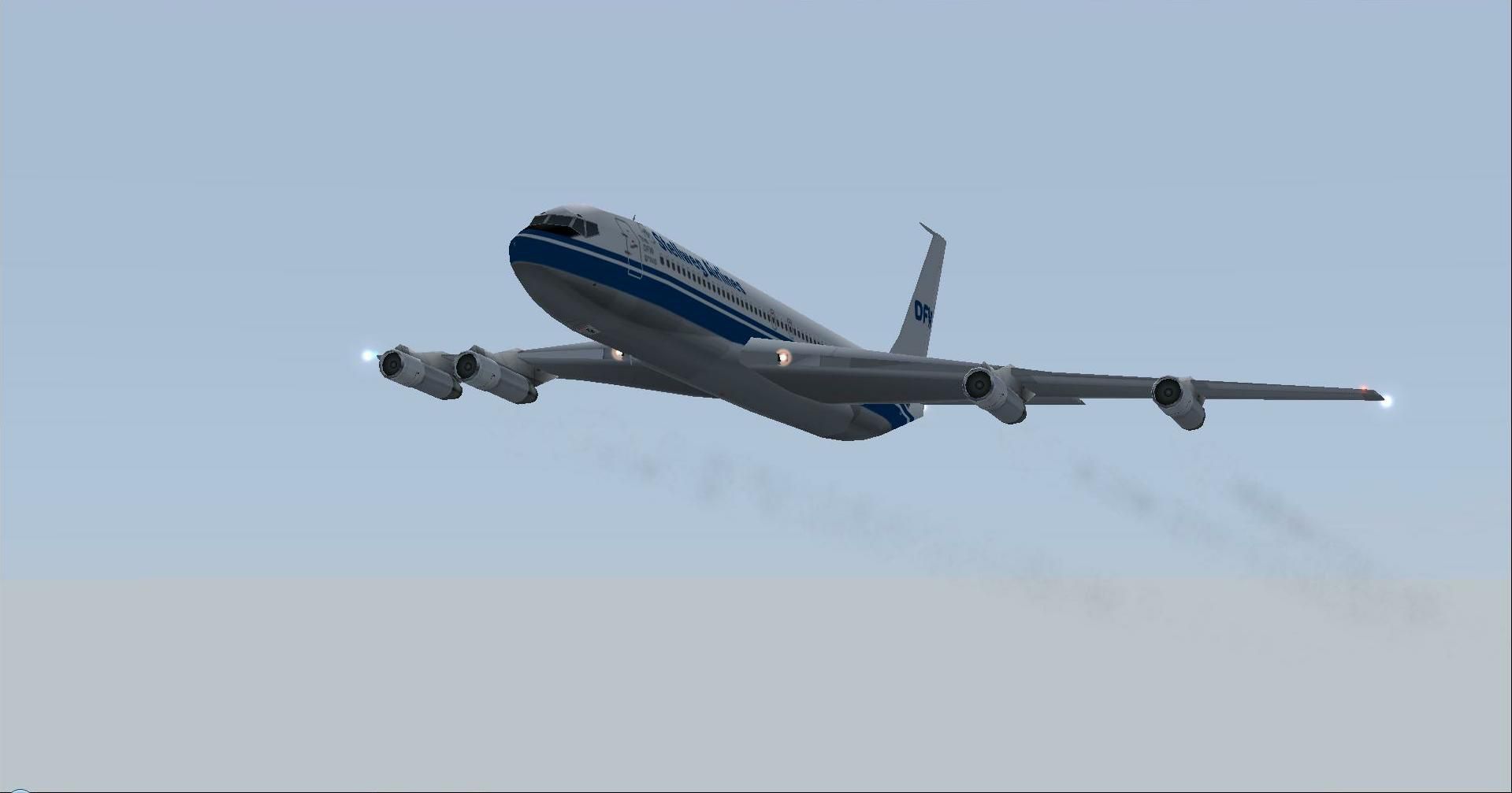
In this package you will find the "DFW"B707-321B DF-WBA, operated by Stellweg Airlines. This is a complete and flyable aircraft with panel and sounds, using the defaults of the B737-800. This shiny B707-321B features extra bright navigation lights and realistic engine exhaust smoke. It also has a customized lightmap for the passenger windows which are all correctly illuminated. The "tell-tail"lights illuminate from the horizontal stabilizer. By The DFW group/Stellweg Airlines/Dee Waldron.
Screenshot of Stellweg Airlines Boeing 707-321B in flight.
Installation:
When finished unpacking and/or dragging, start-up the Flightsimulator X and find this aircraft under manufacturer "Boeing " were this aircraft's thumbnail is shown. Happy landings!
Free for all simmers · 1.58 MB · Scanned clean Oct 2026
Download speed: Free tier is capped at 0.5 Mbps. PRO members download at full line speed.
FSX\SimObjects\Airplanes\. The folder must contain an aircraft.cfg file. Effects go into FSX\Effects\; gauges go into FSX\Gauges\.readme.txt or README file. It tells you exactly where files go, what dependencies are needed, and any quirks specific to this add-on.The archive boeing_b707-321b_stellweg_airlines_df-wba.zip has 29 files and directories contained within it.
This list displays the first 500 files in the package. If the package has more, you will need to download it to view them.
| Filename/Directory | File Date | File Size |
|---|---|---|
| 7.DF-WBA.JPG | 03.18.12 | 59.76 kB |
| Please read me first.txt | 03.18.12 | 3.07 kB |
| Thumbnail.JPG | 03.18.12 | 171.50 kB |
| Aircraft.cfg | 03.18.12 | 20.35 kB |
| Boeing 707-320 AI model.air | 07.22.08 | 8.51 kB |
| boeing707-321C_check.htm | 01.15.07 | 61.90 kB |
| boeing707-321C_ref.htm | 01.15.07 | 46.21 kB |
| model.old | 03.18.12 | 0 B |
| Boeing 707-320 AI model.mdl | 07.22.08 | 471.33 kB |
| Model.cfg | 07.22.08 | 151 B |
| panel | 03.18.12 | 0 B |
| panel.cfg | 02.27.07 | 30 B |
| sound | 03.18.12 | 0 B |
| Sound.cfg | 12.04.11 | 30 B |
| soundai | 03.18.12 | 0 B |
| soundai.cfg | 05.12.06 | 34 B |
| texture.DF-WBA | 03.18.12 | 0 B |
| B707-320.bmp | 03.16.12 | 4.00 MB |
| B707-320_l.bmp | 03.16.12 | 4.00 MB |
| Thumbnail.JPG | 03.18.12 | 171.50 kB |
| fx_smoke_exhaust_TheDFWgroup.fx | 01.04.11 | 5.79 kB |
| 1.DF-WBA.JPG | 03.16.12 | 101.59 kB |
| 2.DF-WBA.JPG | 03.18.12 | 225.81 kB |
| 3.DF-WBA.JPG | 03.18.12 | 161.21 kB |
| 4.DF-WBA.JPG | 03.18.12 | 161.06 kB |
| 5.DF-WBA.JPG | 03.18.12 | 153.65 kB |
| 6.DF-WBA.JPG | 03.18.12 | 150.84 kB |
| flyawaysimulation.txt | 10.29.13 | 959 B |
| Go to Fly Away Simulation.url | 01.22.16 | 52 B |
Only PRO members can place votes.
More FSX & P3D add-ons hand-picked based on this download.
FSX Civil Aircraft
This is a complete and flyable aircraft with panel and sounds, using the defa…
 FSX Civil Aircraft
In this package you will find this FSP MD-11 series DF-WDT, operated by "Stel…
 FSX Civil Aircraft
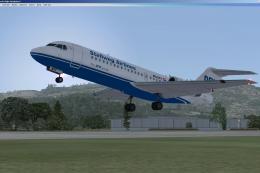
Stellweg Airlines Fokker 70. This is one of the medium range aircraft in the …
 FSX Civil Aircraft
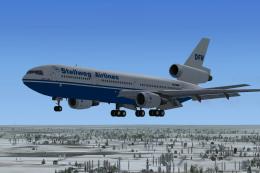
An EvolveAI version of the McDonnell DC-10-30C Stellweg Airlines DF-WDP by Th…
 FSX Civil Aircraft
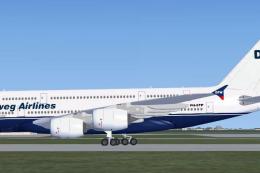
DFW Group Airbus A380-800. This is an Airbus A380-800 aircraft of Stellweg Ai…
 FSX Civil Aircraft
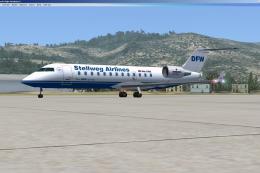
Stellweg Airlines Canadair CRJ-200 for AI. This is one of the medium range ai…
 FSX Civil Aircraft
Stellweg Aircharters McDonnell MD-90. This is a complete AI McDonnell MD90 ai…
 FSX Civil Aircraft
Northwest Orient Airlines Boeing 707-351. A repaint of the Captain Sim B707 i…
Read what other simmers think, or add your own.

What a beautiful sight - a real classic - couldn't get it to turn on Auto-pilot but it is great.....Thank you........Roger.

