

 FSX General Aviation Aircraft
Cessna 177RG "Crossword Flyer"
Cessna 177RG "Crossword Flyer". This is a crossword puzzle repaint of Brett H…
Pizza Flyer BD-5 livery dresses the compact Bede airframe in a playful pizza-delivery scheme with vibrant markings, fictional company graphics, and clean shading that suits both the prop and BD-5J jet variants. Designed for Microsoft Flight Simulator X and FS2004, it requires the freeware BD-5 base aircraft.
 Rate
Rate
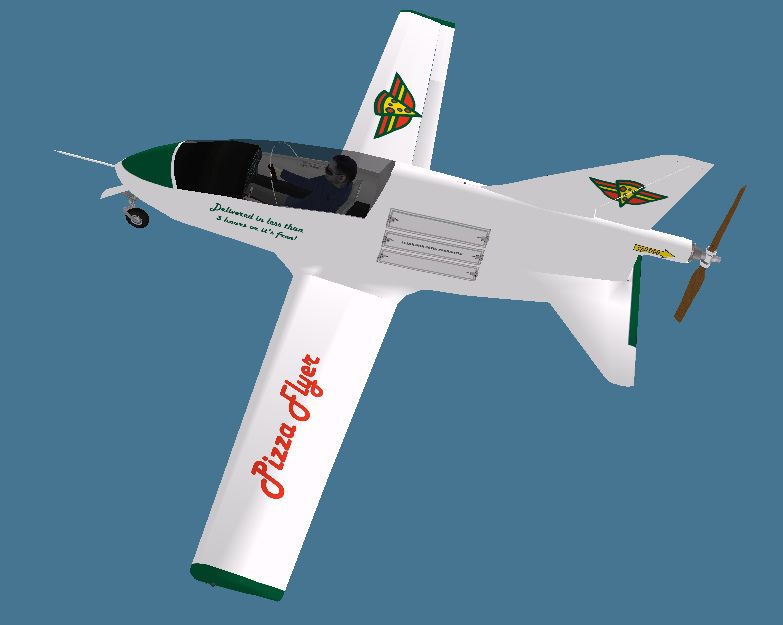
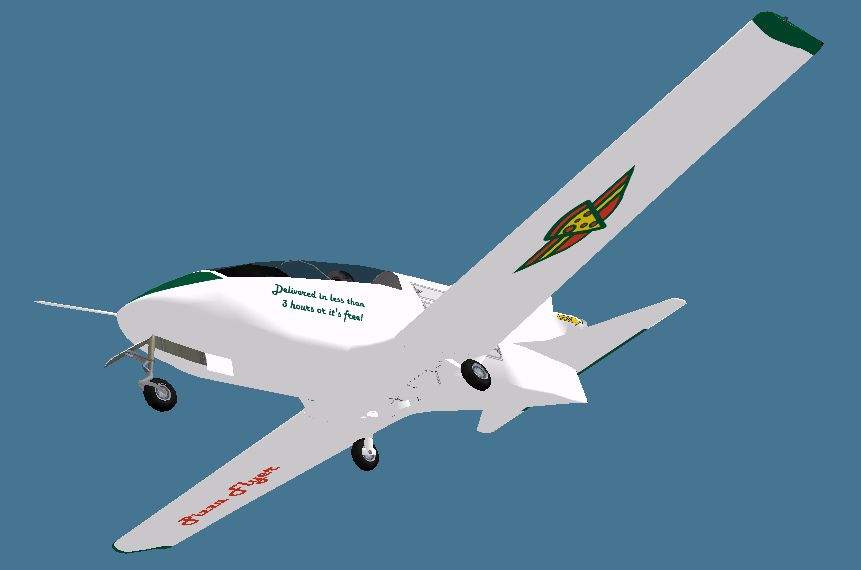
This imaginative livery brings a pizza-themed twist to the freeware BD-5 created by Jez G. The textures, developed by Rick Federmann, are suitable for either the single-engine prop arrangement or the jet-powered setup. This repaint does not include the original aircraft model, so you will need to locate and install the base BD-5—available in the Fly Away Simulation library—before applying these new textures.
The “Pizza Flyer” scheme showcases vibrant markings designed to resemble a pizza-delivery motif while maintaining an authentic look on the BD-5 frame. Small fuselage graphics reference a fictional pizza company, and subtle shading around the airframe blends the coloration seamlessly. Operators who enjoy unique repaints in Microsoft Flight Simulator X or Microsoft Flight Simulator 2004 will find this scheme particularly fun to fly, whether cruising along in prop form or darting through the skies with the jet powerplant.
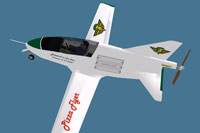
Fictional pizza-inspired repaint showcased on the BD-5 airframe.
The BD-5 is a compact homebuilt aircraft designed by the Bede Aircraft Corporation. Its lightweight construction and sleek profile make it nimble in flight. In its jet-powered BD-5J form, it offers a remarkable thrust-to-weight ratio, while the prop variant is equally notable for its simplified maintenance and straightforward handling. Both versions share a tight cockpit layout that enhances a pilot’s sense of immersion. This add-on leverages the BD-5’s minimalistic fuselage as a canvas for a playful pizza-delivery theme.
texture.PizzaFlyer folder in either the BD-5 or BD-5J aircraft folder (or both if you plan on using both models).aircraft.cfg file.aircraft.cfg first. This ensures you can revert if needed.aircraft.cfg file using a text editor such as Windows Notepad (avoid word processors for this task).[fltsim.x] entry. Duplicate its structure for a new [fltsim.x] section and replace x with the next sequential number (e.g., [fltsim.3] if the last one is [fltsim.2]).[fltsim.x] title=BD-5 Pizza Flyer sim=BD-5 model= panel= sound= texture=PizzaFlyer kb_checklists= kb_reference= atc_id= ui_manufacturer="Bede" ui_type="BD-5" ui_variation="Pizza Flyer" ui_typerole="Single Engine Prop" ui_createdby="Bede" description=
[fltsim.x]
title=BD-5J Pizza Flyer
sim=BD-5J
model=
panel=
sound=
texture=PizzaFlyer
kb_checklists=
kb_reference=
atc_id=
ui_manufacturer="Bede"
ui_type="BD-5J"
ui_variation="Pizza Flyer"
ui_typerole="Single Engine Jet"
ui_createdby="Bede"
description=
aircraft.cfg file.thumbnail.jpg image helps the simulator display a small preview of the aircraft. Within the texture.PizzaFlyer folder, rename either thumbnail-jet.jpg or thumbnail-prop.jpg to thumbnail.jpg depending on which variant you have installed.With the modifications above, your fictional pizza-delivery repaint will be ready for flight. Both the prop-driven and jet-powered BD-5 implementations benefit from this colorful livery, offering a distinct visual flair during your virtual missions. Credits go to Jez G for the freeware BD-5 model and Rick Federmann for this creative texture set.
Free for all simmers · 2.48 MB · Scanned clean Oct 2026
Download speed: Free tier is capped at 0.5 Mbps. PRO members download at full line speed.
texture.{airline}) inside FSX\SimObjects\Airplanes\{base-aircraft}\.aircraft.cfg in Notepad. Add a new [fltsim.X] section per the readme.readme.txt or README file. It tells you exactly where files go, what dependencies are needed, and any quirks specific to this add-on.The archive bd5_pizzaflyer_textures.zip has 26 files and directories contained within it.
This list displays the first 500 files in the package. If the package has more, you will need to download it to view them.
| Filename/Directory | File Date | File Size |
|---|---|---|
| Instructions.txt | 03.08.14 | 2.81 kB |
| $vc | 11.21.13 | 768.05 kB |
| $vca | 11.21.13 | 768.05 kB |
| $vcb | 11.21.13 | 768.05 kB |
| $vcc | 11.21.13 | 768.05 kB |
| cp_32.bmp | 11.21.13 | 1.33 MB |
| cp2_32.bmp | 11.21.13 | 1.33 MB |
| cp3.bmp | 03.08.14 | 1.33 MB |
| dash_32.bmp | 11.21.13 | 1.33 MB |
| fuse1_32.bmp | 03.08.14 | 5.33 MB |
| glass.bmp | 11.21.13 | 85.43 kB |
| glass2.bmp | 11.21.13 | 85.43 kB |
| parts_32.bmp | 03.08.14 | 5.33 MB |
| prop.bmp | 11.21.13 | 1.33 MB |
| Proptbmp | 11.21.13 | 86.39 kB |
| thumbnail.jpg | 03.08.14 | 63.06 kB |
| thumbnail-jet.jpg | 03.08.14 | 54.69 kB |
| thumbnail-prop.jpg | 03.08.14 | 63.06 kB |
| wingsB-32.bmp | 03.08.14 | 5.33 MB |
| wingsT_32.bmp | 03.08.14 | 5.33 MB |
| thumbnail-jet.jpg | 03.08.14 | 54.69 kB |
| thumbnail-prop.jpg | 03.08.14 | 63.06 kB |
| BD5_PizzaFlyer_Textures.gif | 03.13.14 | 3.63 kB |
| FILE_ID.DIZ | 03.13.14 | 221 B |
| flyawaysimulation.txt | 10.29.13 | 959 B |
| Go to Fly Away Simulation.url | 01.22.16 | 52 B |
Only PRO members can place votes.
More FSX & P3D add-ons hand-picked based on this download.
FSX General Aviation Aircraft
Cessna 177RG "Crossword Flyer". This is a crossword puzzle repaint of Brett H…
 FSX General Aviation Aircraft
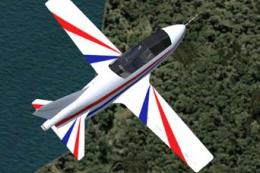
The BD-5 Home Built Experimental aircraft collection featuring a new Prop ver…
 FSX General Aviation Aircraft
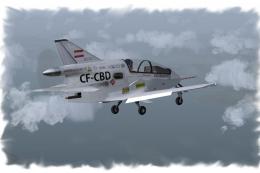
A private livery for the payware Iris Bede BD-5G model. By Colin Sefton. Scre…
 FSX General Aviation Aircraft
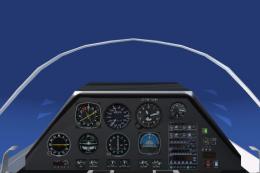
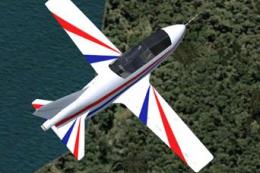
Red and blue repaint of the BD5 by "Jez G". This file includes the complete a…
 FSX General Aviation Aircraft
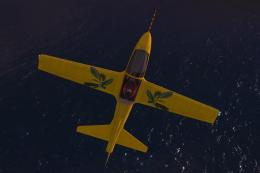
The BD5 design is challenging to fly. This package provides easy tweaks for t…
 FSX General Aviation Aircraft
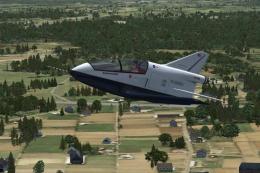
"Ice Tea" BD-5J fictional skin. A fictional repaint of "Ice Tea" for the Iris…
 FSX General Aviation Aircraft
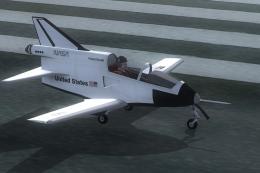
These are repaints for the Iris BD5 Microjet payware model. This package cont…
 FSX General Aviation Aircraft
Textures only for the payware Iris BD-5J. Repaint by Todd Disrud. Screenshot …
Be the first to leave a comment on this download.
Be the first to share your thoughts on this download.