

 FSX Military Aircraft
Chile Air Force Mirage III
Chile Air Force Mirage III. Mirage 50CN "Pantera" Grupo de Aviacion No.4 Punt…
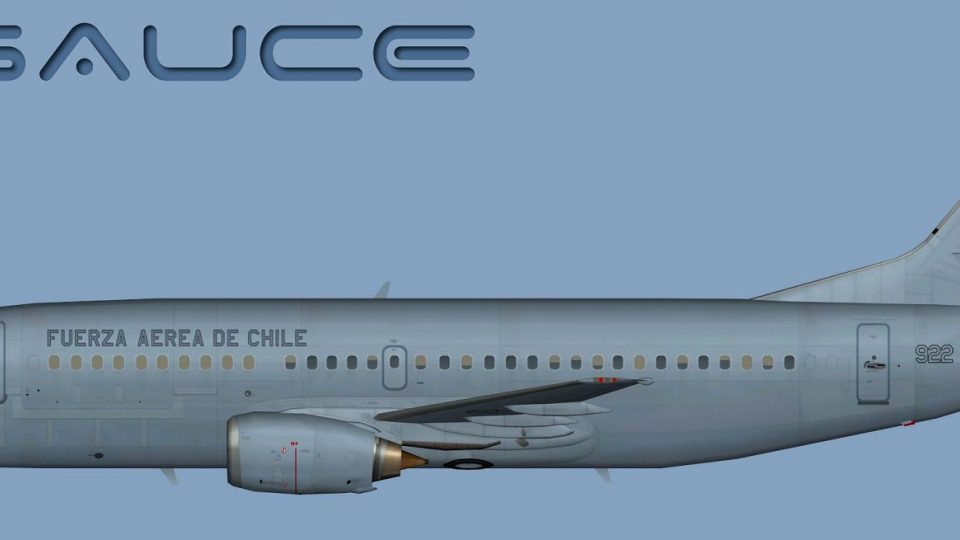
Chile Air Force Boeing 737-300LL livery brings authentic Fuerza Aérea de Chile markings to the FAIB 737-300 AI model, with crisp textures suited to both passenger and logistics traffic. Built for FSX and designed for seamless AI integration, it requires the FAIB_B7373V11 base package while preserving a clean, detailed appearance across supported formats.
 Rate
Rate
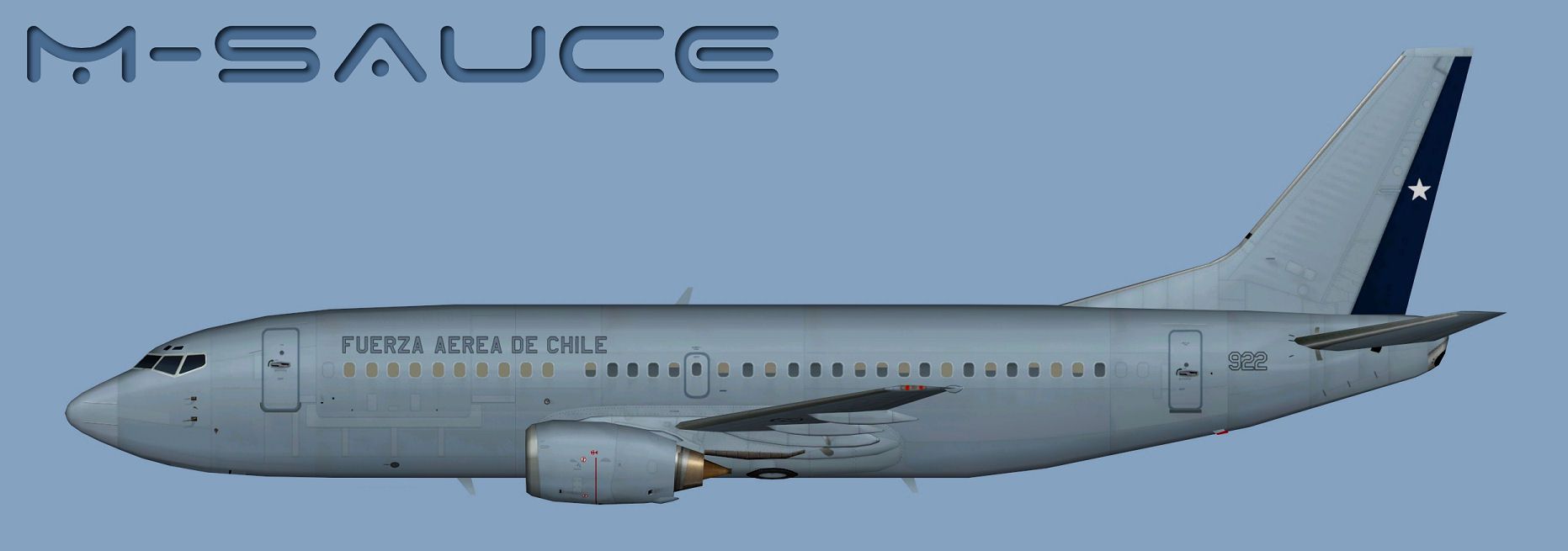
This comprehensive freeware repaint introduces the Chile Air Force’s Boeing 737-300LL, meticulously crafted for the FAIB B737-300 base model (FAIB_B7373V11.ZIP). Developed by Mariano Bonaccorso, it reflects the official markings used by the Fuerza Aérea de Chile on this variant. Please note that the main aircraft package from FSX AI Bureau is essential for correct functionality. This repaint is offered at no cost and provides compatibility across multiple simulator formats while retaining a detailed appearance.
Profile view of Chile Air Force Boeing 737-300LL.
[Boeing 737-300LL] refers to the 737-300 variant configured for advanced lighting configurations (often designated “LL” for logo light or similar features), used in both passenger and logistical roles by the Chilean Air Force.
aircraft.cfg) and include the bracketed entry below. Replace the “X” in [fltsim.X] with the next available number in your sequence.[fltsim.X]
title=AI B733LL FACH
sim=FAIB_7373
model=logolight
texture=FACH
atc_airline=CHILE AIR FORCE
atc_parking_codes=M003
atc_parking_types=MIL_CARGO
ui_manufacturer=Boeing
ui_type=B737-300LL
ui_variation=Chile Air Force
description=AI Aircraft from AIA
When refining texture entries or making custom changes, consult the flight simulator’s aircraft container documentation to ensure correct references for your setup. If you’re unsure about these steps, review the SDK guidelines and any additional notes provided with the FAIB model.
By using this repaint, you’ll experience the Chile Air Force’s unique color scheme and insignia in a realistic AI traffic environment. The Boeing 737-300LL has long served multiple roles, reflecting the adaptability of the 737 series in military applications, and this repaint aims to capture those real-world details. It integrates seamlessly with flight paths based on your traffic plans, adding immersion to your simulator scenarios.
Credit goes to Mariano Bonaccorso for constructing and fine-tuning this livery. If you are seeking to expand your AI fleet, remember that this texture set offers a faithful representation of FACH aircraft while still allowing plenty of performance headroom in FSX or FS9 environments. Enjoy applying it to your virtual skies, and always back up any original files when making changes to avoid potential conflicts.
Free for all simmers · 6.94 MB · Scanned clean Oct 2026
Download speed: Free tier is capped at 0.5 Mbps (this file takes approximately 2 mins at the cap). PRO members download at full line speed.
texture.{airline}) inside FSX\SimObjects\Airplanes\{base-aircraft}\.aircraft.cfg in Notepad. Add a new [fltsim.X] section per the readme.readme.txt or README file. It tells you exactly where files go, what dependencies are needed, and any quirks specific to this add-on.The archive faib_b733ll_fach.zip has 13 files and directories contained within it.
This list displays the first 500 files in the package. If the package has more, you will need to download it to view them.
| Filename/Directory | File Date | File Size |
|---|---|---|
| FAIB_737_300_L.dds | 11.30.13 | 5.33 MB |
| FAIB_737_300_T.dds | 11.30.13 | 5.33 MB |
| FS9 | 11.30.13 | 0 B |
| FAIB_737_300_L.bmp | 11.30.13 | 1.33 MB |
| FAIB_737_300_T.bmp | 11.30.13 | 682.74 kB |
| Targas | 11.30.13 | 0 B |
| FACH_T.tga | 11.30.13 | 16.00 MB |
| FS9_FACH_T.tga | 11.30.13 | 4.00 MB |
| Installation.txt | 11.30.13 | 1.84 kB |
| Preview.jpg | 11.30.13 | 95.27 kB |
| Thumbnail.png | 11.30.13 | 5.15 kB |
| flyawaysimulation.txt | 10.29.13 | 959 B |
| Go to Fly Away Simulation.url | 01.22.16 | 52 B |
Only PRO members can place votes.
More FSX & P3D add-ons hand-picked based on this download.
FSX Military Aircraft
Chile Air Force Mirage III. Mirage 50CN "Pantera" Grupo de Aviacion No.4 Punt…
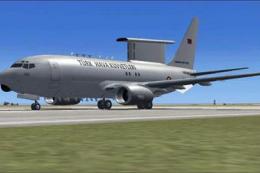 FSX Military Aircraft
FSX Turkish Air Force AWACS Boeing 737-700 "Peace Eagle" (Baris Kartali). Mod…
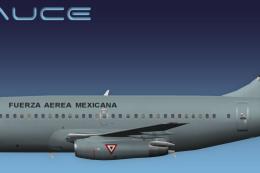 FSX Military Aircraft
This is the Mexican Air Forces B737-200 for the model by FSX AI Bureau (FAIB_…
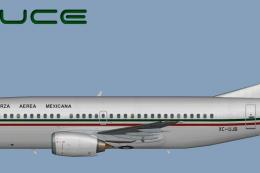 FSX Military Aircraft
This is the Mexican Air Force B737-300 for the model by FSX AI Bureau (FAIB_B…
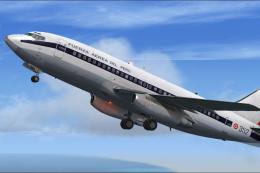 FSX Military Aircraft
Textures only for the payware model from Captain Sim. By Wilson Prado. Screen…
 FSX Military Aircraft
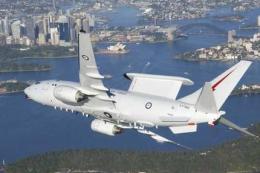
FSX Royal Australian Air Force Boeing 737-700WT "Wedgetail". Model by Project…
 FSX Military Aircraft
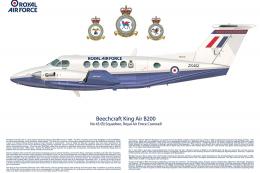
Royal Air Force Beechcraft King Air. A RAF texture for the default King Air. …
 FSX Military Aircraft
Repaint of the Project Open Sky B757-200 in USAF livery, registration 90004, …
Be the first to leave a comment on this download.
Be the first to share your thoughts on this download.