

 FSX Military Aircraft
Mexican Air Force Boeing 737-300
This is the Mexican Air Force B737-300 for the model by FSX AI Bureau (FAIB_B…
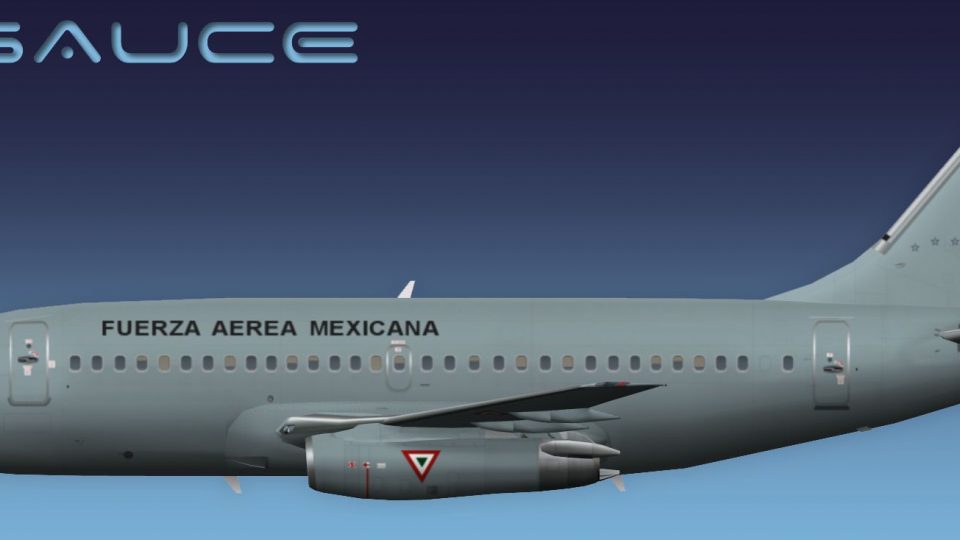
Mexican Air Force Boeing 737-200 livery brings authentic military markings to the FAIB AI model in FSX, supplied as DXT5 textures with optional MIPs and a custom lightmap for clean nighttime detail. Designed for traffic use, it requires the FAIB_B7372 base package and integrates seamlessly into flightplan-based AI operations.
 Rate
Rate
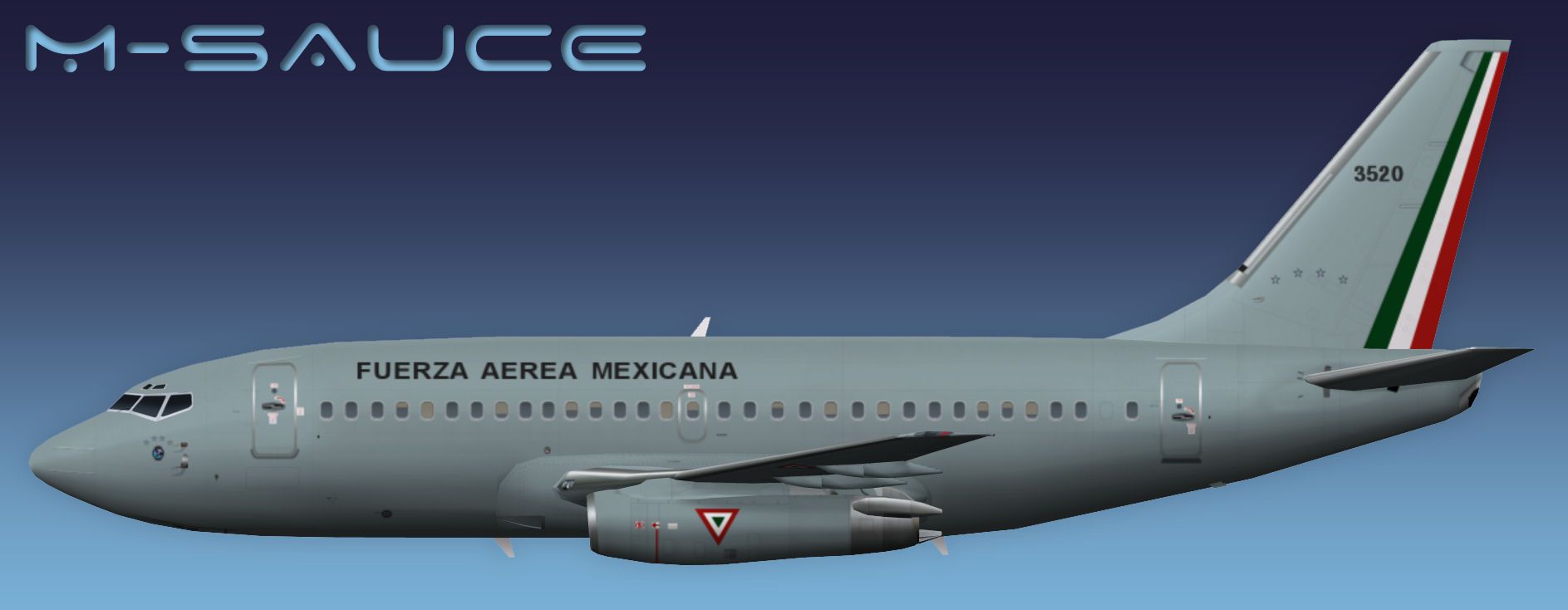
This is the Mexican Air Forces B737-200 for the model by FSX AI Bureau (FAIB_B7372.ZIP). Textures included in DXT5 format (with or without MIPs) - custom lightmap also included. By Mariano Bonaccorso.
Side profile of Mexican Air Force Boeing 737-200.
This is an AI aircraft and will NOT BE VISIBLE in the aircraft selection window in flight simulator. However if you want it to be visible in the aircraft selection window, you have to edit the "FAIB_7372.air" file with the program "AirEd" ("aired.zip"), change "Aircraft Type" from "2" to "0".
Installation:
Free for all simmers · 2.28 MB · Scanned clean Oct 2026
Download speed: Free tier is capped at 0.5 Mbps. PRO members download at full line speed.
This file is a repaint — the package below is the base model it paints onto. Install it first, or the textures will have nothing to load onto.
texture.{airline}) inside FSX\SimObjects\Airplanes\{base-aircraft}\.aircraft.cfg in Notepad. Add a new [fltsim.X] section per the readme.readme.txt or README file. It tells you exactly where files go, what dependencies are needed, and any quirks specific to this add-on.The archive faib_b732_fam_fsx.zip has 11 files and directories contained within it.
This list displays the first 500 files in the package. If the package has more, you will need to download it to view them.
| Filename/Directory | File Date | File Size |
|---|---|---|
| FAIB_737_200_AlwaysOn_L.bmp | 03.27.12 | 4.07 kB |
| FAIB_737_200_L.bmp | 05.08.12 | 4.00 MB |
| FAIB_737_200_T.bmp | 05.08.12 | 5.33 MB |
| NO MIPS | 05.08.12 | 0 B |
| FAIB_737_200_T.bmp | 05.08.12 | 4.00 MB |
| Preview.jpg | 05.08.12 | 104.19 kB |
| Thumbnail.png | 05.08.12 | 6.59 kB |
| fltsim.txt | 05.08.12 | 397 B |
| ReadMe.txt | 05.08.12 | 3.33 kB |
| flyawaysimulation.txt | 10.29.13 | 959 B |
| Go to Fly Away Simulation.url | 01.22.16 | 52 B |
Only PRO members can place votes.
More FSX & P3D add-ons hand-picked based on this download.
FSX Military Aircraft
This is the Mexican Air Force B737-300 for the model by FSX AI Bureau (FAIB_B…
 FSX Military Aircraft
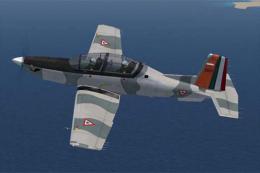
A Fuerza Aerea Mexicana (Mexican Air Force) T6 Texan II, EMAATFA texture. Tex…
 FSX Military Aircraft
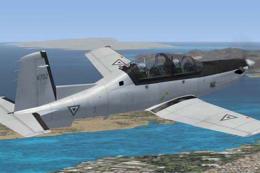
A Fuerza Aerea Mexicana (Mexican Air Force) T-6 Texan II, fictional gray text…
 FSX Military Aircraft
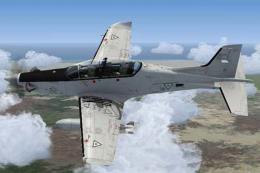
A Fuerza Aerea Mexicana (Mexican Air Force) Pilatus PC21 ficticious repaint. …
 FSX Military Aircraft
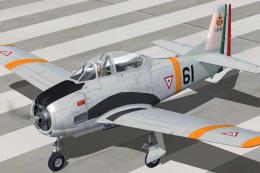
This add-on delivers a detailed repaint for the venerable T-28A Trojan in ser…
 FSX Military Aircraft
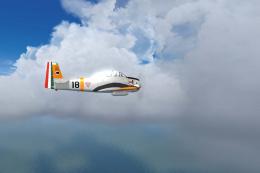
The Mexican Air Force T-28A Trojan expansion for Microsoft Flight Simulator X…
 FSX Military Aircraft
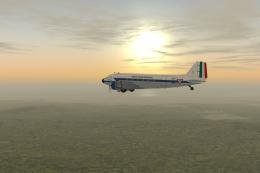
Fuerza Aerea Mexicana (Mexican Air Force) Douglas C47, Escuadron de Transport…
 FSX Military Aircraft
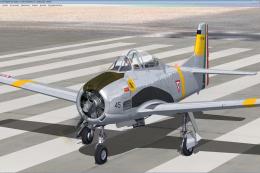
Fuerza Aerea Mexicana (Mexican Air Force) T-28A Trojan, EA201. Textures only …
Be the first to leave a comment on this download.
Be the first to share your thoughts on this download.