

 FSX Military Aircraft
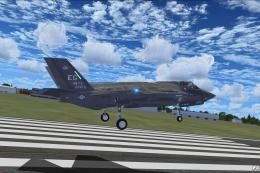
Lockheed Martin F-35 Lightning II
The F35 Lightning II is a fifth-generation, single-seat, single-engine stealt…
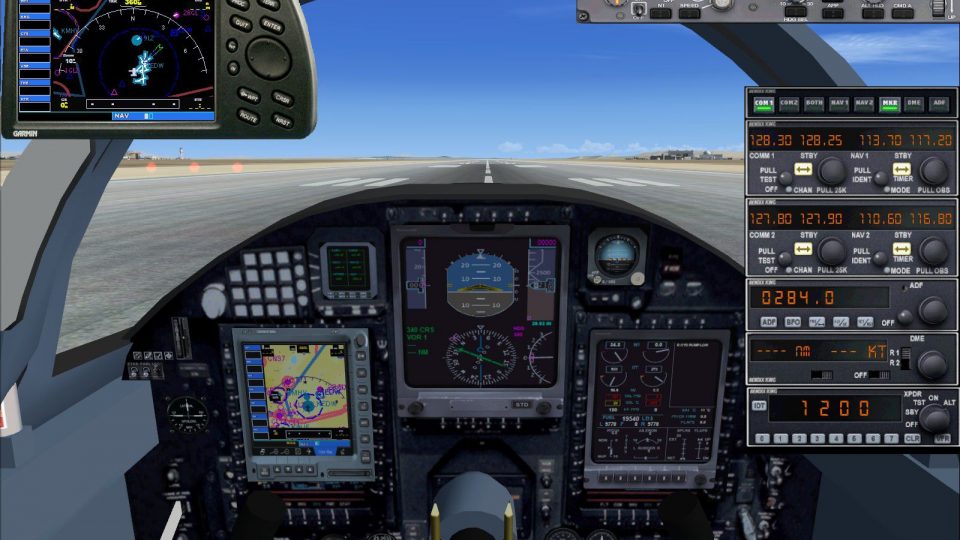
Lockheed U-2S “Dragon Lady” brings ultra-high-altitude reconnaissance flying to FSX with an authentic virtual cockpit and 2D panel, upgraded with added gauges plus FSX-ready EICAS and PFD sized to their frames. Updated smoke effects and refined configuration enhance day or night all-weather missions at the U-2’s 70,000-foot operating realm.
 Rate
Rate
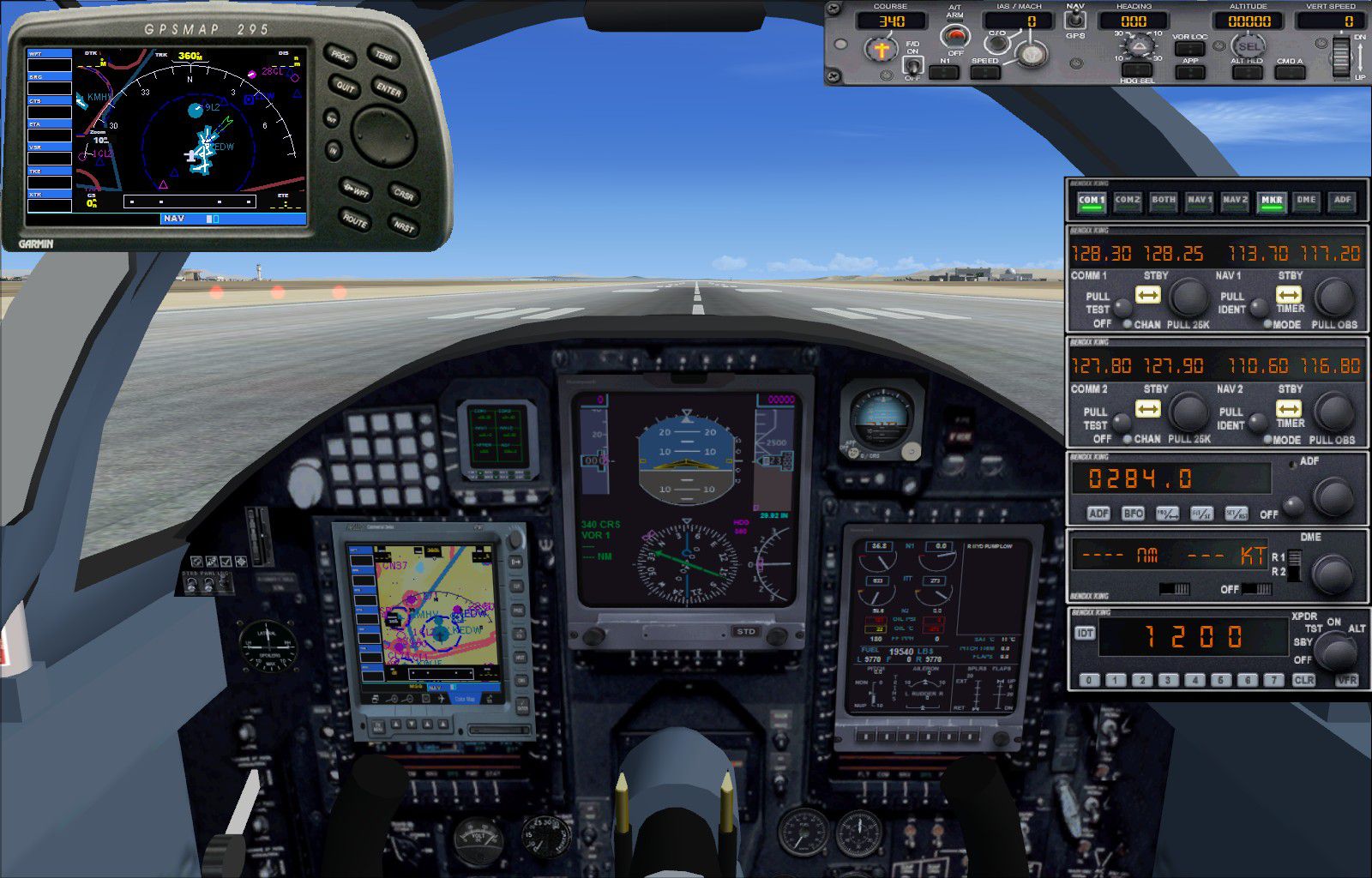
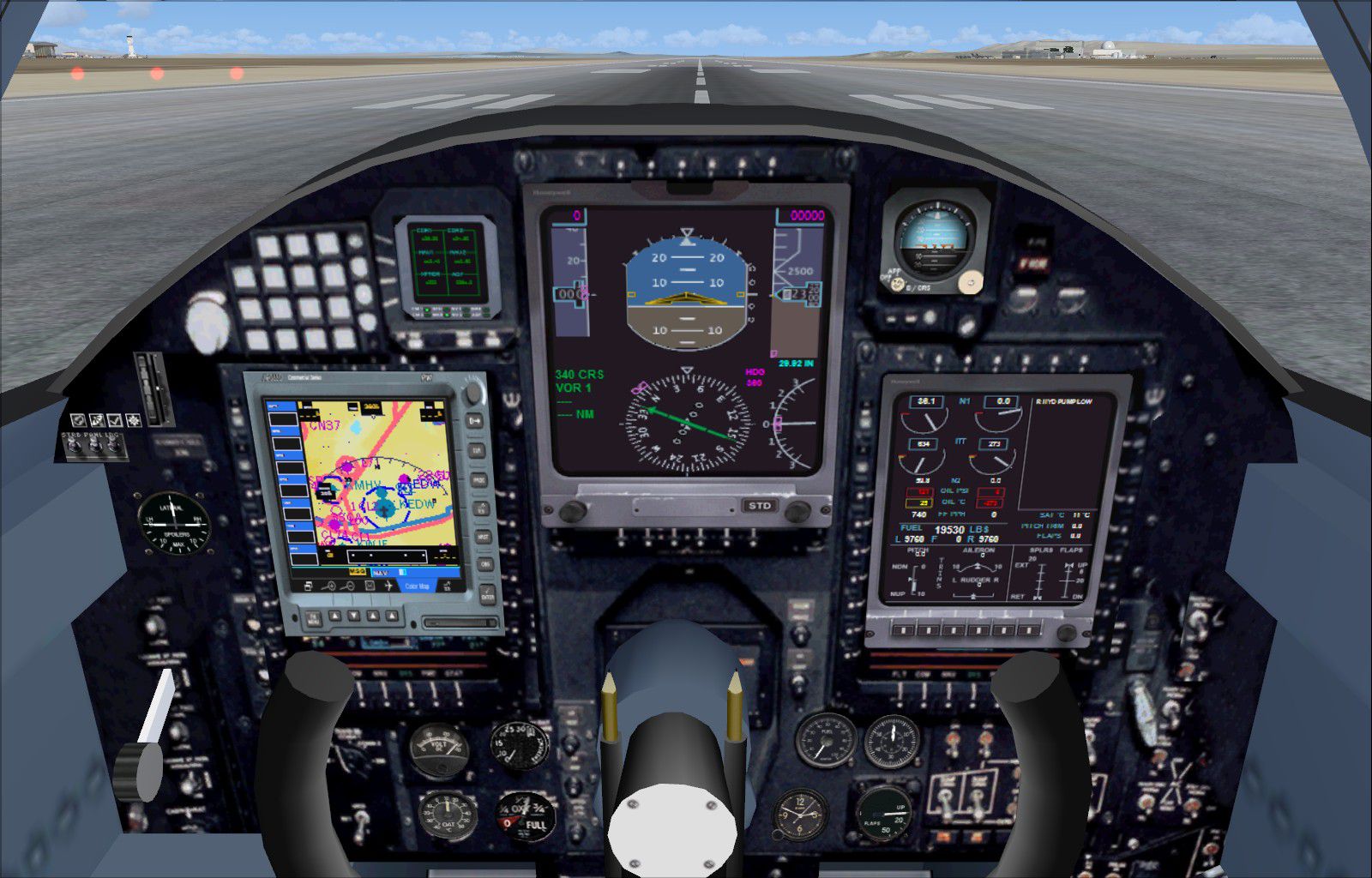
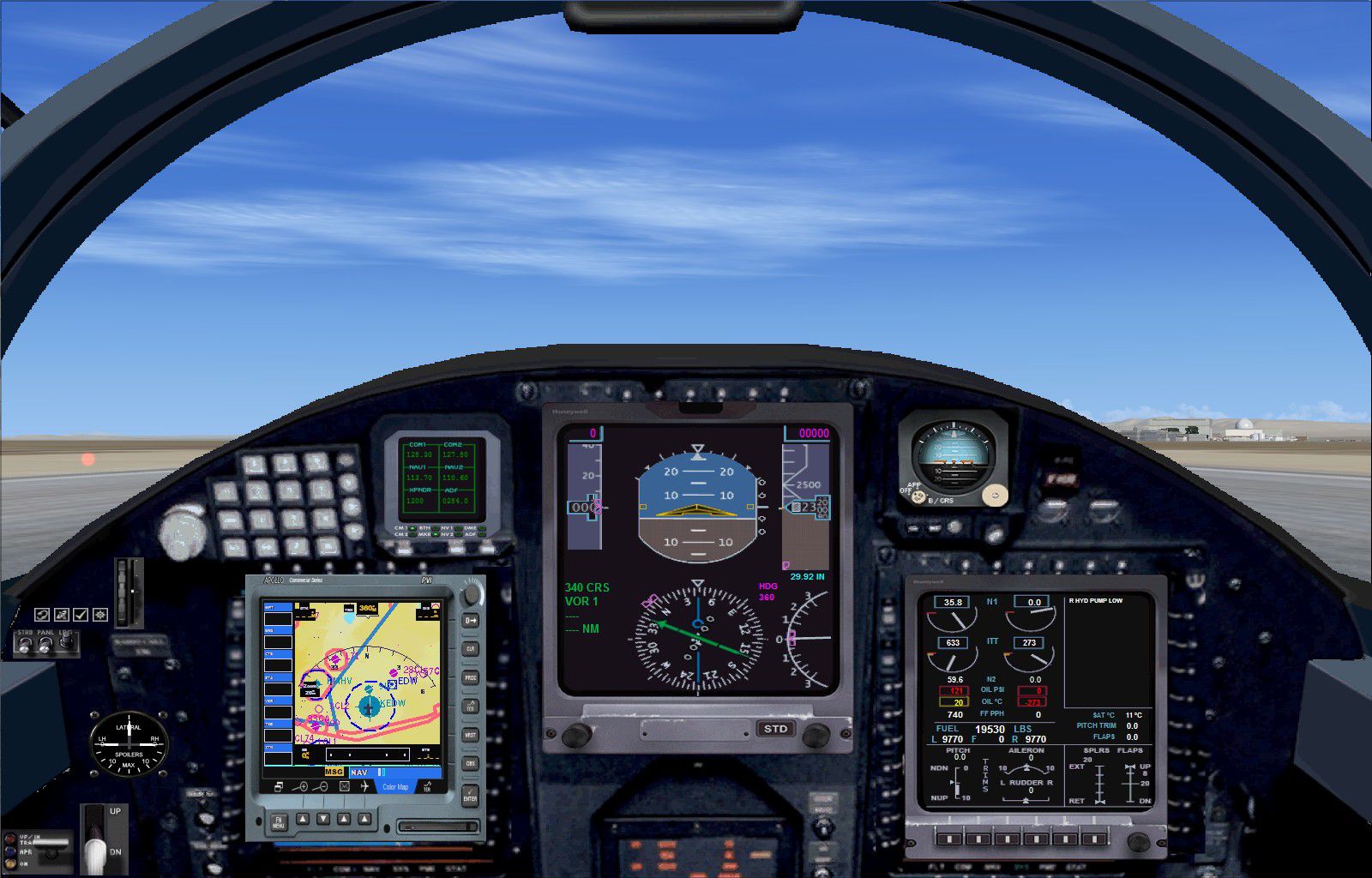
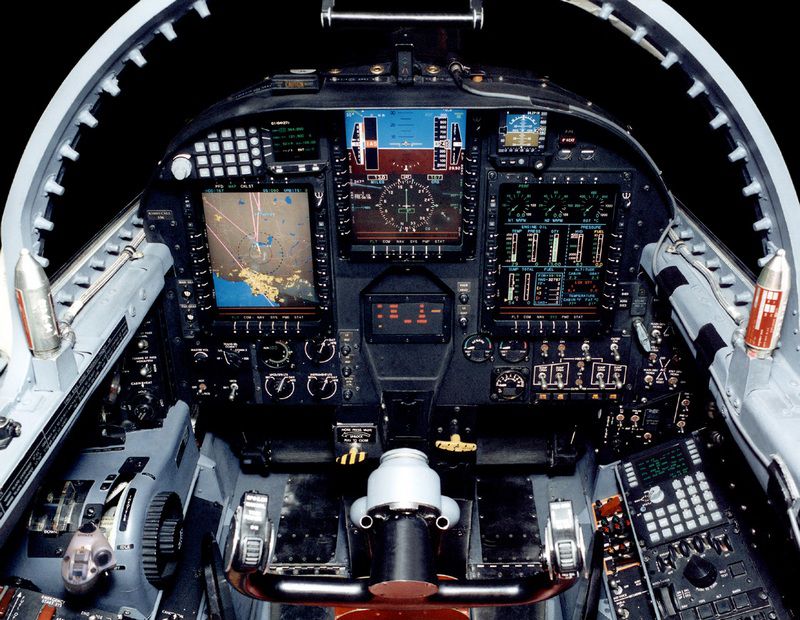


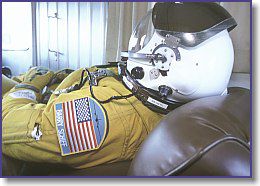
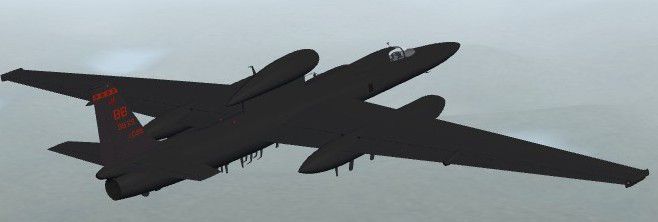
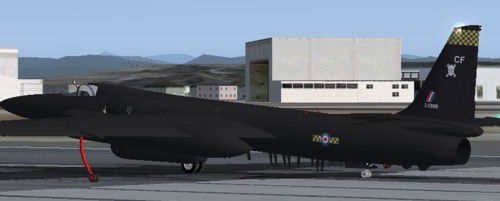
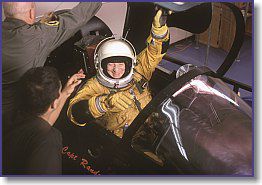
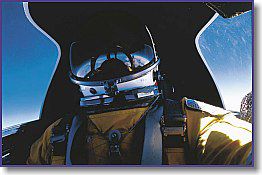
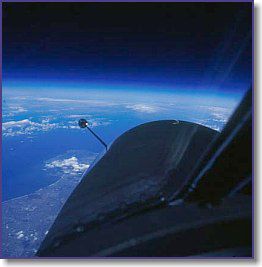
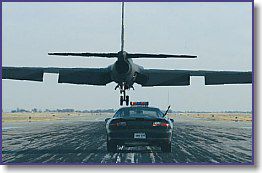
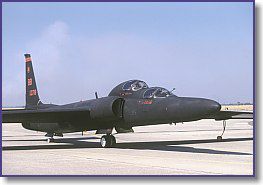
The Lockheed U-2, nicknamed "Dragon Lady", is a single-engine, ultra-high altitude reconnaissance aircraft operated by the United States Air Force (USAF) and previously flown by the Central Intelligence Agency (CIA). It provides day and night, very high-altitude (70,000 feet / 21,000 m), all-weather intelligence gathering. The U2 has also been used for electronic sensor research, satellite calibration, and communications purposes. This is the Alphasim Lockheed U2 Dragon Lady with updated VC and 2D panel. The panels feature more gauges added as well as an FSX compatible EICAS and PFD, which now fit the respective frames. Both the VC and the 2D panel are authentic to the real U2 panel. New smoke effect has also been added. Original model by Alphasim, new configuration and re-modeling of the VC by Michael Pook.
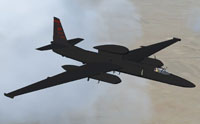
Screenshot of Lockheed U2S in flight.
Installation:
Free for all simmers · 16.87 MB · Scanned clean Oct 2026
Download speed: Free tier is capped at 0.5 Mbps (this file takes approximately 5 mins at the cap). PRO members download at full line speed.
SimObjects\Airplanes\, Addon Scenery\, Effects\, or Gauges\.readme.txt or README file. It tells you exactly where files go, what dependencies are needed, and any quirks specific to this add-on.The archive fsx_alphasim_lockheedu2_updated.zip has 127 files and directories contained within it.
This list displays the first 500 files in the package. If the package has more, you will need to download it to view them.
| Filename/Directory | File Date | File Size |
|---|---|---|
| FSX_Alphasim_lockheedU2_Updated | 02.05.15 | 0 B |
| ALPHA Lockheed U-2S | 02.05.15 | 0 B |
| Aircraft.cfg | 02.05.15 | 13.45 kB |
| model | 02.05.15 | 0 B |
| Model.cfg | 09.30.04 | 23 B |
| U-2S non-SS.mdl | 02.24.05 | 1.49 MB |
| U-2S.mdl | 10.15.04 | 1.56 MB |
| U-2S.x | 02.24.05 | 12 B |
| U-2S_interior.x | 02.24.05 | 12 B |
| model.1 | 02.05.15 | 0 B |
| Model.cfg | 02.25.05 | 30 B |
| U-2S_non-SS.mdl | 02.24.05 | 1.49 MB |
| panel | 02.05.15 | 0 B |
| CameraView.bmp | 04.11.02 | 184.16 kB |
| Navpanel.bmp | 01.23.01 | 134.53 kB |
| panel.cfg | 02.04.15 | 4.56 kB |
| U-2S_Pnl.bmp | 02.03.15 | 769.05 kB |
| U2S cockpit real.jpg | 02.02.15 | 254.74 kB |
| sound | 02.05.15 | 0 B |
| Sound.cfg | 02.05.15 | 31 B |
| texture | 02.05.15 | 0 B |
| Black.bmp | 10.02.04 | 16.07 kB |
| Chrome_t.bmp | 08.31.04 | 5.43 kB |
| Crew face.bmp | 10.14.04 | 256.07 kB |
| Exh.bmp | 10.02.04 | 16.07 kB |
| Glass_t.bmp | 10.14.04 | 16.07 kB |
| Lens_L.bmp | 04.25.04 | 21.43 kB |
| Lens_T.bmp | 10.14.04 | 16.07 kB |
| Pilot.bmp | 10.07.04 | 512.08 kB |
| Plate.bmp | 10.13.04 | 32.08 kB |
| Strobes_t.bmp | 10.08.04 | 4.07 kB |
| thumbnail.jpg | 02.02.15 | 19.90 kB |
| Thumbs.db | 10.02.04 | 9.00 kB |
| Tread.bmp | 10.07.04 | 32.08 kB |
| Tread_rear.bmp | 10.02.04 | 64.07 kB |
| TrimWhl.bmp | 10.12.04 | 8.08 kB |
| Turbine_l.bmp | 08.30.04 | 85.43 kB |
| Turbine_t.bmp | 08.30.04 | 170.75 kB |
| U-2S_Pnl - Kopie (2).bmp | 02.03.15 | 984.55 kB |
| U-2_cpit1.BMP | 02.02.15 | 257.05 kB |
| U-2_cpit2.BMP | 10.13.04 | 512.08 kB |
| U-2_cpit3_L.BMP | 10.14.04 | 1.00 MB |
| U-2_cpit3_t.BMP | 02.02.15 | 1.00 MB |
| U-2_cpit4_L.BMP | 10.15.04 | 1.00 MB |
| U-2_cpit4_t.BMP | 02.03.15 | 1.00 MB |
| U-2_wells.bmp | 02.02.15 | 257.05 kB |
| U2fan.bmp | 10.14.04 | 256.07 kB |
| U2fuse.bmp | 10.02.04 | 512.07 kB |
| U2inlet.bmp | 09.30.04 | 256.08 kB |
| U2tail1.bmp | 10.14.04 | 256.07 kB |
| U2tail2.bmp | 10.14.04 | 256.07 kB |
| U2tail3.bmp | 10.02.04 | 256.07 kB |
| U2wing.bmp | 10.02.04 | 512.07 kB |
| Whl_rear.bmp | 10.02.04 | 64.07 kB |
| Wingtip.bmp | 10.08.04 | 32.08 kB |
| texture.100 | 02.05.15 | 0 B |
| Black.bmp | 10.02.04 | 16.07 kB |
| Chrome_t.bmp | 08.31.04 | 5.43 kB |
| Crew face.bmp | 10.14.04 | 256.07 kB |
| Exh.bmp | 10.02.04 | 16.07 kB |
| Glass_t.bmp | 10.14.04 | 16.07 kB |
| Lens_L.bmp | 04.25.04 | 21.43 kB |
| Lens_T.bmp | 10.14.04 | 16.07 kB |
| Pilot.bmp | 10.07.04 | 512.08 kB |
| Plate.bmp | 10.13.04 | 32.08 kB |
| Strobes_t.bmp | 10.08.04 | 4.07 kB |
| thumbnail.jpg | 02.05.15 | 19.22 kB |
| Tread.bmp | 10.07.04 | 32.08 kB |
| Tread_rear.bmp | 10.02.04 | 64.07 kB |
| TrimWhl.bmp | 10.12.04 | 8.08 kB |
| Turbine_l.bmp | 08.30.04 | 85.43 kB |
| Turbine_t.bmp | 08.30.04 | 170.75 kB |
| U-2_cpit1.BMP | 10.13.04 | 512.08 kB |
| U-2_cpit2.BMP | 10.13.04 | 512.08 kB |
| U-2_cpit3_L.BMP | 10.14.04 | 1.00 MB |
| U-2_cpit3_t.BMP | 10.15.04 | 1.00 MB |
| U-2_cpit4_L.BMP | 10.15.04 | 1.00 MB |
| U-2_cpit4_t.BMP | 02.03.15 | 1.00 MB |
| U-2_wells.bmp | 10.07.04 | 512.08 kB |
| U2fan.bmp | 10.14.04 | 256.07 kB |
| U2fuse.bmp | 12.28.05 | 512.07 kB |
| U2inlet.bmp | 09.30.04 | 256.08 kB |
| U2tail1.bmp | 12.28.05 | 256.07 kB |
| U2tail2.bmp | 12.28.05 | 256.07 kB |
| U2tail3.bmp | 10.02.04 | 256.07 kB |
| U2wing.bmp | 12.28.05 | 512.07 kB |
| Whl_rear.bmp | 10.02.04 | 64.07 kB |
| Wingtip.bmp | 10.08.04 | 32.08 kB |
| U-2S.air | 10.15.04 | 7.16 kB |
| Flying the U-2S.htm | 10.14.04 | 6.92 kB |
| fx_smoke_B47.fx | 12.19.03 | 5.79 kB |
| Gauges | 02.05.15 | 0 B |
| 104asam1.CAB | 12.22.10 | 349.74 kB |
| 104asam2.CAB | 06.11.12 | 123.63 kB |
| 104asam3.CAB | 12.22.10 | 138.24 kB |
| 104asam4.CAB | 12.22.10 | 9.84 kB |
| A2D-1.CAB | 02.23.14 | 579.27 kB |
| ALPHA_Firebrand.cab | 02.07.06 | 412.35 kB |
| B52.CAB | 03.26.12 | 987.65 kB |
| B737_800.cab | 09.26.07 | 2.01 MB |
| DH106_Comet1.cab | 09.06.08 | 1.07 MB |
| Lear_45.gau | 03.13.12 | 2.55 MB |
| Lear_45_XML.cab | 04.12.07 | 1.57 MB |
| Lockheed_Vega.cab | 04.27.12 | 481.89 kB |
| sabremainKO.CAB | 02.22.06 | 205.90 kB |
| SF8_F86.CAB | 07.26.12 | 1.56 MB |
| Original Readme.txt | 05.05.10 | 2.05 kB |
| Readme.txt | 02.05.15 | 1.78 kB |
| screenshots | 02.05.15 | 0 B |
| 2D.jpg | 02.03.15 | 306.73 kB |
| breath_o2.jpg | 10.13.04 | 18.30 kB |
| euphoria.jpg | 10.13.04 | 18.71 kB |
| flying_high.jpg | 10.13.04 | 14.69 kB |
| landing.jpg | 10.13.04 | 12.68 kB |
| patch.jpg | 10.13.04 | 16.95 kB |
| ready.jpg | 10.13.04 | 21.44 kB |
| u-2st.jpg | 10.13.04 | 10.95 kB |
| U2S real cockpit.jpg | 02.02.15 | 254.74 kB |
| VC full.jpg | 02.04.15 | 345.17 kB |
| view_out.jpg | 10.13.04 | 12.90 kB |
| welcome_back.jpg | 10.13.04 | 16.27 kB |
| thumbnail.jpg | 02.05.15 | 91.72 kB |
| thumbnail_vc.jpg | 02.03.15 | 334.12 kB |
| U-2 Flight Experience.htm | 10.14.04 | 20.72 kB |
| U-2S_check.htm | 10.14.04 | 5.69 kB |
| flyawaysimulation.txt | 10.29.13 | 959 B |
| Go to Fly Away Simulation.url | 01.22.16 | 52 B |
Only PRO members can place votes.
More FSX & P3D add-ons hand-picked based on this download.
FSX Military Aircraft
The F35 Lightning II is a fifth-generation, single-seat, single-engine stealt…
 FSX Military Aircraft
A pack containing three different Lockheed SR-71 add-ons from three different…
 FSX Military Aircraft
Complete aircraft with panel including working radar shows vAI traffic, panel…
 FSX Military Aircraft
Lockheed Martin C-130J-30. The C-130J is the newest version of the Hercules a…
 FSX Military Aircraft
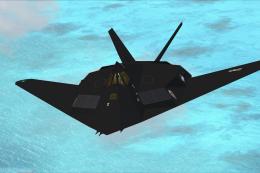
A modified version of Craig Richardson's F117 Nighthawk in a low luster stea…
 FSX Military Aircraft
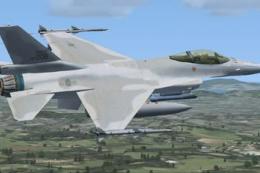
FSX Lockheed Martin F-16 Fighting Falcon (Viper). This is Kirk Olsson's VIPER…
 FSX Military Aircraft
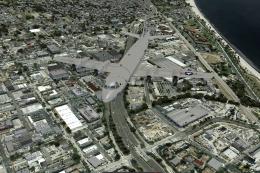
A fully-featured Lockheed P-3C Orion package for Microsoft Flight Simulator X…
 FSX Military Aircraft
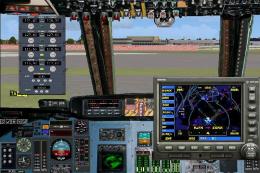
The Kazunori Ito C5 package updated for FSX. Includes panel by Philippe Walla…
Read what other simmers think, or add your own.

I installed it and have literally no clue how to get it onto my FSX Steam Edition. If anybody can, could you help me?


Hmm... I don't know if I installed this wrong or is this missing sound because I can't hear anything even when my sounds are on.