

 X-Plane Scenery Libraries
Long Hangar
This is a long hangar (400 ft X 132 ft) and is an exact sized replica of a mi…
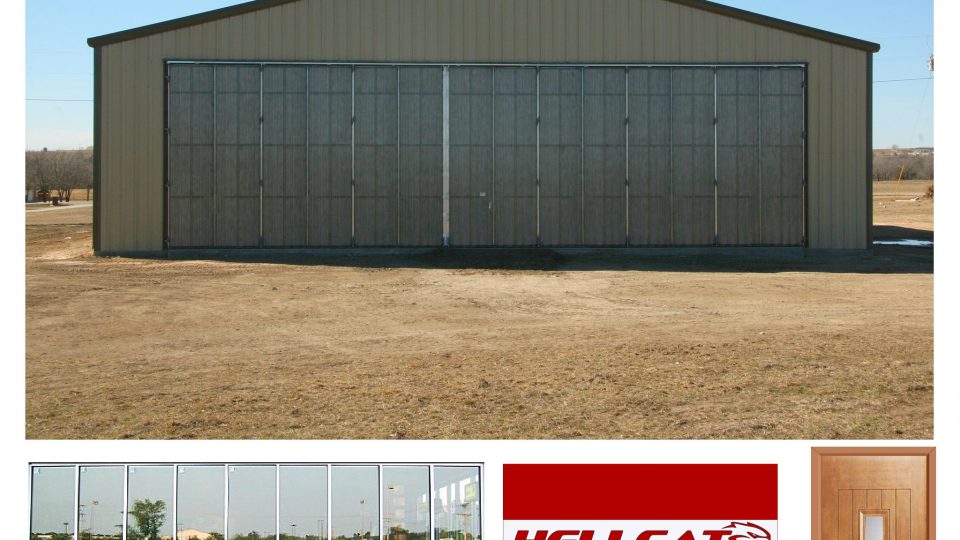
An animated Grumman F6F Hellcat, custom shed, and customizable Hangar4 bring extra life to X-Plane 11 scenery with rotating prop, night lighting, and convincing multi-panel sliding doors plus an opening entrance door. Use each object alone or combine them to stage a ready aircraft display or an empty hangar scene.
 Rate
Rate
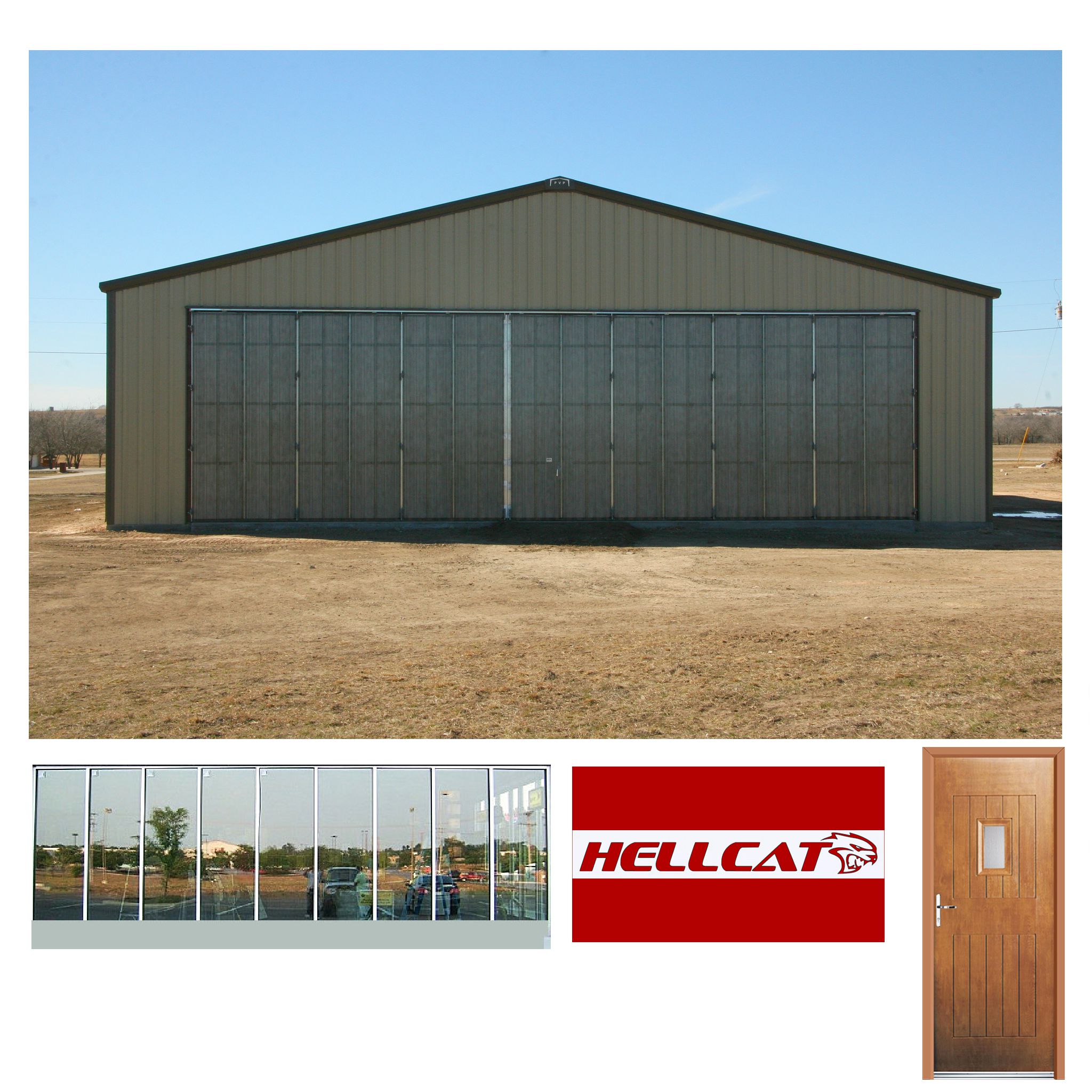
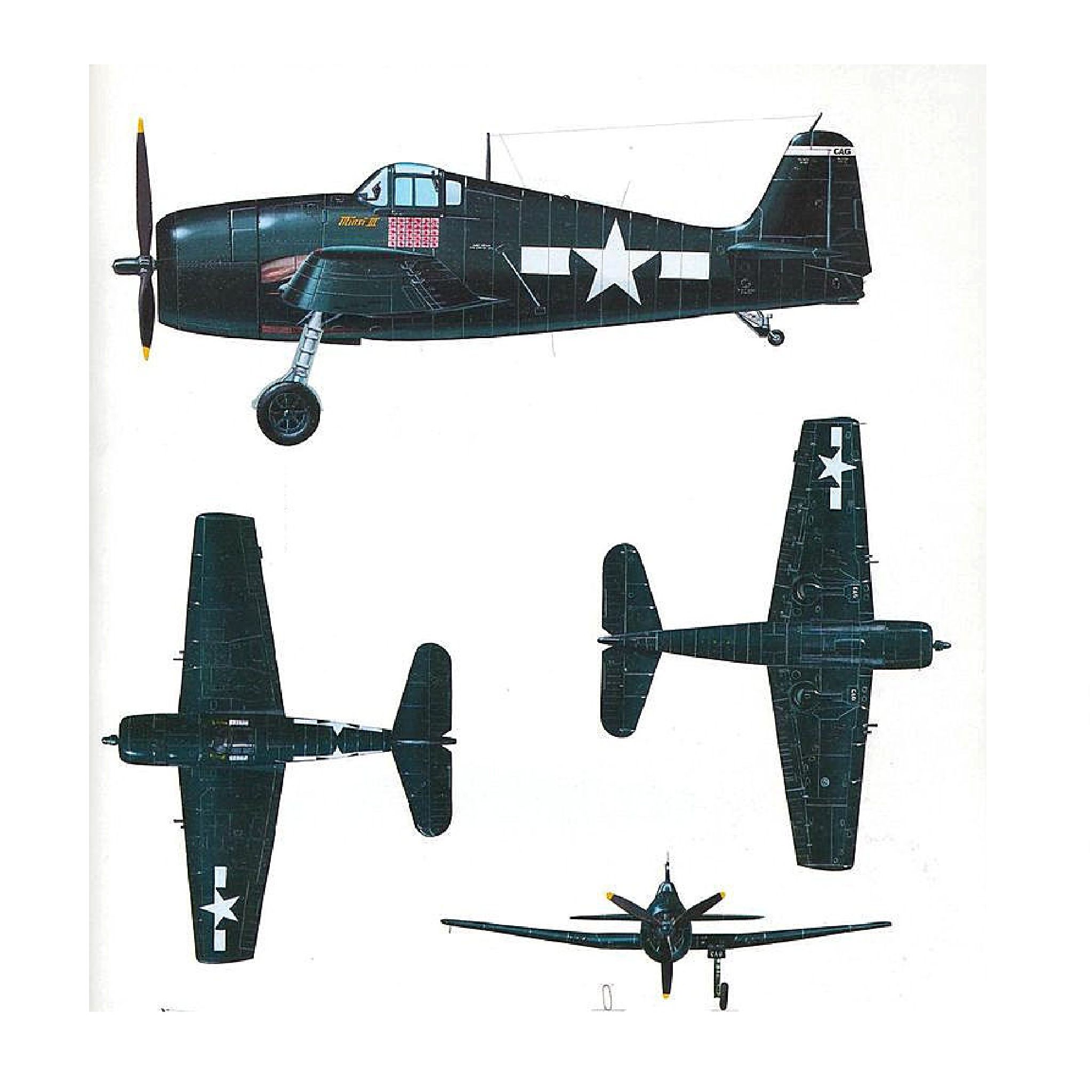
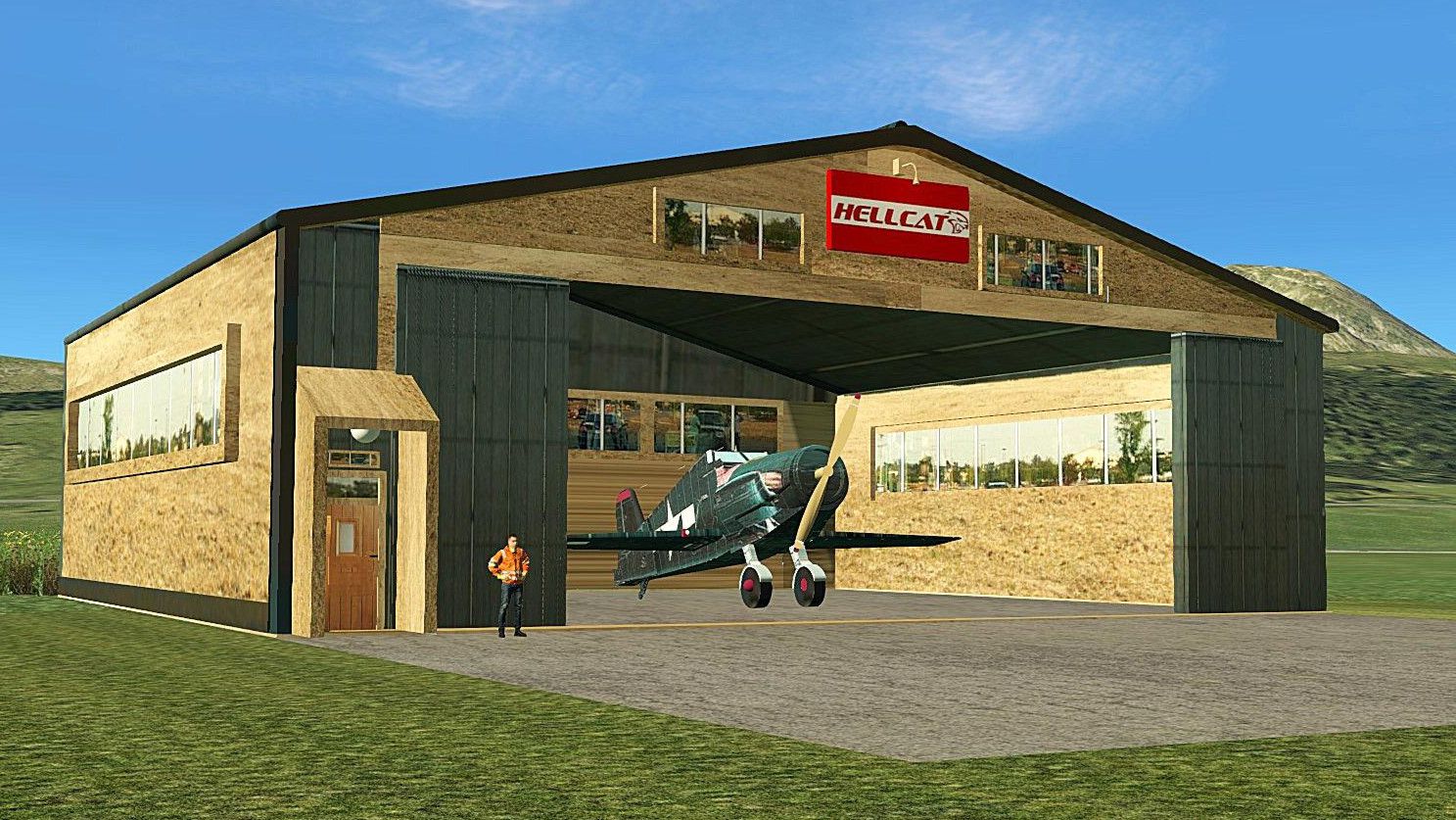


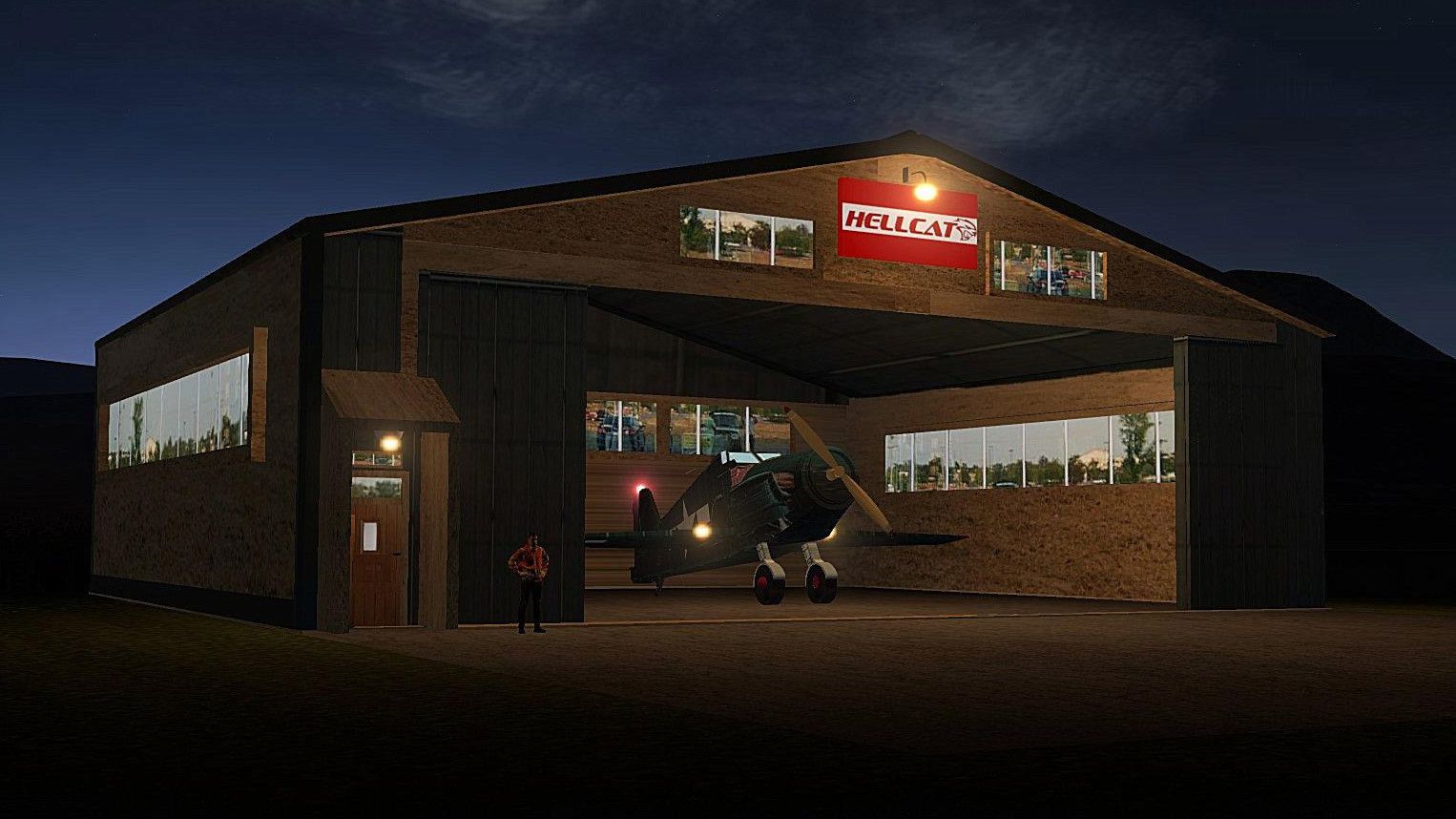
 3 separate Objects to choose from: A static Animated Grumman Hellcat with Rotating Prop & Night Lighting, A Custom Shed to place it in with complex 5-panel animations to give a plausible Sliding Door Effect & an Entrance Door which opens & closes allowing the Boss to check for Slackers, also night lighting, an empty Hangar named 'Hangar4' to Customise yourself with the same Animations & Lighting as the Hellcat Shed should you decide not to use the Grumman Hellcat.
Being separate objects, you can use them individually or in combination. To place the Hellcat in the Hangar, use Overlay Editor, center it on the Shed Doors & push it back through the doors until hidden then place a Polygon Floor to suit.
Objects made in Sketchup 2017 with Photographic Textures & Converted for X-Plane using Marginal's Sketchup2XPlane Utility.
Enjoy
Developer: Paul Mort.
Free for all simmers · 37.72 MB · Scanned clean Oct 2026
Download speed: Free tier is capped at 0.5 Mbps (this file takes approximately 11 mins at the cap). PRO members download at full line speed.
Aircraft/ (planes), Custom Scenery/ (airports, mesh), or Resources/plugins/ (plugins).readme.txt or README file. It tells you exactly where files go, what dependencies are needed, and any quirks specific to this add-on.The archive grumman_hellcat_package_animated.zip has 21 files and directories contained within it.
This list displays the first 500 files in the package. If the package has more, you will need to download it to view them.
| Filename/Directory | File Date | File Size |
|---|---|---|
| Grumman Hellcat Package Animated | 04.23.19 | 0 B |
| Grumman Hellcat Animated | 04.23.19 | 0 B |
| GrummanHelcatAnimated.obj | 04.18.19 | 2.32 MB |
| GrummanHelcatAnimated.png | 04.15.19 | 619.64 kB |
| GrummanHelcatAnimated.skp | 04.18.19 | 16.62 MB |
| GrummanHelcatAnimated_LIT.png | 04.18.19 | 440.36 kB |
| Hangar 4 | 04.23.19 | 0 B |
| Hangar4.obj | 04.18.19 | 518.95 kB |
| Hangar4.skp | 04.18.19 | 8.33 MB |
| HellcatShed.png | 04.16.19 | 5.35 MB |
| HellcatShed_LIT.png | 04.16.19 | 3.09 MB |
| Hellcat Shed | 04.23.19 | 0 B |
| HellcatShed.obj | 04.18.19 | 500.82 kB |
| HellcatShed.png | 04.16.19 | 5.35 MB |
| HellcatShed.skp | 04.18.19 | 8.23 MB |
| HellcatShed_LIT.png | 04.16.19 | 3.09 MB |
| image1.jpg | 04.23.19 | 415.89 kB |
| image2.jpg | 04.23.19 | 236.26 kB |
| Readme.txt | 04.23.19 | 929 B |
| flyawaysimulation.txt | 10.29.13 | 959 B |
| Go to Fly Away Simulation.url | 01.22.16 | 52 B |
Only PRO members can place votes.
More X-Plane add-ons hand-picked based on this download.
X-Plane Scenery Libraries
This is a long hangar (400 ft X 132 ft) and is an exact sized replica of a mi…
 X-Plane Scenery Libraries
The North American B-25 Mitchell is an American twin-engine, medium bomber ma…
 X-Plane Scenery Libraries
This is a highly detailed model of an NWAA EC-135 Eurocopter (N-NWEM). The an…
 X-Plane Scenery Libraries
This is a collection of six sets of animated flames with smoke. They are set …
 X-Plane Scenery Libraries
This is a highly animated, UK styled level crossing to place in your scenerie…
 X-Plane Scenery Libraries
This is a brick built fire practice tower to add to your fire station scenery…
 X-Plane Scenery Libraries
This is an animated stone fire pit with two layers of moving flames. It also …
 X-Plane Scenery Libraries
This is a highly detailed airport 'Follow Me Truck' for use in any scenery. T…
Be the first to leave a comment on this download.
Be the first to share your thoughts on this download.