

 MSFS Turboprops
Carenado Dornier Do 228 Charter D-ILKA Livery Pack
This freeware D-ILKA repaint pack adds three 4K liveries and matching interio…
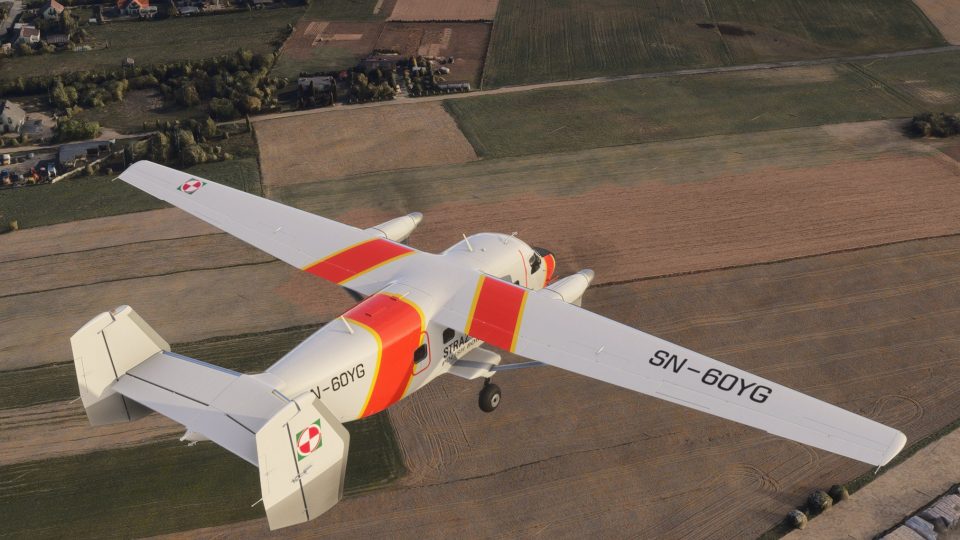
Polish Border Guard markings give a short-takeoff-and-landing utility twin turboprop its distinctive service identity in Microsoft Flight Simulator 2024. This single-livery package features 4K textures that closely reproduce the real Straż Graniczna color scheme and requires the Local Legend 26 Antonov An-28 aircraft to use the repaint.
 Rate
 By Crispy136
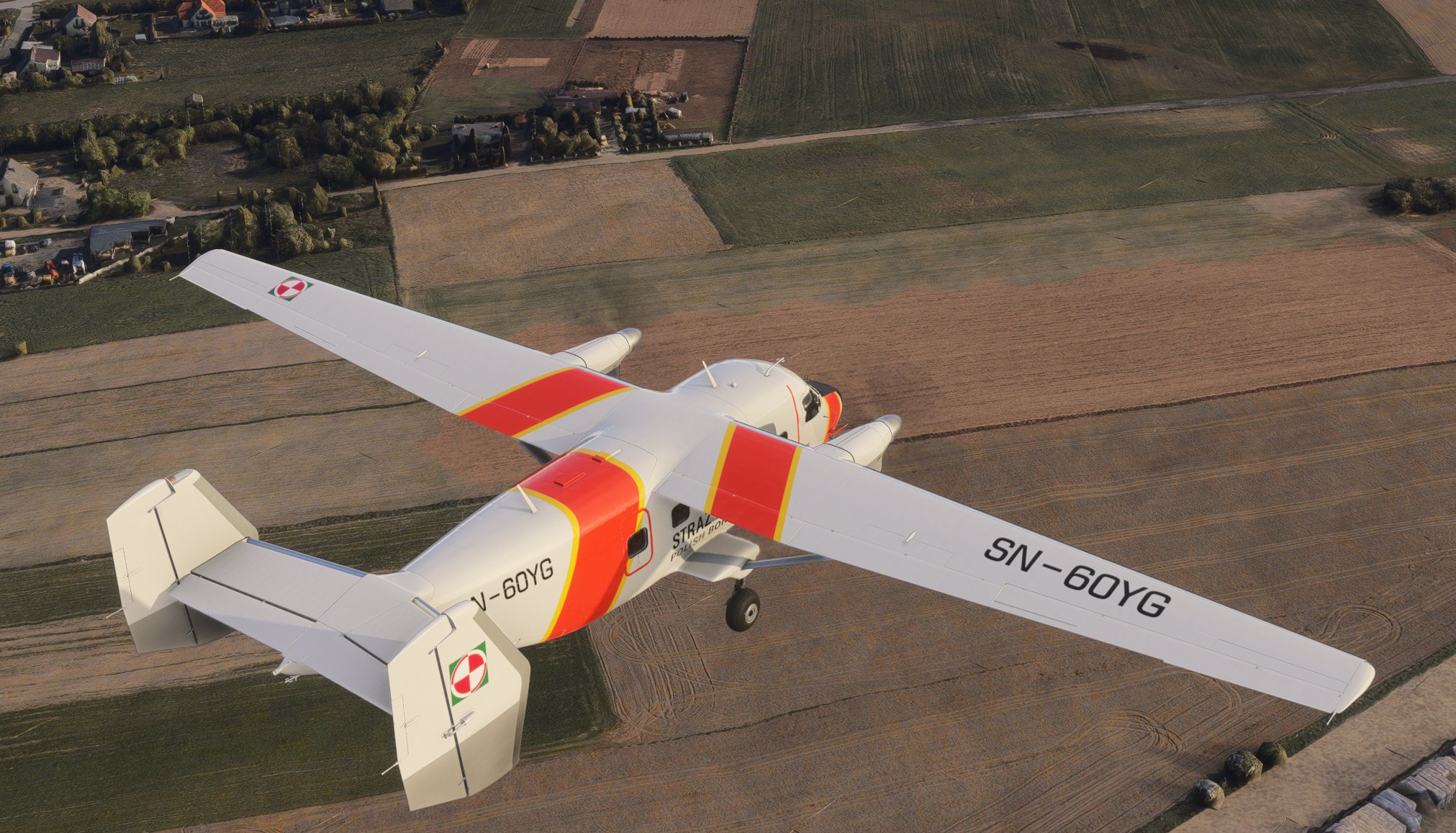
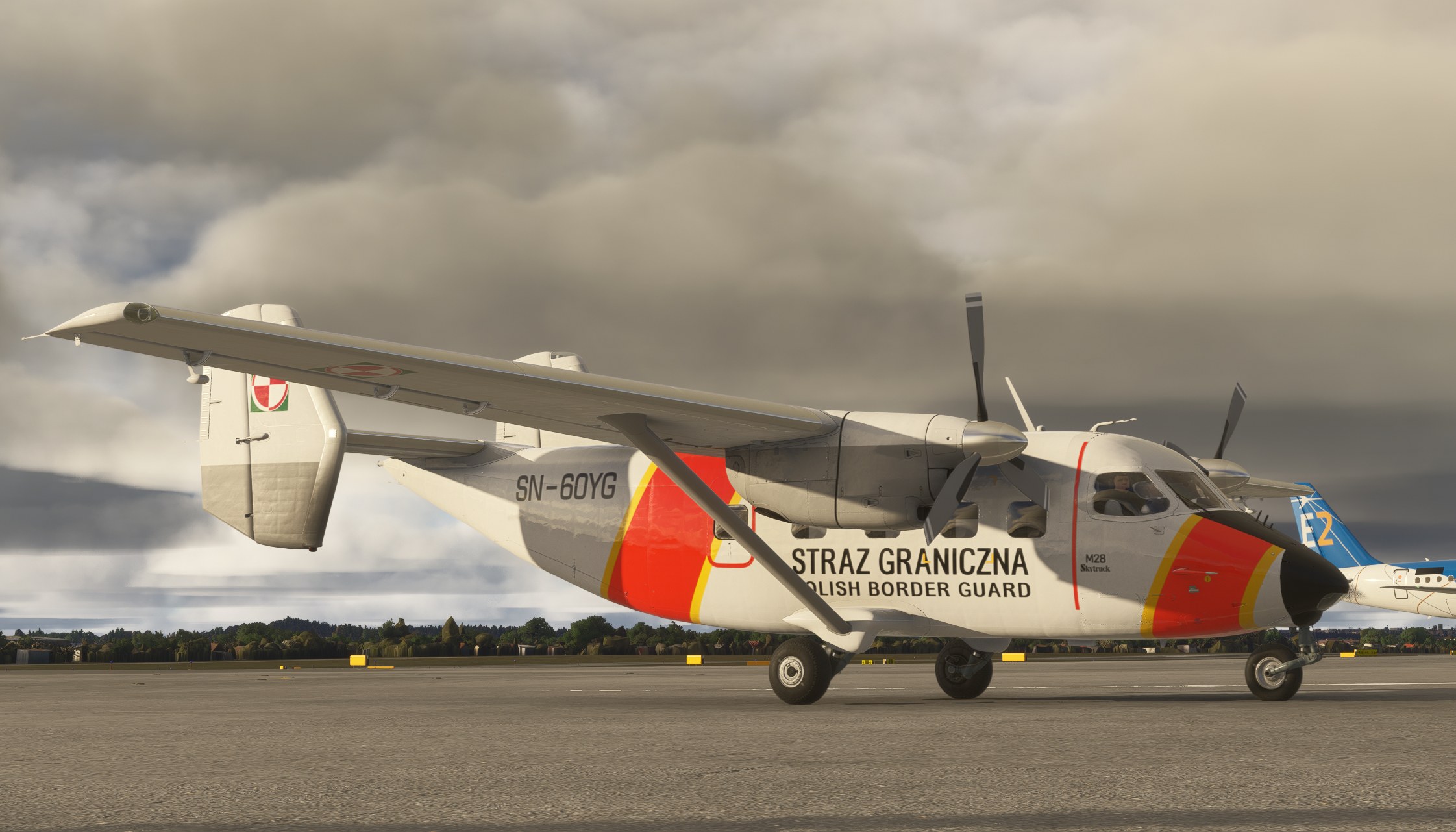
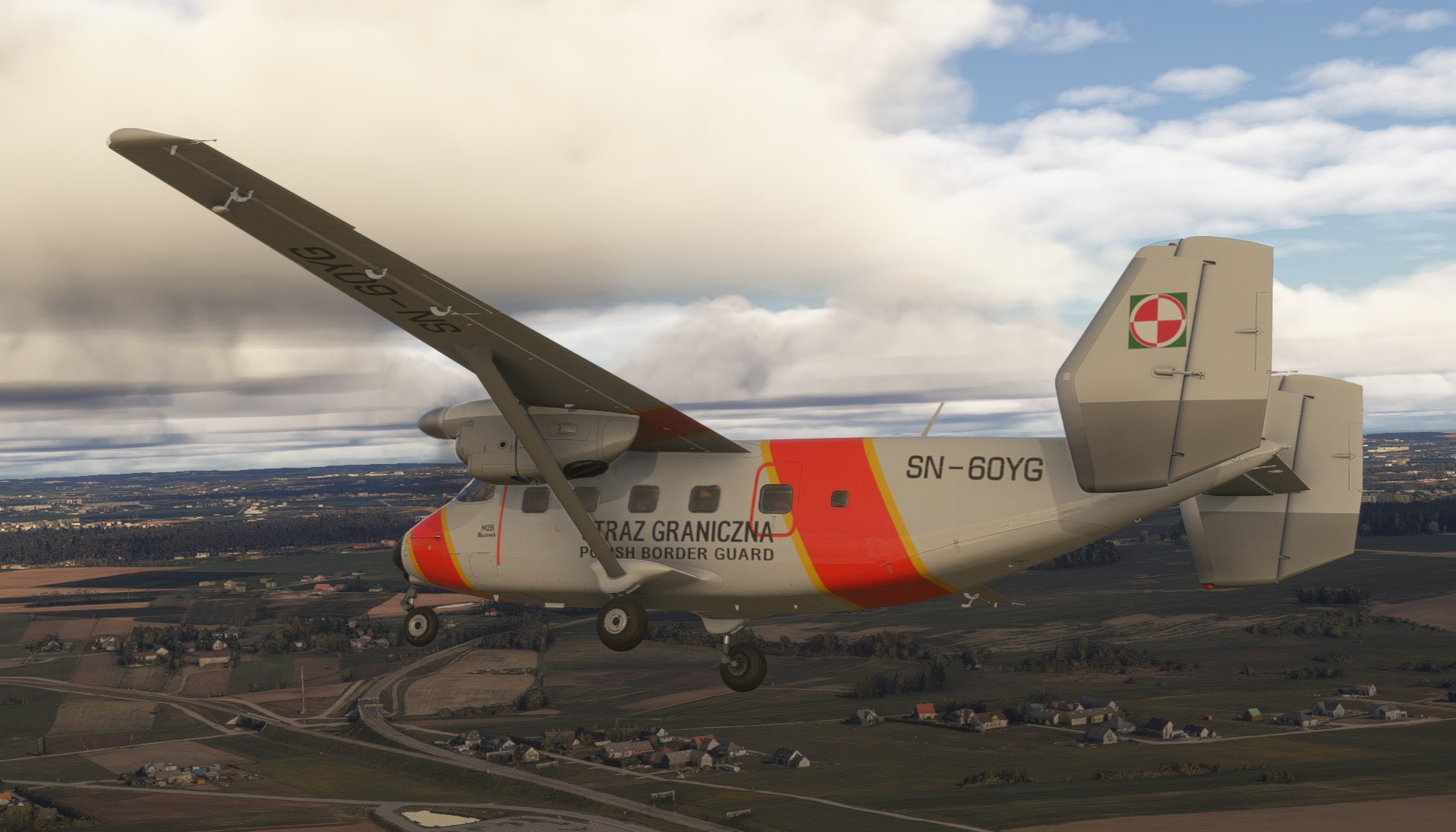
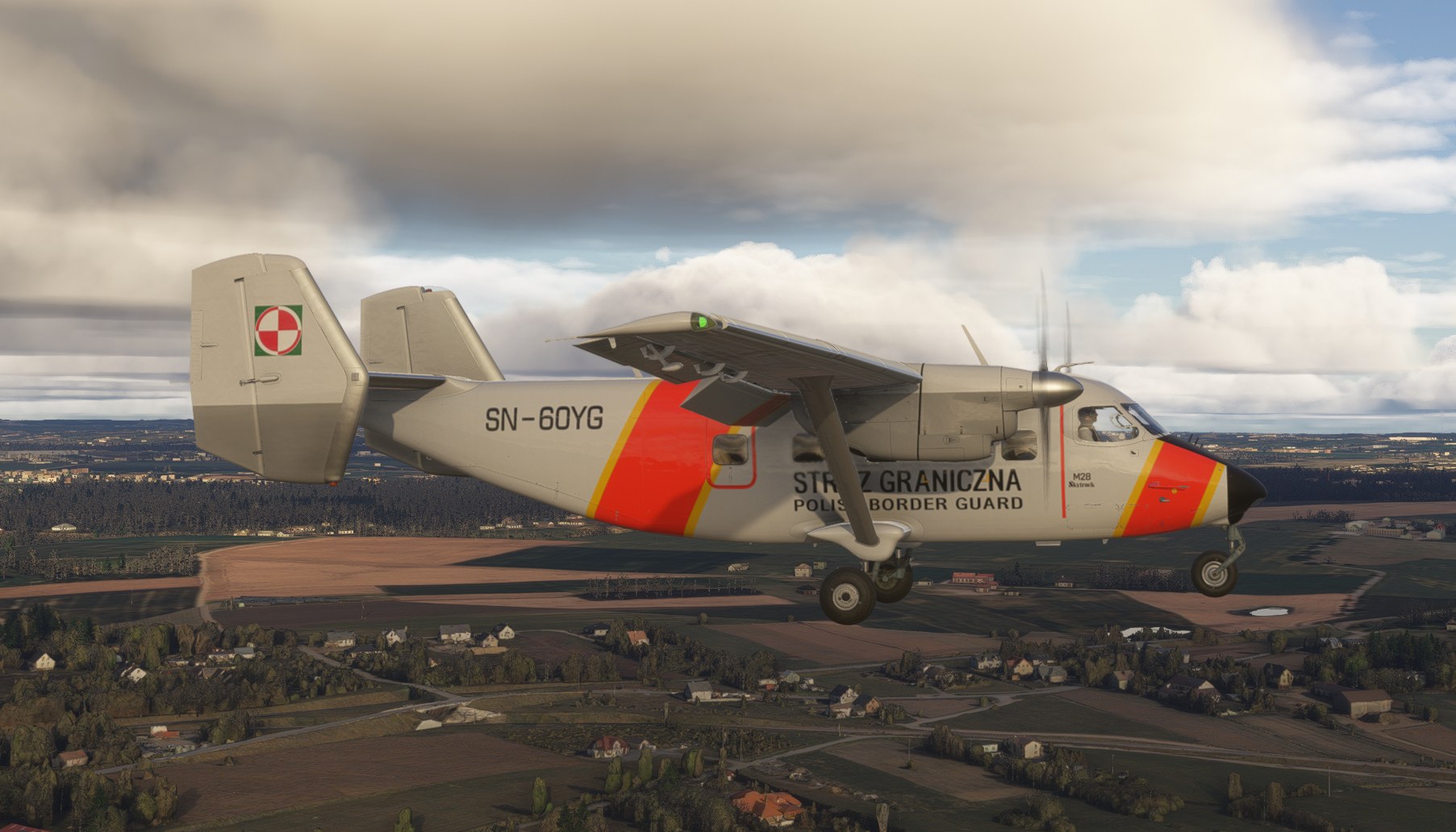

For anyone who likes giving utility flights a specific service role, I think this repaint makes a convincing choice for the An-28. It’s a working-aircraft scheme, and that suits my flying here. Looking down over the wing in flight, I liked how the yellow edging separated the broad red bands from the pale airframe. Those bands make the paint memorable without an elaborate design. Don’t download it for MSFS 2020: Crispy136 reports that its An-28 model currently prevents third-party liveries.
Crispy136 has painted the Local Legend 26 Antonov An-28 in Polish Border Guard colors for Microsoft Flight Simulator 2024, following a community request. The single-livery package uses 4K textures and follows the real scheme as closely as the simulator’s 3D model allows. You’ll need the separately purchased aircraft installed to use it.
The Straz Graniczna scheme represents Poland’s border-protection service. The An-28 is a twin-turboprop utility aircraft with short-takeoff-and-landing capability, a useful fit for operations away from larger airports.
This download supports MSFS 2024 only. Crispy136 reports that the design of the An-28’s 3D model in Microsoft Flight Simulator 2020 currently prevents third-party liveries. The author intends to extend the repaint to that simulator if Microsoft fixes the limitation.
The payware Local Legend 26 Antonov AN28 for MSFS 2024 is required and is not included. With that aircraft installed, copy the folder whose name starts with 2024 into your MSFS 2024 Community folder.
For troubleshooting, refer to Readme_Me_1st.pdf in the download. Crispy136 can be reached by personal message on Fly Away Simulation.
These repaints are provided free of change and are not to be repurposed for inclusion with any commercial package or uploaded to any site without my permission. The use of the downloaded repaints is done at your own discretion and risk and with agreement that you will be solely responsible for any damage to your computer system or loss of data that results from such activities.
Free for all simmers · 72.81 MB · Scanned clean Nov 2026
Download speed: Free tier is capped at 2 Mbps (this file takes approximately 5 mins at the cap). PRO members download at full line speed.
Initial release.
%LOCALAPPDATA%\Packages\Microsoft.FlightSimulator_8wekyb3d8bbwe\LocalCache\Packages\Community\. Steam version: %APPDATA%\Microsoft Flight Simulator\Packages\Community\. Tip: enable Developer Mode in MSFS to see your exact Community folder path.readme.txt or README file. It tells you exactly where files go, what dependencies are needed, and any quirks specific to this add-on.I have been creating liveries for MSFS since MSFS 2020 was first released. I cover a wide range of aircraft rather than just the big jets.
Are you Crispy136? Sign in to Fly Away Creators for download stats, comment replies and updates. Make add-ons? Publish them here.
Only PRO members can place votes.
More MSFS add-ons hand-picked based on this download.
MSFS Turboprops
This freeware D-ILKA repaint pack adds three 4K liveries and matching interio…
 MSFS Turboprops
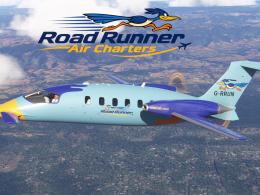
Crispy136 gives the FlightFX Piaggio P180 Avanti three fictional identities i…
 MSFS Turboprops
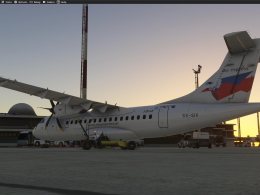
dmeh_liveries (DMeh) has painted four requested SKY express liveries for the …
 FSX Turboprops
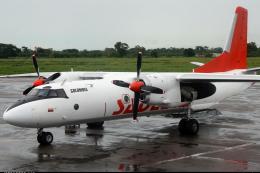
Sadelca Colombia Antonov AN-26, registration HK4356. By Andres Ramirez. Scree…
 FS2004 Propeller Aircraft
FS2004 Antonov An-26. A 3DSMax/Gmax model, upgraded with corrected landing li…
 FS2004 Propeller Aircraft
A fictional repaint of Antonov's only An-26. Currently their An-26 is unpaint…
 FSX Military Aircraft
This repaint offers a historically inspired German Air Force trainer scheme f…
 MSFS Scenery
A complete freeware package covering the famous Monument Valley, USA, and bri…
Be the first to leave a comment on this download.
Be the first to share your thoughts on this download.