

 MSFS Utilities & Tools
AeroTuneMFS Performance Optimisation and System Health Utility
AeroTuneMFS runs alongside Microsoft Flight Simulator 2020 and Microsoft Flig…
Multi-stop teleport tours connect over 2,300 hand-picked landmarks in Microsoft Flight Simulator 2020 and 2024, with keyboard or Xbox controller shortcuts keeping you in Free Flight. Explore photo-illustrated destinations worldwide, use custom or curated routes, save favorites on a satellite map, and choose precise positioning or landmark-facing approaches with adjustable distance and altitude for individual jumps or multi-stop journeys.
 Rate
 By JerryXiao
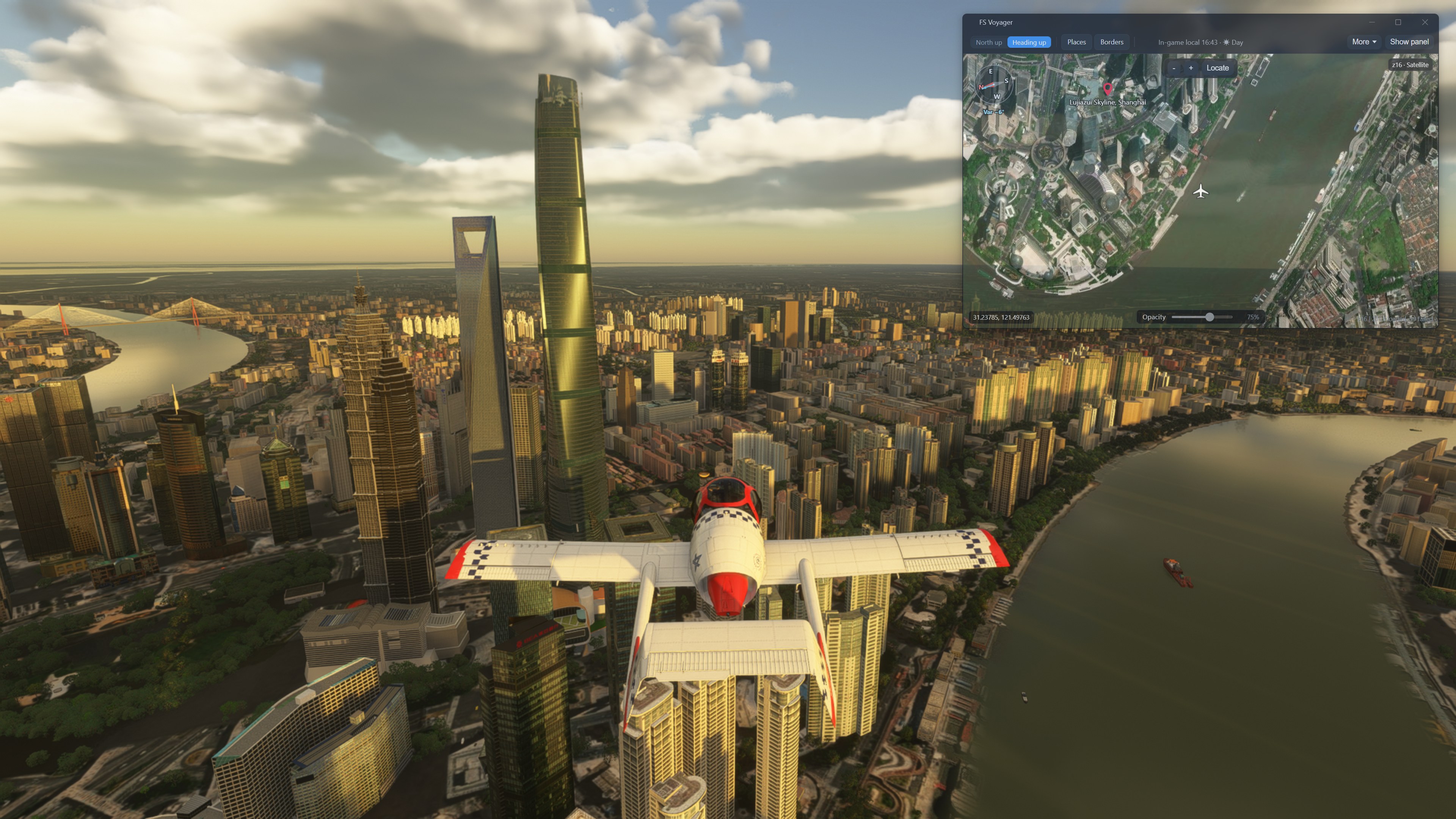
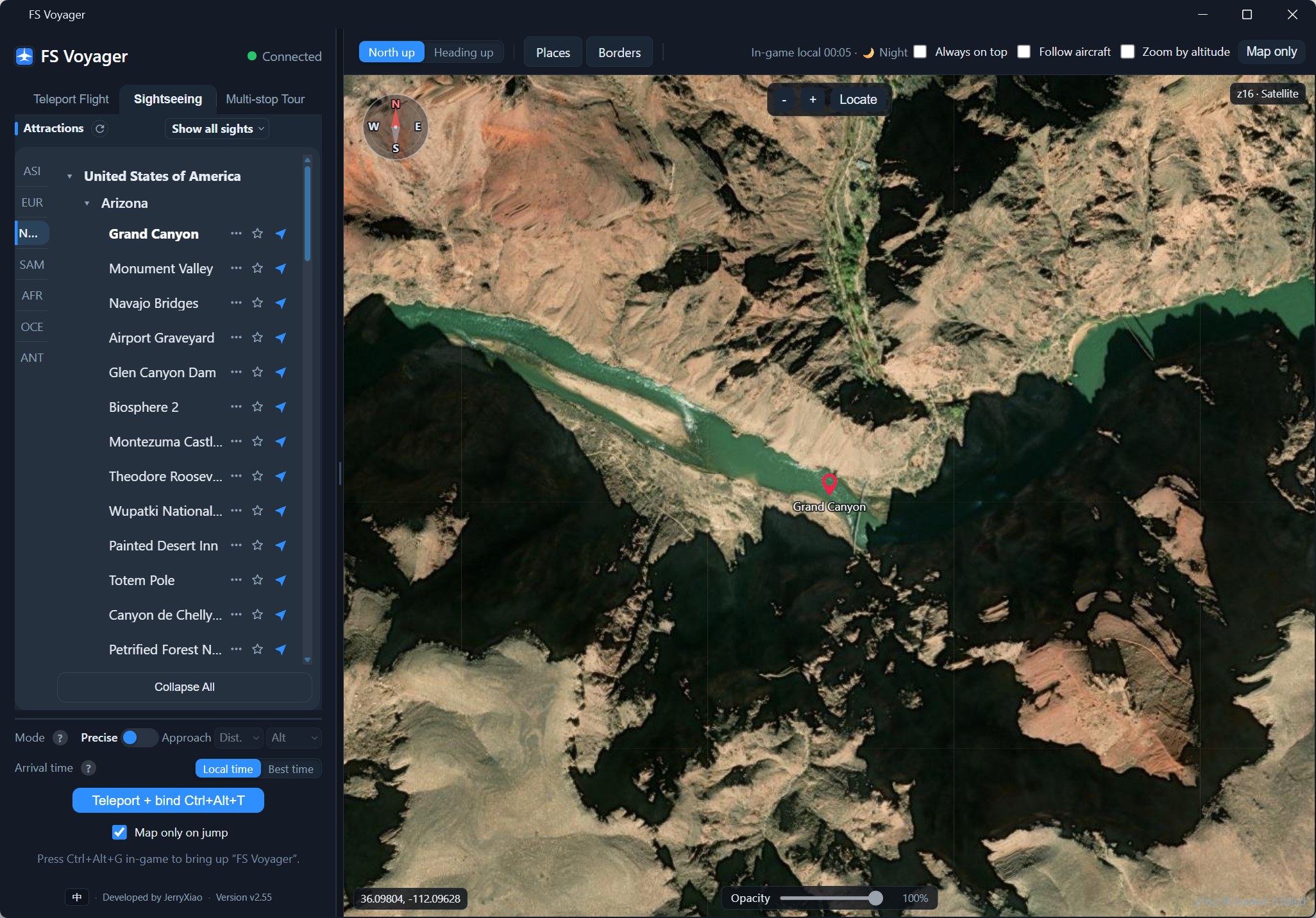
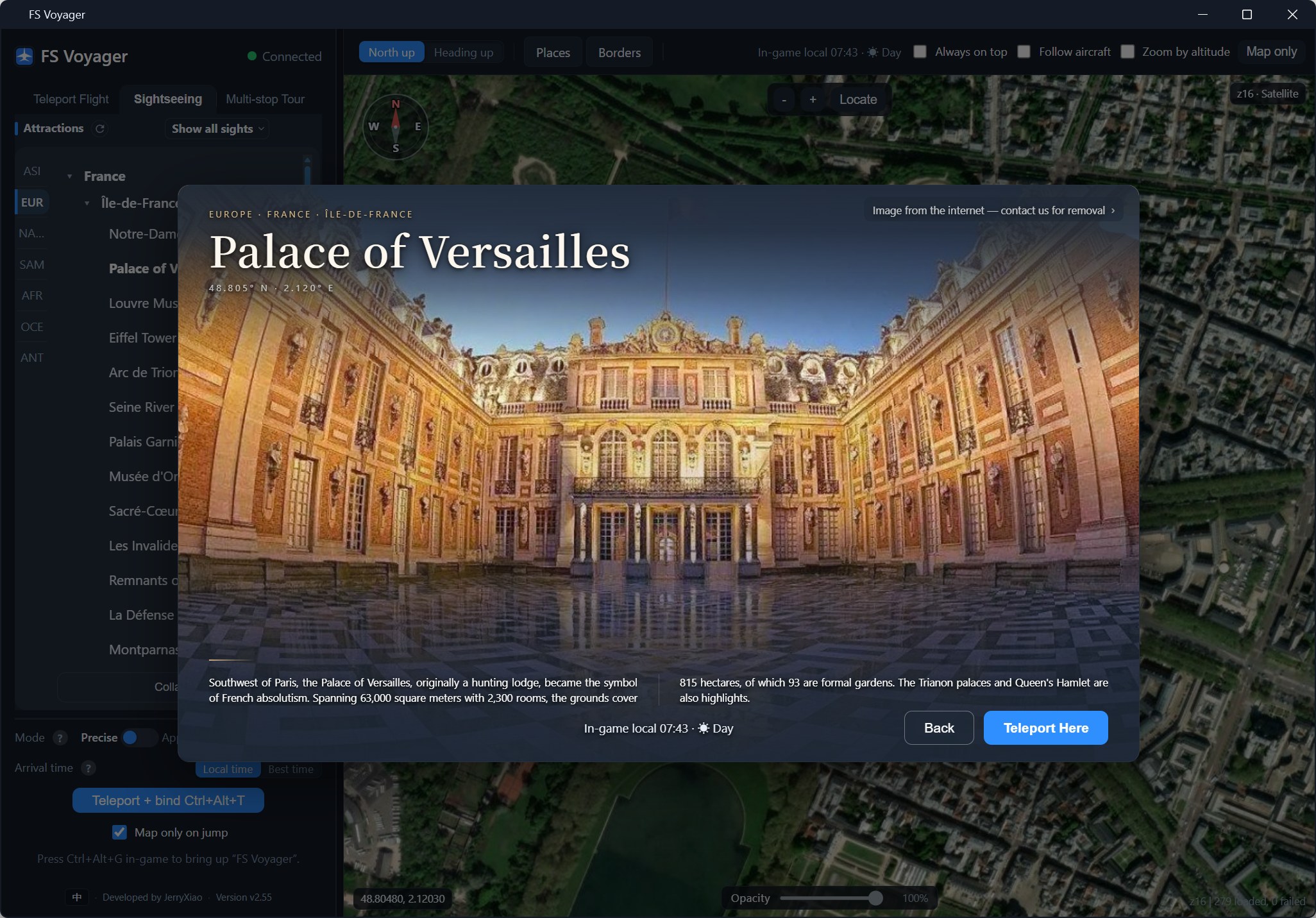
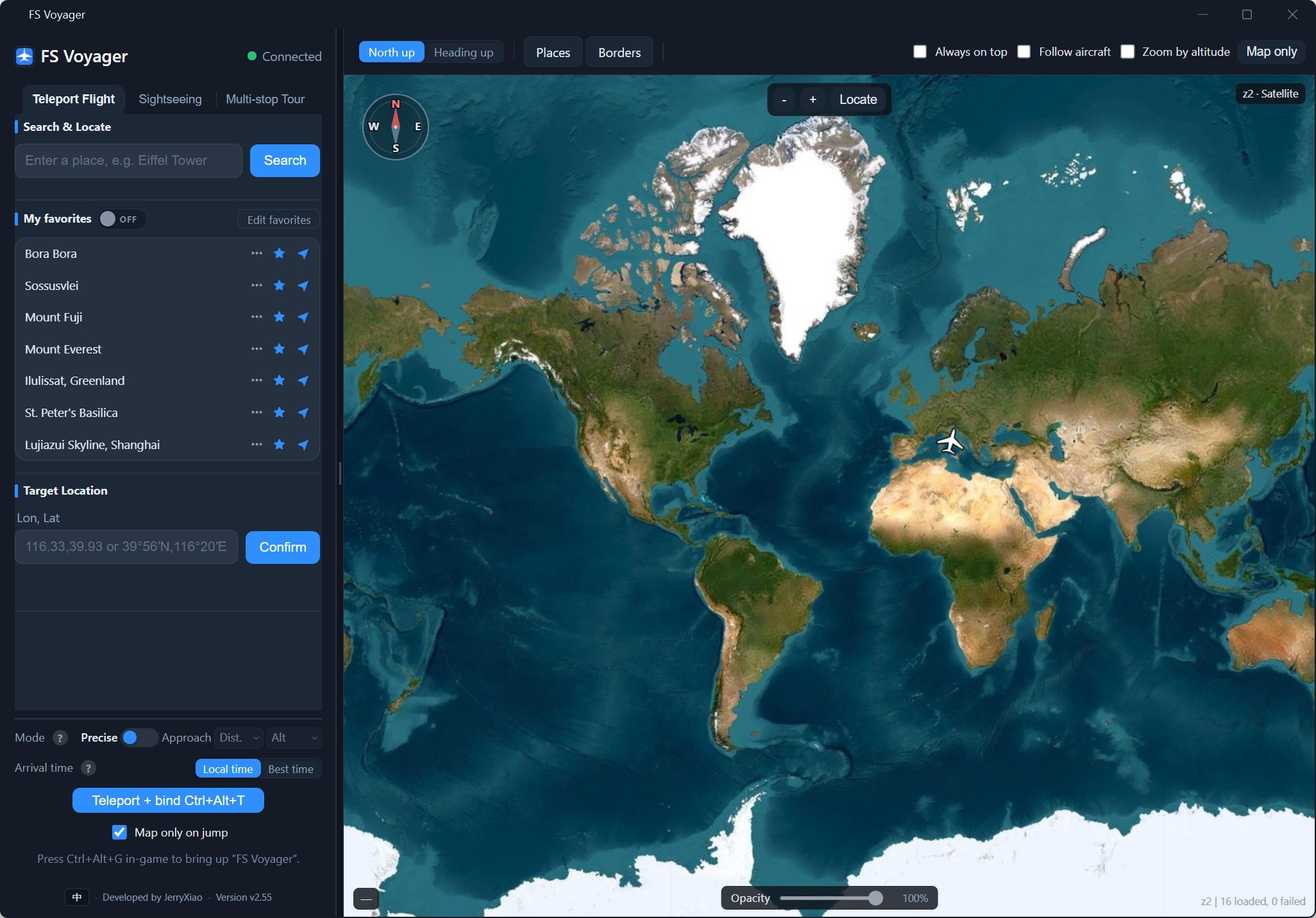

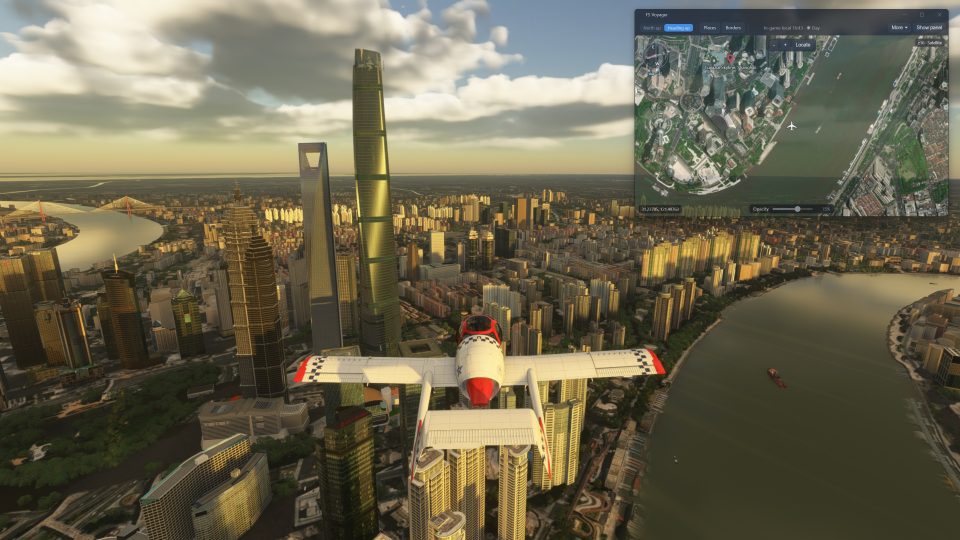
The landmark list could use more width for long names—truncated labels make browsing less comfortable than it should be. The re-fly command carries this utility for me, though. Sightseeing often means wanting another pass, and FS Voyager treats that as part of the tour rather than a reason to start planning again.
After passing a landmark, I pressed Ctrl + Alt + T to return to the current stop and fly it again. No rebuilding the route or finding the destination a second time. That’s the control I’d keep closest to hand; moving straight to the next attraction isn't always what I want when there’s still something worth looking at.
FS Voyager lets you chain landmark visits into a multi-stop teleport tour in Microsoft Flight Simulator 2020 and Microsoft Flight Simulator 2024. Developed by JerryXiao, this free utility moves between queued stops by keyboard shortcut or Xbox controller button without leaving Free Flight. It also supports single-destination jumps.
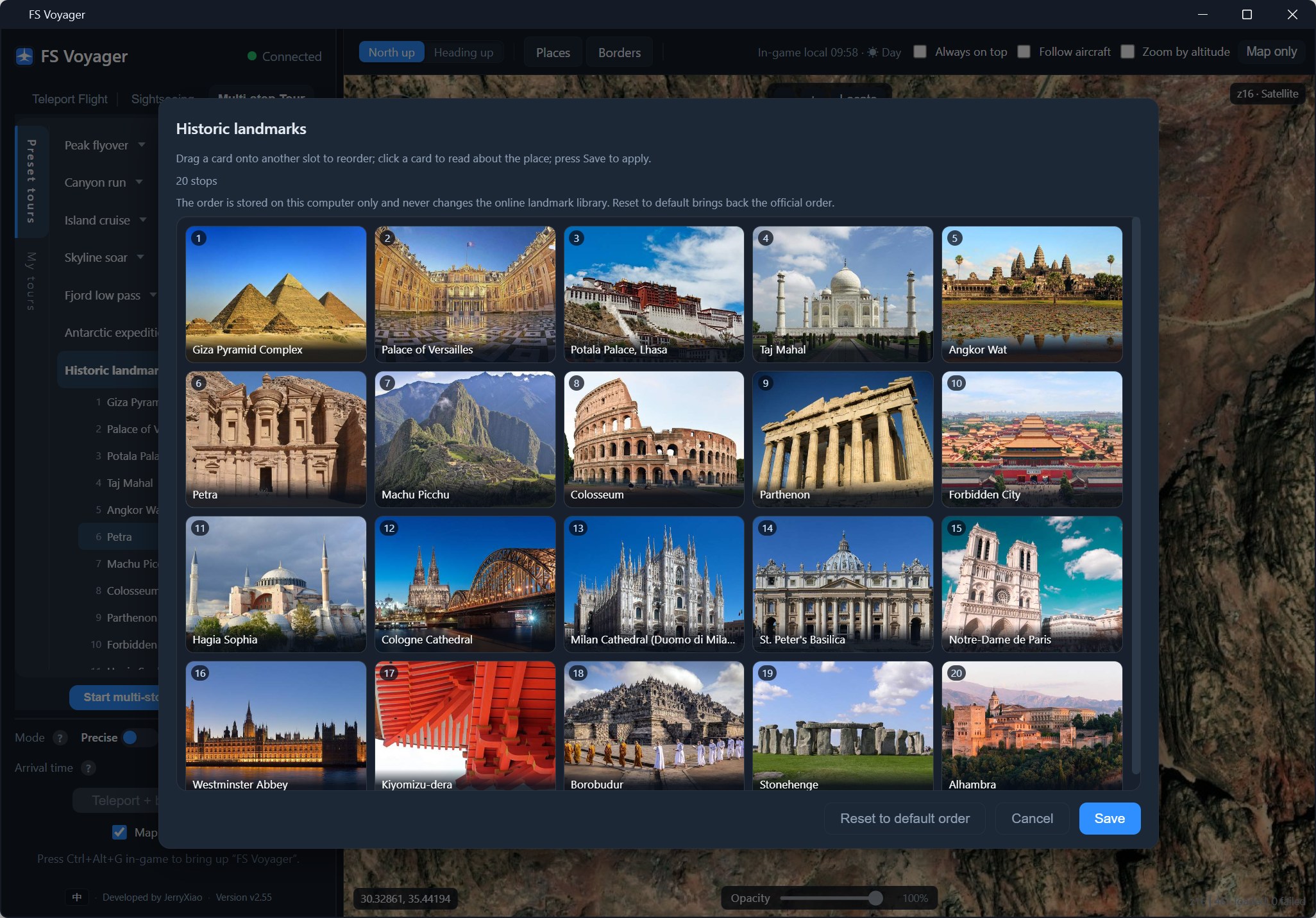
The library covers 7 continents and more than 160 countries and territories, with over 2,300 hand-picked landmarks. Each entry has a photo and a short description. You can browse by continent or country, search by name, or pick a destination directly on the map for a one-click jump.
For a longer tour, assemble stops from the library, import your favorites, use your own list, or choose a curated themed route. Favorites and custom lists keep destinations pinned on the satellite map.
Each stop supports two arrival modes. Precise places the aircraft at the selected coordinates. Approach positions it at your chosen distance and altitude, with the nose pointed toward the landmark. That distinction matters when you want to see the subject ahead of the aircraft instead of arriving directly over its location.
FS Voyager runs on Windows 10 / 11 as a single executable, with no installation or dependencies. No account or subscription is needed. The interface can be switched between English and Chinese inside the app.
You can move forward or backward through the route, or re-fly the current stop without rebuilding the tour.
Free for all simmers · 26.82 MB · Scanned clean Nov 2026
Download speed: Free tier is capped at 2 Mbps (this file takes approximately 2 mins at the cap). PRO members download at full line speed.
Initial release.
%LOCALAPPDATA%\Packages\Microsoft.FlightSimulator_8wekyb3d8bbwe\LocalCache\Packages\Community\. Steam version: %APPDATA%\Microsoft Flight Simulator\Packages\Community\. Tip: enable Developer Mode in MSFS to see your exact Community folder path..exe installer if provided, or follow the readme. Some utilities use SimConnect — ensure MSFS is running before launching.readme.txt or README file. It tells you exactly where files go, what dependencies are needed, and any quirks specific to this add-on.I'm a flight simulation hobbyist based in China. I've been flying Microsoft Flight Simulator for years, and I started making small non-professional tools for myself and the community — mostly little utilities that cut out the boring parts…
Are you JerryXiao? Sign in to Fly Away Creators for download stats, comment replies and updates. Make add-ons? Publish them here.
Only PRO members can place votes.
More MSFS add-ons hand-picked based on this download.
MSFS Utilities & Tools
AeroTuneMFS runs alongside Microsoft Flight Simulator 2020 and Microsoft Flig…
 MSFS Utilities & Tools
TechLog tracks maintenance, wear and defects across supported airliners in Mi…
 FSX Utilities
This program's main purpose is to provide landing performance information. It…
 FS2004 Utilities/Misc
Many users of the Microsoft Flight simulator surely know the additional progr…
 FSX Utilities
FS Texture Replacement Utility v1.0.1. If you ever wanted to update textures …
 FSX Other Aircraft & Vehicles
This freeware release brings the iconic Star Trek USS Voyager into Microsoft …
 FSX Military Aircraft
Repaint of Tom Ruth's A330 MRTT representing the present color scheme of the …
 FSX Historic & Vintage Aircraft
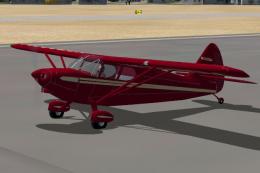
Stinson 108 Voyager. An FSDSv3.5 project compiled with Xtomdl into FSX. It ha…
Be the first to leave a comment on this download.
Be the first to share your thoughts on this download.