

 FSX Turboprops
SATENA Colombia ATR 42-500
Enhance your regional flying experience with this freeware repaint of the SAT…
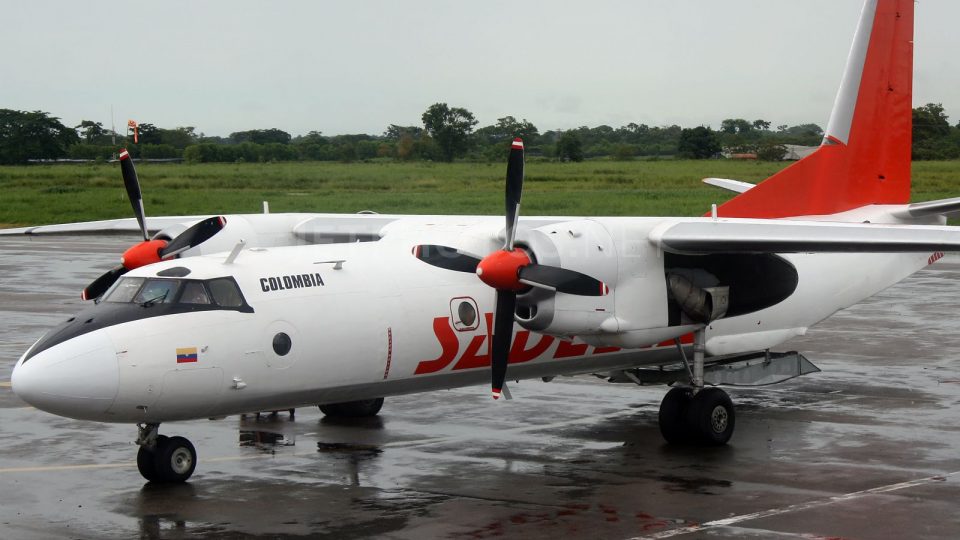
Sadelca Colombia Antonov An-26 HK4356 brings a rugged cargo turboprop to life with refreshed textures, updated panels, added effects and gauges, and corrected landing and taxi lights in the virtual cockpit. Built as a complete freeware package for FSX, it includes a detailed manual and authentic sound set for immersive operations.
 Rate
Rate
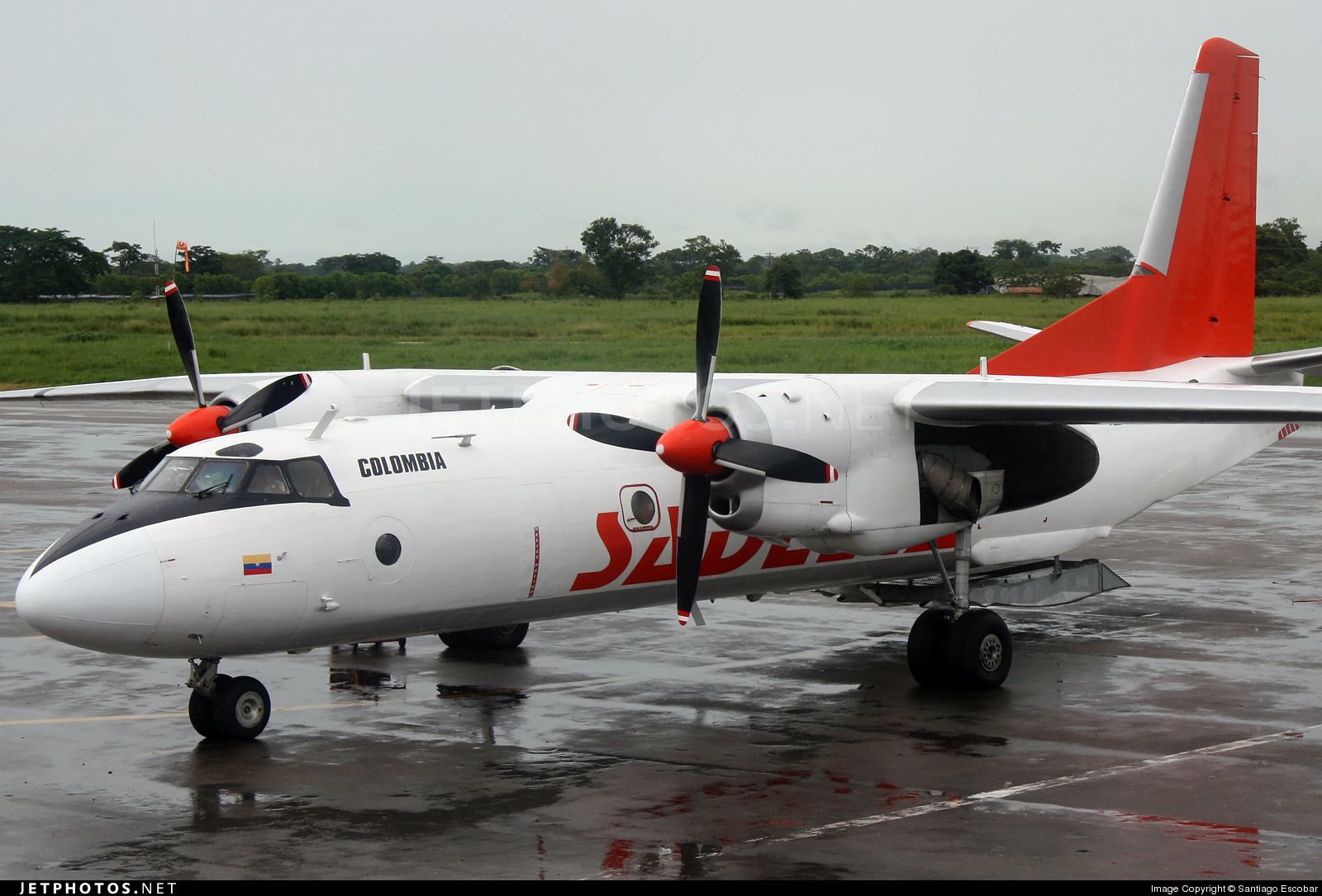
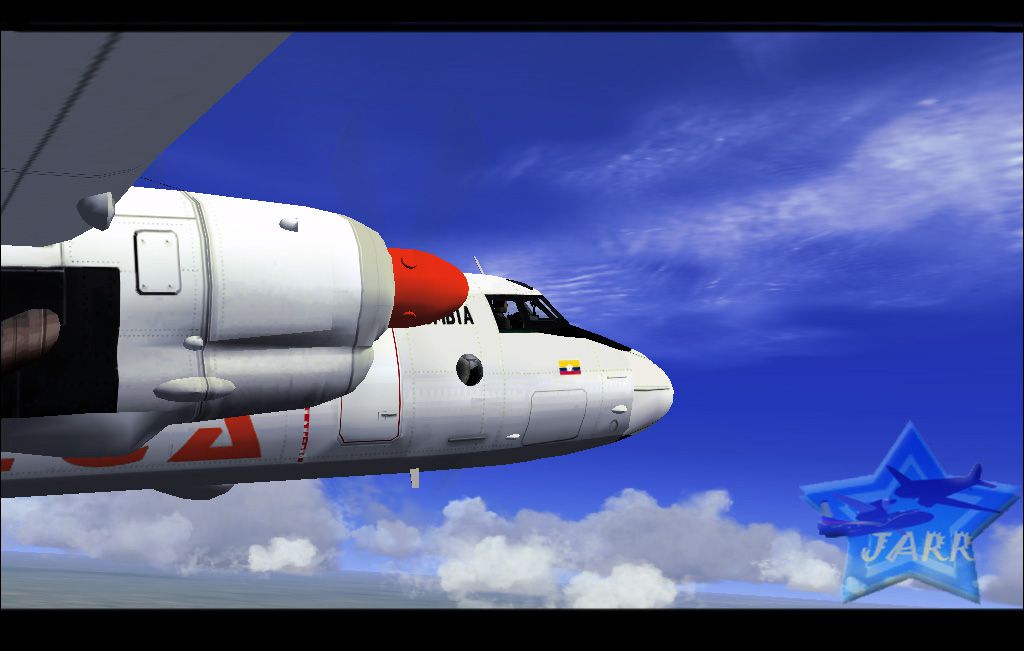
Sadelca Colombia Antonov AN-26, registration HK4356. By Andres Ramirez.
Screenshot of Sadelca Colombia Antonov AN-26 in flight (left side).
The new version of known transport An-26 (Instead of the version 2008), upgrade and added. Changed of a mistake Landing Lights, they are added (also Taxi Lights) in VC, are added textures, are changed and some panels, effects, gauges are added. The complete package, previous version is not required. The model is completely advanced only for use in FS2004! RepaintKit, detailed manual - necessarily read before use. In a package the sounds by Mike Maarse are used.
Freeware, use of the given model and its parts is forbidden for commercial use.
3DSMax/GMax model, texture, 2D panel, effects, VC and part of gauges. V. Zhyhulskiy. The part gauges is developed on the basis freeware gauges of other authors. Airdynamic - on the basis An-24RV by D. Samborskiy. Sounds by Mike Maarse.
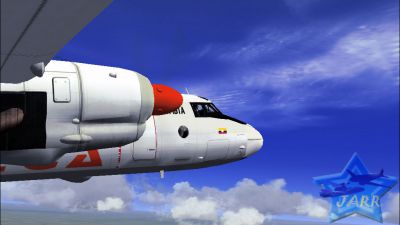
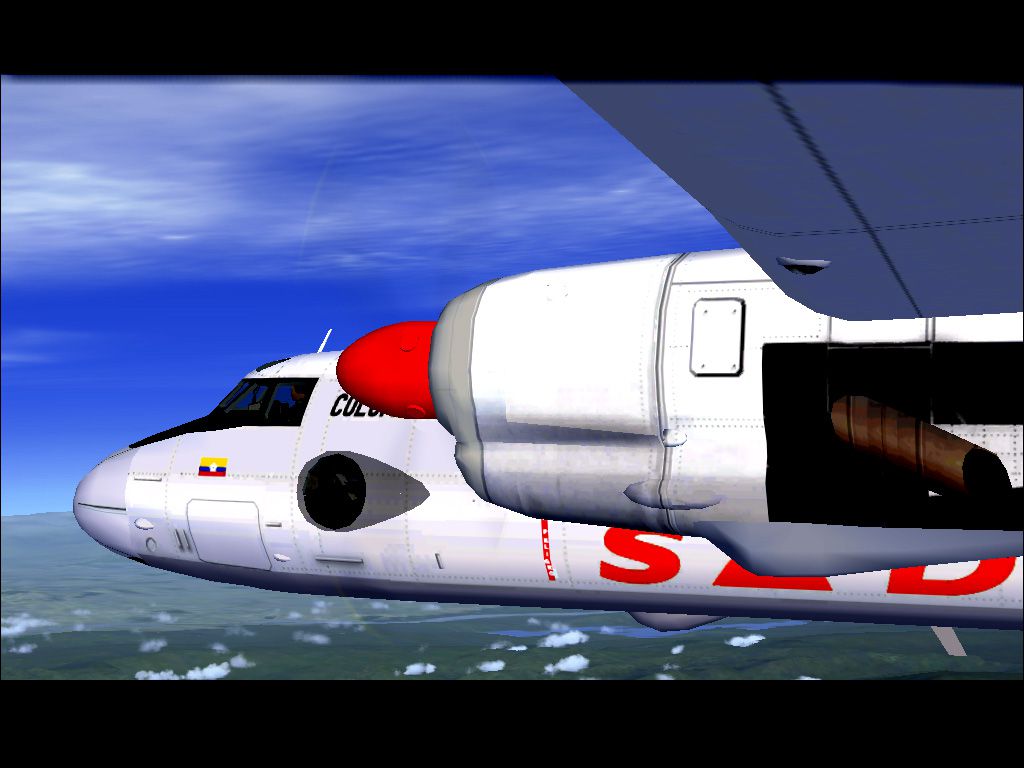
Screenshot of Sadelca Colombia Antonov AN-26 in flight (right side).
Free for all simmers · 30.73 MB · Scanned clean Oct 2026
Download speed: Free tier is capped at 0.5 Mbps (this file takes approximately 9 mins at the cap). PRO members download at full line speed.
SimObjects\Airplanes\, Addon Scenery\, Effects\, or Gauges\.readme.txt or README file. It tells you exactly where files go, what dependencies are needed, and any quirks specific to this add-on.The archive antonov26sadelcacolombia.zip has 108 files and directories contained within it.
This list displays the first 500 files in the package. If the package has more, you will need to download it to view them.
| Filename/Directory | File Date | File Size |
|---|---|---|
| AN-26 SADELCA | 12.22.10 | 0 B |
| !!! Effect | 03.01.09 | 0 B |
| texture | 03.01.09 | 0 B |
| FX_An26box.bmp | 08.01.06 | 21.40 kB |
| ZH_cabin.bmp | 12.06.02 | 170.75 kB |
| zhdust.bmp | 11.15.08 | 170.75 kB |
| fx_An26box.fx | 01.20.08 | 5.90 kB |
| FX_An26dust.fx | 01.30.09 | 6.15 kB |
| fx_An26start.fx | 02.22.09 | 1.17 kB |
| FX_beaconZH.fx | 02.22.09 | 3.04 kB |
| ZH_26cabin.fx | 02.22.09 | 11.51 kB |
| GAU | 01.20.08 | 0 B |
| An26zh.cab | 01.22.08 | 1.08 MB |
| An26zhAP.CAB | 01.16.08 | 46.81 kB |
| An26zhNAV.cab | 01.19.08 | 310.72 kB |
| model | 12.22.10 | 0 B |
| An26.mdl | 12.02.07 | 2.72 MB |
| An26.OUT | 12.19.10 | 42.20 kB |
| An26zh.mdl | 03.02.09 | 2.71 MB |
| An26zh.OUT | 12.21.10 | 44.07 kB |
| Model.cfg | 02.28.09 | 25 B |
| PANEL | 12.22.10 | 0 B |
| An26BT.bmp | 02.22.09 | 590.68 kB |
| An26NAV.bmp | 12.20.10 | 1.23 MB |
| An26pan.bmp | 01.19.08 | 2.25 MB |
| An26zh.cab | 02.22.09 | 1.13 MB |
| An26zhAP.CAB | 01.16.08 | 46.81 kB |
| An26zhNAV.cab | 01.19.08 | 310.72 kB |
| panel.cfg | 12.19.10 | 7.57 kB |
| Sound | 12.22.10 | 0 B |
| 24cockpit.wav | 12.30.05 | 696.52 kB |
| 24flaps.wav | 03.23.06 | 860.40 kB |
| 24geardown.wav | 12.30.05 | 527.85 kB |
| 24gearup.wav | 12.30.05 | 527.85 kB |
| 24roll.wav | 12.30.05 | 340.18 kB |
| 24touchmain.wav | 12.30.05 | 52.16 kB |
| 24touchnose.wav | 12.30.05 | 48.59 kB |
| 24wind.wav | 12.30.05 | 508.36 kB |
| AI-24_Prop1-1.wav | 03.23.06 | 306.34 kB |
| AI-24_Prop1-2.wav | 03.23.06 | 359.69 kB |
| AI-24_Prop1-3.wav | 03.23.06 | 181.23 kB |
| AI-24_Prop2-1.wav | 03.23.06 | 320.34 kB |
| AI-24_Prop2-2.wav | 03.23.06 | 444.69 kB |
| AI-24_Prop2-3.wav | 03.23.06 | 181.23 kB |
| AI-24_Shutdown1.wav | 03.23.06 | 2.34 MB |
| AI-24_Shutdown2.wav | 03.23.06 | 2.30 MB |
| AI-24_Starter.wav | 03.23.06 | 601.84 kB |
| AI-24_Startup.wav | 03.23.06 | 2.12 MB |
| AI-24_xJet1.wav | 03.23.06 | 145.09 kB |
| AI-24_xJet2.wav | 03.23.06 | 163.09 kB |
| AI-24_xProp1-1.wav | 03.23.06 | 227.45 kB |
| AI-24_xProp1-2.wav | 03.23.06 | 348.34 kB |
| AI-24_xProp1-3.wav | 03.23.06 | 319.84 kB |
| AI-24_xProp2-1.wav | 03.23.06 | 221.59 kB |
| AI-24_xProp2-2.wav | 03.23.06 | 346.34 kB |
| AI-24_xProp2-3.wav | 03.23.06 | 311.98 kB |
| AI-24_xShutdown1.wav | 03.23.06 | 2.34 MB |
| AI-24_xShutdown2.wav | 03.23.06 | 2.30 MB |
| AI-24_xStarter.wav | 03.23.06 | 602.34 kB |
| AI-24_xStartup.wav | 03.23.06 | 2.14 MB |
| door_large_close.wav | 12.30.05 | 131.94 kB |
| door_large_open.wav | 12.30.05 | 116.44 kB |
| HORN.wav | 12.30.05 | 140.43 kB |
| INNERMK.wav | 12.30.05 | 106.33 kB |
| MIDDMK.wav | 12.30.05 | 136.33 kB |
| OUTERMK.wav | 12.30.05 | 60.64 kB |
| RVR-1.wav | 12.30.05 | 105.26 kB |
| RVR-2.wav | 12.30.05 | 172.46 kB |
| RVR-3.wav | 12.30.05 | 105.26 kB |
| sound.cfg | 03.23.06 | 9.59 kB |
| SOUND400.wav | 12.30.05 | 172.60 kB |
| Texture.SDC | 12.22.10 | 0 B |
| A26_carg.bmp | 12.19.10 | 256.07 kB |
| A26_eng.bmp | 12.19.10 | 1.00 MB |
| A26_shit.bmp | 10.21.07 | 256.72 kB |
| A26_shit1.bmp | 10.21.07 | 65.05 kB |
| A26_wing.bmp | 12.19.10 | 1.00 MB |
| A26_wingN.bmp | 11.03.07 | 64.06 kB |
| AN26-01.bmp | 12.20.10 | 1.00 MB |
| AN26-02.bmp | 12.19.10 | 1.00 MB |
| AN26cab1.bmp | 11.10.07 | 1.00 MB |
| AN26cab2.bmp | 12.19.10 | 1.00 MB |
| AN26cocp.bmp | 11.17.07 | 257.05 kB |
| AN26cocp1.bmp | 11.17.07 | 257.05 kB |
| AN26cocp2.bmp | 12.19.10 | 256.07 kB |
| AN26glas2.bmp | 05.01.08 | 64.07 kB |
| AN26nos.bmp | 12.19.10 | 64.07 kB |
| AN26pilot.bmp | 12.19.10 | 257.05 kB |
| An26pro.bmp | 05.01.08 | 341.40 kB |
| An26vc1.bmp | 11.18.07 | 1.00 MB |
| An26vc2.bmp | 11.25.07 | 1.00 MB |
| An26vc3.bmp | 12.01.07 | 1.00 MB |
| An26vc4.bmp | 01.07.08 | 1.00 MB |
| An2_glas.bmp | 12.19.10 | 256.07 kB |
| AN2_welv.bmp | 10.26.07 | 17.01 kB |
| An_barrel.bmp | 12.19.10 | 257.05 kB |
| GLASmask.bmp | 05.01.08 | 64.07 kB |
| Map.bmp | 11.27.07 | 65.05 kB |
| THUMBNAIL.jpg | 12.19.10 | 1.22 MB |
| aircraft.cfg | 12.22.10 | 17.35 kB |
| AN.jpg | 12.20.10 | 175.10 kB |
| An26_Check.txt | 01.22.08 | 1.85 kB |
| An26zh.air | 07.03.03 | 14.15 kB |
| AN26zh_manual.doc | 03.01.09 | 1024.00 kB |
| ane.jpg | 12.22.10 | 150.23 kB |
| ReadMe.txt | 03.01.09 | 1.15 kB |
| flyawaysimulation.txt | 10.29.13 | 959 B |
| Go to Fly Away Simulation.url | 01.22.16 | 52 B |
Only PRO members can place votes.
More FSX & P3D add-ons hand-picked based on this download.
FSX Turboprops
Enhance your regional flying experience with this freeware repaint of the SAT…
 FSX Turboprops
Aires Colombia Dash 8 Q400, registration HK-4725. This is a repaint of Dreamw…
 FSX Turboprops
This package features a freeware rendition of the DeHavilland DHC-8-Q200 in A…
 FSX Turboprops
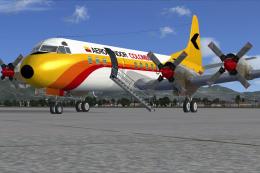
Aerocondor Colombia Lockheed Electra II, registration HK-1415, circa 1978. Re…
 FSX Turboprops
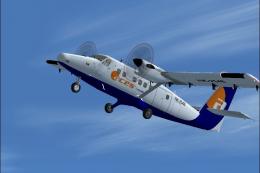
Model by Aerosim. Repaint by Cristian Camilo Bonilla. Screenshot of Aces Colo…
 FSX Turboprops
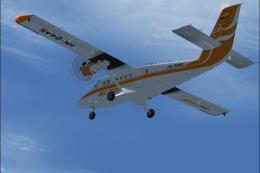
Model by Aerosim. By Cristian Camilo Bonilla. Screenshot of Aces Colombia DeH…
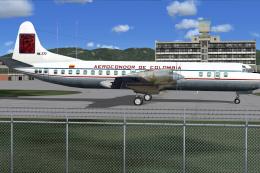 FSX Turboprops
Aerocondor de Colombia Lockheed Electra II, registration HK-777, circa 1969. …
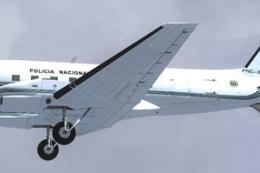 FSX Turboprops
This repaint package features the Policia Nacional Colombia Basler BT-67 in r…
Read what other simmers think, or add your own.

very straight forward in all aspects. Installation, flying, instrumentation. The language isn't a real issue but still a reality