


 United States of America

 MSFS Scenery
Pratt Regional Airport KPTT All Veterans Memorial
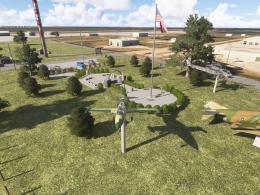
Benny's Flight Sim Stuff models the All Veterans Memorial at Pratt Regional A…
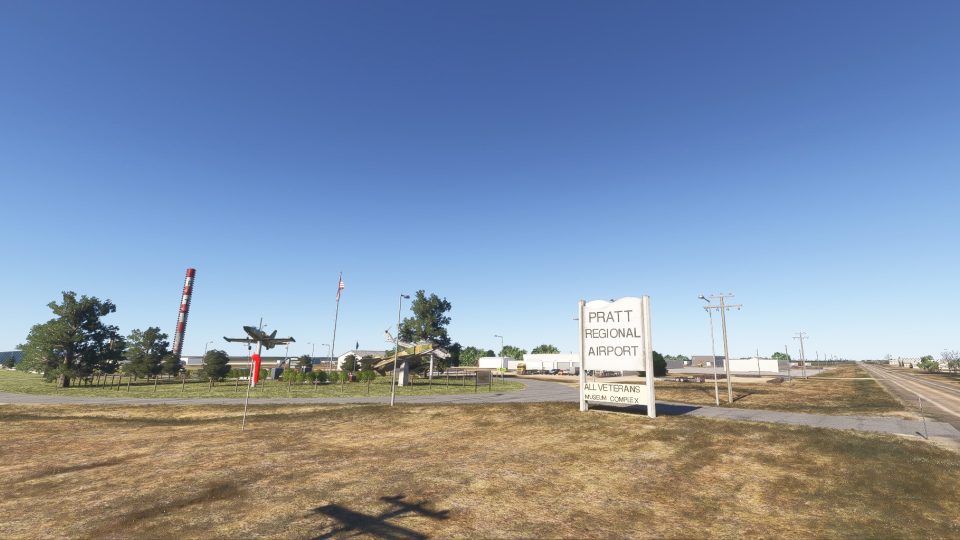
Pratt Regional Airport (KPTT) scenery brings a historic Kansas airfield to Microsoft Flight Simulator 2024, depicting the former wartime base where B-29 Superfortress crews trained. The airport package requires the separate All Veterans Memorial scenery to complete the intended setting, connecting today’s regional airport with its World War II aviation heritage.
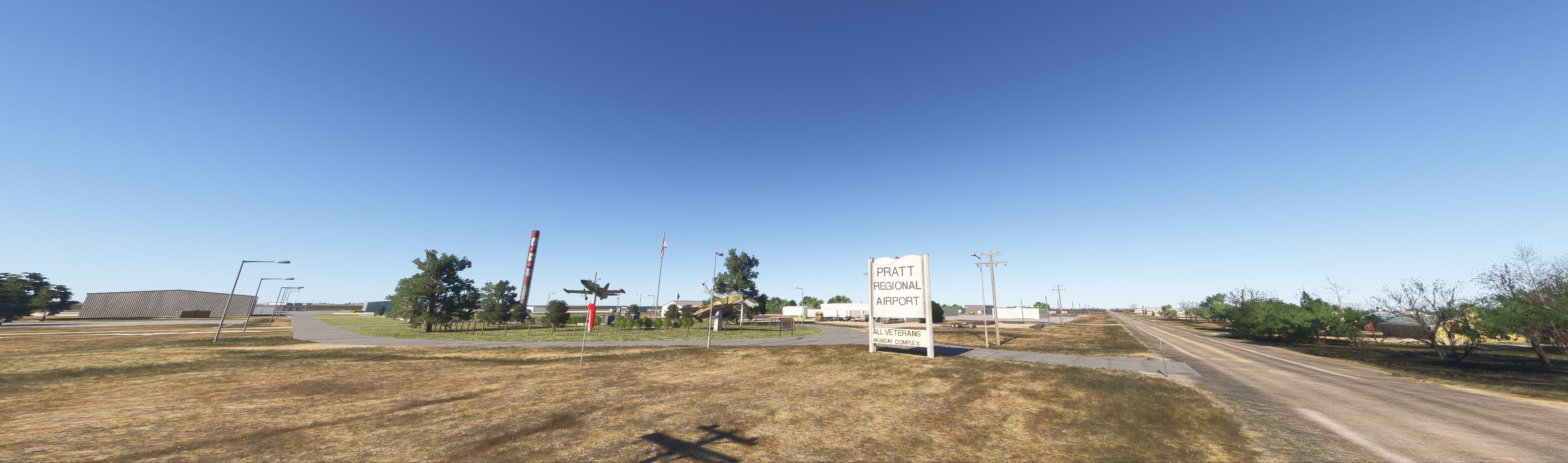
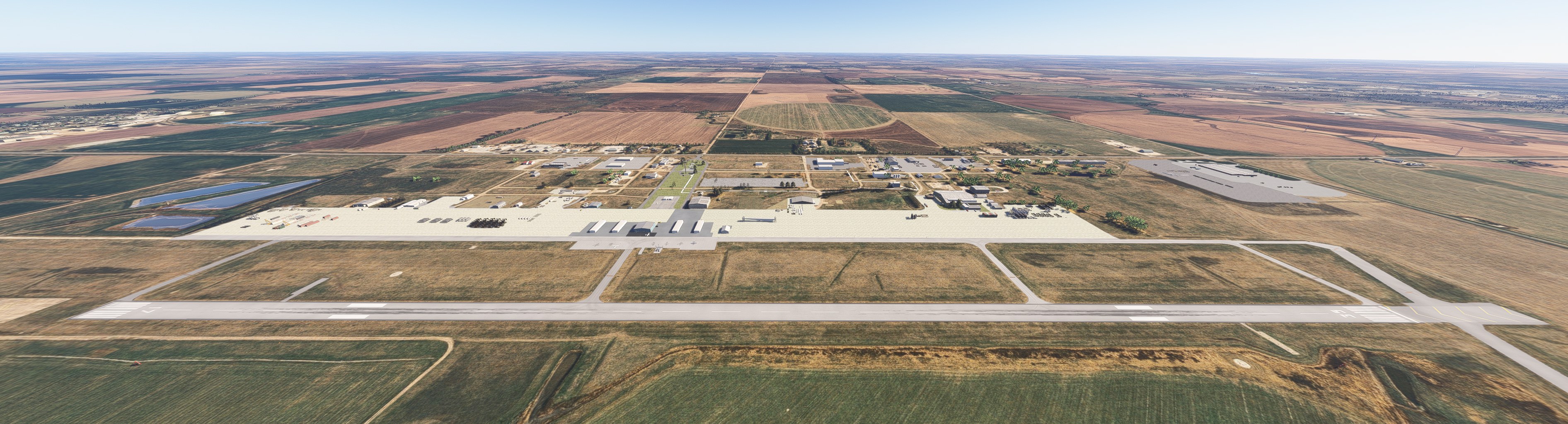
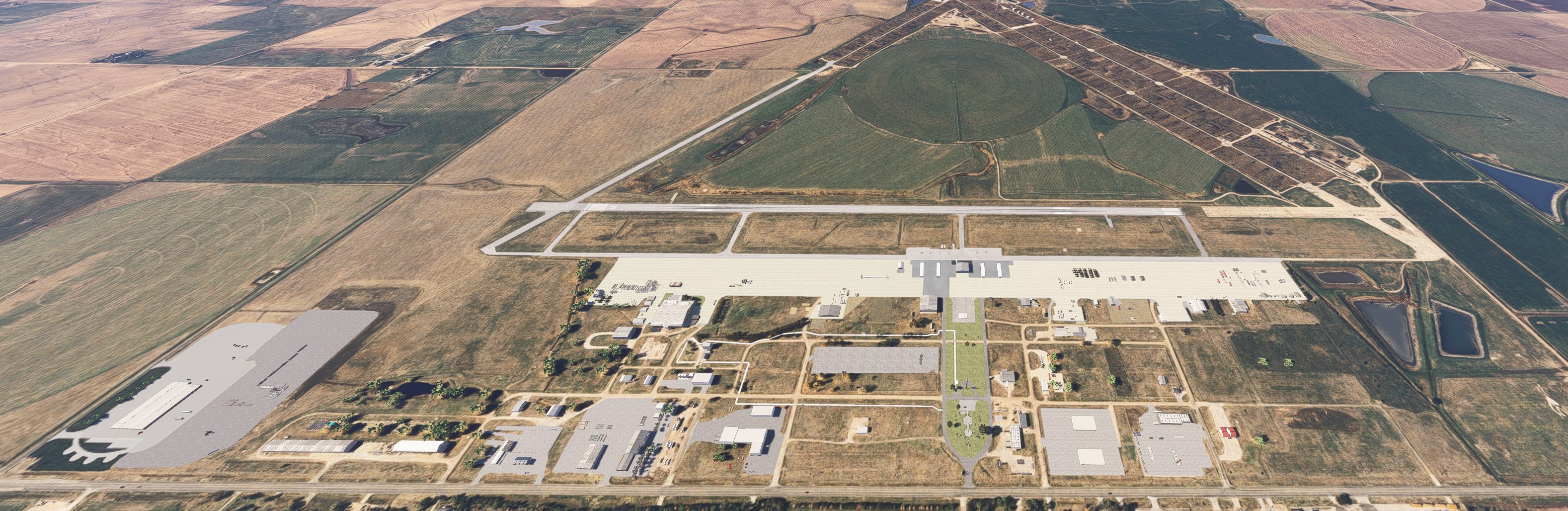
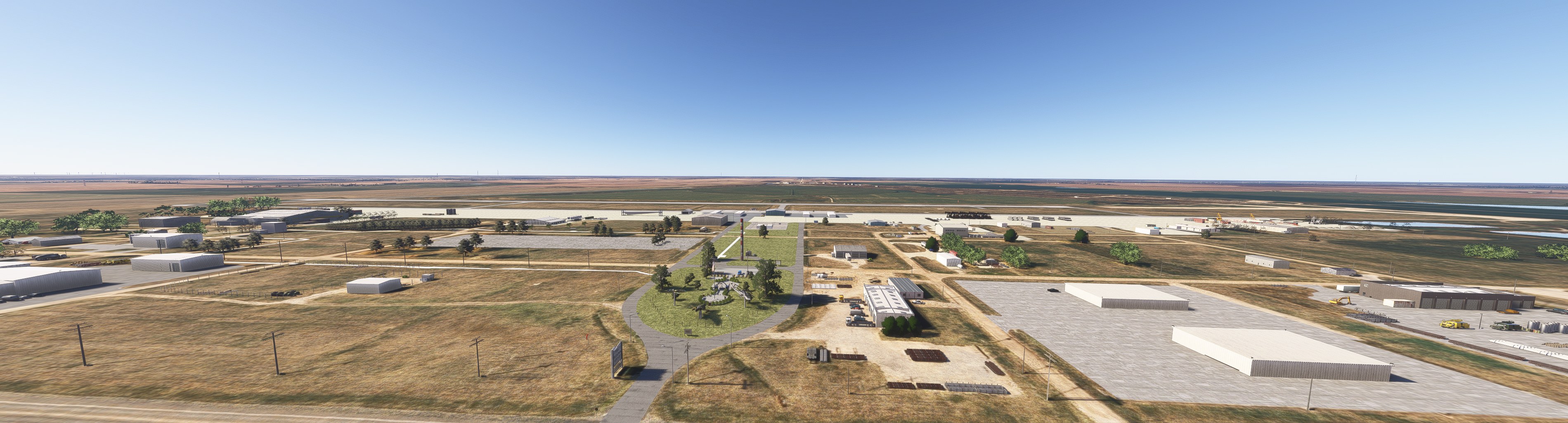
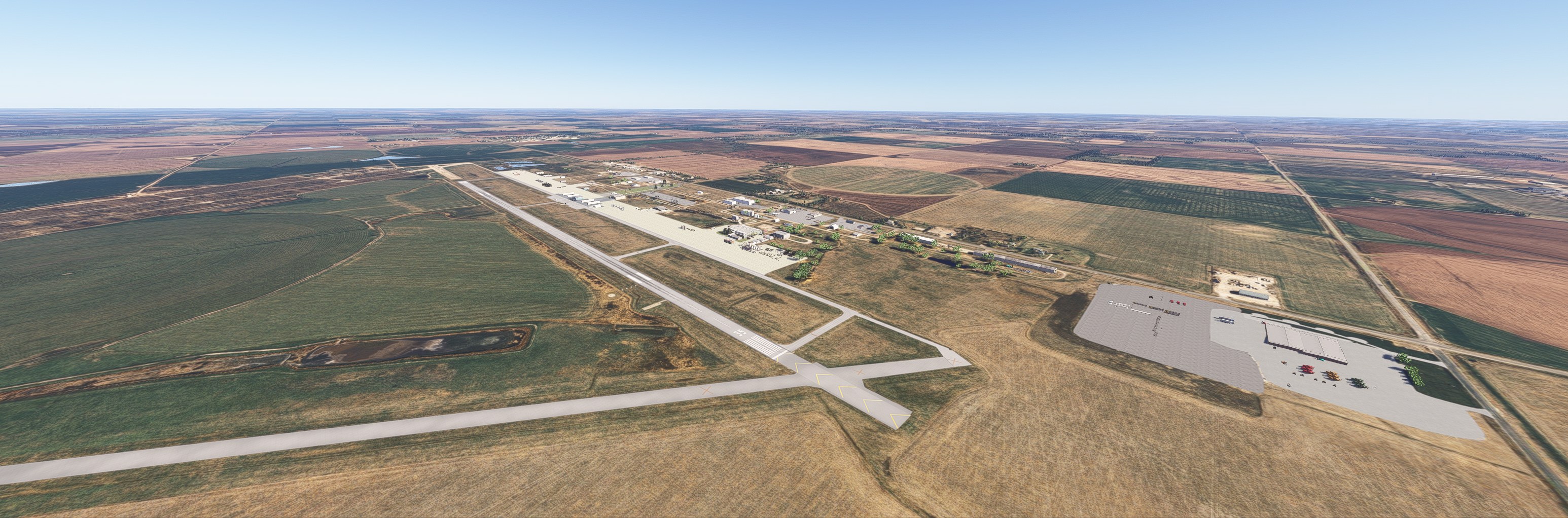
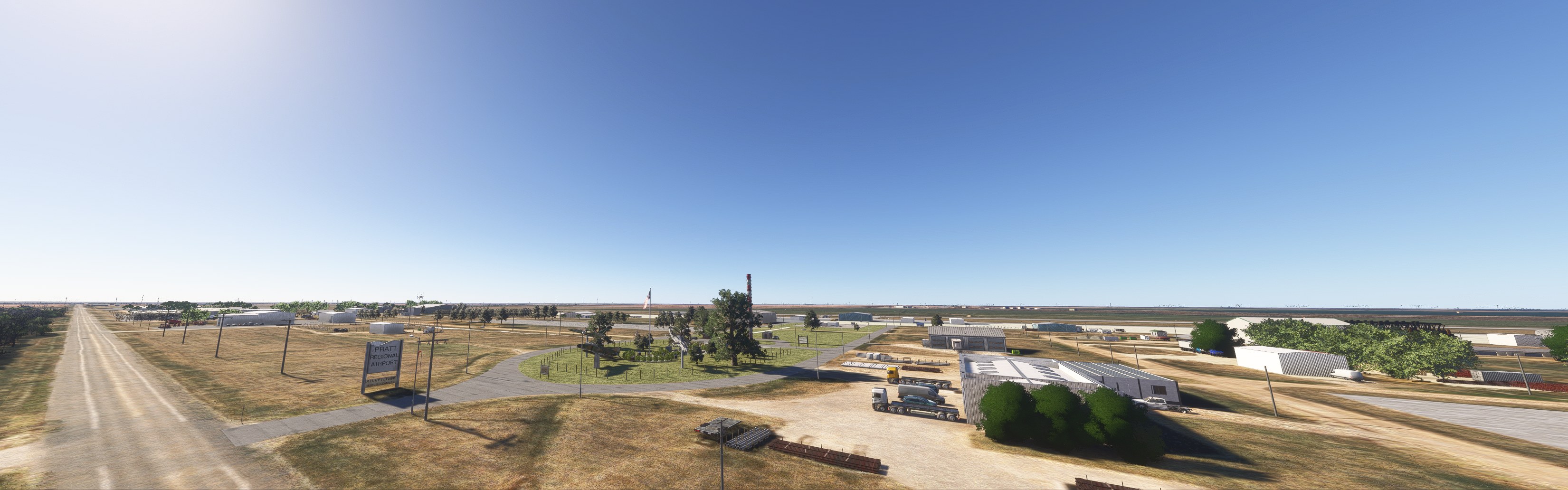
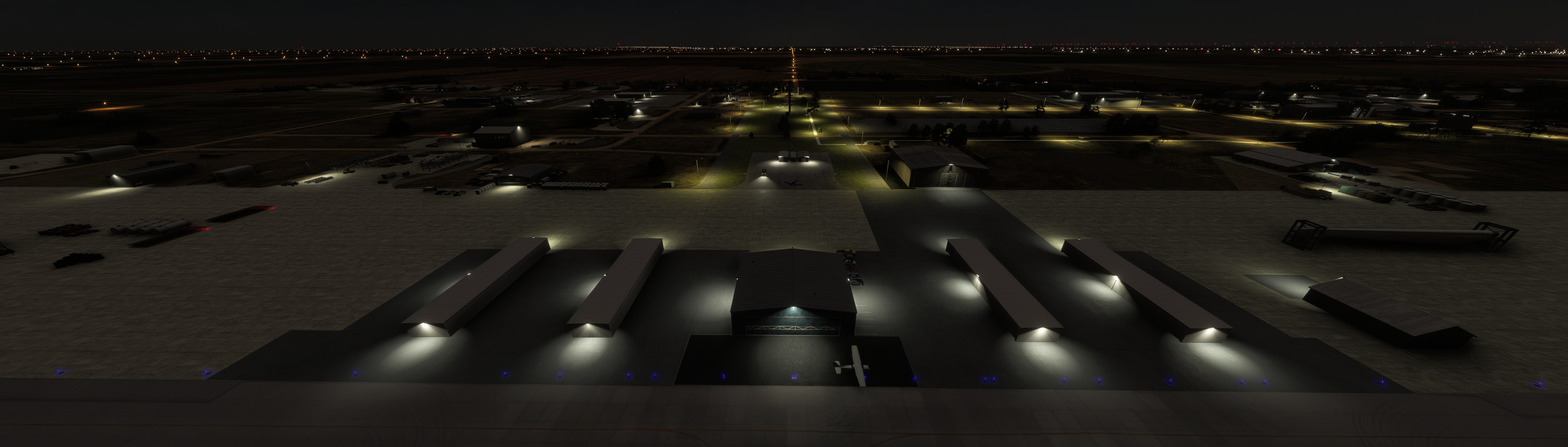

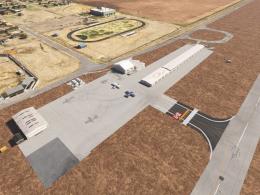
Sim pilots who choose destinations for a little exploration will get the most out of Pratt, I think; this is somewhere I’d plan a local flight rather than a quick fuel stop. On a pass alongside the field, the broad, pale apron and widely spaced buildings caught my eye. The open ground between them gives the airport a distinctly spread-out feel. That sense of scale is what I like most here. I’d leave time to circle before landing, since going straight to the runway would miss much of the setting. One compatibility point worth stressing: the developer specifies Microsoft Flight Simulator 2024 only.
Benny's Flight Sim Stuff models Pratt Regional Airport (KPTT) in Kansas for Microsoft Flight Simulator 2024 only. The scenery is intended to be used alongside the developer's separate “All Veterans Memorial” scenery, available from the same author's collection. You'll need both packages for the installation described here.
Built during World War II, Pratt Army Air Field was the first U.S. Army Air Forces station for the B-29 Superfortress. A prototype YB-29 arrived in 1943, and crews trained here for wartime service. After the base closed in 1946, the field became Pratt Regional Airport. Today, visitors can explore the “All Veteran's Memorial” and a museum complex at the airport.
To install, place the airport scenery package in your Community folder alongside the companion KPTT memorial package.
Free for all simmers · 58.08 KB · Scanned clean Nov 2026
Download speed: Free tier is capped at 2 Mbps. PRO members download at full line speed.
Use this scenery in conjunction with the "All Veterans Memorial" scenery which can be downloaded from my collection .
%LOCALAPPDATA%\Packages\Microsoft.FlightSimulator_8wekyb3d8bbwe\LocalCache\Packages\Community\. Steam version: %APPDATA%\Microsoft Flight Simulator\Packages\Community\. Tip: enable Developer Mode in MSFS to see your exact Community folder path.readme.txt or README file. It tells you exactly where files go, what dependencies are needed, and any quirks specific to this add-on.Use these coordinates to fly directly to this location once the mod is installed.
37.70160000,-98.74690000
Paste these coordinates into the Microsoft Flight Simulator search bar when planning a flight, or into the Developer Mode Teleport window, to fly directly to this location.
Private Pilot since 1987. Experimental Aircraft Builder. Lover of all things aviation. I recently taught myself to create sceneries and such on my sim and at my age it ain't easy!
Are you Benny's Flight Sim Stuff? Sign in to Fly Away Creators for download stats, comment replies and updates. Make add-ons? Publish them here.
Only PRO members can place votes.
More MSFS add-ons hand-picked based on this download.
MSFS Scenery
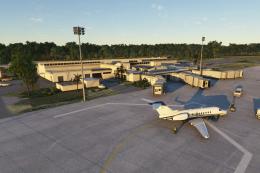
Benny's Flight Sim Stuff models the All Veterans Memorial at Pratt Regional A…
 MSFS Scenery
A highly detailed rendition of Gainesville Regional Airport (KGNV), Florida (…
 MSFS Scenery
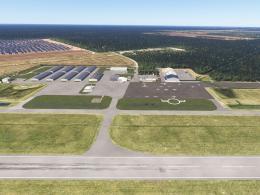
This is a complete replacement scenery mod of the default (and lacking) Guthr…
 MSFS Scenery
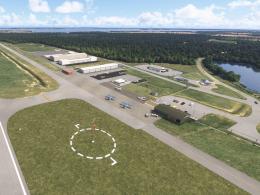
Benny's Flight Sim Stuff updates Chesapeake Regional Airport (KCPK) in Chesap…
 MSFS Scenery
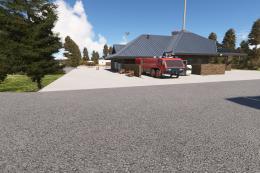
Benny's Flight Sim Stuff depicts Currituck County Regional Airport (KONX) for…
 MSFS Scenery
This mod developed by JustOkayPilot brings Grand Canyon National Park Airport…
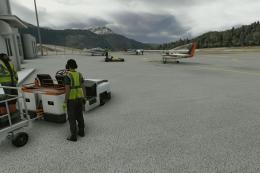 MSFS Scenery
Sandane Airport (ENSD) is located on the beautiful west coast of Norway and i…
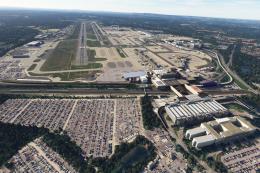 MSFS Scenery
Enhance your flight simulation experience with this mod for Microsoft Flight …
Be the first to leave a comment on this download.
Be the first to share your thoughts on this download.