


 Russian Federation

 MSFS Scenery
Highland Papua Bush Strip Collection, Indonesia
A huge pack of scenery containing over 80 small bush airports and airstrips i…
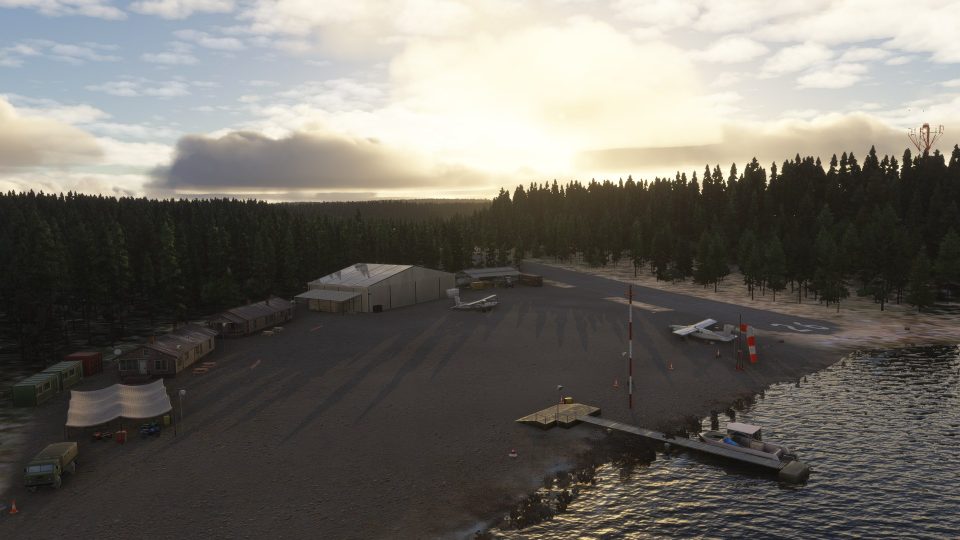
Luusalmi (ZF1A) brings a fictional lakeside bush strip to Lake Kuyto in Russia’s Karelia region for Microsoft Flight Simulator 2024. Its 1,300-foot gravel runway 08–26, four parking stands, helicopter parking, amphibious dock and white-green beacon support bush flying near Kalevala, with approaches suited to short takeoff and landing aircraft with wingspans up to 18 metres.
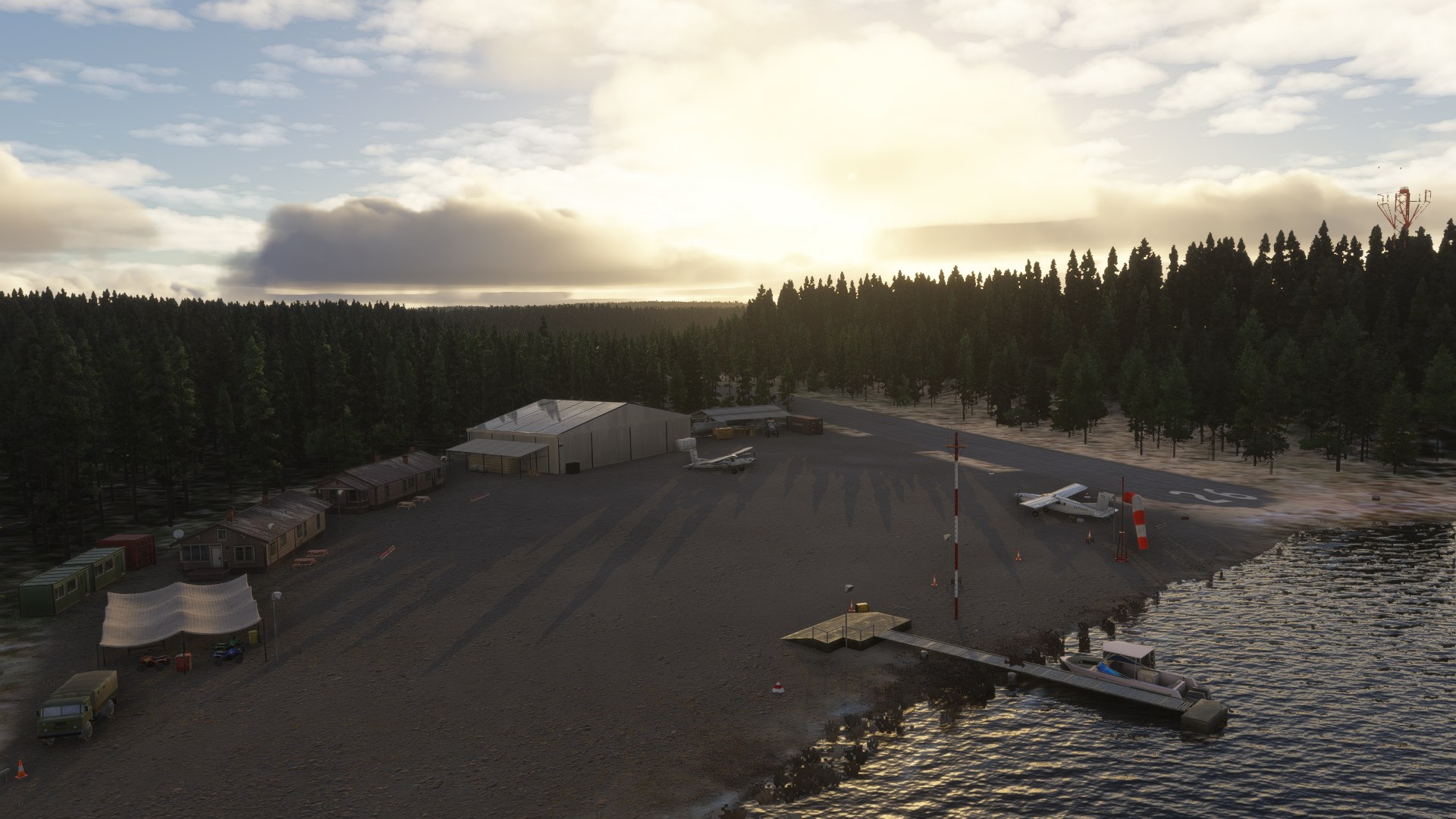
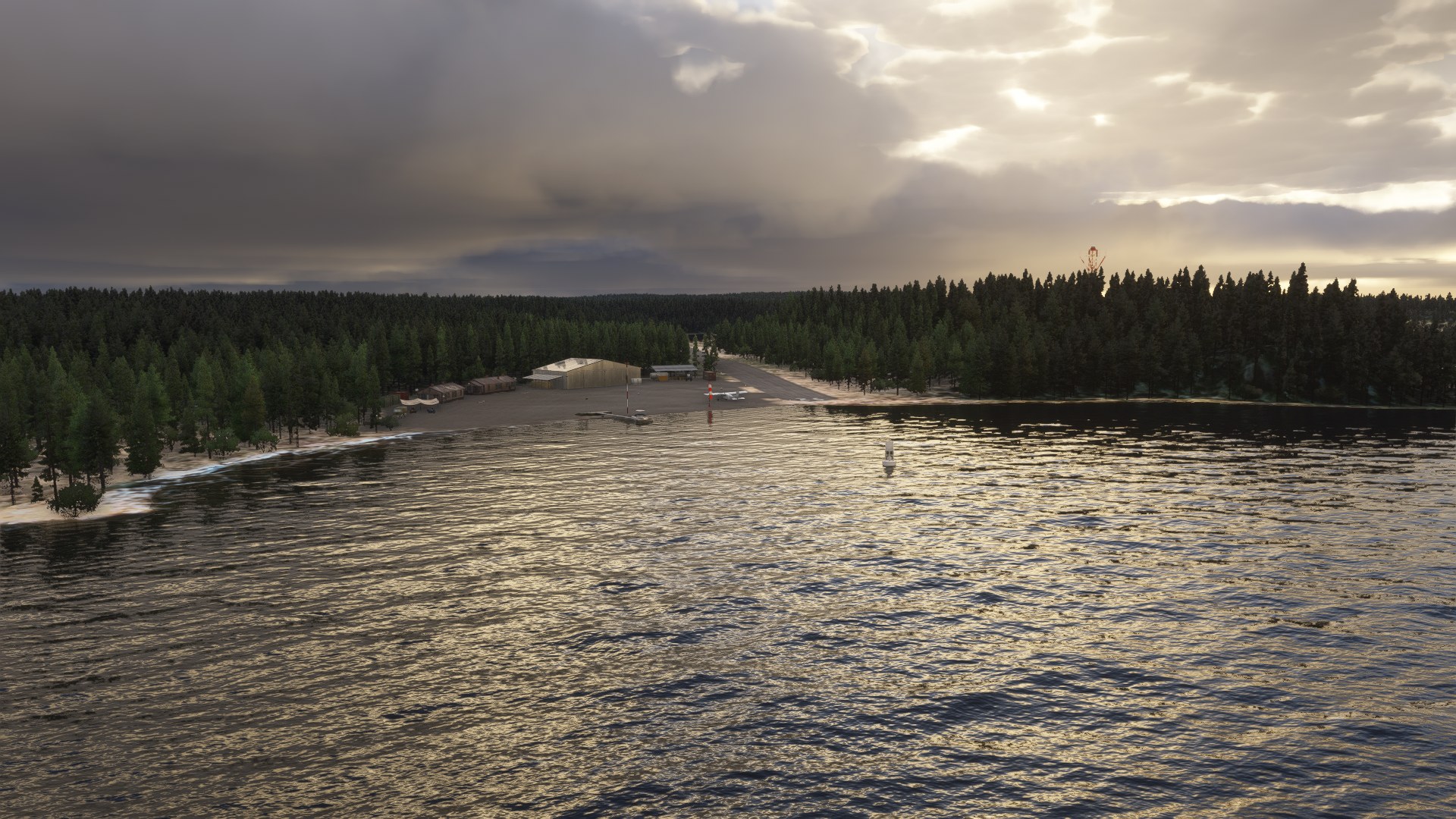
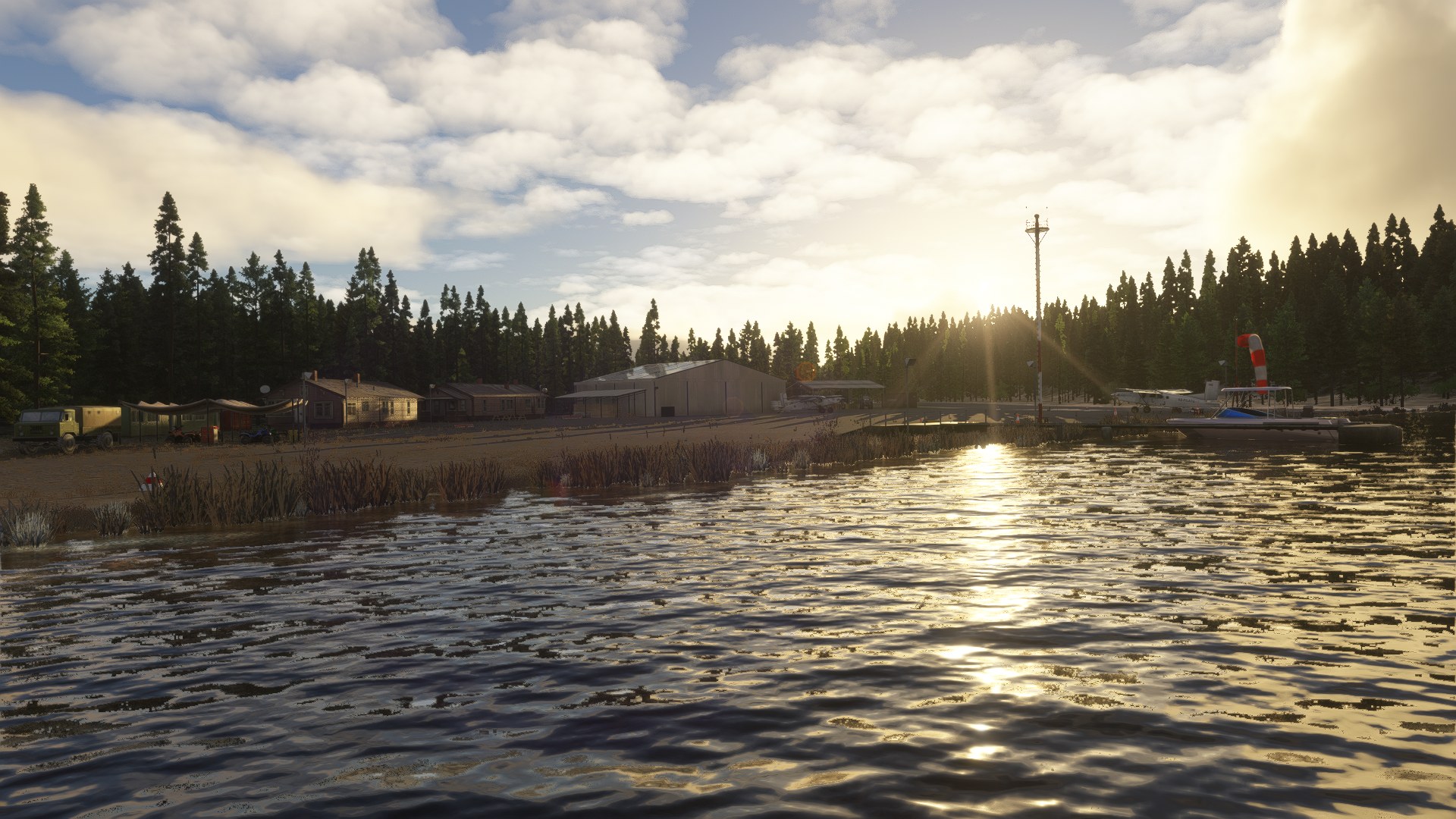
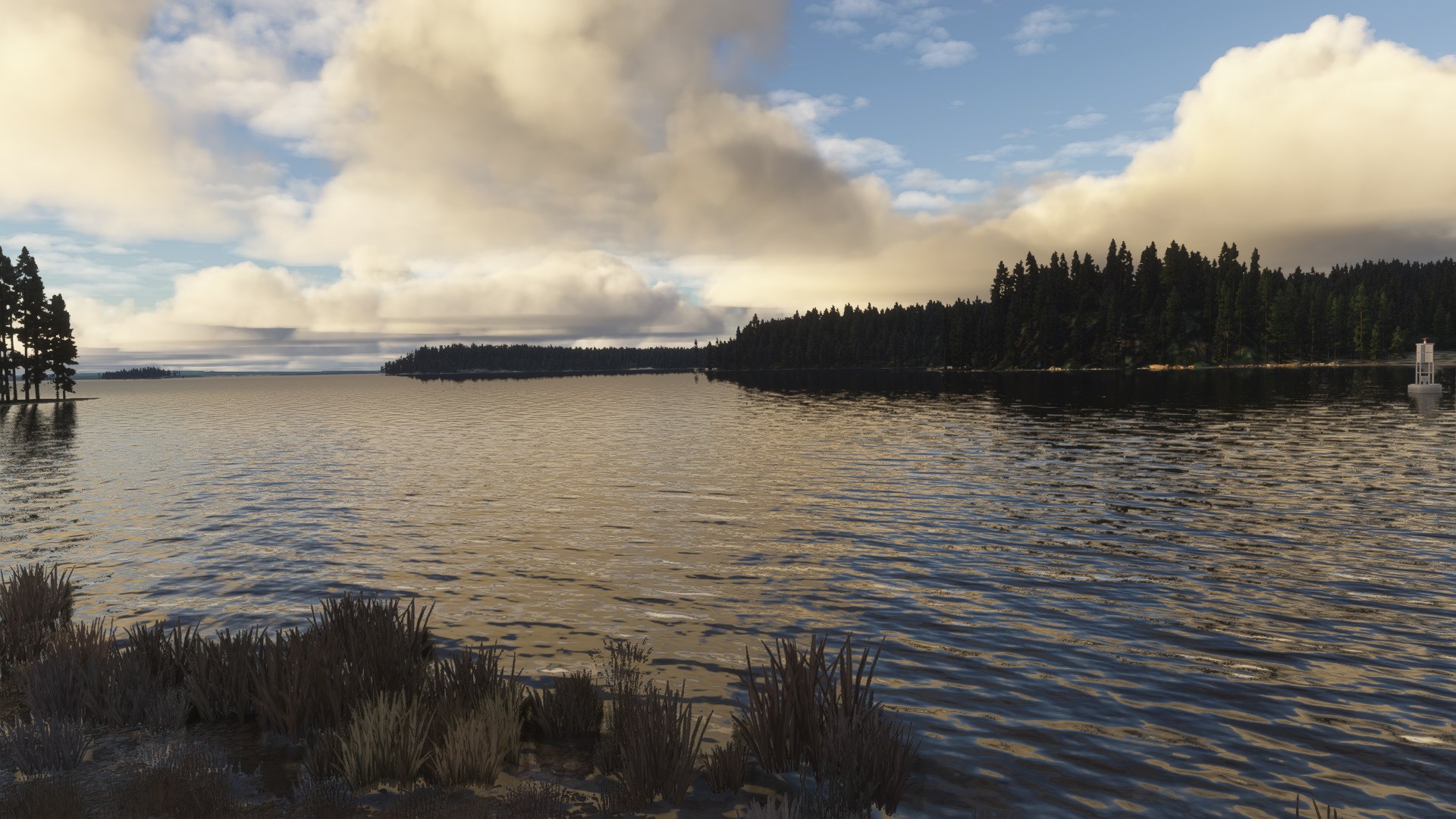
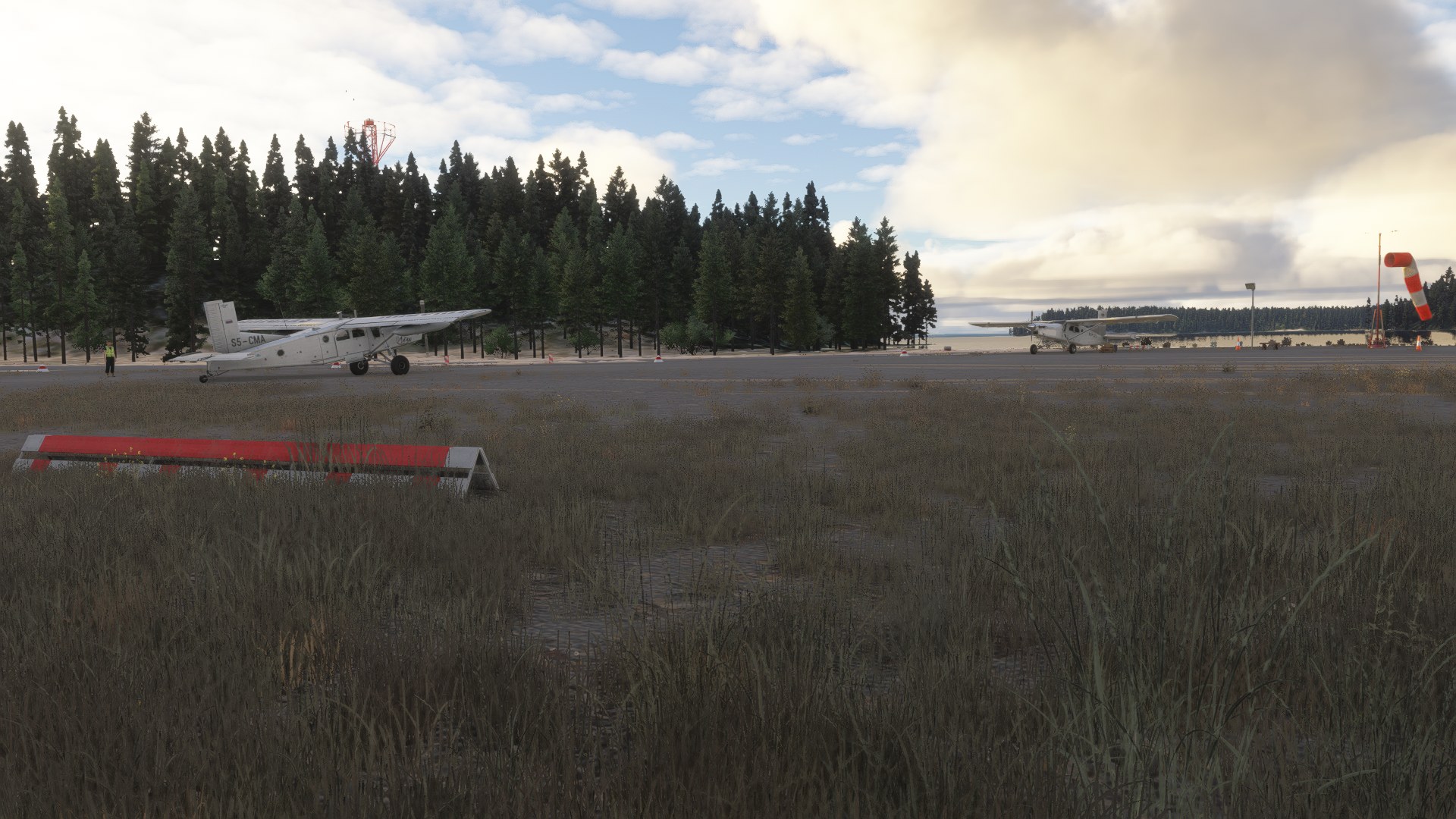
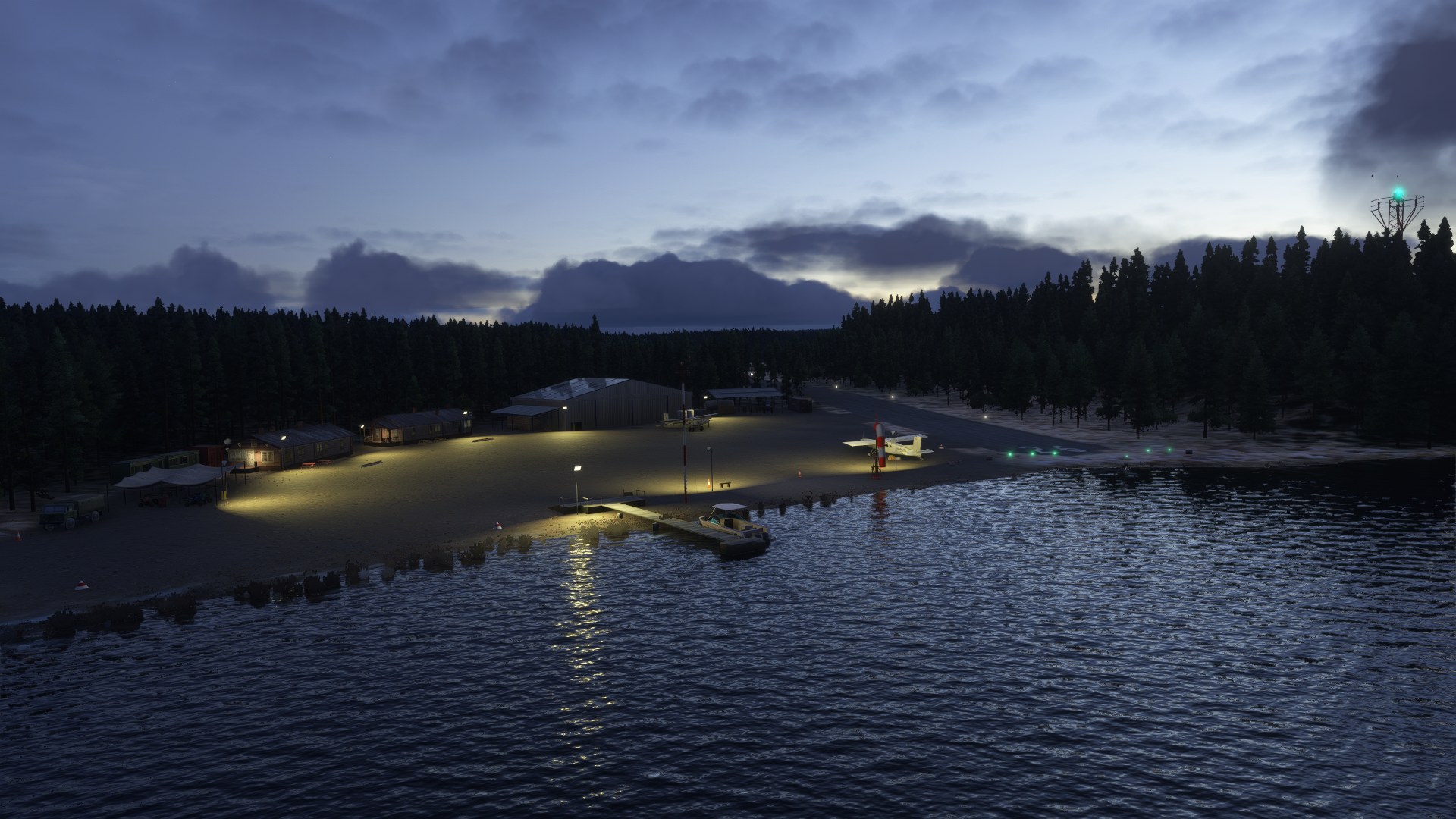
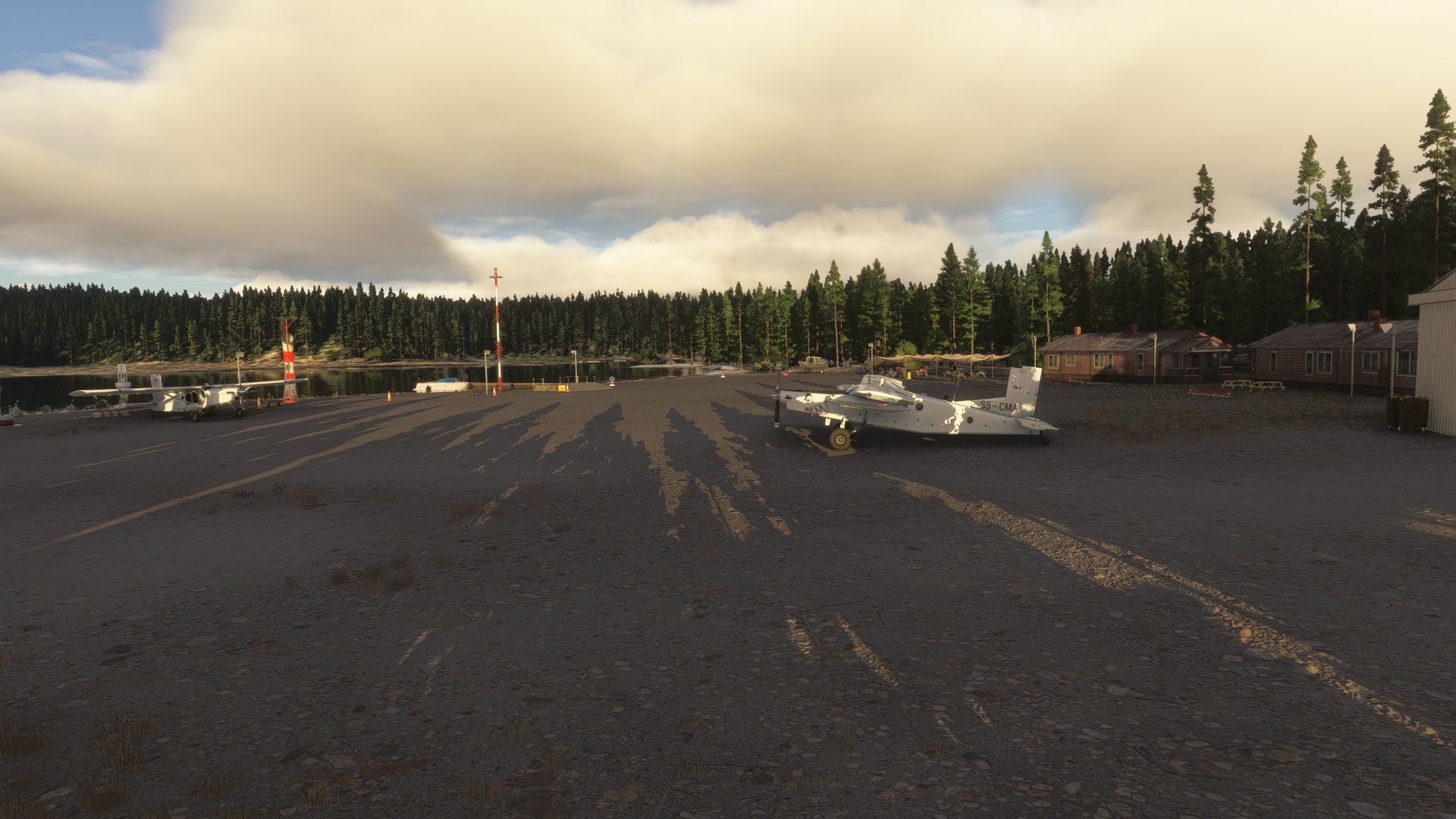

I think Luusalmi gets the scale of a bush outpost right. The low buildings beside the hangar and reeds along the shoreline make the airfield feel settled into its surroundings without turning it into a resort. Taxiing to parking, I was left to position the aircraft myself, with no marshaller directing the last few feet. Disabling the ground services is a good decision here; I don't want a pushback crew waiting at a place like this. Kalevala being just 10.4 NM away also gives me a useful starting point for a short flight when I'd rather spend the session on an arrival than a long cruise. One dependency is worth sorting out before downloading: the automotive object library is needed only for the GAZ-66 truck. Emerald Scenery Design's objects are streamed by MSFS 2024, so they don't require another download.
Test_Pilot_Live has built Luusalmi (ZF1A), a fictional bush strip on Lake Kuyto (Kuittijärvet) in Russia’s Karelia region, for Microsoft Flight Simulator 2024. Near the settlement of Kalevala, it pairs a short gravel runway with parking for landplanes and helicopters, plus a dock for amphibious aircraft.
The lakeside views come with challenging approaches. Short takeoff and landing aircraft are recommended, and the strip has a maximum wingspan limit of 18 m. Kalevala (ULPK), the nearest airfield, is 10.4 NM away.
Pushback, marshallers, and other airfield services are intentionally disabled.
The GAZ-66 truck needs the Library of automotive equipment and objects for MSFS2020 by vmp12147 and vmp11987. That library is optional if you don't need the truck at the airfield; its name refers to Microsoft Flight Simulator 2020, but this scenery is for MSFS 2024 only.
The scenery also uses the object library by Emerald Scenery Design. MSFS 2024 streams it, so there's no separate download to install.
Unzip the archive into your Community folder. When updating, Test_Pilot_Live recommends completely removing the old version before installing the replacement.
Test_Pilot_Live welcomes suggestions for future updates and locations for new airfields or helipads.
Free for all simmers · 25.39 KB · Scanned clean Nov 2026
Download speed: Free tier is capped at 2 Mbps. PRO members download at full line speed.
Initial release.
%LOCALAPPDATA%\Packages\Microsoft.FlightSimulator_8wekyb3d8bbwe\LocalCache\Packages\Community\. Steam version: %APPDATA%\Microsoft Flight Simulator\Packages\Community\. Tip: enable Developer Mode in MSFS to see your exact Community folder path.readme.txt or README file. It tells you exactly where files go, what dependencies are needed, and any quirks specific to this add-on.Use these coordinates to fly directly to this location once the mod is installed.
65.10000000,31.45000000
Paste these coordinates into the Microsoft Flight Simulator search bar when planning a flight, or into the Developer Mode Teleport window, to fly directly to this location.
Hardcore flight simmer. Open to suggestions for new MSFS 2024 helipad and/or airfield locations.
Are you Test_Pilot_Live? Sign in to Fly Away Creators for download stats, comment replies and updates. Make add-ons? Publish them here.
Only PRO members can place votes.
More MSFS add-ons hand-picked based on this download.
MSFS Scenery
A huge pack of scenery containing over 80 small bush airports and airstrips i…
 MSFS Scenery
A large freeware scenery add-on pack put together by the developer who goes b…
 MSFS Scenery
A quick rework of several Swiss cities and landmarks such as the Matterhorn u…
 MSFS Scenery
This pack by the developer who simply goes by the name of Chris brings the me…
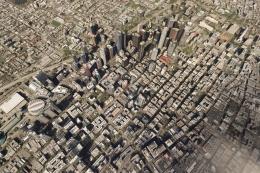 MSFS Scenery
Enhance your Microsoft Flight Simulator experience with the Downtown Los Ange…
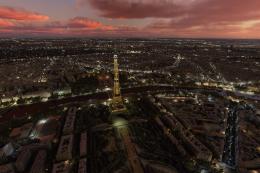 MSFS Scenery
A new, easy-to-install, and accurate replacement of the default Paris photore…
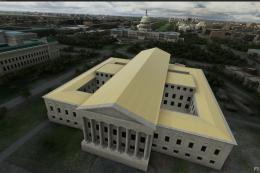 MSFS Scenery
A massive freeware pack created by the developer Srinivasman containing over …
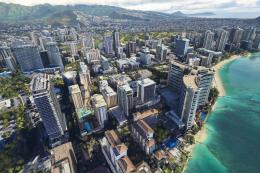 MSFS Scenery
This is a complete replacement scenery pack covering the entire city of Honol…
Be the first to leave a comment on this download.
Be the first to share your thoughts on this download.